READMESource: main@4d393292
dsh-vditor


让 DSH 的聊天输入更顺手——用 Vditor 即时渲染输入框,把你想说的写得漂亮、看得清楚。
预览
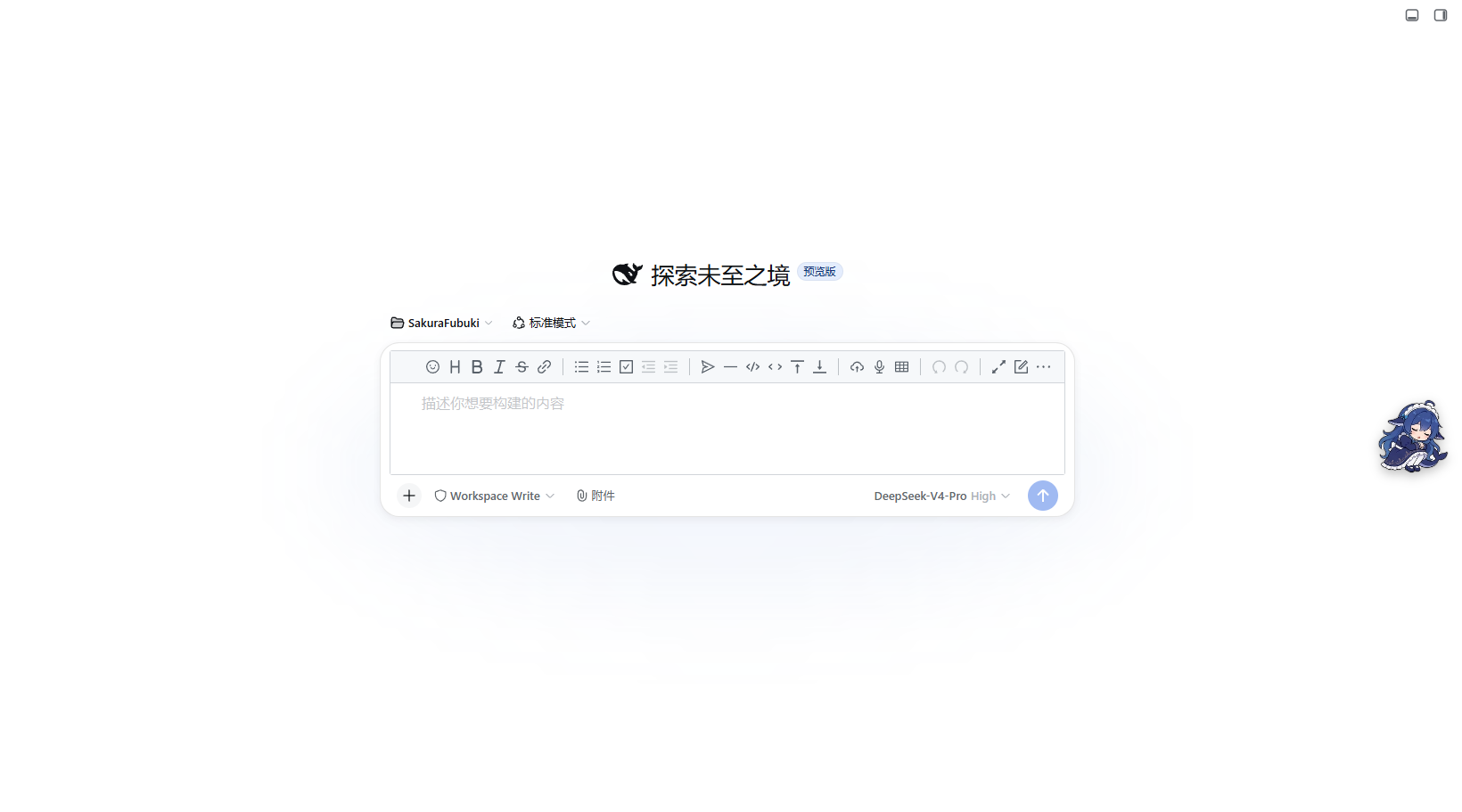
欢迎页
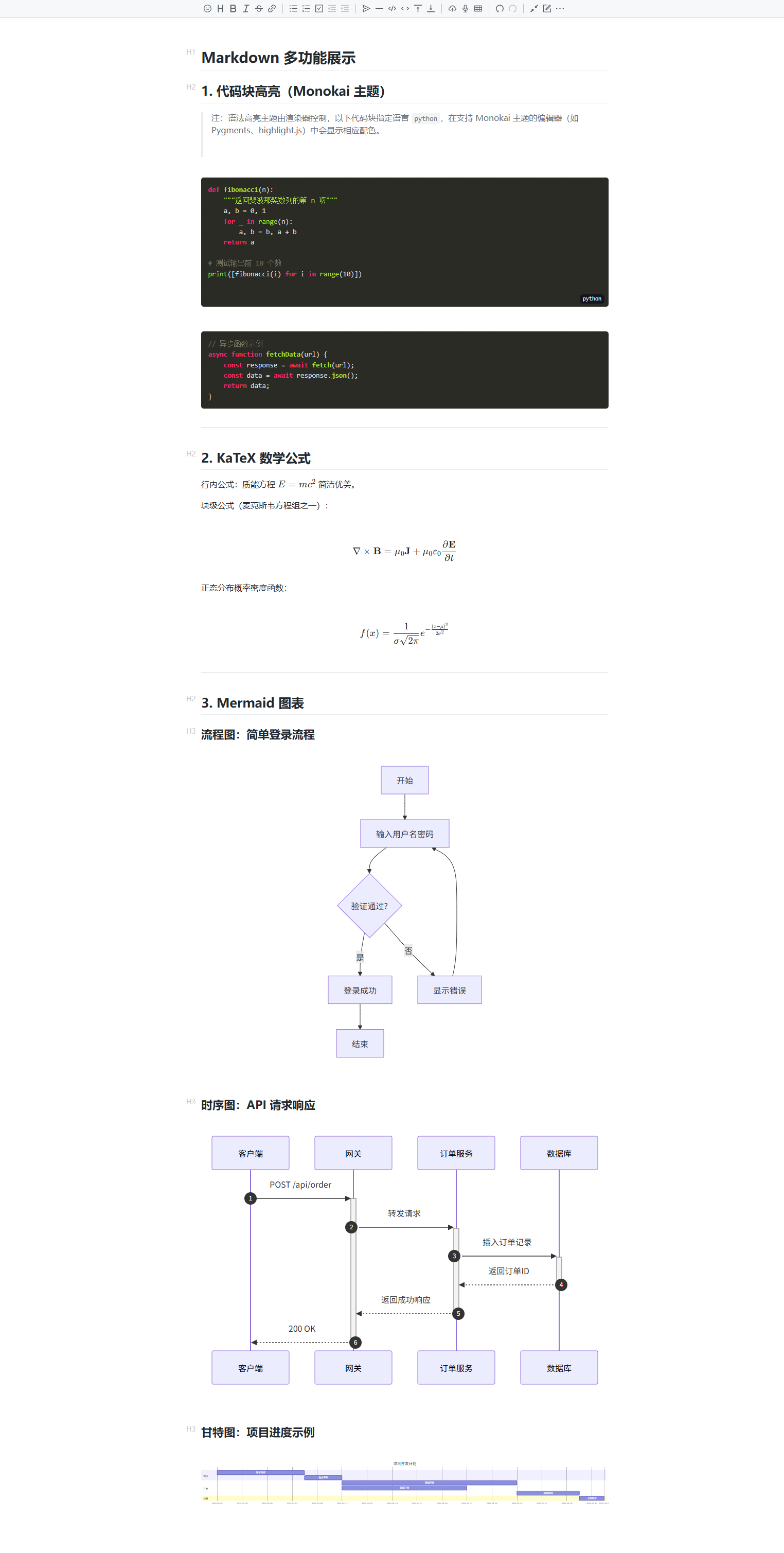
基础功能演示:代码块高亮、KaTeX 数学公式、Mermaid 图表
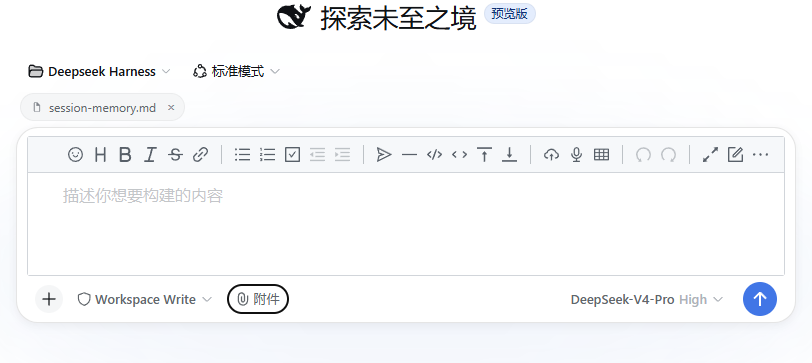
附件路径胶囊
体验亮点
边写边渲染的输入框
- Markdown 所见即所得:代码块高亮、KaTeX 数学公式、Mermaid 图表即时渲染
- 斜杠命令:输入
/快速唤起/goal/compact/permission/plan/export/feedback/model,实时过滤 @引用文件:输入@在工作区文件里实时搜索、一键插入,Windows 路径正确渲染
附件与图片
- 附件路径胶囊:选择文件后以胶囊形式展示,中文文件名与 Windows 反斜杠路径均正确显示(乱码与转义问题已修复),发送时路径自动附入消息
- 粘贴图片自动保存:剪贴板图片直接落盘到工作区,生成路径胶囊
更完整的消息展示
- 完整 Markdown 渲染:用户消息里的代码块带高亮、语言徽标和复制按钮,公式、图表正常显示
- 主题自适应:跟随亮色 / 暗色主题自动切换
自带完整工具行
- 模型选择器:切换模型与推理等级,直接写入会话
- 权限菜单:切换审批 / 访问模式(含 Full access 二次确认)
- 命令目录:一键唤起
/goal/compact/permission/plan/export/feedback/model - 上下文用量环:实时显示上下文占用百分比与系统/工具/消息构成
- 动态 placeholder:根据会话状态智能切换提示文案(含计划模式、被阻塞原因)
安装
版本要求:DSH ≥
0.1.2-rc.1(conversation.composer.bar重构为整个常驻输入区之后的客户端 API)。
通过 dsh plugin 命令(推荐)
dsh plugin --profile web add github:zhy201810576/dsh-vditor
通过 npm 安装
在 profile 目录(如 ~/.dsh/profiles/web):
pnpm add dsh-vditor
然后在 profile 的 package.json 的 dsh.profile.bundles 数组中加入 "dsh-vditor",重启 DSH 生效。
从本地源码挂载
在 profile 目录(如 ~/.dsh/profiles/web):
pnpm add "file:path/to/dsh-vditor"
然后在 profile 的 package.json 的 dsh.profile.bundles 数组中加入 "dsh-vditor",重启 DSH 生效。
注意:Vditor 从
https://unpkg.com/vditor@3.11.3动态加载,运行时需要联网。
说明
- 附件只引用路径、不拷贝文件内容,模型会自行读取文件。
- 若同时启用本插件的动态(会话内)版本,会与正式版重复注册,请停用其中一个。
License
本项目遵循 MIT License。
No comments yet. Be the first to write one.