dsh-web-enhance




dsh-web-enhance is a browser plugin for the DSH (DeepSeek Harness) web UI that adds small quality-of-life features. It currently ships:
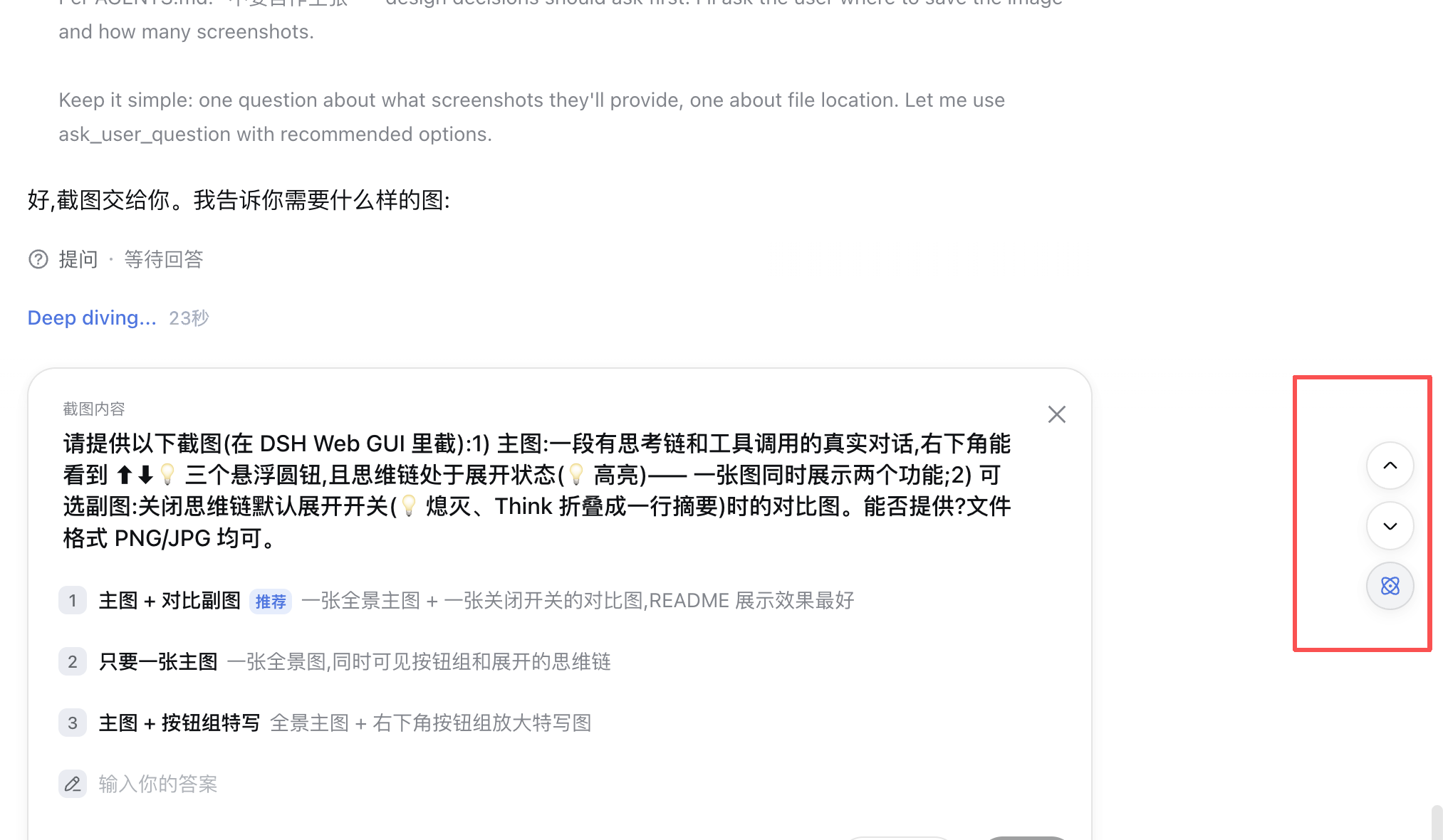
- Turn-by-turn conversation navigation — a floating button pair in the bottom-right corner of the conversation that jumps to the start of the turn you are reading (or the previous turn's start) and to the end of the current turn (or the next turn's end) — always landing on the actual reply text, with reasoning, tool calls, and transition sentences skipped.
- Thinking chain default-expand — a toggle (the lightbulb button, on by default) that automatically expands every "Think" reasoning disclosure in the conversation, so the full thinking chain is visible while streaming instead of a one-line summary.
- Session cost meter — when a session runs on the official DeepSeek API, an estimated session cost (CNY) is shown at the far left of the same line as the built-in input/output token stats, priced per request at the real peak/off-peak hour using the official pricing page rates.
Compatibility
- dsh ≥ 0.1.2-alpha.4 — supported since 0.1.5. The restructured frontend provides the chat snapshot as the session-standard
useChathook and trajectory asuseTrajectory; both are adapted, with the legacy paths retained for older dsh. Verified against dsh 0.1.3-alpha.2 since 0.1.9. - dsh 0.1.0-rc.x — still supported via the legacy snapshot paths.
Features
💡 Thinking chain default-expand — the third floating button (lightbulb icon) in the bottom-right corner, below the navigation pair:
⬆ ← back to the start of the current turn ⬇ ← to the end of the current turn 💡 ← thinking chain default-expand toggle (highlighted when on)- When on (default), every "Think" reasoning row is expanded automatically — including rows that mount while the agent is still streaming — so you read the full reasoning text without clicking each one.
- Toggle it off to restore the built-in collapsed one-line summaries.
- The preference persists across reloads (localStorage). Manually collapsing an individual row is respected and will not be force-expanded.
⬆️⬇️ Turn-by-turn navigation — a floating button pair in the bottom-right corner of the conversation, right above the built-in "scroll to bottom" button:
⬆ ← back to the start of the current turn ⬇ ← to the end of the current turn- Up arrow — back to the start of the turn you are currently reading: the first sentence of that turn's final result (all reasoning, tool calls, and transition sentences skipped). Once your viewport is already pinned to the turn start, it jumps to the start of the previous turn.
- Down arrow — to the end of the current turn (the bottom of its last rendered row). Once your viewport is already pinned to the turn end, it jumps to the end of the next turn.
- The buttons only appear once the session has at least one turn with actual text.
💰 Session cost meter — on the same line as the built-in stats line, at its far left, e.g.
≈ ¥0.83 · 2 turns 12 steps | …:- Only rendered while the session's requests go through the official DeepSeek API (provider route
deepseek-official); it disappears once you switch to another API. - Cost = tokens × official unit prices (CNY; all models currently on sale are covered:
deepseek-v4-flash/deepseek-v4-pro/deepseek-v4-flash-vision-exp), priced per request at its actual time with peak/off-peak rates (peak = Beijing time Monday–Friday 09:00–12:00 and 14:00–18:00, twice the off-peak price; weekends are off-peak all day), with cache-hit input at the discounted rate. - Models missing from the price table (just released upstream, or not yet synced here) are never dropped: they fall back to the cheapest price among the known DeepSeek models, and the hover detail says so ("not in the price table, estimated at the cheapest rate").
- Accumulate as it happens: every observed request is priced at its real time and persisted immediately (localStorage, per session, last-wins so nothing double-counts) — history paging pushing old requests out of the browser window does not matter. A session that has used this plugin since its creation has an exact total for its whole life, regardless of how long it gets.
- Only history that was never loaded (before the plugin was installed, or on another machine) has no per-request data: its remainder is estimated at the current model's off-peak rate (the cheapest-rate fallback applies here too when the model is unknown); together with any fallback-priced models this marks the total with a
≈prefix (hover for details: model, tokens, peak/off-peak request counts, unknown models). Clicking "Load earlier" to page that history in turns the remainder exact. - The price table is updated in
src/client/cost.tswhenever the official pricing page changes.
- Only rendered while the session's requests go through the official DeepSeek API (provider route
Install (30 seconds)
dsh plugin --profile web add @yangzhe1991/dsh-web-enhance
Restart the Web GUI (Ctrl+C the dsh web process and run it again) and refresh the browser tab. (dsh plugin runs pnpm add and auto-appends the bundle to dsh.profile.bundles.)
For local development, install from a path instead — the link: spec keeps a live symlink so edits take effect after a rebuild + restart:
dsh plugin --profile web add link:/path/to/@yangzhe1991/dsh-web-enhance
How it works
The plugin subscribes to the conversation snapshot through the standard useSession hook and reads the turn model (chat.timeline.turnOrder + chat.locations.getTurn(turn) from dsh-client-runtime). A turn's "final result" is its last node that contains non-empty text and whose blocks end with a text block (transition sentences look like [reasoning, text, tool…] — the agent is still working — while a final result looks like [reasoning, text] or [text]); turns without a closing summary fall back to their last text-bearing node.
Scrolling reuses the same DOM primitives as the built-in UI: rows are located via the official data-chat-anchor-key marker inside the [data-chat-flow] list, the scrollport is [data-conversation-scroll], and the start anchor skips the leading thinking block (DisclosureRow, carrying aria-expanded) so the viewport lands exactly on the reply text. "Already pinned to the turn start/end" is decided by scroll distance (< 60px) to the anchor, not by which row happens to be at the viewport edge.
The thinking-chain default-expand works on the official reasoning rows ([data-variant="think"] with a [data-disclosure-row][aria-expanded="false"] row inside). Because the full reasoning text is only mounted when a row is open, the plugin clicks each collapsed row to flip the built-in component's own React state. A MutationObserver on document.body watches for newly mounted rows (streaming output, new turns) and expands them as they appear; a one-time sweep covers rows that are already rendered. Only added subtrees are scanned, so a row you collapse by hand is left alone.
The session cost meter registers into conversation.composer.dock (the same slot as the built-in stats line, sharing its row as the first element). It combines two data sources: the trajectory view (per-request provider/model/usage/timestamp/startSeq — the basis of the exact pricing) and the tokenUsage projection (whole-session token totals). Every request observed with usage is persisted into a per-session accumulator keyed by startSeq (localStorage, last-wins so retried usage replaces instead of double-counting); the projection's remainder beyond the accumulator (history that was never observed) is estimated at the off-peak rate and marked ≈. The line hides whenever the most recent request is not deepseek-official.
Development
npm install
npm run build        # lib/index.js (node half) + lib/client.js (browser half)
npx tsc --noEmit     # type-check
Uninstall
dsh plugin --profile web remove @yangzhe1991/dsh-web-enhance
License
MIT
还没有评论,来写第一条。