dsh-vnc-client
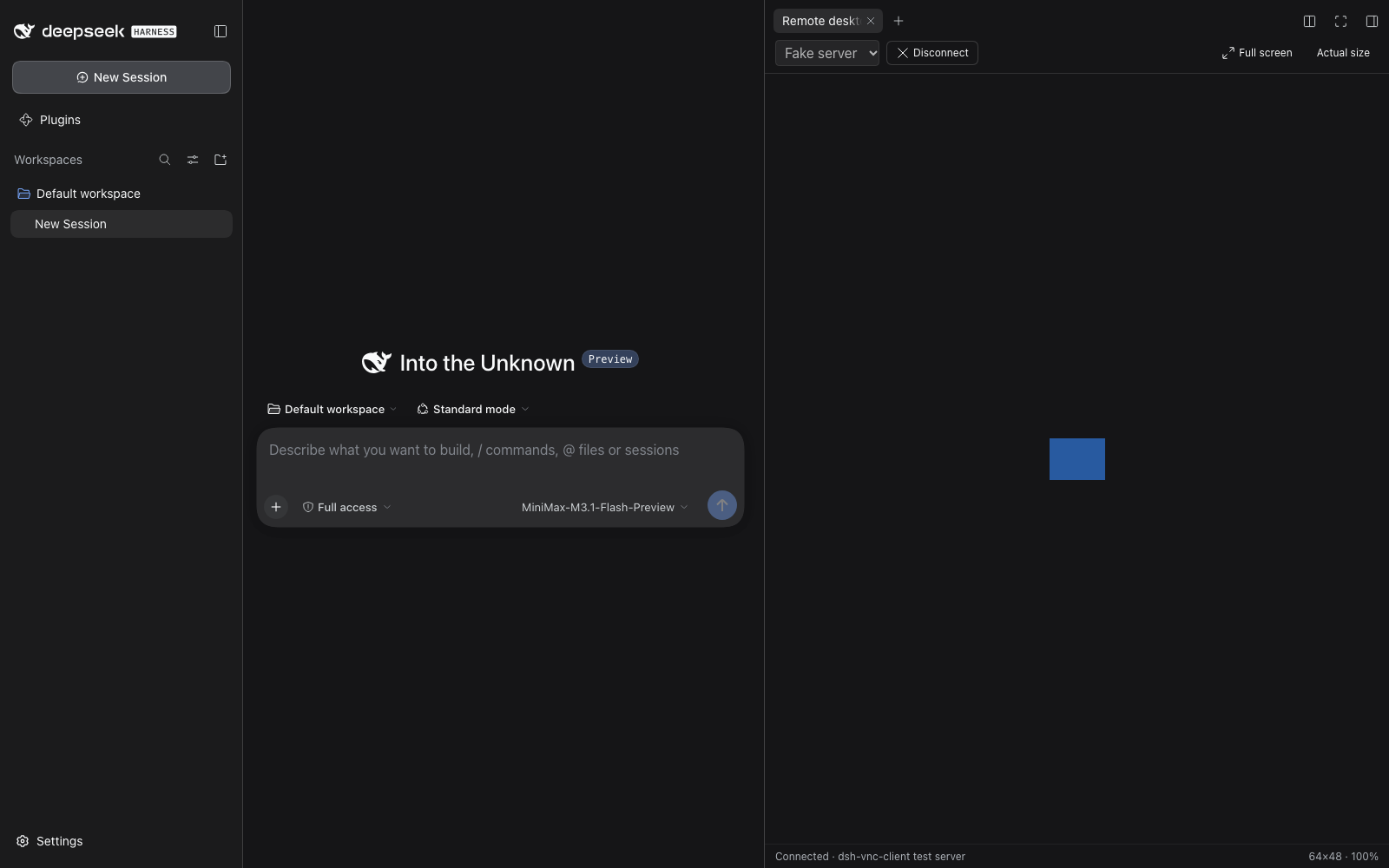
A VNC client tab for the DeepSeek Harness right sidebar.
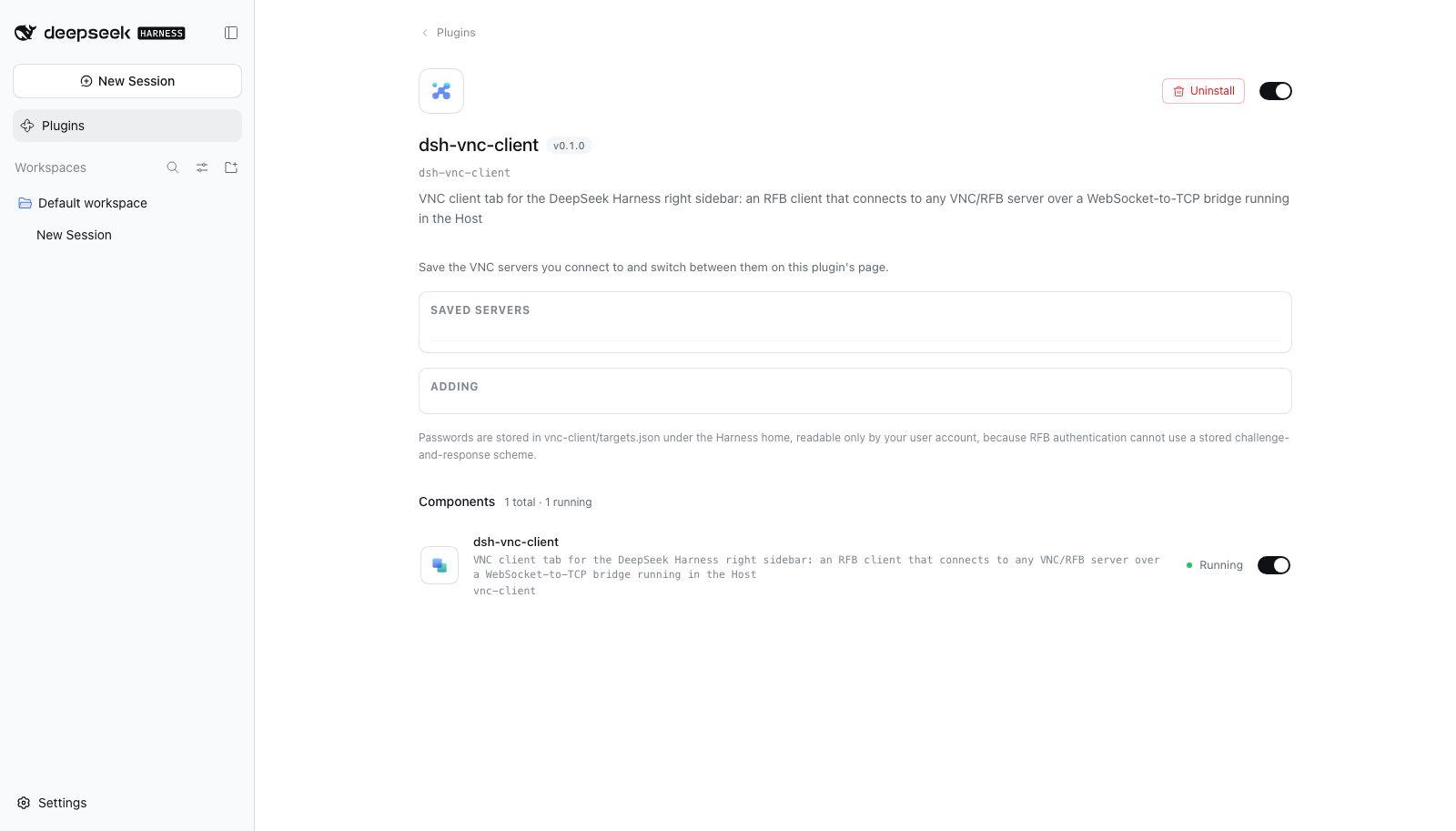
It connects to any VNC/RFB server — not just the machine the harness runs on — through a WebSocket-to-TCP bridge that runs in the Harness Host. Servers are saved from the plugin's own page under Settings → Plugins → dsh-vnc-client.
Install
dsh plugin --profile <profile> add dsh-vnc-client
Then restart the harness. A plugin bundle is composed at boot, so the tab does not appear until the Host restarts.
To connect the sidebar guide's Remote desktop entry to a specific server, open Settings → Plugins → dsh-vnc-client, add the server, and click Test to confirm it answers before switching to it.
What it does
- Opens a Remote desktop tab in the right sidebar, beside Files, Preview and Terminal.
- Speaks RFB 3.3/3.7/3.8 directly in the browser: Raw, CopyRect, Hextile, Tight and ZRLE rectangles; DesktopSize, ExtendedDesktopSize, LastRect and Cursor pseudo-encodings.
- Sends keyboard and pointer events back to the server, plus wheel, the server's cursor shape, and clipboard in both directions.
- Saves servers with an optional VNC password.
How it is put together
A DSH plugin is two halves in one package:
| Half | Where | What it does |
|---|---|---|
| Host | src/host/index.js |
Mounts a WebSocket upgrade route and a TypertRemoteService for saving servers |
| Client | src/client/app.js |
Registers the sidebar tab type, the settings seats, and the guide command |
A browser cannot open a raw TCP socket, so the Host accepts a WebSocket at
/api/vnc/bridge?target=<id> — authenticated by the same connection check the Gateway uses —
and pumps bytes to and from the VNC server. The password is never put in the URL: it travels
over the RPC channel and is resolved by the Host at connect time, so it stays out of access logs.
Servers live in vnc-client/targets.json under the Harness home, written 0600 in a 0700
directory. The list RPC reports only whether a password is set, never the password itself.
Encodings
DecompressionStream emulates persistent zlib, because Tight and ZRLE keep deflate state across
rectangles and a browser has no incremental inflater. VNC authentication needs DES, which Node
dropped and WebCrypto never had, so src/client/rfb/des.js implements it.
JPEG is deliberately not advertised: a Tight JPEG rectangle cannot be painted without a separate decoder, and offering it would make the client pick an encoding it cannot draw.
Development
node scripts/build.mjs     # src/ → lib/
node --test "test/*.test.mjs"
scripts/build.mjs inlines the client's ES modules into the single factory body the harness
loads, and refuses to build a bundle containing a jsx call React would silently render as
nothing — a null props object, or children passed as trailing arguments where the runtime expects
a key. Both fail in the browser as an empty sidebar tab, far from the call that caused them.
The tests cover DES against FIPS vectors and OpenSSL, every supported encoding round-tripped through an independently written encoder, the handshake against a real socket (including one-byte-at-a-time fragmentation), the WebSocket server against Node's own client, and the built bundle's contract.
Licence
MIT — see LICENSE.
No comments yet. Be the first to write one.