dsh-file-download
Download any file the DSH Sidebar previews — PDF, XLSX, DOCX, images, HTML, text, or a binary no renderer claims — straight to the browser you are reading from.

The problem
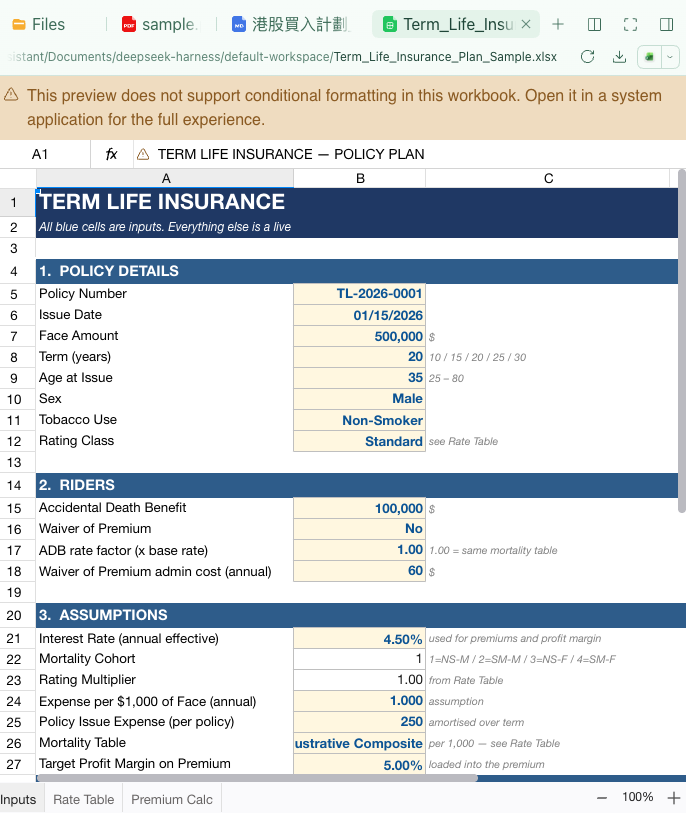
DeepSeek Harness's document preview renders a file instead of handing it to you: an XLSX becomes a grid, a PDF becomes pages, an image becomes pixels. When the reader is not sitting at the Host — a phone, another laptop, a Tailscale peer — there was no way to keep a copy:
- the preview has no download action, and
- the only file action in the header is Open, which asks the Host to launch the file in a native application, on a screen you are not looking at.
/api/file is not a workaround either: it answers with the file's own
Content-Type and no Content-Disposition, so the browser renders it, and it
caps the body at the image-attachment limit (~20 MB) — a real workbook or
scanned PDF exceeds that.
What this plugin does
It adds two things, each one file:
Host half — GET/HEAD /api/file-download?path=<absolute path>
- Streams the file in 1 MB chunks — never buffered whole, never capped at an image-sized limit.
- Always answers
Content-Disposition: attachment, with an ASCII fallback and an RFC 5987filename*, so投資計劃_2026.xlsxsaves under its real name. - Supports
Range/206/Content-Range/416, so an interrupted download resumes. Content-Type: application/octet-stream+nosniff: the response can never become a document in the browser.- Lives under
/api, so the Connection carrier's authentication and trust fence apply before the handler runs — the same boundary/api/fileuses.
Browser half — a Download control in two existing extension points
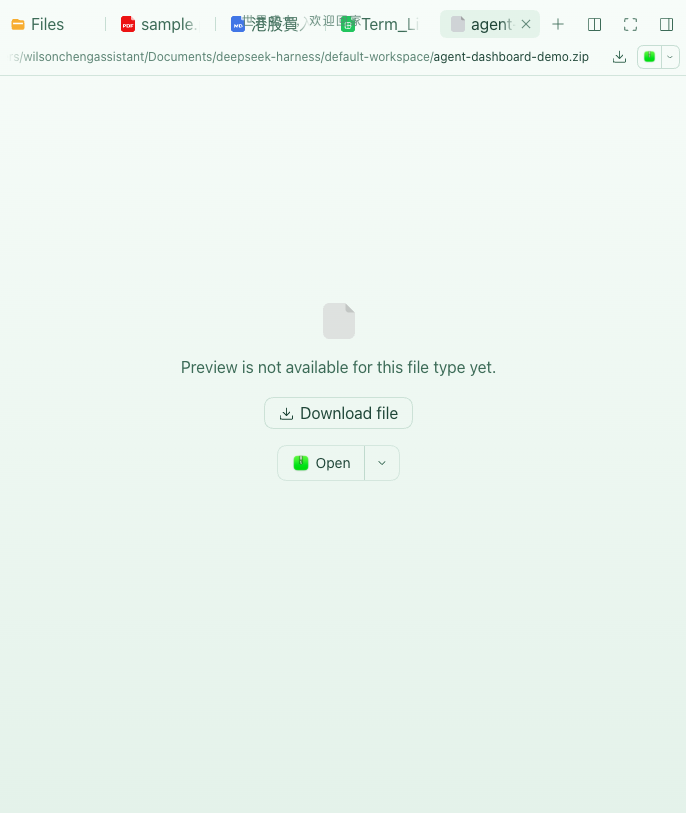
sidebar.right.tab.document.actions— the document preview header, next to the preview's own tools. Every renderer shares that header, so PDF, XLSX, DOCX, images, HTML, Markdown, text and this repo's media previews all get it.sidebar.right.tab.document.unpreviewable— the empty state, where the stock UI only offers Open. A labelled Download file button now sits above it.
Both are plain <a download> links, so middle-click and Save link as work too.
Nothing is fetched into the conversation, and no bytes are buffered in the
browser before the save starts.
Install
The plugin is a profile-local package, not on npm yet. From a checkout:
dsh plugin --profile web add file:/absolute/path/to/dsh-file-download
Or add it to the profile's package.json yourself:
{
  "dependencies": { "dsh-file-download": "file:/absolute/path/to/dsh-file-download" },
  "dsh": { "profile": { "bundles": [/* … */, "dsh-file-download"] } }
}
Then install and restart the Host — dsh web builds its client module graph
at boot, so a newly installed browser half only appears after a restart:
cd "$DSH_HOME/profiles/web" && pnpm install
# restart dsh web
Localization
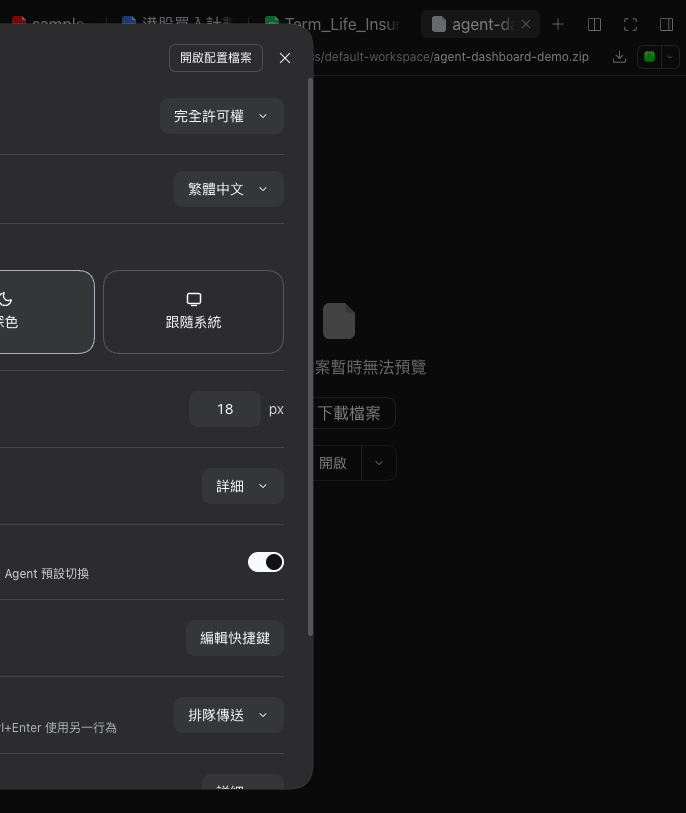
English, Simplified Chinese, and Traditional Chinese dictionaries are
registered by the plugin itself, so a zh-Hant reader does not fall back to
Simplified copy:
Compatibility
| DSH | Status |
|---|---|
0.2.0-rc.2 |
verified (headless Chrome, dsh web) |
The slots this plugin extends are declared by
@deepseek-ai/dsh-client-ui-sidebar-documentpreview. A future release that
renames them fails loudly at boot (slot not found), never silently.
Verify it end to end
npm test # 22 unit tests: header encoding, range semantics, route guards, both components
Manual check, with the Host running:
- Open a PDF or XLSX from the right Sidebar's Files tab.
- Click the download icon in the preview header, or open a
.zipand click Download file in the empty state. - The file lands in your browser's download folder under its original name; compare its checksum with the Host copy.
Everything above was measured, not assumed: a 28.6 MB MP4, a 27 KB Markdown file with a Chinese filename, a 27.6 KB XLSX and a 3.8 MB ZIP were downloaded through the route and through the browser, and every SHA-256 matched the Host file.
License
MIT © Wilson Cheng
No comments yet. Be the first to write one.