DSH HUB
首页插件商店插件包社区排行榜资源发布指南
插件源码
返回插件目录

wang-junjian /

wang-junjian/spritely

仅 Topic 仓库

DeepSeek Harness 的插件:灵动的小精灵【sprite(精灵)+ -ly(活泼地)】桌面精灵与背景设置

★ 1 Stars0 Forks0 IssuesN/A 社区评分0 已确认安装
查看 GitHub
README来源: main@af2dadab

Spritely

English | 中文

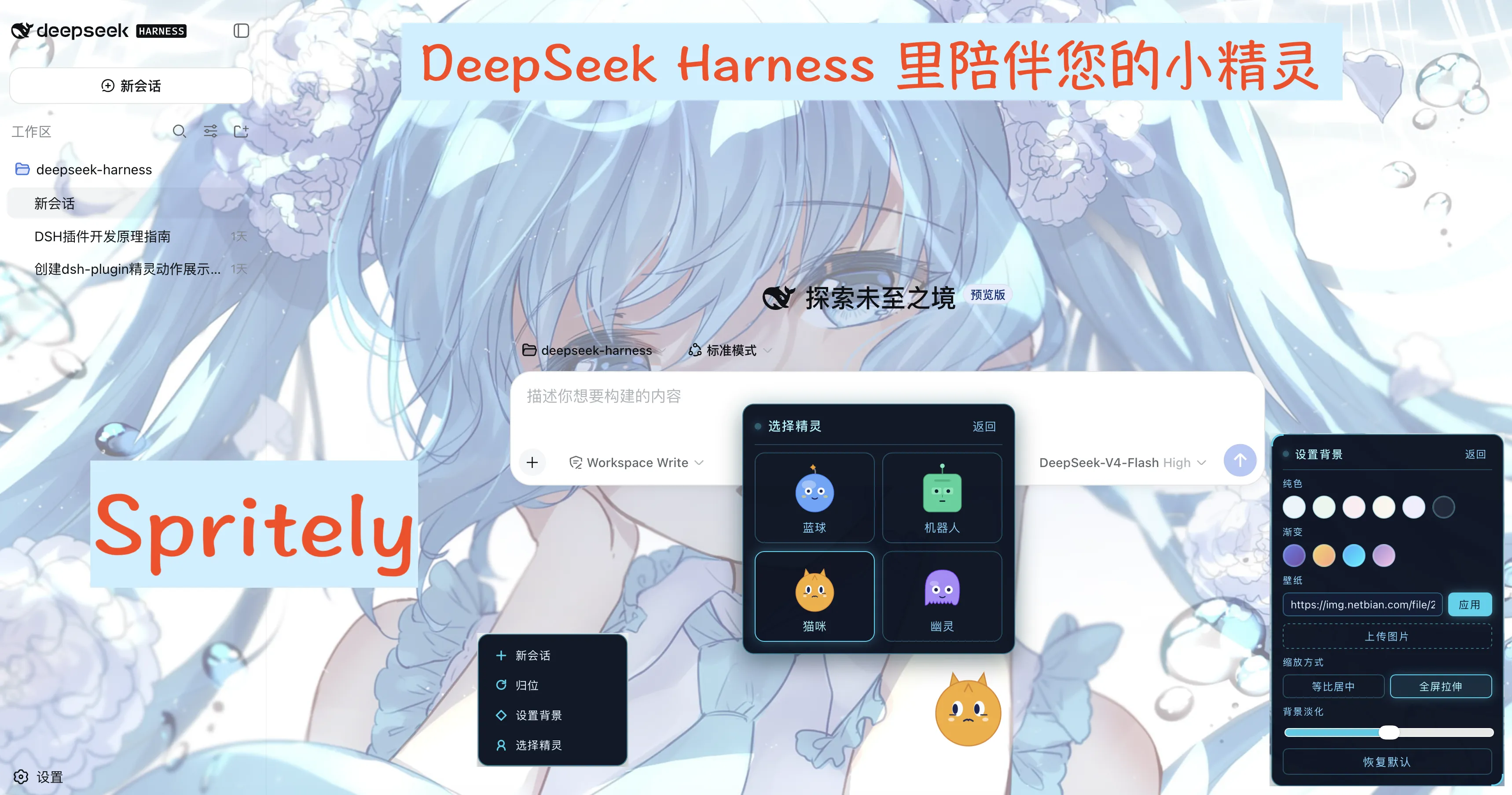
Your spritely work companion — a floating mascot for the dsh web UI that reacts to the agent's live work state.

Spritely (formerly the ui-sprite plugin) is a dsh client plugin that drops a small, animated character into the corner of the web interface. It watches the agent's activity — idle, thinking, writing, running tools, waiting on you, erroring, or finishing a run — and plays a matching pose, tracks your cursor with its eyes, and can be dragged anywhere.

Four characters: Blob · Bot · Cat · Ghost

Features

  • Four switchable characters — Blob (blue ball), Bot (mint robot), Cat (amber kitty), Ghost (violet specter), each with its own body and eye style.
  • Live work-state poses — idle, thinking, writing, working, waiting, error, and a brief celebration when a run settles.
  • Cursor-tracking eyes — pupils follow the mouse (rAF-throttled).
  • Draggable — grab and move the mascot anywhere; reset returns it to the corner.
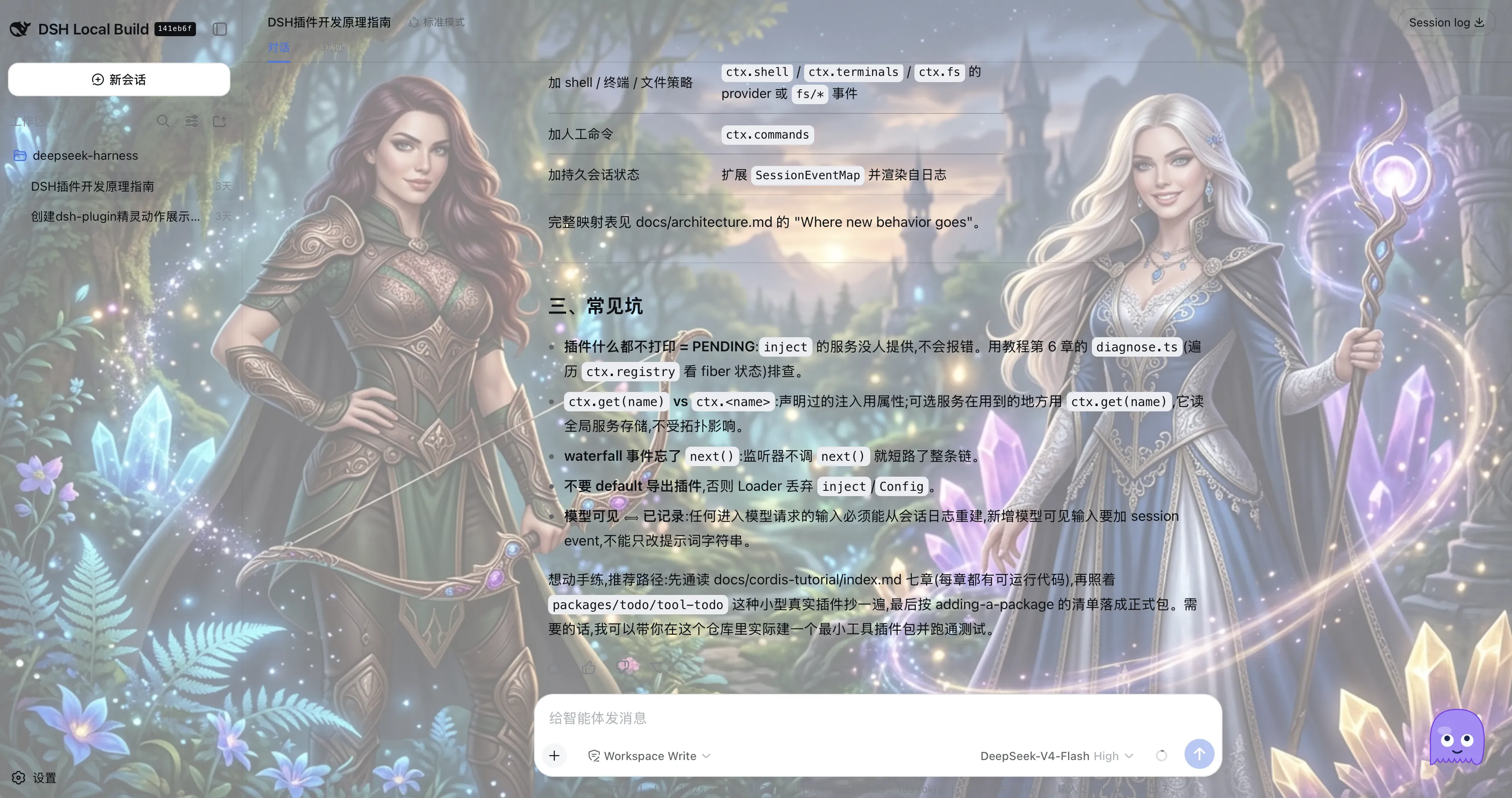
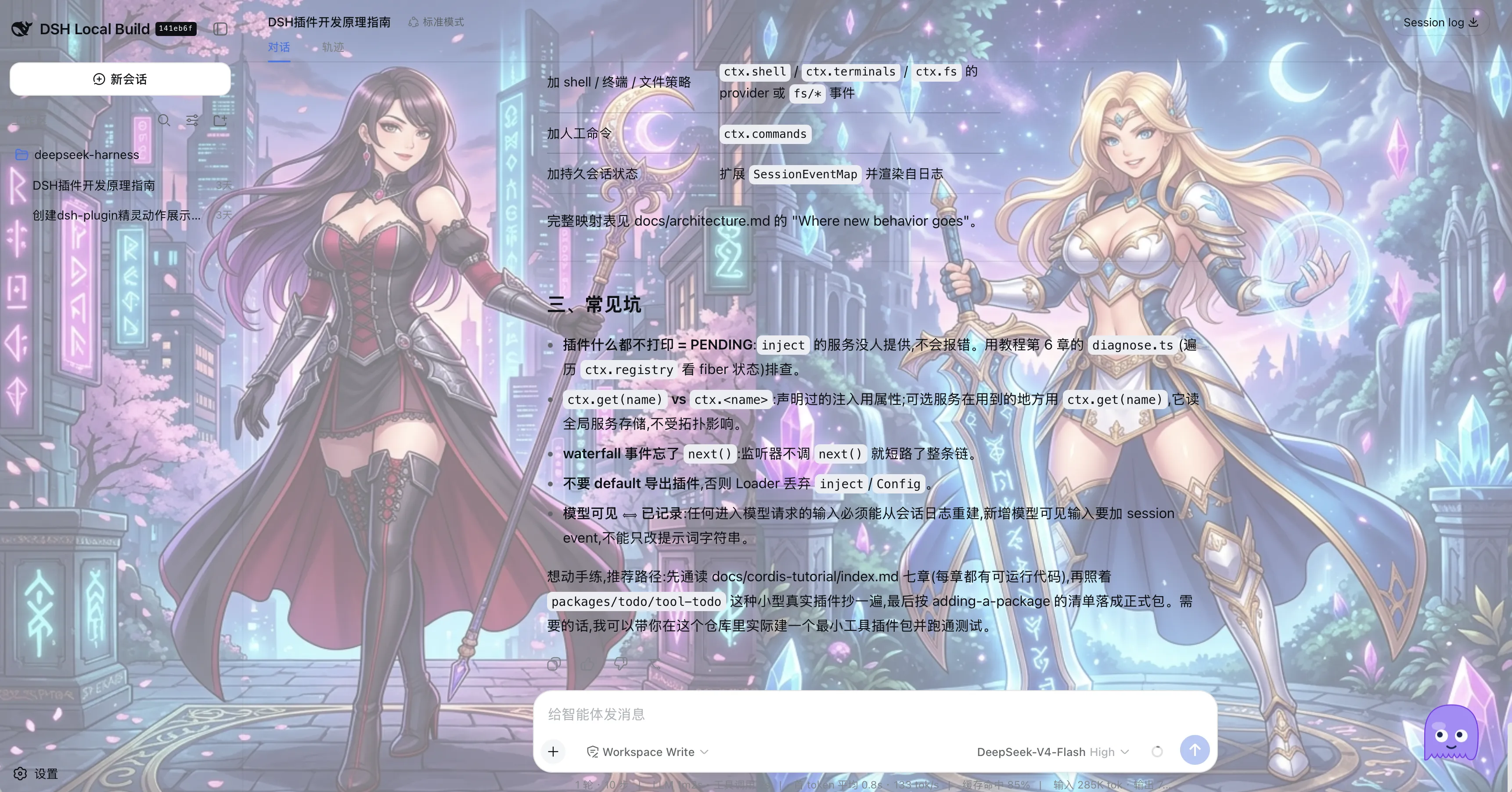
  • Customizable background — solid colors, gradients, image URLs, and local image upload, with fit (contain / stretch) and a fade veil for legibility.
  • Sci-fi HUD styling — the menu and panels use a fixed dark holographic palette with a cyan neon frame.
  • Persisted — your character, background, and position survive reloads.

Install

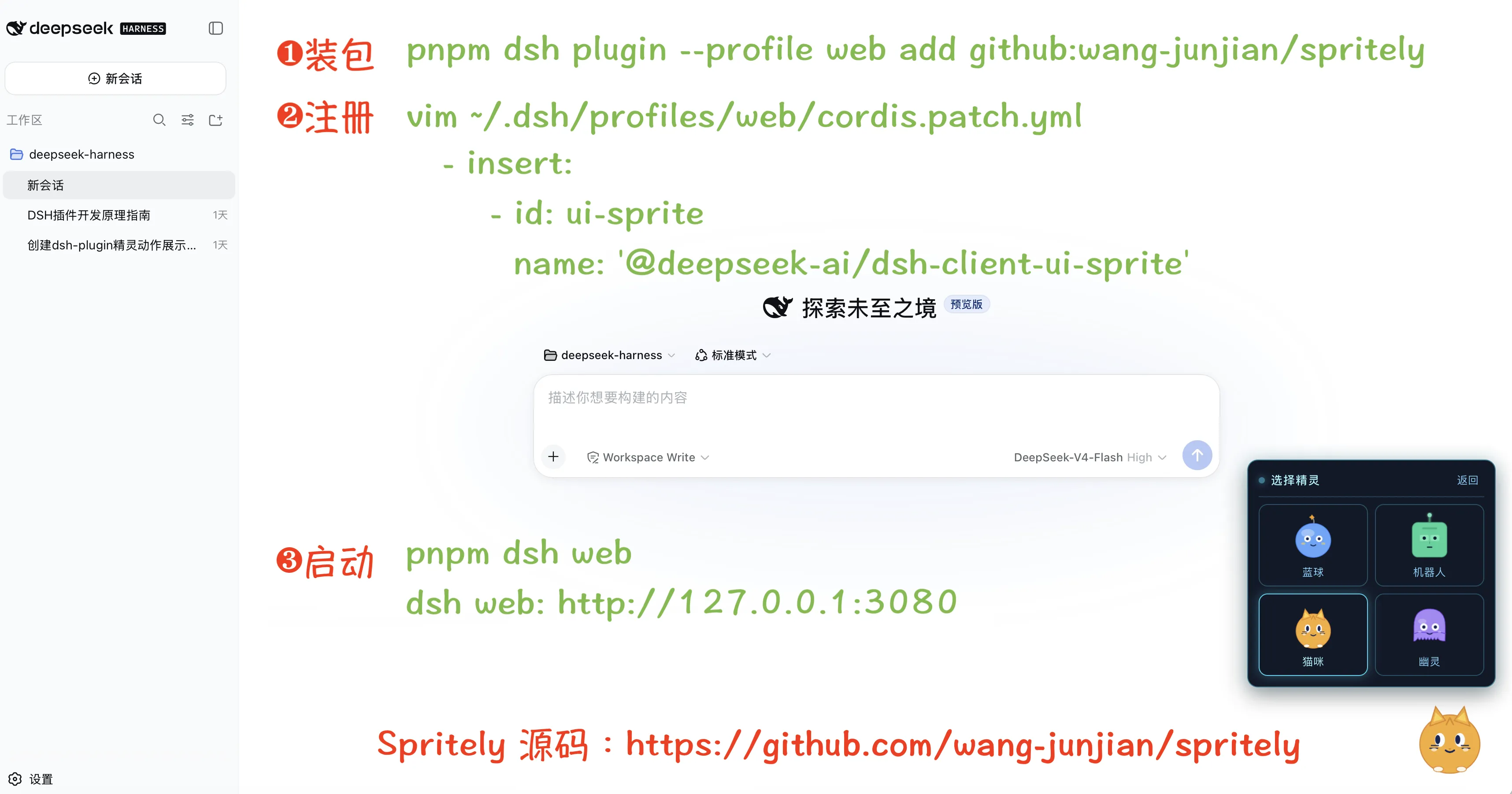
Spritely is a dsh client plugin (dsh.client, not a dsh.bundle). It ships prebuilt artifacts (lib/), so it installs from git or a local checkout without any build step. Activating it in a dsh profile takes two steps:

1. Install the package into the profile.

# from git
dsh plugin --profile <name> add github:wang-junjian/spritely

# or from a local checkout
dsh plugin --profile <name> add ./spritely

2. Register a row in the browser plugin roster. Because Spritely declares dsh.client rather than dsh.bundle, dsh plugin add installs it as a plain dependency (printing "activates no layer") and does not register a row for you. Add this row to your profile's patch layer at ~/.dsh/profiles/<name>/cordis.patch.yml:

- insert:
    - id: ui-sprite
      name: '@deepseek-ai/dsh-client-ui-sprite'

The plugin carries its own dsh.client metadata (platform: web plus its inject edges), so once the row is present the host Loader scans it, serves /plugins/ui-sprite/client.js, and injects it into window.__DSH_BOOT__ automatically.

Its peer dependencies (@deepseek-ai/dsh-client-runtime, dsh-client-ui-layout, dsh-client-locale, …) are in-box dsh packages resolved from the dsh installation itself — they need not be installed separately.

Usage

Click the mascot to open its menu:

  • New session — start a new session (default workspace flow).
  • Reset position — return the mascot to its default corner.
  • Set background — open the background console (colors, gradients, image URL, local upload, scale, fade).
  • Switch sprite — pick one of the four characters.

Characters

Character Look Palette
Blob round ball + antenna star blue
Bot rounded head + LED eyes mint green
Cat triangular ears + vertical pupils + whiskers amber
Ghost wavy hem + big round eyes violet

Development

npm install          # installs dsh peer dependencies + dev tooling
npm run build        # tsc (types) + tsdown (node-half lib + browser client bundle)
npm test             # vitest
npm run watch        # tsdown --watch

The build emits the node-half library (lib/index.js, lib/invariant.js) and the browser client bundle (lib/client.js) in dsh's __ModuleLoader__ closure-factory format, with CSS Modules inlined by lightningcss.

License

MIT

—/ 5

暂无评分

需要先验证清单

Commit af2dadabfbc5

社区评论

还没有评论,来写第一条。

DSH HUB

社区维护的 DSH 插件索引。不是 GitHub 或 DeepSeek AI 的官方产品。

社区资源API关于