😈 dsh-verification-meme
🌐 English | 中文
A prank "security verification" plugin for DeepSeek Harness: it intercepts button clicks in the Harness web UI (including workspace/view switches) and only lets them through after a random "security verification". Ships with 7 verification types, a prank console, an admin bypass, runaway settings buttons, ban-on-failures, and more.
UI language: the plugin is bilingual — it follows the language setting of the Harness GUI automatically (choose Chinese in Harness settings for the Chinese prank UI, English for the English one; unset falls back to the browser). You can also force a language in the console (🌐 UI language).
Client-only plugin: all logic runs in the browser. The 20 built-in photo-grid images and their answers are embedded into
lib/client.js(base64) at build time, so nothing external is downloaded at install/runtime. Configuration persists in browser localStorage. The host half is a no-op entry point and publishes no services.
Screenshots
| Screenshot 1 | Screenshot 2 |
|---|---|
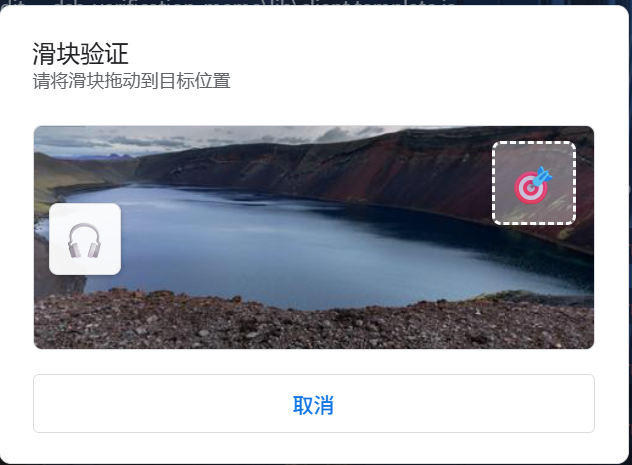 |
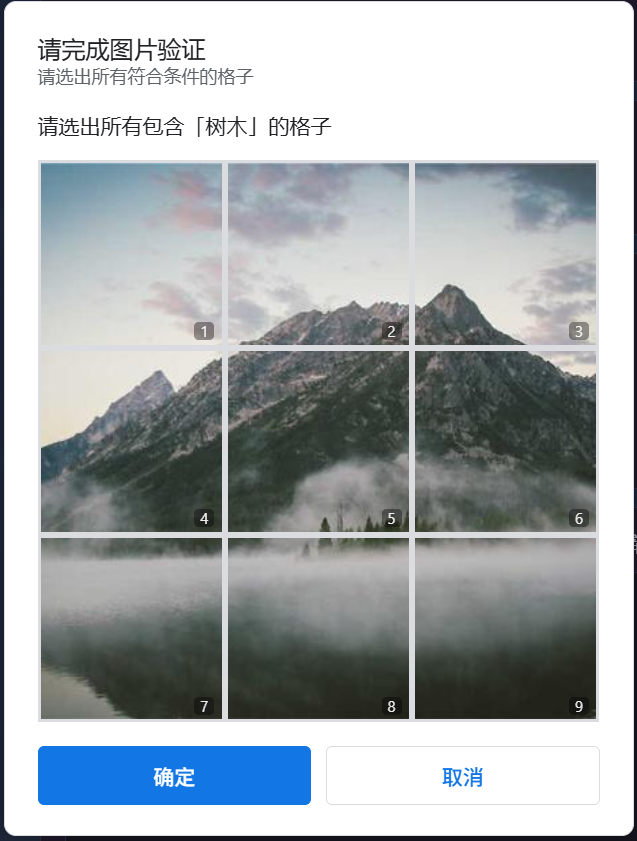 |
| Screenshot 3 | Screenshot 4 |
|---|---|
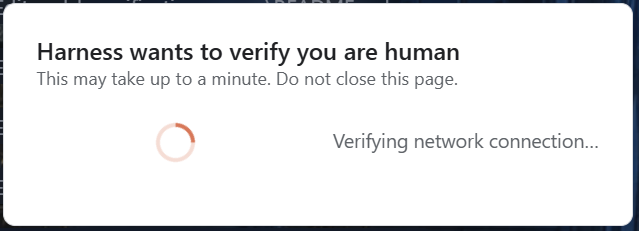 |
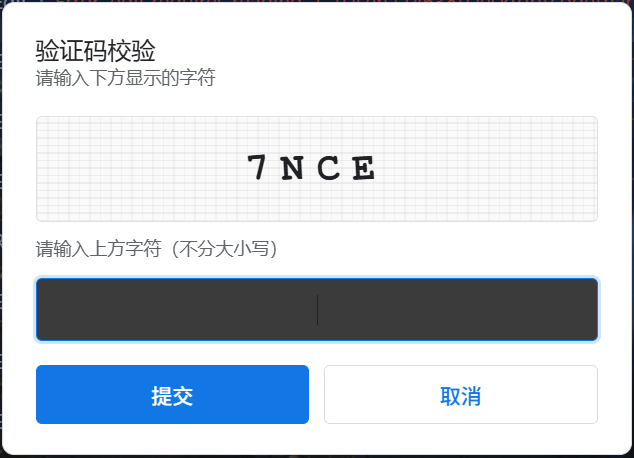 |
Repository layout
.
├── package.json          # package name dsh-verification-meme (unscoped, avoids collisions with official @deepseek-ai/* runtime injections)
├── cordis.patch.yml      # bundle patch: declares the mount row (applied automatically via dsh.bundle.patch)
├── lib/
│   ├── index.js          # host half (no-op entry, so the composition row can mount)
│   ├── client.js         # client half (build artifact, embeds the photo data)
│   ├── client.template.js # client source template (with __PHOTOS_JSON__ placeholder)
│   ├── modal.css.txt     # modal styles (inlined at build time)
│   └── panel.css.txt     # console panel styles (inlined at build time)
├── photo/                # build input: 20 photos, 400×400 (1.jpg ~ 20.jpg)
├── test.txt              # build input: photo-grid answers (format documented in the file header)
├── tools/build.ps1       # rebuild script
├── preview/              # screenshots used in the README
├── README.md             # English documentation (this file)
└── README.zh.md          # 中文说明
The other folders (
api/,config-ui/,dsh-plugin/,harness/,userscript/) are backups from the early development process. The plugin does not depend on them — feel free to delete them before publishing.
Install
# From a GitHub repo (the market downloads the whole repo tarball via codeload)
dsh plugin --profile web add github:<your-username>/dsh-verification-meme

# From a local directory
dsh plugin --profile web add link:C:/path/to/dsh-verification-meme

# From npm after publishing
dsh plugin --profile web add dsh-verification-meme
Restart DSH afterwards (or wait for the next boot), then open Settings → 😈 安全验证 /
Security. The plugin defaults to enabled: true, mode: chaos (intercepts everything) —
you may want to click 👑 Bypass 15 min before changing settings.
Photos and answers (test.txt)
Nothing is downloaded at runtime — everything is embedded in lib/client.js.
photo/ and test.txt are only the build inputs:
- Replace
photo/1.jpg ~ 20.jpgand edittest.txt(three lines per photo:(number), the correct tile digits, the object to find;0= no correct tiles); - Run
pwsh tools\build.ps1from the repo root to regeneratelib/client.js; - Reinstall (or overwrite
node_modules\dsh-verification-meme\lib\client.jsin the web profile) and restart.
Configuration
| Setting | Default | Notes |
|---|---|---|
| Master switch | on | Turns interception off entirely |
| Trigger mode | chaos | chaos/every_click = intercept all; specific_actions = button list; new_topic_only = only new-topic actions |
| Verification types | all 7 | Confirmation / CAPTCHA / human check / landscape slider / puzzle slider / photo grid / animal grid |
| Admin bypass | off | Lets everything through for 5/15/30 minutes |
| Max retries | 3 | Exceeding it marks you as a robot |
| Runaway settings buttons | on | The master switch / trigger mode controls escape 3 times before behaving |
| Ban on failures | off | N failures = N-second ban |
| UI language | follow Harness | auto / 中文 / English |
Publishing to GitHub / npm
- GitHub: push this repo; users install with
dsh plugin --profile web add github:owner/repo. Thedsh.bundle.patchdeclaration inpackage.jsonautomatically supplies the mount row on the next boot, so users never editcordis.patch.ymlby hand. - npm:
npm publish— thefilesfield only shipslib/,cordis.patch.ymlandREADME.md; the build inputs (photo/,test.txt) stay out of the npm package.
No comments yet. Be the first to write one.