READMESource: main@ae0d8633
一键追番 · dsh-anime-follow


DeepSeek Harness 插件:从 AnimeGarden 搜索番剧、订阅字幕组,自动交给 qBittorrent 下载,按模板重命名归档到 番名\Season XX\。
安装
dsh plugin add @soliecho/dsh-anime-follow
把 @soliecho/dsh-anime-follow 加入 ~/.dsh/profiles/desktop/package.json 的 dsh.profile.bundles,完全退出 DSH 后重新打开。升级时重复这条命令。
需要 DeepSeek Harness 0.2.1-rc.3 及以上,qBittorrent 5.x 并启用 WebUI。仅支持 Windows。
使用
- 顶栏搜索番名,选中条目
- 选一个字幕组订阅,插件补齐已更新的集数,之后按间隔轮询新集
- 面板里看进度,点击已下载的集数用系统默认播放器打开
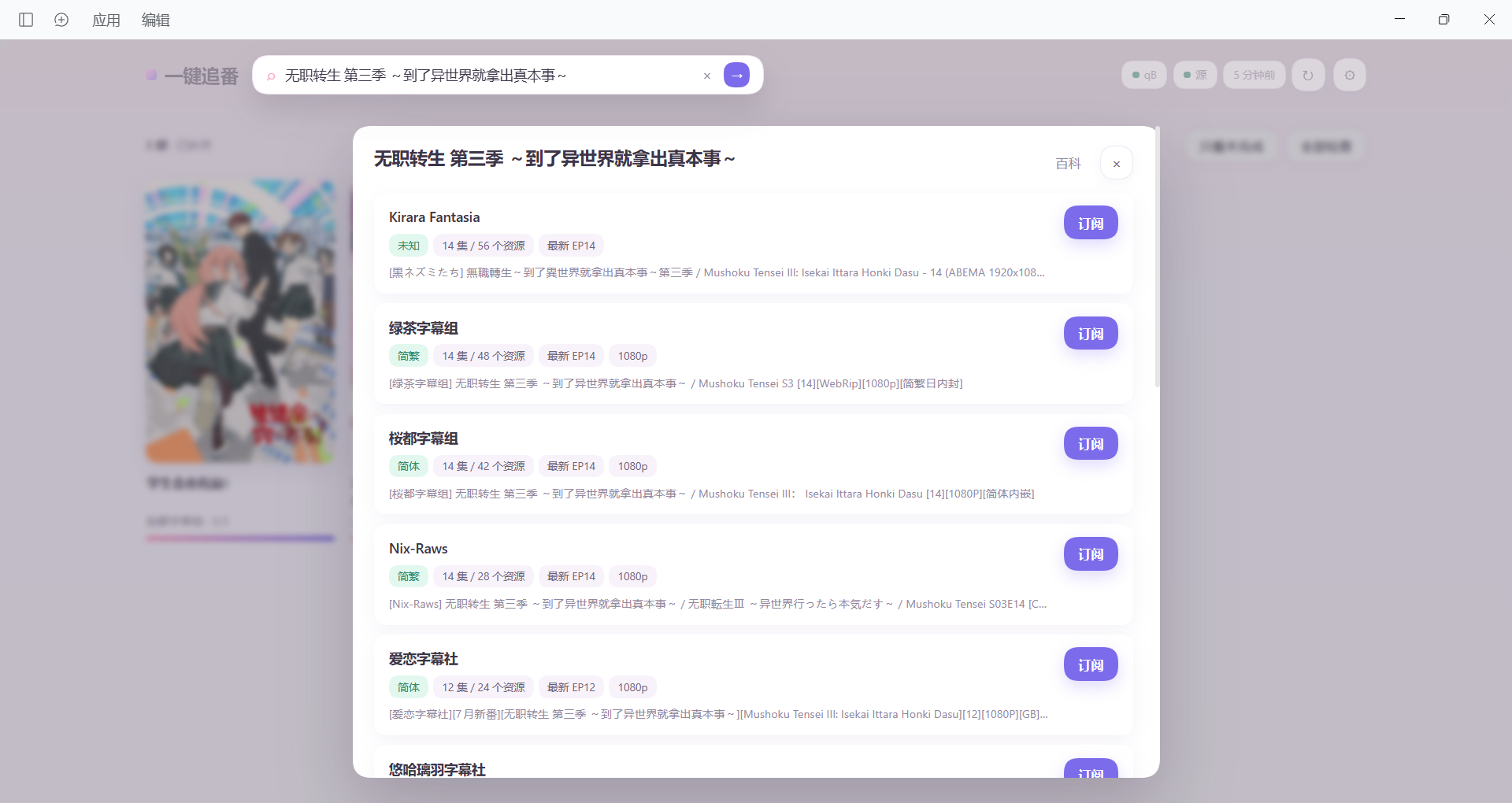
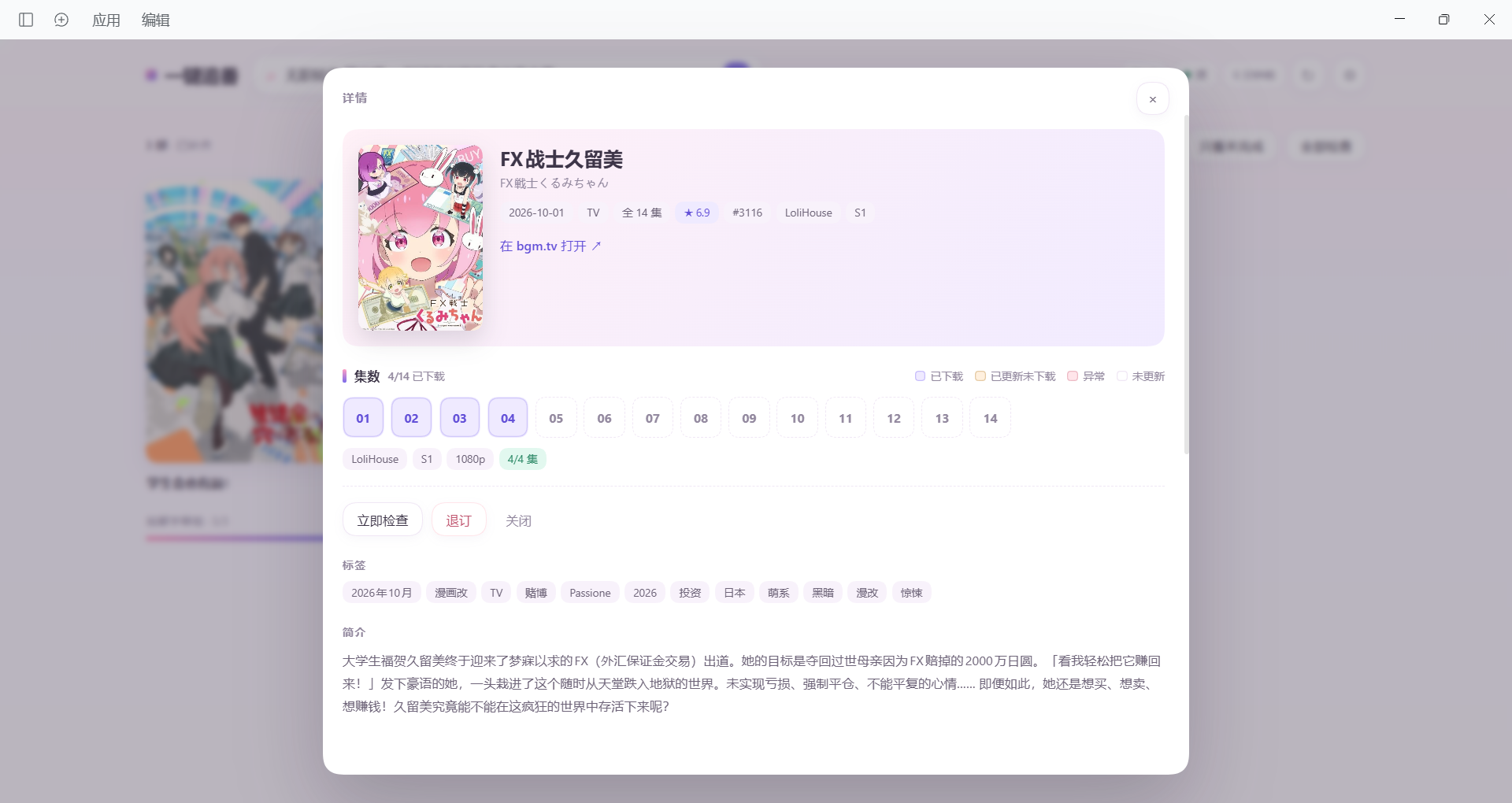
订阅列表为空时,打开插件会显示首次配置引导。
配置
| 项 | 默认 |
|---|---|
| WebUI 地址 | http://127.0.0.1:8080 |
| 用户名 / 密码 | 空,已开启「对本地主机跳过身份验证」时可留空 |
| 保存根目录 | %USERPROFILE%\Videos\ANIME |
| 代理 | http://127.0.0.1:7890,用于访问 bgm.tv |
| 分类名 | 动画 |
| 轮询间隔 / 同步间隔 | 20 分钟 / 60 秒 |
| 默认分辨率 | 1080p,可设 2160p 或 any |
| 命名模板 | {title} S{season:02}E{ep:02}{ver} [{group}][{resolution}][{lang}] |
命名模板支持 {title} {season} {ep} {ver} {group} {resolution} {lang}。
数据
配置与订阅状态保存在 ~/.dsh/anime-follow.json 和 ~/.dsh/anime-follow/state.json。
许可
MIT
No comments yet. Be the first to write one.