READMESource: main@2b879910
Git View
Review, stage, commit and push the session repository's git changes from the Harness conversation view.
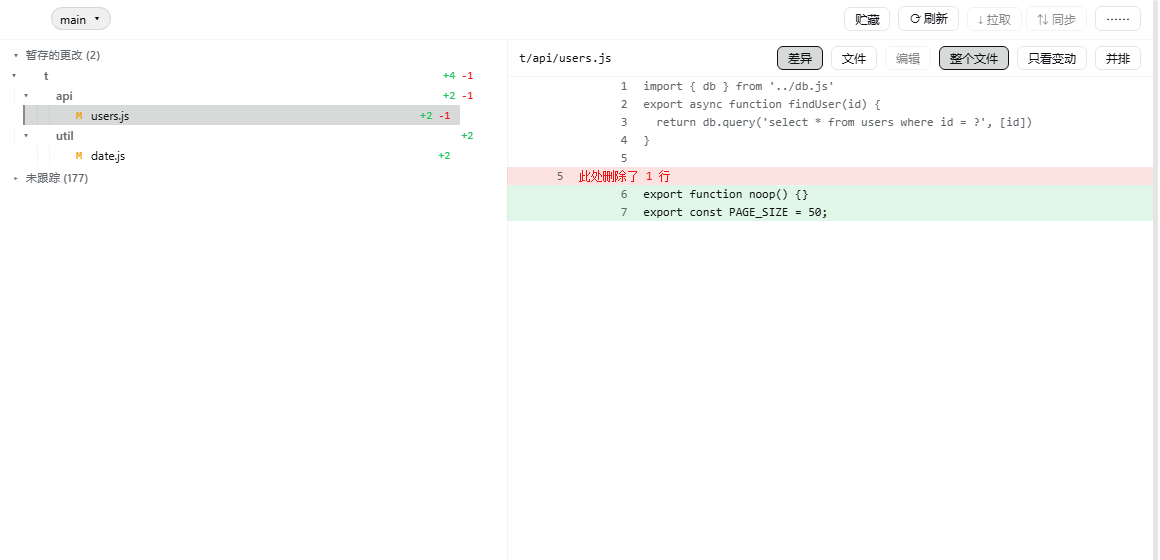
What it does
A Git tab in the conversation view ring, after Trajectory. It reads the repository the session is working in — no path to configure, no second UI.
- Change groups — conflicts, staged, unstaged and untracked, each with folder rows that fold a whole subtree and stage or discard it in one action.
- Three ways to read a file — whole file with the changes marked, changes only as a unified diff, or side by side. Remembered across sessions.
- Edit and save — open a working-tree file in the panel and write it back, guarded by the version the read returned.
- Branches, stash, pull, sync — and a fetch, refresh and discard group.
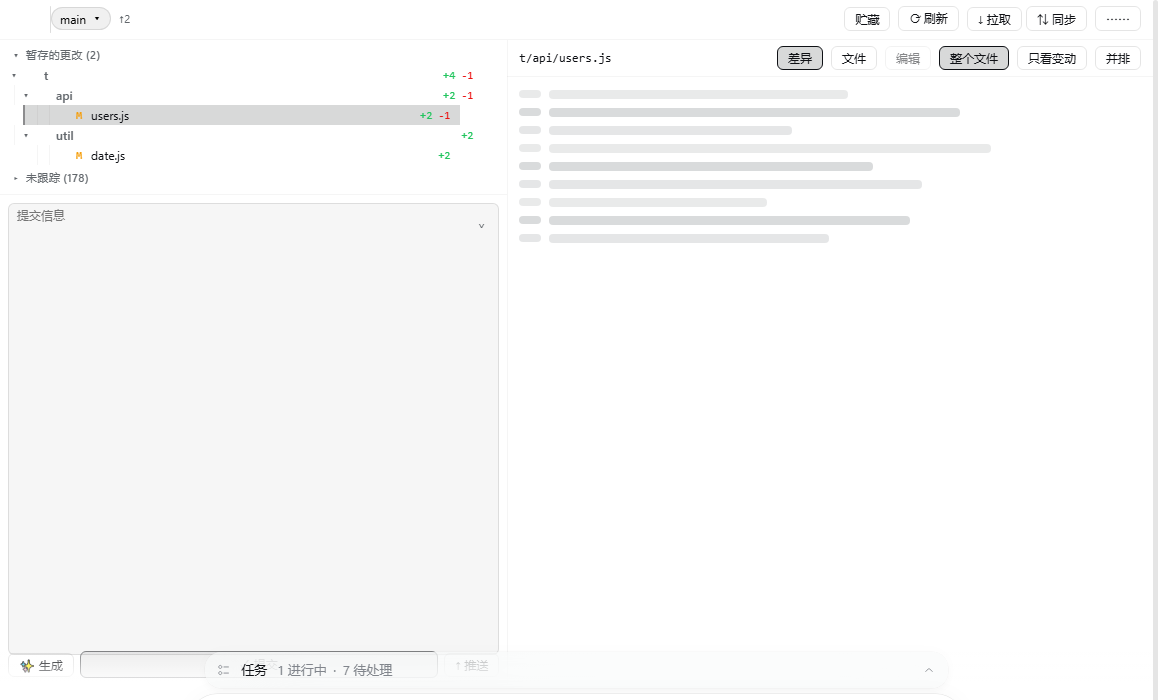
- Commit and push — an AI-written commit message from the staged diff, a commit button that commits, and a push button that lists every commit it would publish before it publishes them.
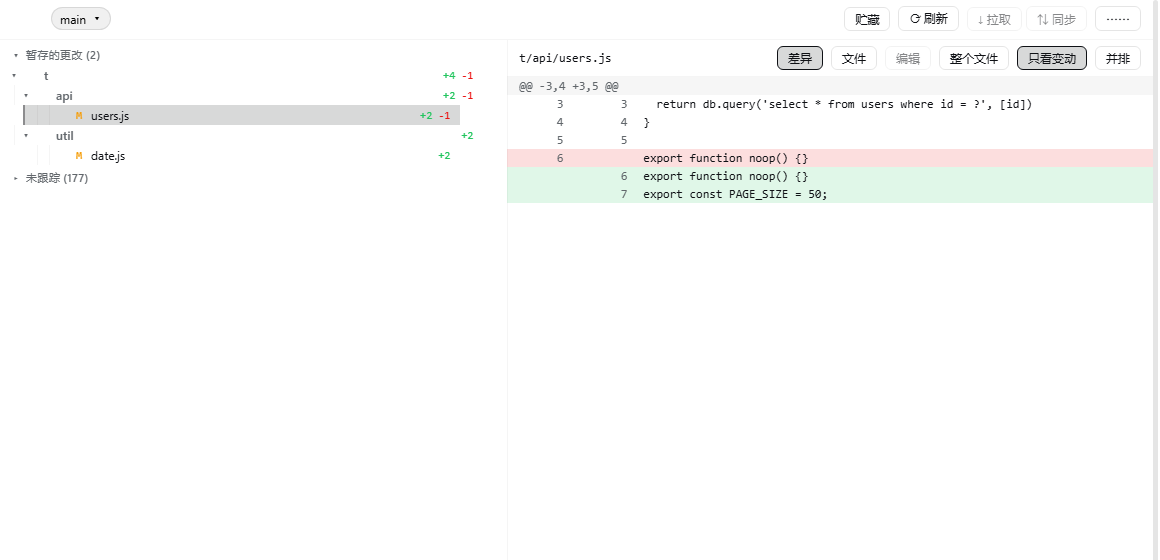
Untracked directories stay folded until opened, and opening one asks git about that directory alone. A working tree with twenty thousand untracked files costs the same to list as one with twenty.
Install
Requires dsh 0.2.0-rc.2 or newer, Node 22.19+ or 24+, and a session whose working directory is a git repository.
dsh plugin --profile <profile> add shinchen6/dsh-git-view
Then restart the profile and open the Git tab in a conversation.
Screenshots
The push button lists what it would publish first.

The commit box enlarges from its top-right control.
No comments yet. Be the first to write one.