deepseek-harness-themes


A collection of UI themes for deepseek-harness.
One harness. Multiple styles.
Community-maintained theme collection built on the official theme extension point (ctx.theme from @deepseek-ai/dsh-client-ui-theme). It focuses only on the visual experience — colors, surfaces, states, code blocks, tool calls, terminal UI. No model changes, no agent changes, no prompt changes, no protocol changes.
Packages
| Package | Role |
|---|---|
@dshthemes/core |
Eleven ThemeDefinitions, the REQUIRED_TOKENS contract, and registerThemes(registry); zero UI |
@dshthemes/ui |
Client plugin: registers all themes, adds a Theme picker row to Settings → General, persists third-party selection |
Themes
Every preview is generated from that theme's own tokens; the full gallery is docs/previews.md.
| Theme | Base | Preview |
|---|---|---|
| DeepSeek | light — clean DeepSeek-inspired blue | 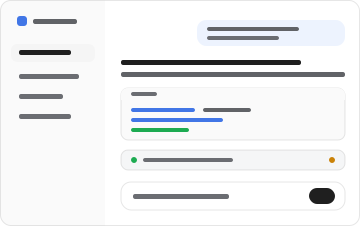 |
| OLED | dark — true black for emissive panels | 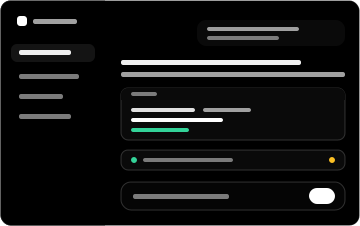 |
| Dracula | dark — high-contrast purple/indigo | 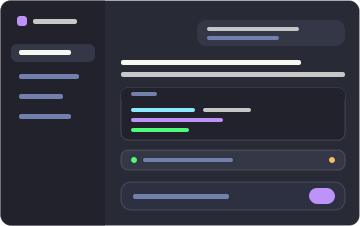 |
| Catppuccin | dark — soft pastel (Mocha) | 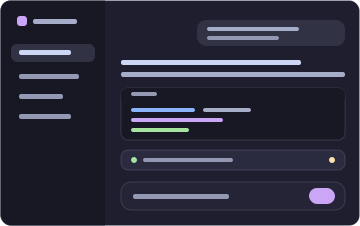 |
| Tokyo Night | dark — midnight blue with neon accents | 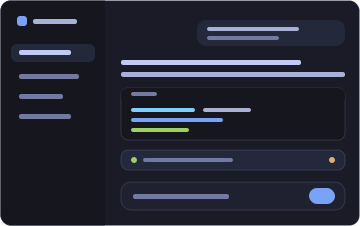 |
| GitHub Dark | dark — familiar GitHub interface | 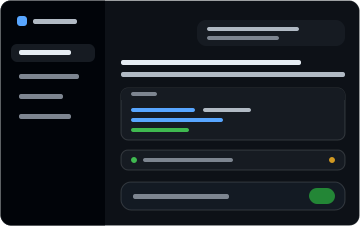 |
| Solarized | dark — scientific teal, yellow accent | 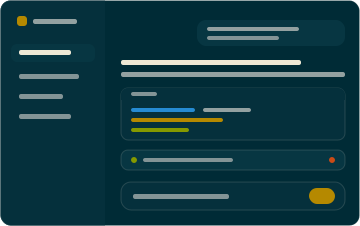 |
| Gruvbox | dark — retro warm palette, orange | 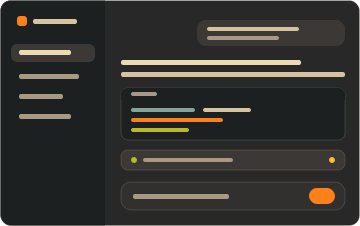 |
| Nord | dark — arctic north-blues, frost | 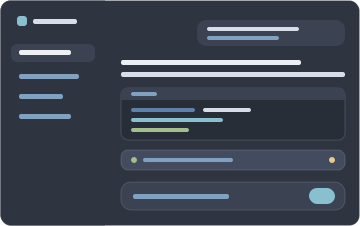 |
| Synthwave '84 | dark — neon pink/cyan on deep violet | 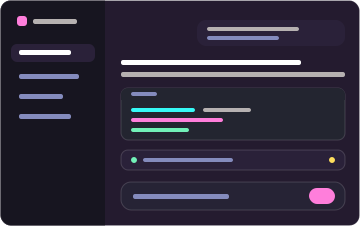 |
| Cobalt2 | dark — cobalt blue, signature yellow | 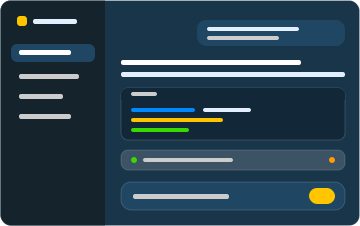 |
Install
Two commands: one installs the dependency, adds the layer to the profile, and mounts the feature; the other starts the Web surface.
dsh plugin --profile web add @dshthemes/ui
dsh web
web is the shipped Web profile and initializes on first use. Pick a theme under Settings → General; the selection persists, so nothing else runs from a terminal.
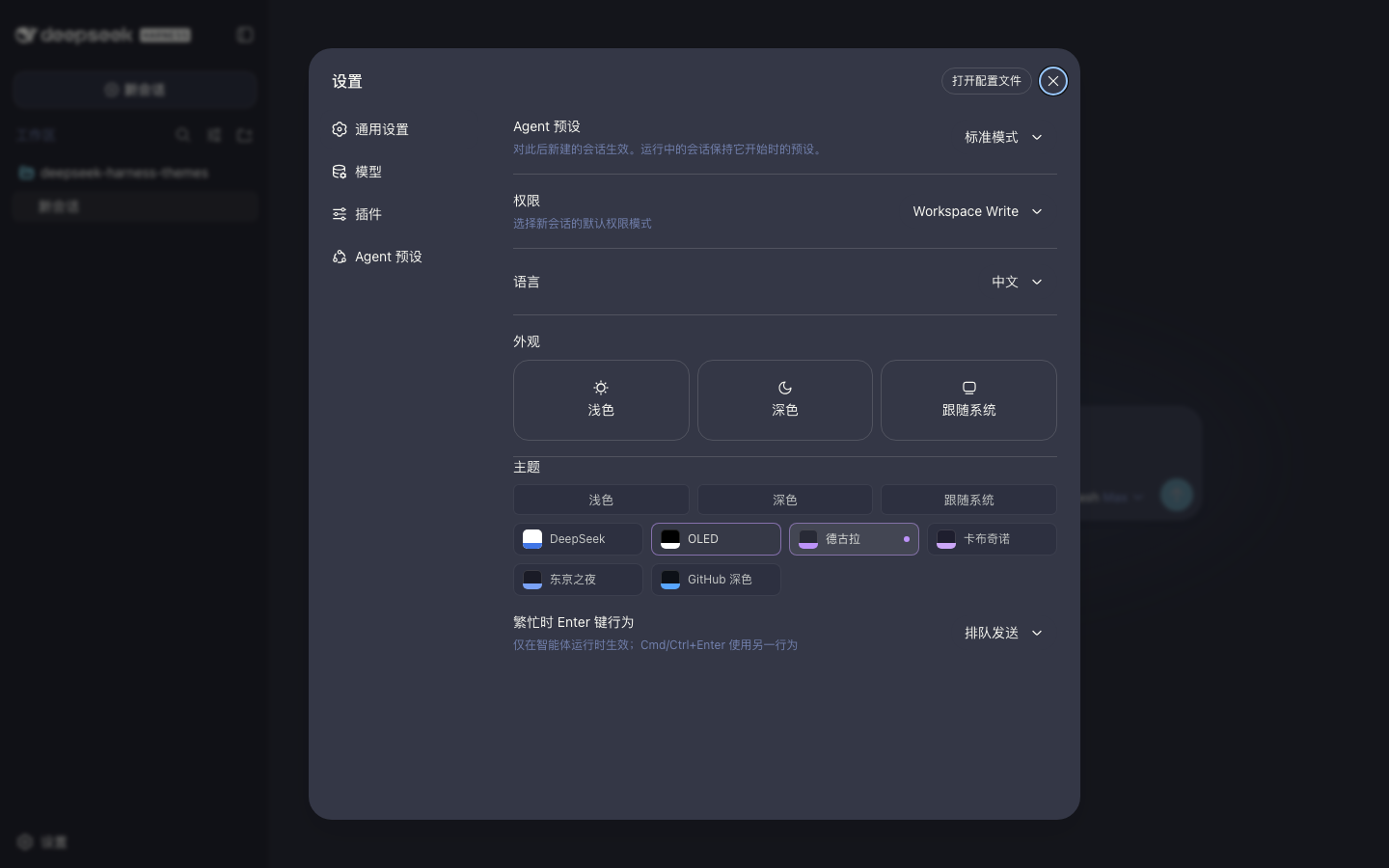
Remove it just as easily:
dsh plugin --profile web remove @dshthemes/ui
See docs/installation.md for the core-only shape, installing from a source checkout, the hand-written patch alternative, local development, and troubleshooting.
Theme philosophy
Themes change how deepseek-harness looks, not how it behaves. A theme is easy to install, easy to switch, easy to customize, consistent across UI states, comfortable during long coding sessions, and independent from agent logic. The token contract is docs/theme-spec.md.
Contributing
Community themes are welcome — docs/creating-a-theme.md is the ordered guide. Standing orders live in AGENTS.md.
Participation follows the Code of Conduct. Report vulnerabilities privately through the security policy.
License
MIT
No comments yet. Be the first to write one.