
dsh-guard
A password gate for the DeepSeek Harness Web UI — one plugin that fixes four deployment problems at once.
| Problem | Vanilla behaviour | dsh-guard |
|---|---|---|
| No human login | A per-process ?token= printed to the terminal, new on every restart |
One password + revocable sessions |
/api returns 403 behind a proxy |
The browser-trust fence requires Host to arrive unrewritten; NPM/Caddy rewrite it |
The proxy rewrites Host/Origin to the loopback authority, which the fence accepts |
| Token lives in the journal | journalctl | grep token before you can get in |
Exchanged in-process; the browser never sees a token |
| UI breaks on plain HTTP | crypto.randomUUID is not a function outside a secure context |
Injects a getRandomValues polyfill |
Zero runtime dependencies (Node standard library only), no build step — dsh plugin add and it runs.
Screenshots
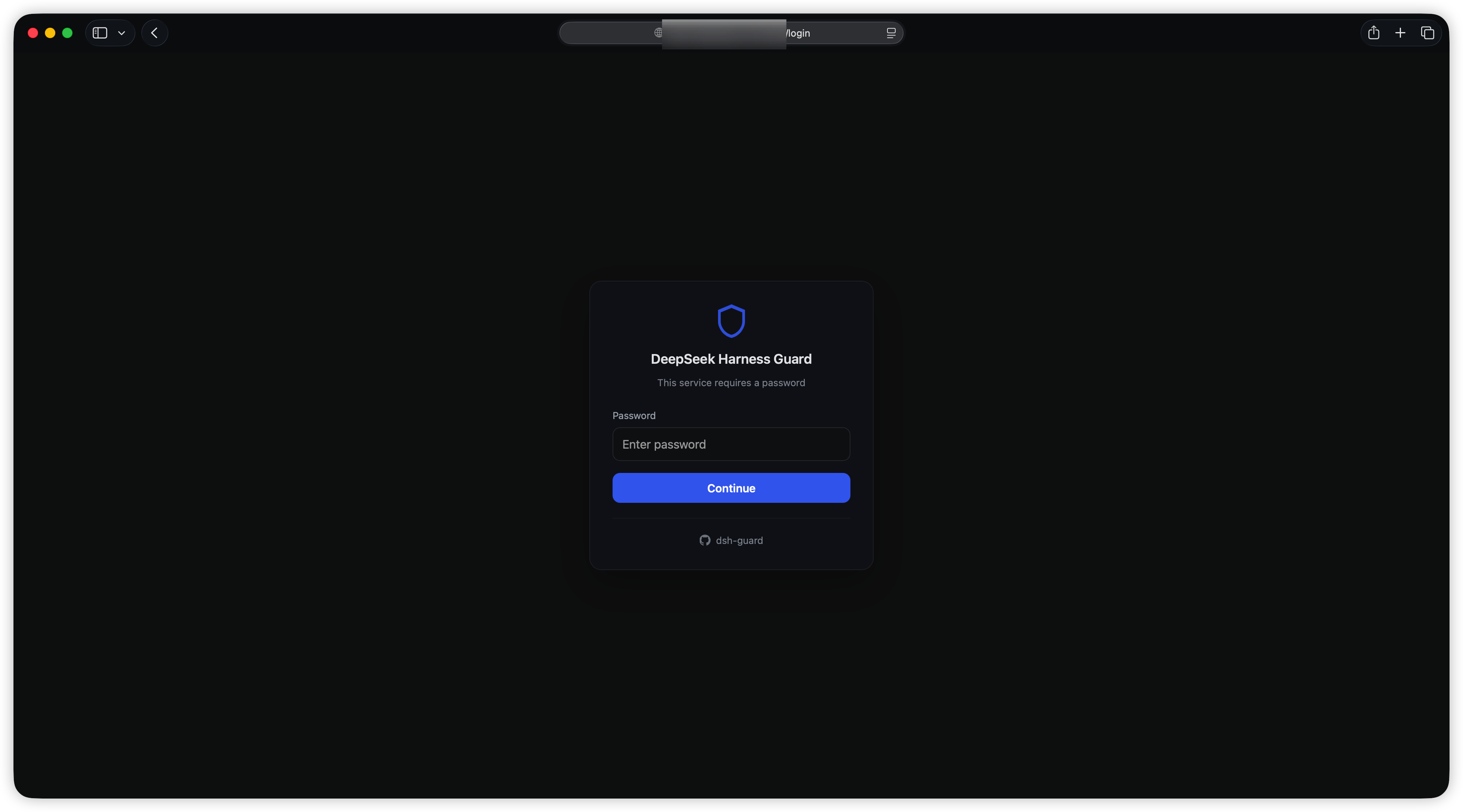
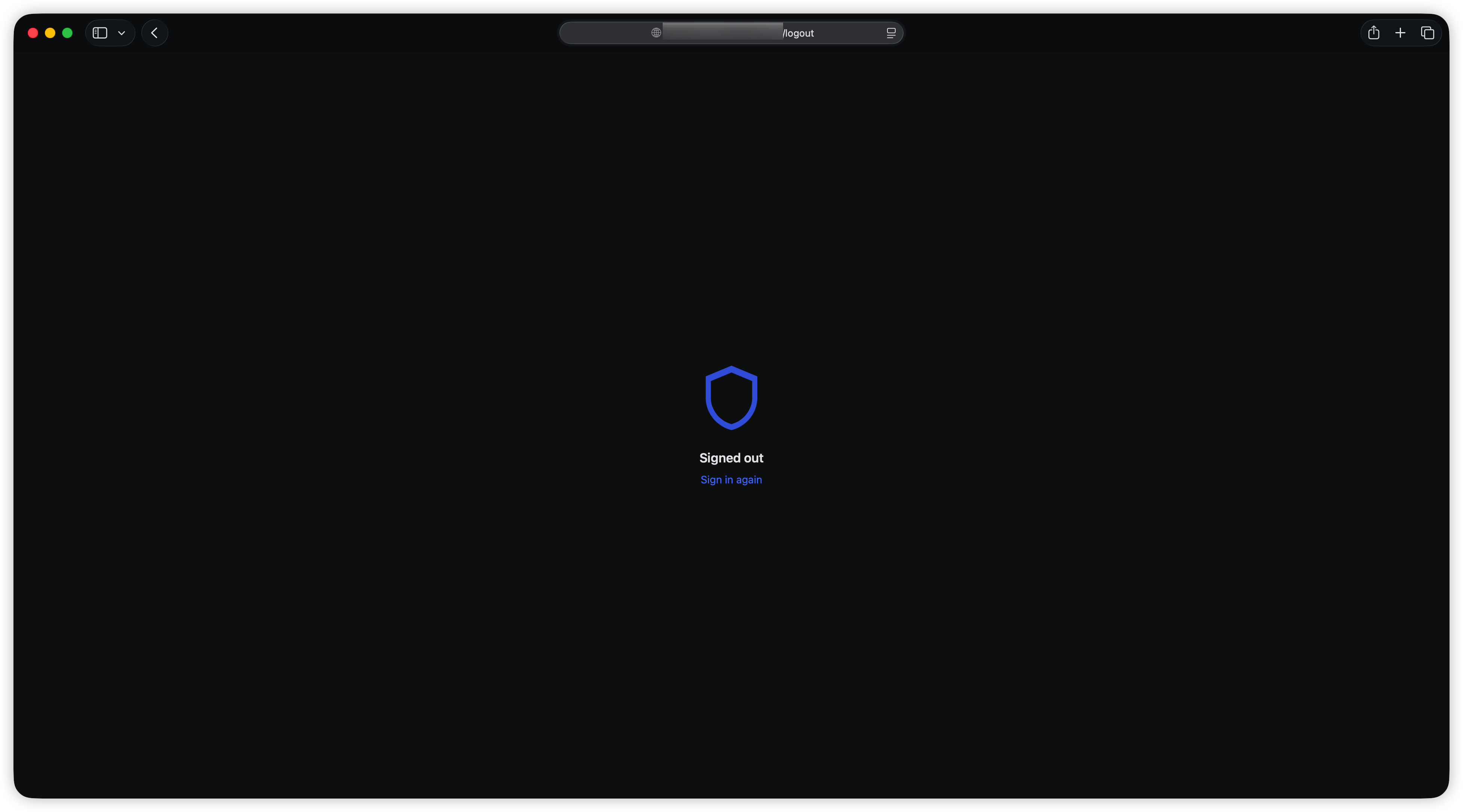
Login page · sign-out confirmation
How it works
browser ──HTTP(S)──> dsh-guard :3081 ──> DSH listener (loopback)
                          │
                          ├─ not signed in → /login
                          ├─ signed in → forward, Host/Origin rewritten to loopback
                          └─ injects the harness cookie (never exposed to the browser)
The harness fence accepts a loopback authority, so making every upstream request look like one removes the 403 entirely. Authentication happens in the proxy, not as a front-end overlay — a request without a session cookie never reaches the harness.
Install
# npm (once published)
dsh plugin --profile web add @lvxianchao/dsh-guard

# from GitHub, pinned to a release — recommended
dsh plugin --profile web add "github:lvxianchao/dsh-guard#v1.0.0"

# from a local checkout
dsh plugin --profile web add /path/to/dsh-guard
Pin a tag or a commit hash.
github:owner/repowithout a#fragment installs the tip of the default branch, not the latest release;#v1.0.0installs that tag, and#<commit-sha>is the most reproducible.
Installing is enough — the package declares dsh.bundle, so the guard row is
mounted automatically. Restart dsh.
On first start a password is generated, printed to the terminal and stored
(hashed) in <profile>/data/dsh-guard.json with mode 0600. To pin your own,
add a row to ~/.dsh/profiles/web/cordis.patch.yml (it overrides the bundle
defaults):
- id: guard
  config:
    listenHost: '0.0.0.0'
    listenPort: 3081
Note that a profile patch replaces the whole config object, so restate every
key you care about.
The harness itself must listen on loopback (its default). If it is bound to a LAN address, clients can bypass the gate by connecting there directly — the plugin detects this at startup and warns.
Deployment topologies
1. Direct, no reverse proxy — let the plugin terminate TLS:
config:
  listenHost: '0.0.0.0'
  listenPort: 8443
  tls:
    certFile: /path/fullchain.pem
    keyFile: /path/privkey.pem
The session cookie is issued with Secure. Point DNS at the host and open one port.
2. Behind a reverse proxy (NPM / Caddy / Traefik) — the proxy does TLS, the plugin does auth:
Set the upstream to http://<dsh-host>:3081 and enable WebSocket support. No Host-rewrite configuration is needed — that is the part this plugin removes.
3. Plain LAN — HTTP plus password. Simplest, least safe: the session cookie can be sniffed on a shared network.
Language
The login and admin pages follow the harness language setting: the plugin reads
preference from the locale row in the profile patch file (~/.dsh/profiles/web/cordis.patch.yml),
which is exactly where the harness settings UI writes it. Chinese and English are
supported. With no explicit preference the pages fall back to the browser's
Accept-Language.
Configuration
| Key | Default | Meaning |
|---|---|---|
listenHost |
0.0.0.0 |
Interface the gate listens on |
listenPort |
3081 |
Gate port; must differ from the harness port |
password |
— | Plaintext password, hashed at startup |
passwordHash |
— | scrypt$N$r$p$salt$key; takes precedence over password |
sessionDays |
7 |
Session lifetime; 0 = expires when the browser closes |
maxAttempts |
5 |
Consecutive failures before a temporary lock |
lockMinutes |
5 |
Lock duration |
polyfill |
true |
Inject the crypto.randomUUID shim |
title |
DeepSeek Harness |
Heading on the login page |
tls |
null |
{certFile, keyFile} to serve HTTPS |
Generate a hash for the config:
node -e "import('./lib/auth.js').then(m=>console.log(m.hashPassword(process.argv[1])))" 'your-password'
Security model
- Passwords are hashed with scrypt (random salt). The plaintext appears exactly once, in the generated-password log line.
- Session tokens are stored server-side as SHA-256 digests; cookies are
HttpOnly,SameSite=Lax, andSecurewhen TLS is on. - Login POSTs are checked for a same-hostname
Origin. The session cookie'sSameSiteattribute is the primary CSRF defence. - Repeated failures from one IP trigger a temporary lock (in-memory, cleared on restart).
/logoutends the current browser session. To revoke everything, change the password and restart, or delete$DSH_HOME/dsh-guard.json.
This is not multi-user. One password, one privilege level. The harness agent can execute code, so anyone who gets in has code execution on that host — which is the product's design, not a bug in the gate.
Admin page
A shield button appears at the bottom-right of the harness UI once you are signed in. It opens /__guard/admin (bookmark the URL if you prefer):
- change the password (the current one is required)
- session lifetime, lockout threshold/duration, page title, repository link — applied on save
- listen host/port — marked "takes effect after restart"
- live session list (source IP, browser, last activity): kick one device, or sign out everywhere
Anonymous visitors are redirected to the login page with no next echo, and the login page does not advertise the admin path.
Why not a harness settings page instead: that requires a dsh.client bundle (React plus a build step), which takes the plugin from ~30 KB to hundreds of KB, adds a build toolchain to a project that otherwise has none, and ties it to the harness slot API while that API is still moving — a version mismatch can blank the whole settings screen. A standalone page stays build-free and survives harness upgrades.
Troubleshooting
| Symptom | Cause |
|---|---|
502 upstream unreachable |
The harness is down, or listenPort collides with it |
Keeps bouncing to /login |
No session cookie; make sure you use one address (an HTTP cookie is not shared with HTTPS) |
| Login succeeds then bounces back | Clock skew between the client and the host |
randomUUID is not a function |
polyfill is disabled |
| LAN can still reach the harness port | The harness is not bound to loopback — see the startup warning |
All log lines are prefixed [dsh-guard] and share the harness's journal stream. Successful requests are not logged (the Web UI polls constantly); only failures and slow requests are.
Development
# shadow instance: serves the real profile without touching it
dsh --profile web --patch ./dev.yml --host 127.0.0.1 --port 3099 --no-open

# e2e against a running gate
GUARD_URL=http://127.0.0.1:3081 GUARD_PASSWORD=... node test/e2e.mjs
dev.yml only needs the insert row shown above with listenHost: 127.0.0.1 and a distinct port.
The plugin uses only public harness APIs: webServer.register, webServer.tapIndex, webServer.getOrigin, and connection.authenticatedUrl. No monkey-patching, no source modification.
Sponsor
If dsh-guard saved you some setup time, a coffee is welcome:
WeChat tip QR
License
MIT
No comments yet. Be the first to write one.