dsh-aihot
AI news in the DeepSeek Harness sidebar: 24-hour picks, recent stories, a trending board, the daily digest and keyword search — all from AIHOT, with category filters, date grouping and endless scroll.
English | 中文 · Screenshots · Install · Features

A DeepSeek Harness (DSH) client plugin. It adds a AI trending row to the left sidebar and a full page with five tabs backed by the public AIHOT JSON API. No API key, no server half, no build step.
Screenshots
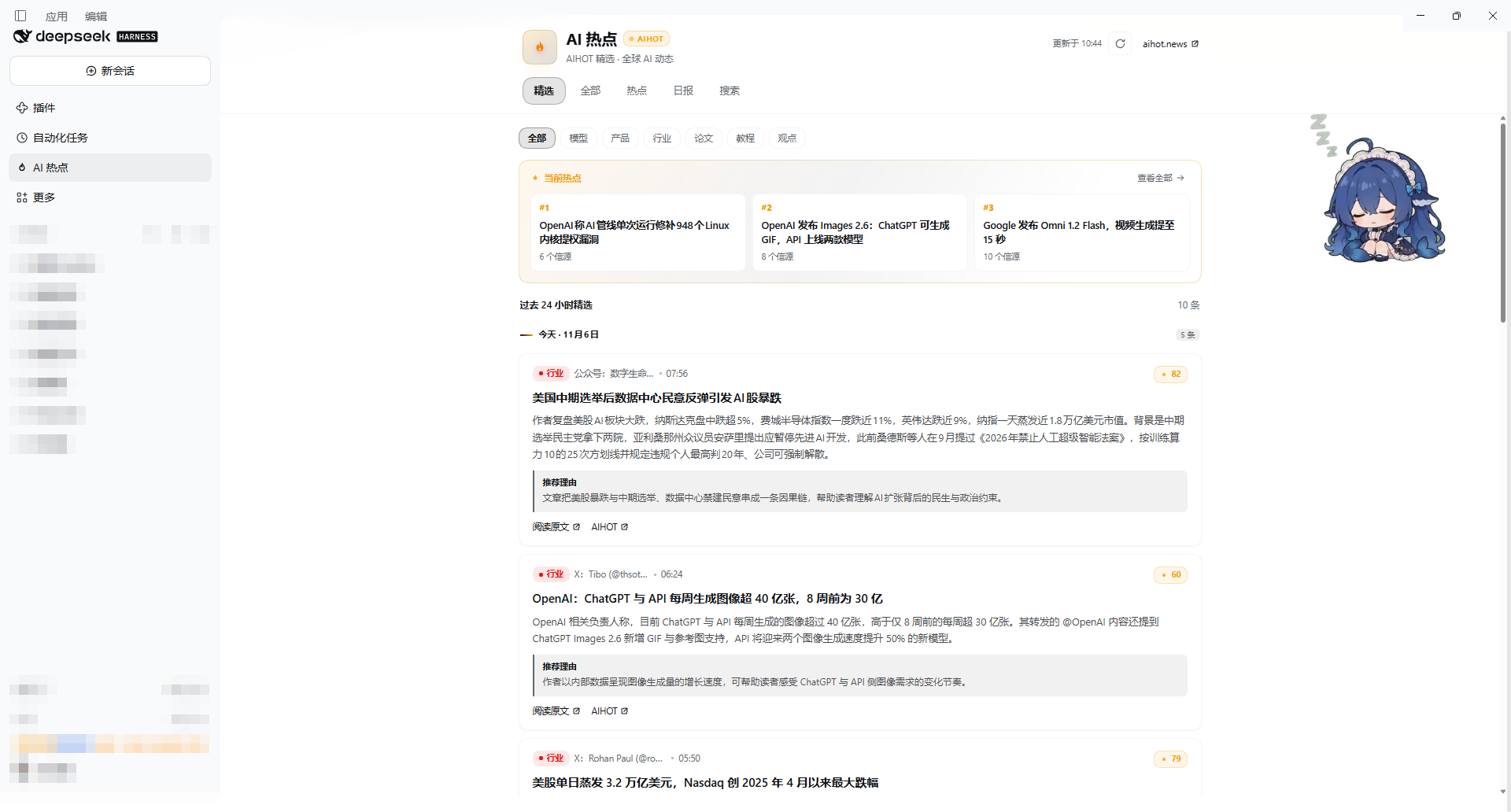
Picks — category pills, the trending rail, and cards grouped by day.
| Trending board | Daily digest |
|---|---|
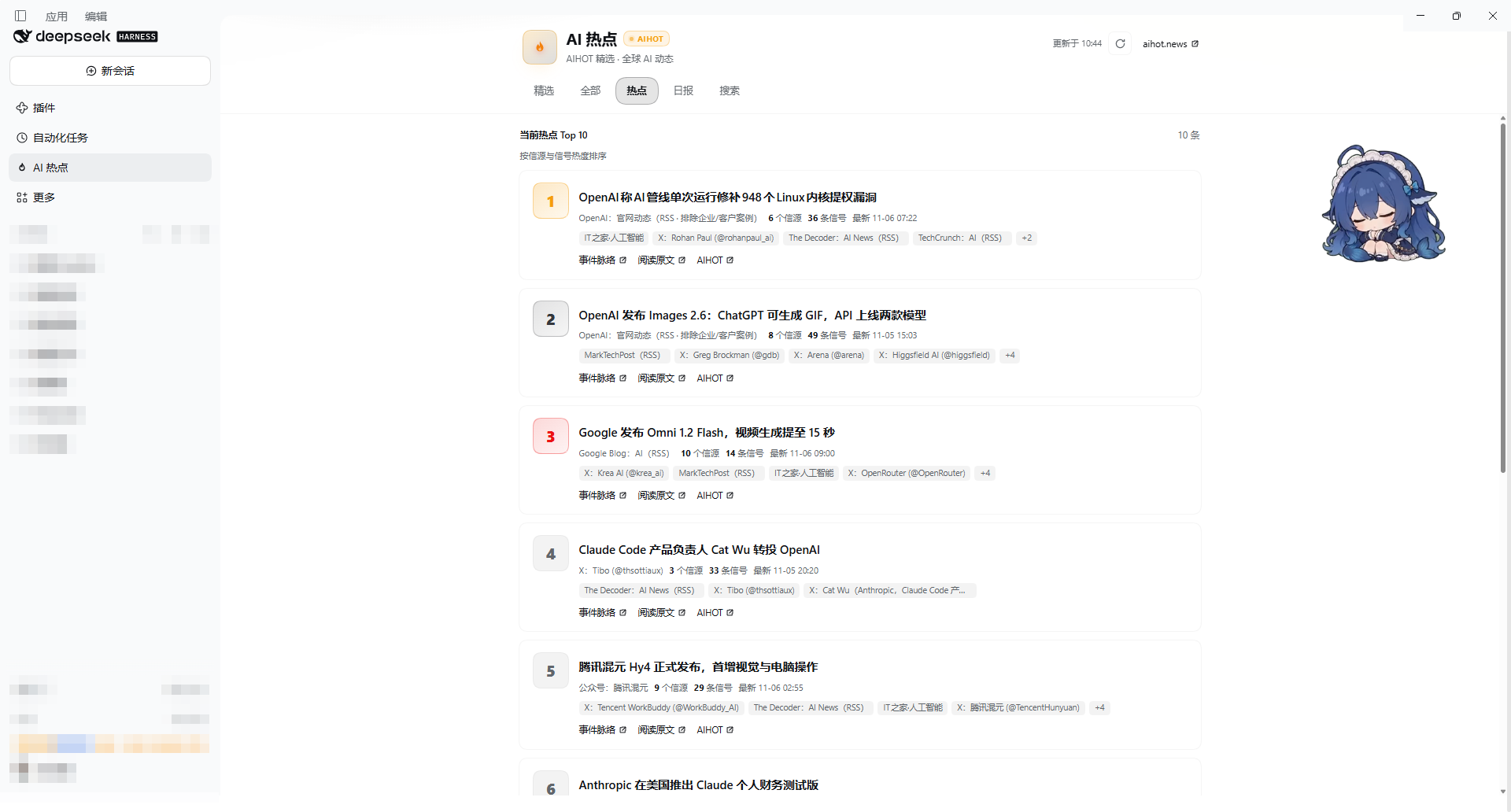 |
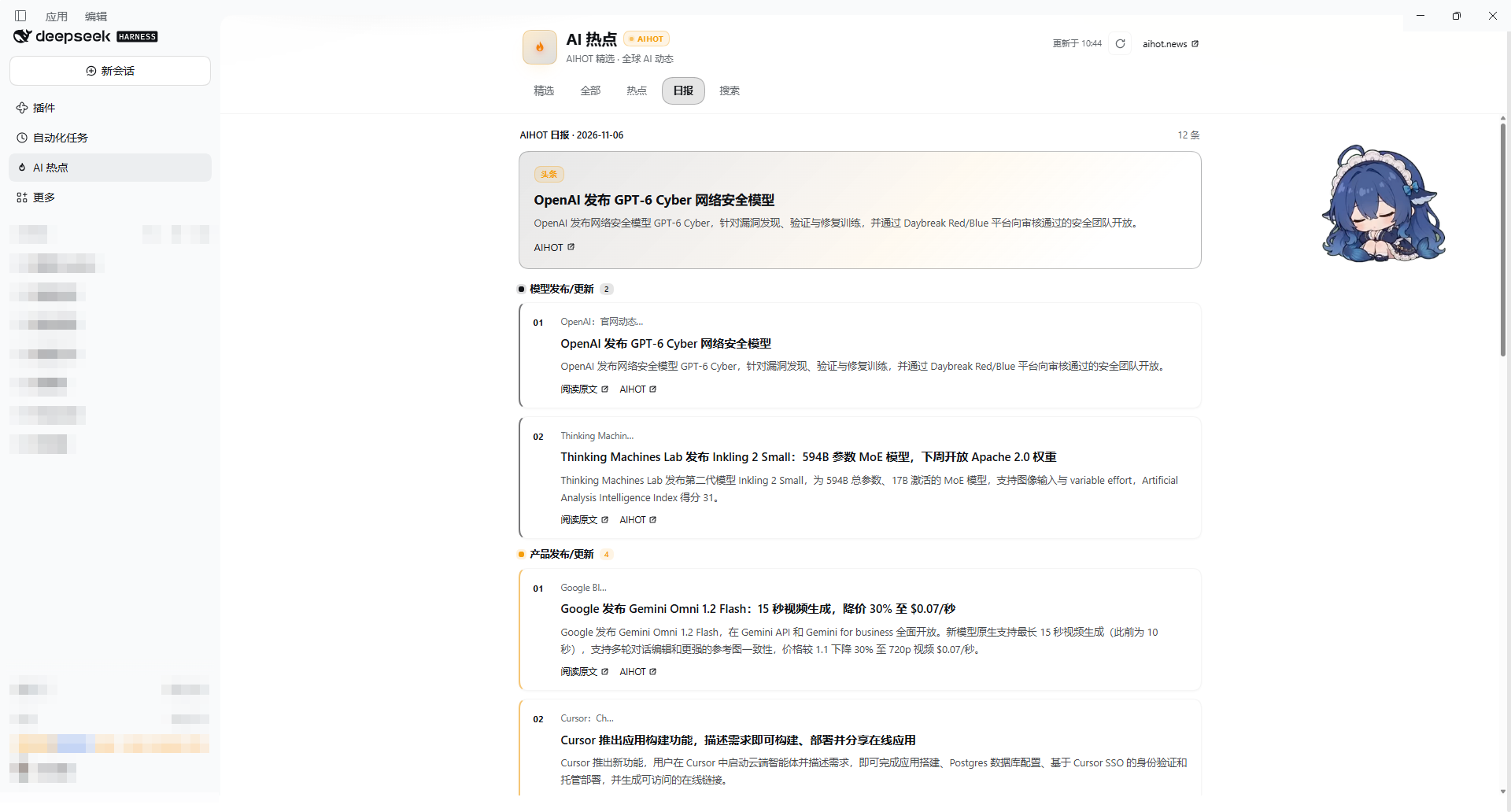 |
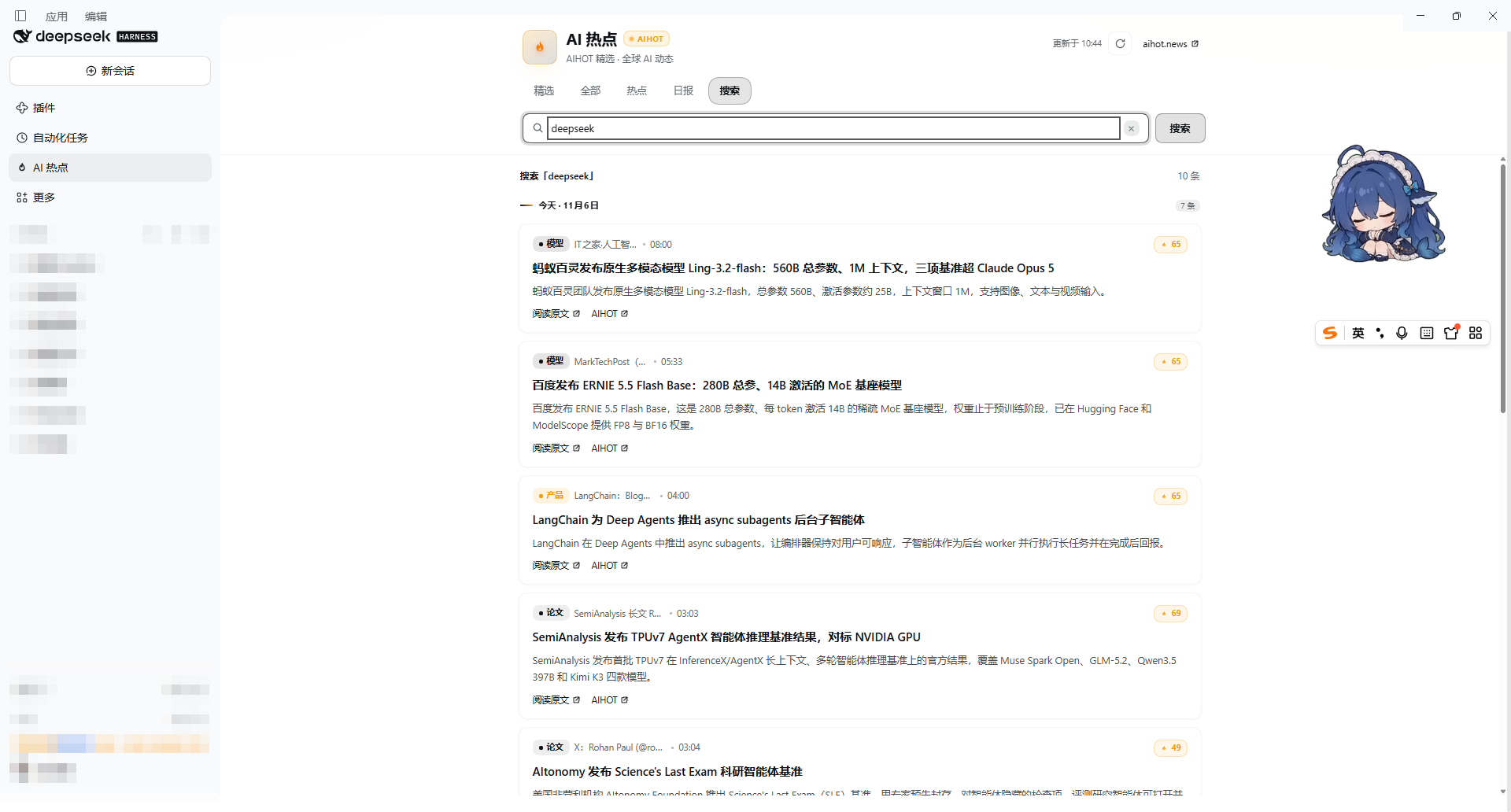
Search — full-text search over the last seven days; Load more keeps appending, ten stories at a time.
Installation
DSH Desktop (plugin manager)
Open Plugins (插件) in the sidebar → Add plugin (添加插件) → enter the package name:
dsh-aihot
Pick an install source that works on your network and click Install. When it finishes, dsh-aihot appears under Installed — make sure its switch is on, then restart DSH Desktop (including its tray process) if the sidebar row does not show up.
From the command line
dsh plugin --profile desktop add dsh-aihot
Restart the host afterwards, then reload the window. The sidebar shows AI 热点 / AI trending under Automation (自动化任务).
Install from this repository insteadgit clone https://github.com/liunianlh/dsh-aihot.git
dsh plugin --profile desktop add ./dsh-aihot
The package declares dsh.bundle.patch, so the plugin manager picks it up automatically — no extra flags.
Features
| Tab | What it shows |
|---|---|
| Picks (精选) | Stories AIHOT selected in the last 24 hours, plus a three-card trending rail on top |
| All (全部) | Everything AIHOT collected in the last 7 days |
| Trending (热点) | The current top-ten board, ranked by source and signal heat |
| Daily (日报) | The latest daily digest: one lead story, then themed sections |
| Search (搜索) | Keyword search across the last 7 days |
| Detail | Behavior |
|---|---|
| Category filter | Models, products, industry, papers, guides, opinion — on the Picks and All tabs |
| Endless scroll | Ten stories per page over a cursor; the next page loads automatically as you approach the bottom, with a Load more button as a fallback |
| Date grouping | Stories are bucketed by Asia/Shanghai day and labeled today / yesterday |
| Cards | Category badge, source, publish time, heat score, summary, AIHOT's recommendation note, and links to the original article and to AIHOT |
| Refresh | Manual refresh button; a background refresh every 5 minutes, skipped when the page is hidden or you have scrolled down |
| Appearance | Colors come from the host's --dsw-alias-* theme tokens, so the panel follows light and dark themes |
| Languages | Chinese and English, following the host locale toggle |
Data source
All content comes from https://aihot.news/api/v1 — the public JSON API of the AIHOT news site:
| Endpoint | Used for |
|---|---|
GET /items?mode=selected&window=24h |
Picks |
GET /items?mode=all&window=7d |
All stories, and search with q= |
GET /hot-topics |
Trending board |
GET /dailies/latest |
Daily digest |
Request-specific limits and cursors are passed through the query string. The plugin only reads; it sends nothing but the search keyword you type. AIHOT is a third-party service — if its API changes shape, the panel can only show the failure state until this plugin is updated.
Notes and limitations
- The panel is read-only: no settings page, no local storage, no telemetry.
- Everything is fetched client-side from the browser, so the network must reach
aihot.news; behind a restrictive proxy the panel shows a retry state. - Story text stays in the language AIHOT publishes it in. The Chinese/English switch covers the plugin's own interface strings, not the news content.
- Times are rendered in Beijing time regardless of the host's locale, matching AIHOT's day grouping.
Development
node --check client.js # the browser bundle is a single plain-JS file
client.js is loaded by the host as a module bundle: window.__ModuleLoader__.load({ id: 'dsh-aihot', factory(require) }). Its id must stay equal to the package name. index.js only exports an empty host half; cordis.patch.yml registers the bundle.
No comments yet. Be the first to write one.