dsh-bookshelf
DeepSeek Harness(DSH)的个人书架与阅读记录插件。书架数据保存在本机,DSH 的 agent 可以通过 bookshelf_* 工具读取和更新它。
A personal bookshelf and reading log plugin for DeepSeek Harness. Data stays on your machine, and the DSH agent can read and update it through bookshelf_* tools. UI available in Chinese and English.
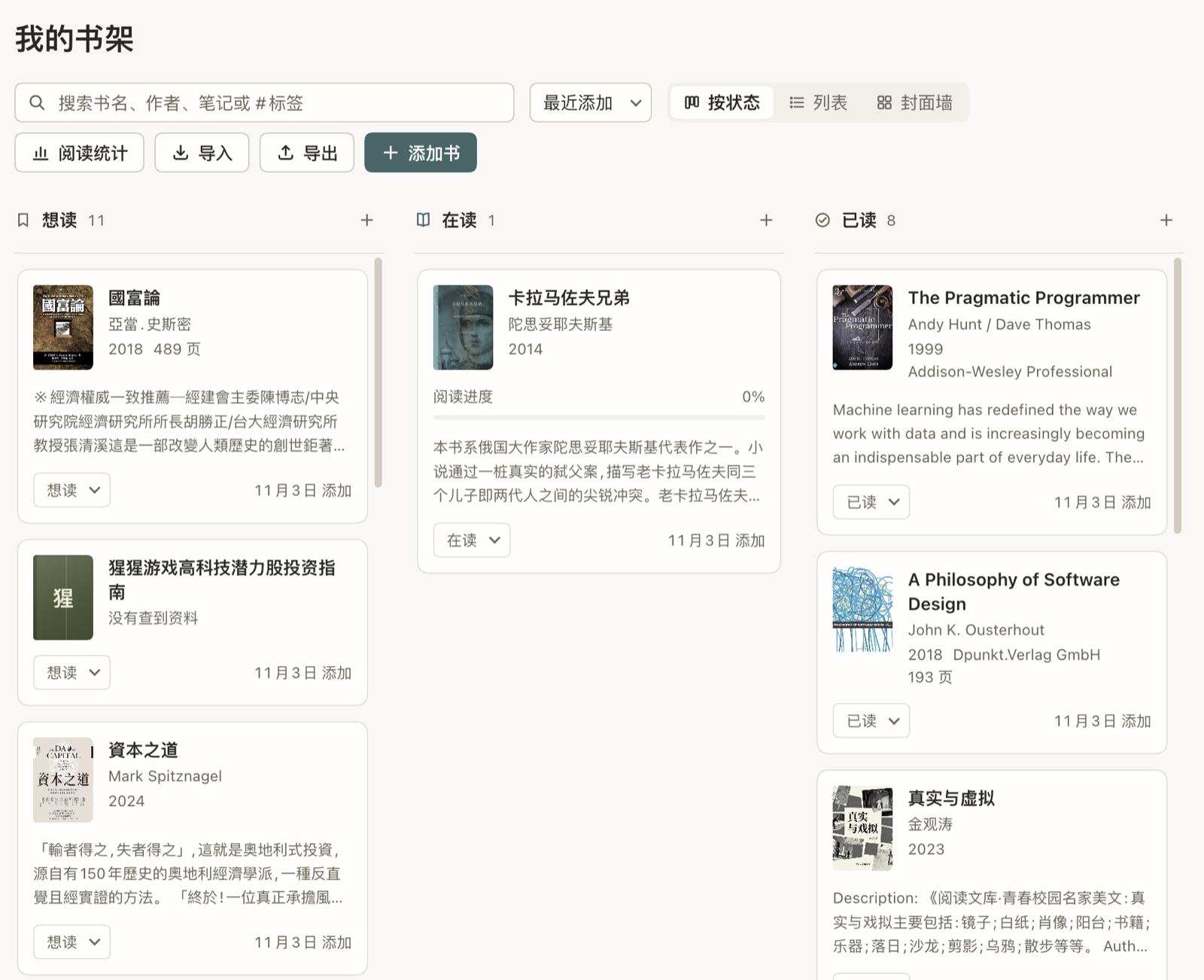
功能
- 书架面板:想读 / 在读 / 读完,记录开始和读完日期、页码进度、评分、标签、笔记
- 摘录:给每本书保存原文段落、页码和自己的评论
- 年度统计:读完几本、多少页、平均评分、每月数量、常用标签
- 联网补全封面和简介
- 导入 Goodreads、豆瓣的 CSV 导出文件,也可以把书架导出为 CSV
- 中英文界面,跟随 DSH 的浅色 / 深色主题
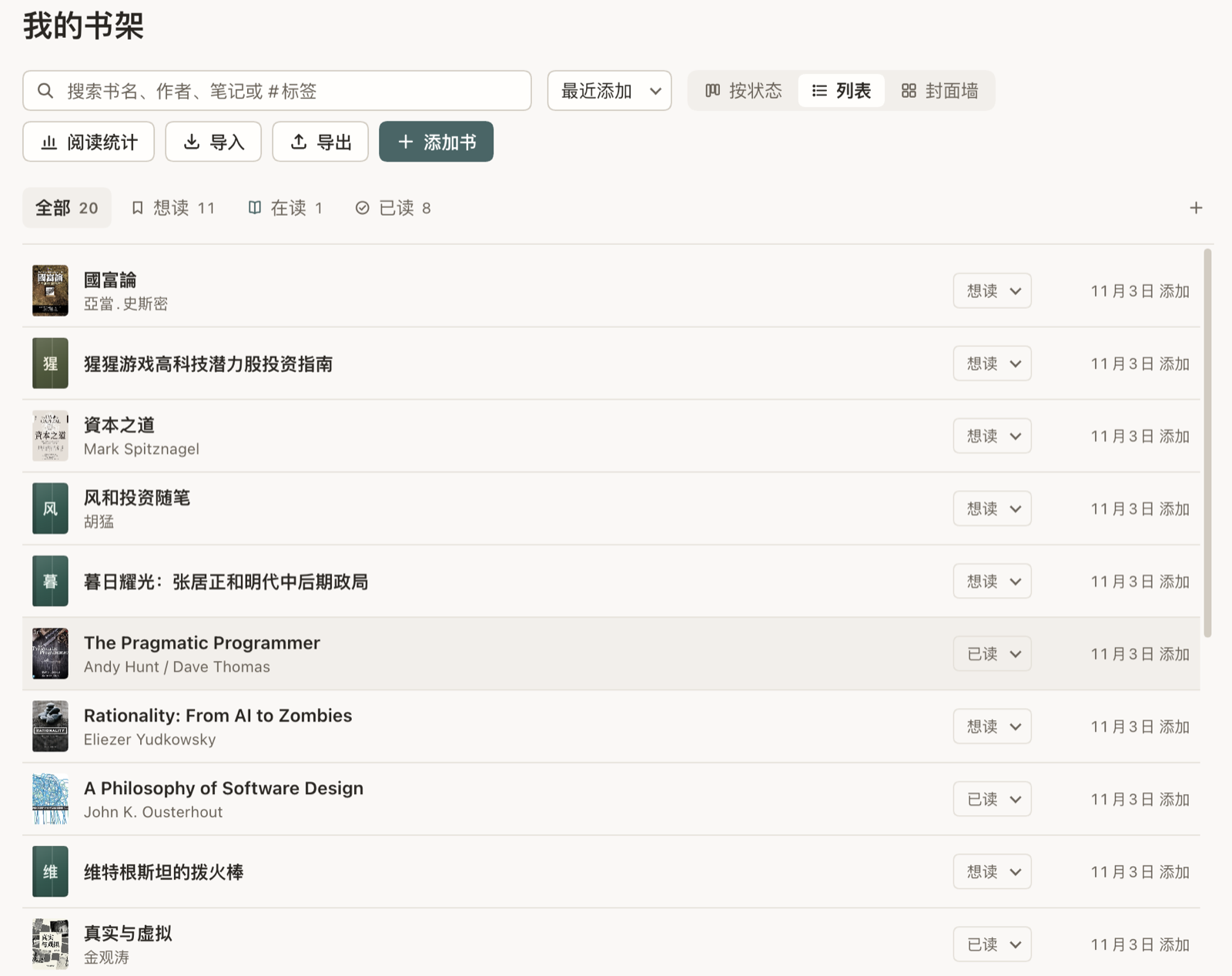
- 三种视图:按状态分栏、列表、封面墙
视图
| 列表 | 封面墙 |
|---|---|
 |
 |
Agent 工具
| 工具 | 作用 |
|---|---|
bookshelf_list |
按状态、关键词、标签列出书,或查看一本书的详情 |
bookshelf_stats |
某一年的阅读统计 |
bookshelf_add |
把一本书放上书架(同名不会重复添加) |
bookshelf_update |
更新状态、进度、评分、标签、笔记、日期 |
bookshelf_add_excerpt |
给一本书添加摘录 |
比如对 agent 说「我今天读完了《置身事内》,给 4 星」或「我今年读了多少书?」。
安装
需要已安装 DeepSeek Harness 桌面版。
克隆仓库:
git clone https://github.com/lima1217/dsh-bookshelf.git编辑
~/.dsh/profiles/desktop/package.json:在dependencies里加一行指向克隆目录的绝对路径,并把插件名加进dsh.profile.bundles:{ "dependencies": { "@local/dsh-bookshelf": "link:/你的路径/dsh-bookshelf" }, "dsh": { "profile": { "bundles": ["…原有条目…", "@local/dsh-bookshelf"] } } }在
~/.dsh/profiles/desktop目录下用 DSH 自带的 pnpm 安装(不要用系统 pnpm,版本不同可能删掉整个node_modules):cd ~/.dsh/profiles/desktop && node "/Applications/DeepSeek Harness.app/Contents/Resources/runtime/primary-runtime/dependencies/pnpm/bin/pnpm.mjs" install重启 DeepSeek Harness。
因为是 link: 安装,之后 git pull 即可更新:改了前端刷新窗口,改了后端重启 App。
数据
书架保存在 ~/.dsh/storages/bookshelf.json,可以用环境变量 DSH_BOOKSHELF_FILE 改到别的位置。插件只在本机回环地址上提供 HTTP 接口(api/dsh-bookshelf/state、api/dsh-bookshelf/revision),不会把书架上传到任何地方;联网补全封面和简介时,只把书名发给 Apple Books、Google Books 和 Open Library 的搜索接口。
开发
npm test
开发时使用 Node 26。dev/harness.mjs 可以脱离 DSH 在浏览器里预览面板,接口细节见 docs/dsh-plugin-api.md。
No comments yet. Be the first to write one.