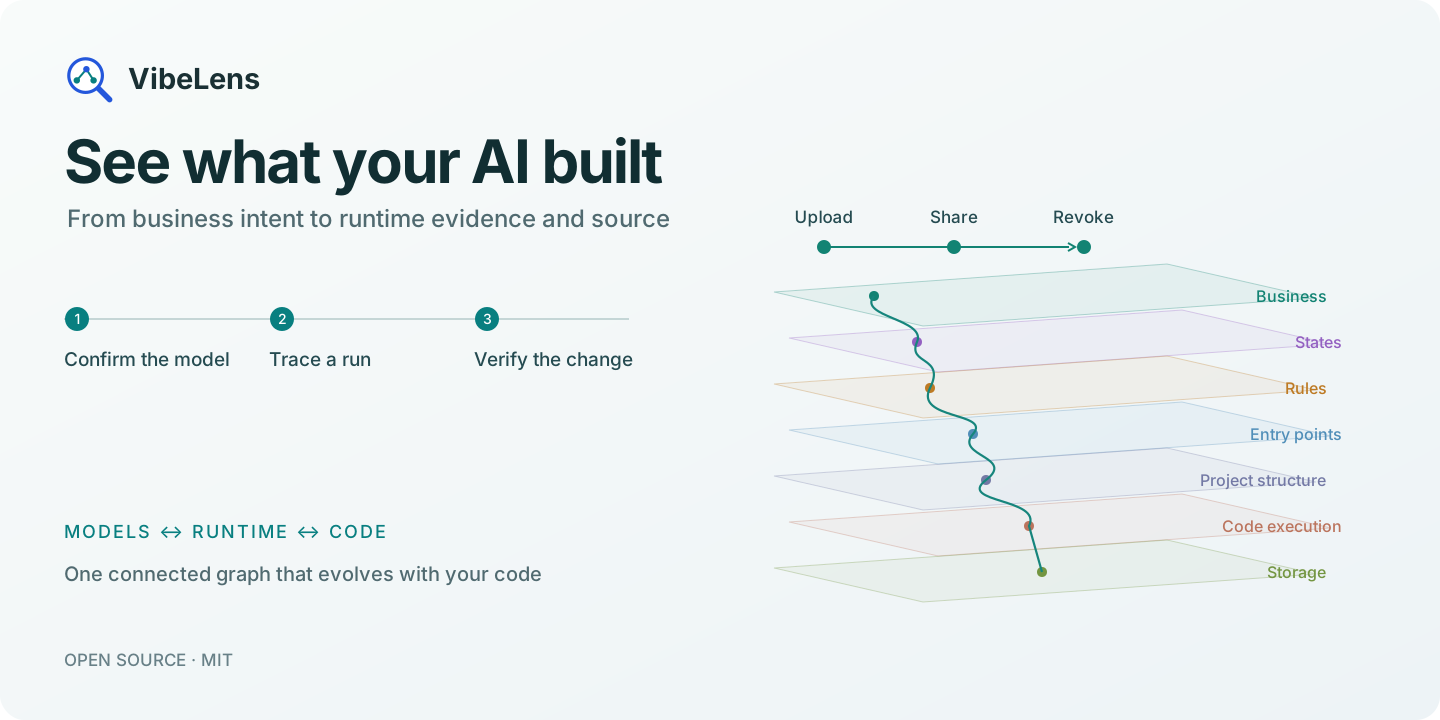
中文 · Explore VibeLens · Try the interactive story · Install


Understand the program behind the screen
Your AI can build a working app quickly. Understanding its permissions, state changes and hidden dependencies takes a clearer view.
VibeLens connects the model you confirm, the code your agent writes, and what actually happens when you run it. Follow one operation from business intent to the value, function or query that explains its behavior.
Confirm the model before the code
“Use $vibelens for this project. Show me the business flow, states and rules so we can confirm how it should work.”
VibeLens turns the conversation into connected business, state and rule graphs. Clarify the important details, see the graph, then build. Choose Drive to develop from executable state declarations, or Observe to inspect your application's own logic.
Follow the evidence to the source
Record an operation and replay its state and value changes. Keep the relevant chain in a custom view, expand a decision and its inputs, then open the highlighted source.
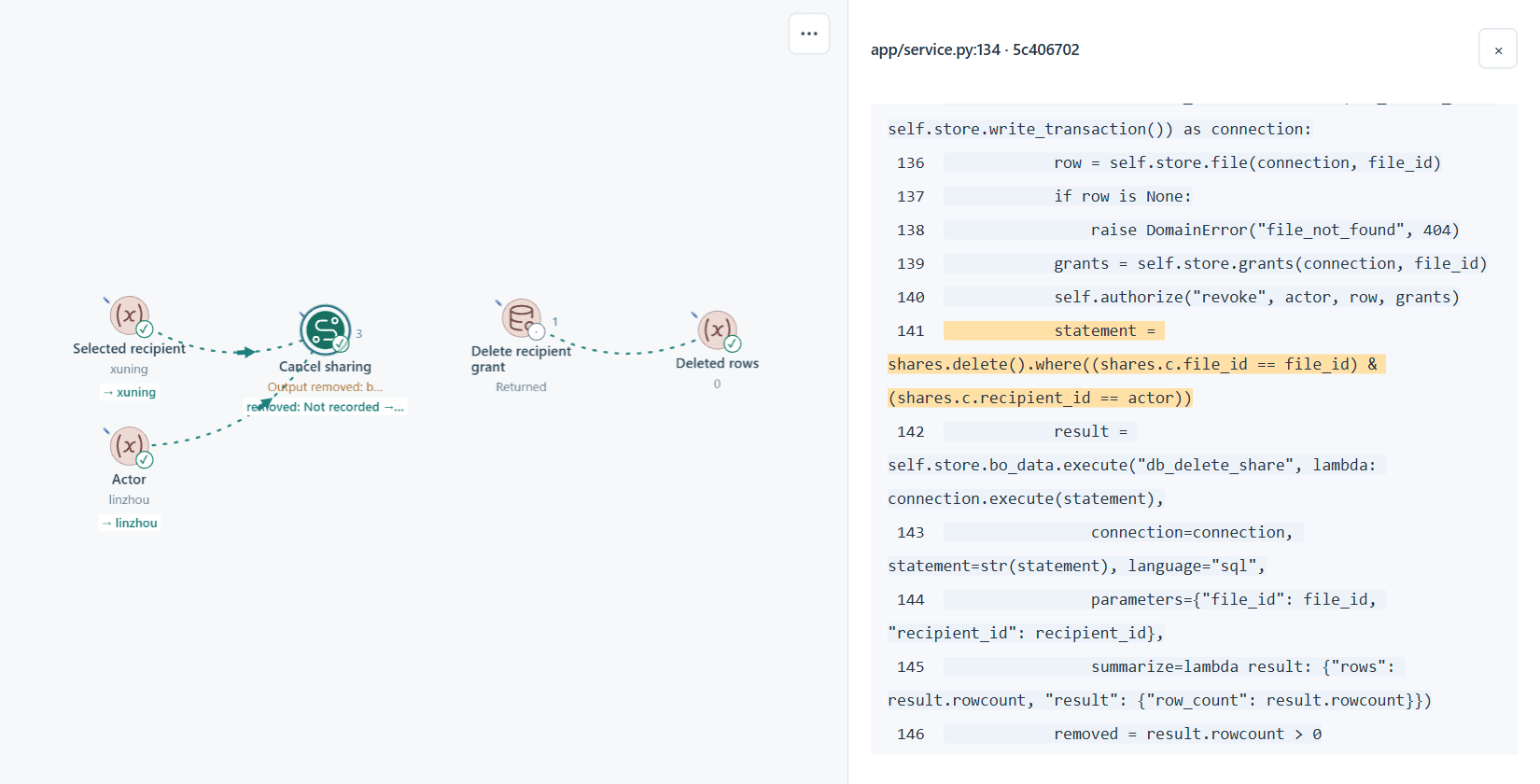
Tell your coding agent what you found. VibeLens keeps the model, source mappings and checks alongside the change. Run it again and inspect the result.
Try the interactive walkthrough →
One graph, the detail you need
| Start with a question | Follow it through the graph |
|---|---|
| What should happen? | Business actions, object states and shared rules |
| Where is it implemented? | Entry points → folders and files → functions and parameters |
| What changed at runtime? | Captured inputs, decisions, states, queries and effects |
| What matters in this iteration? | A saved custom view, focused recording and synchronized timeline |
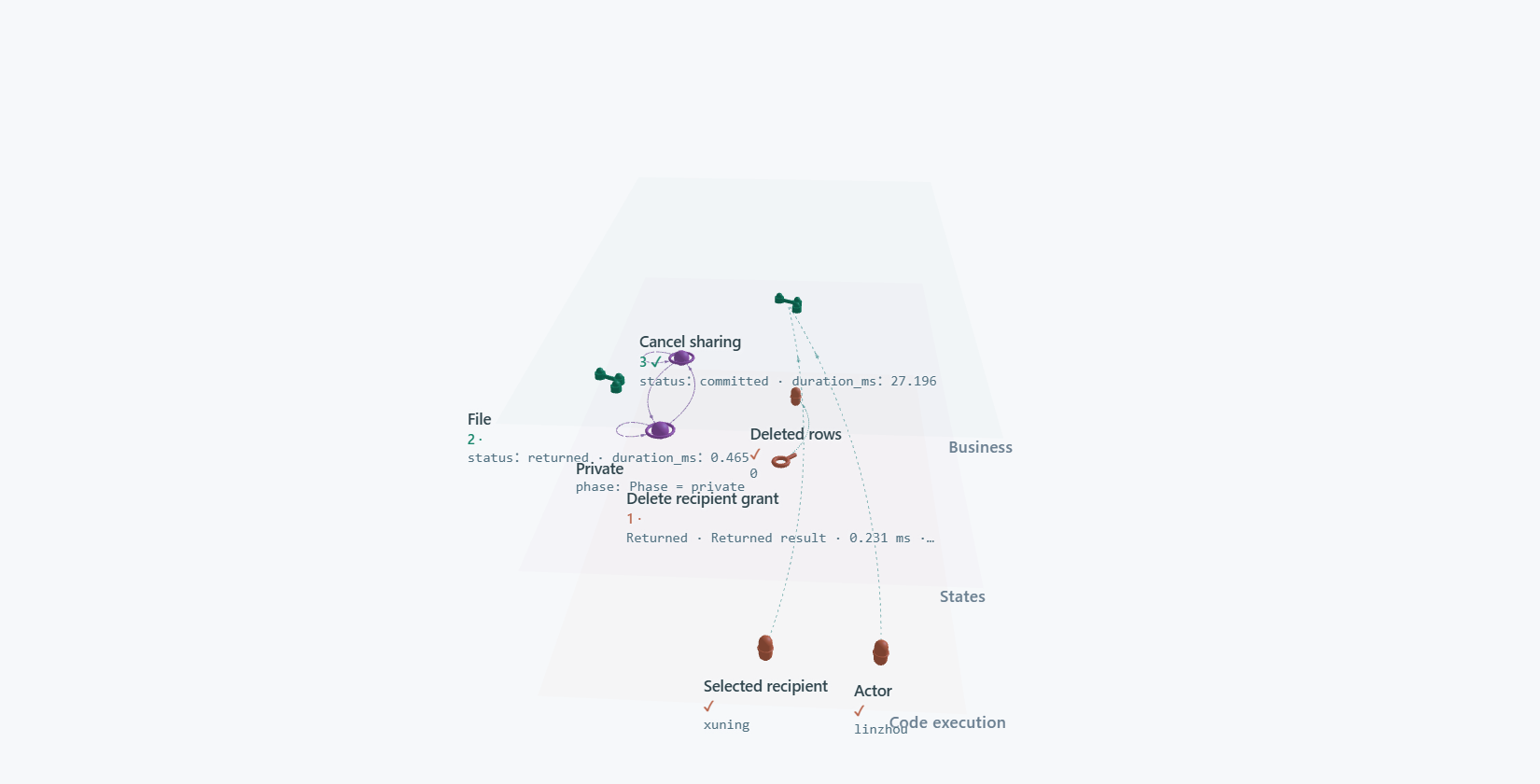
Switch between 2D and 3D, expand a region, filter relationships, and keep your layout and annotations as the code evolves. Live observation, recording and replay share the same graph.
Get started
Codex
Install the complete skill into your project:
npx skills add li-bruce/VibeLens --skill vibelens
Start a project conversation with:
Use $vibelens for this project.
Show the business, state and rule graphs before we implement it.
DeepSeek Harness
Install the packaged plugin from the v0.14.0 release:
dsh plugin --profile web add https://github.com/li-bruce/VibeLens/releases/download/v0.14.0/dsh-vibelens-0.14.0.tgz
Open that profile and start a conversation with /vibelens followed by your project idea. Harness setup and tested compatibility.
Python · Node.js · React · Vue — English and Chinese interface. Python 3.11+ runs the shared observer; application adapters stay native. Installation, dependencies and versioned downloads.
Built for inspection
The source is open. Reproducible examples and retained checks let you inspect the implementation as well as the interface.
Architecture & source guide · Supported capabilities · Validation records · Release notes · Distribution
No comments yet. Be the first to write one.