READMESource: main@8a208712
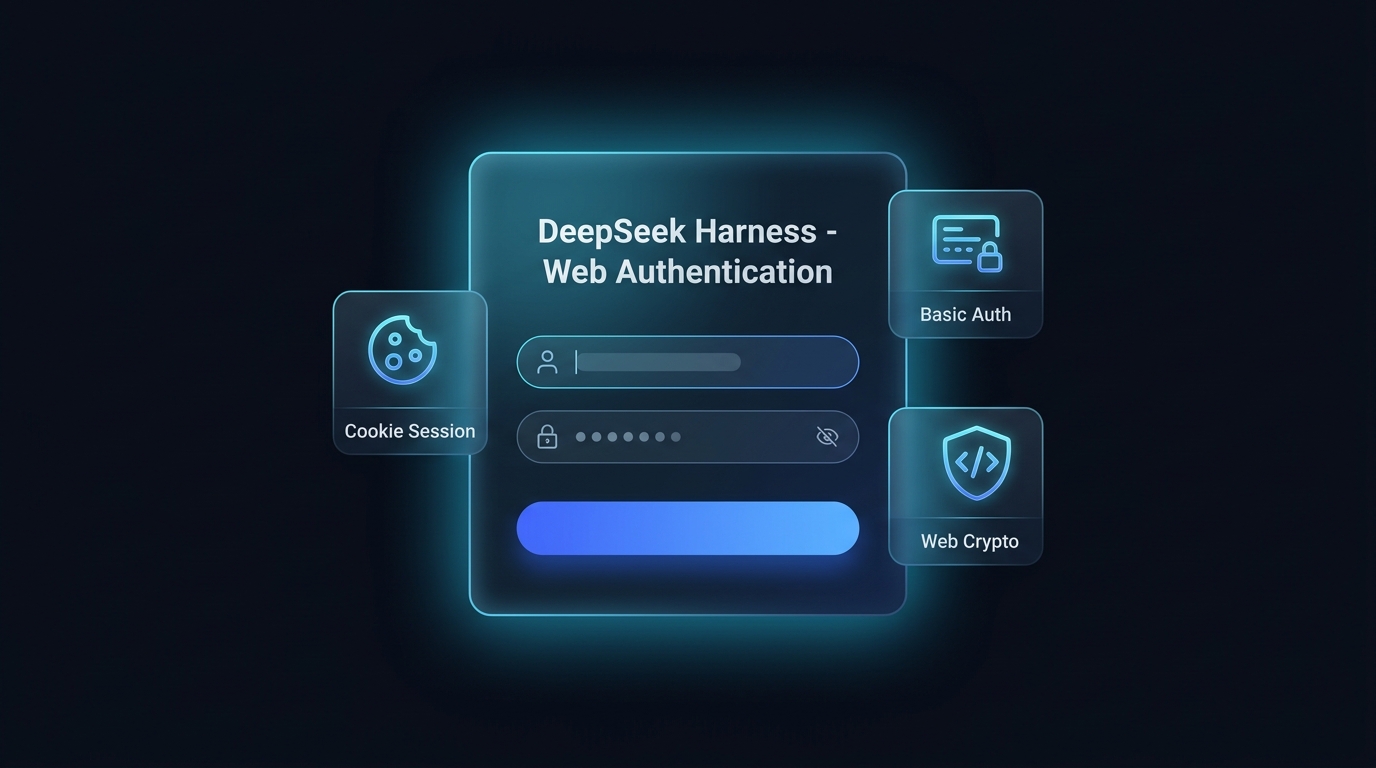
dsh-plugin-auth-webserver



Native Web Authentication & Login plugin for DeepSeek Harness (DSH). Give your self-hosted server deployment a DSH-styled Web Login Page, Cookie Sessions, Basic Auth fallback, Web UI Settings Card, and Web Crypto Polyfill.
🌐 English | 简体中文
✨ Features
- 🎨 DSH-Themed Web Login Page:
- Replaces native browser authentication popups with a sleek dark-mode, glassmorphism login interface matching DeepSeek Harness's design system.
- Password show/hide toggle, error shake animations, Enter-to-submit, and fully responsive layout for mobile and desktop browsers.
- 🍪 Secure HMAC Cookie Session & Logout:
- Issues 30-day cryptographically signed HMAC session tokens on login.
- Includes a dedicated
/api/auth.logoutendpoint and Web UI logout button.
- ⚙️ Interactive Web GUI Settings Card:
- Live configuration directly within the DSH Web UI (Settings → Plugins → 🔒 Web Authentication).
- Hot-updates credentials in memory instantly and persists changes across server restarts without downtime.
- 🔌 Dual-Mode Authentication & WebSocket Protection:
- Prioritizes modern Web Form / Cookie sessions while preserving backward-compatible
HTTP Basic Authheaders for CLI tools,curl, and automated API clients. - Full authentication coverage for both HTTP routes and WebSocket (
upgrade) channels.
- Prioritizes modern Web Form / Cookie sessions while preserving backward-compatible
- 🛡️ Remote IP Privileged RPC Trust Delegation:
- Automatically normalizes request
HostandOriginheaders for authenticated sessions, eliminating HTTP 403 Forbidden errors when accessing privileged RPC endpoints (settings.describe,agentPreset.*) via public IP.
- Automatically normalizes request
- 🔑 Web Crypto UUID Auto-Polyfill:
- Automatically polyfills
window.crypto.randomUUID()in HTML<head>for non-HTTPS and direct IP environments, preventing client-side runtime crashes.
- Automatically polyfills
📦 Installation
Step 1: Clone Plugin to DSH Plugins Directory
mkdir -p ~/.dsh/plugins/dsh-plugin-auth-webserver
cd ~/.dsh/plugins/dsh-plugin-auth-webserver
git clone https://github.com/kolawong/dsh-plugin-auth-webserver.git .
Step 2: Configure Web Profile Overlay
Edit ~/.dsh/profiles/web/cordis.patch.yml:
- id: webserver
  disabled: true

- insert:
    - id: webserver-auth
      name: '@custom/dsh-plugin-auth-webserver'
      inject:
        - webStartup
      config:
        host: '0.0.0.0'
        port: !!js ctx.webStartup.port ?? 3080
        username: 'admin'
        password: 'your_secure_password'
Step 3: Restart DSH Service
# If managed via systemd:
systemctl restart deepseek-harness

# Or launch directly via CLI:
dsh web --port 3080
Open your browser at http://your-server-ip:3080 to experience the new DSH-themed login page.
🔧 Configuration Reference
| Option | Type | Default | Description |
|---|---|---|---|
host |
string |
'0.0.0.0' |
Listening network interface (0.0.0.0 or 127.0.0.1). |
port |
number |
3080 |
Port for the HTTP/WebSocket server. |
username |
string |
'admin' |
Authentication username. |
password |
string |
'' |
Authentication password (leave empty to disable authentication). |
realm |
string |
'DeepSeek Harness Authentication' |
Realm string used for fallback Basic Auth. |
📡 API Endpoints
POST /api/auth.login— Authenticate and receive a session cookie ({ username, password }).POST /api/auth.logout— Invalidate current session and clear cookie.GET /api/auth.get— Retrieve current username and realm configuration.POST /api/auth.update— Live update credentials and persist to profile configuration.
📄 License
MIT License © 2026 kola
No comments yet. Be the first to write one.