README来源: main@5a1cd456
dsh-session-archive

English | 简体中文
一个 DeepSeek Harness Web 插件:把注册表全局的已归档会话呈现出来, 支持预览、恢复(取消归档)与删除。
harness 会把归档会话从所有界面(工作区分组、未分组、内容搜索、平铺列表) 中隐藏,却不提供任何查看或恢复入口。本插件在侧边栏底部添加一个入口, 补上这块缺失的能力。
截图
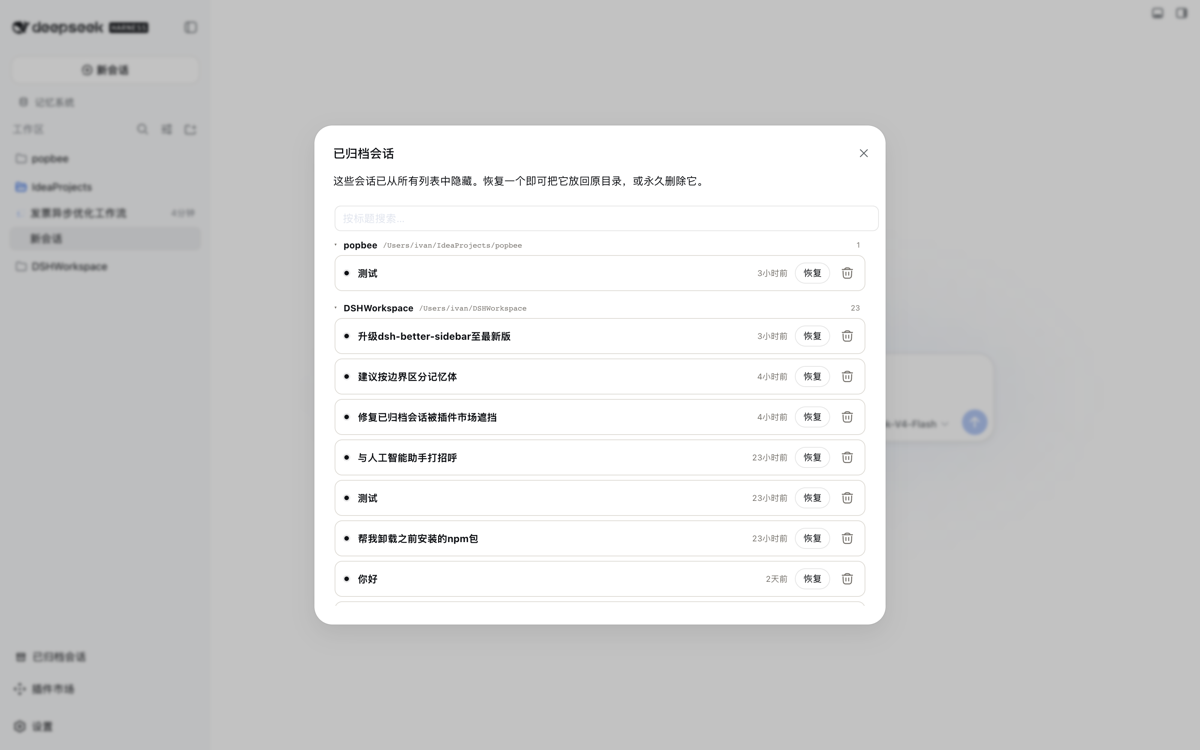
面板 —— 已归档会话按所属工作区目录分组,组内按时间倒序;每行显示 最后活动时间,悬停可见绝对时间戳。
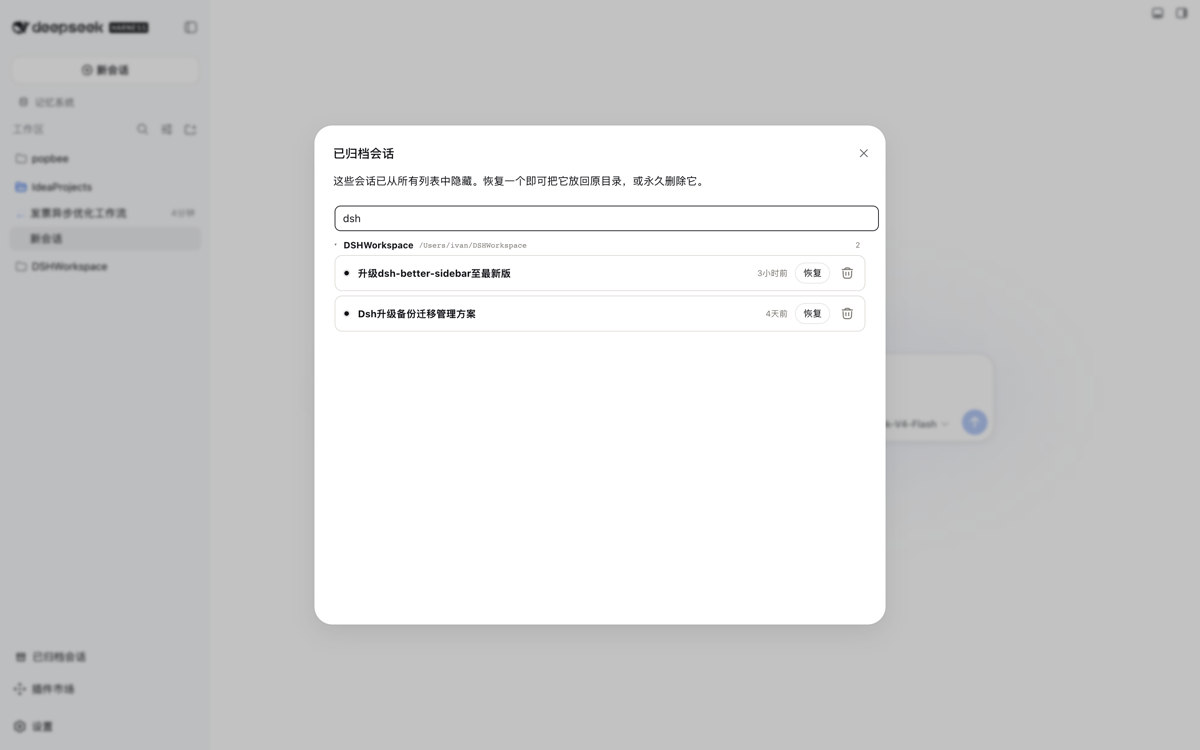
实时标题搜索 —— 输入即跨所有分组过滤列表。
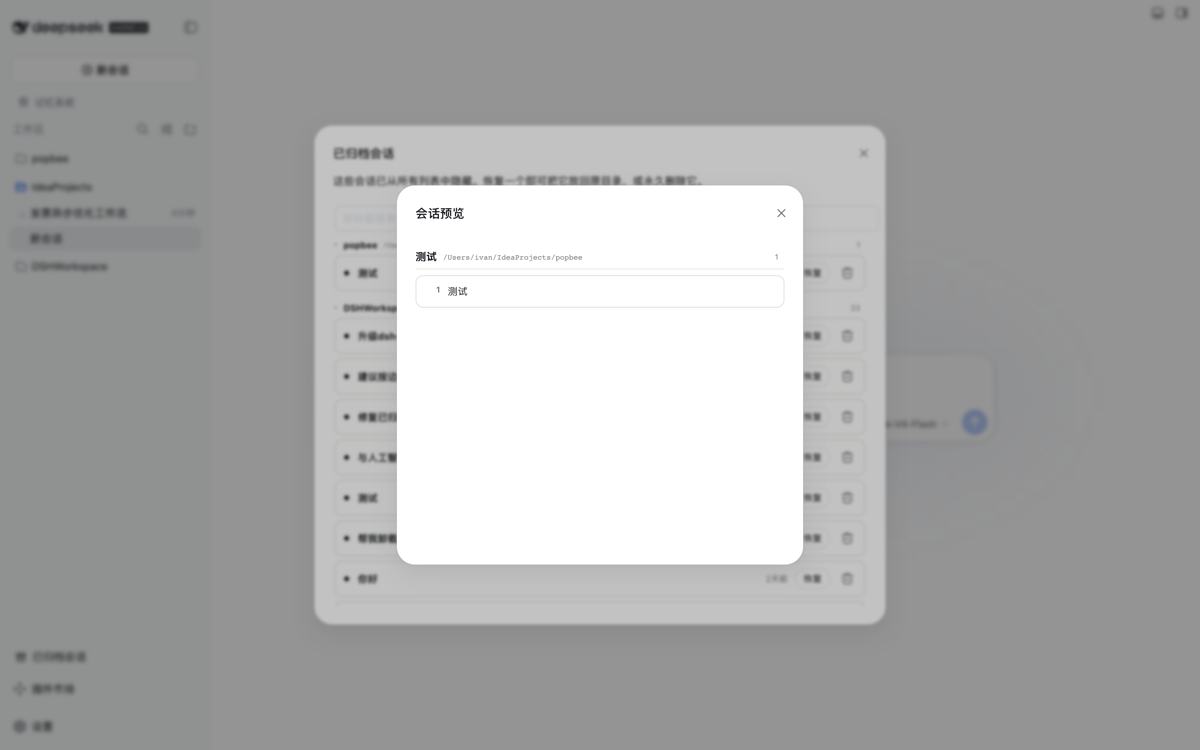
只读预览 —— 点击会话标题打开弹窗,从磁盘日志渲染全部用户问题; 归档状态全程不受影响。
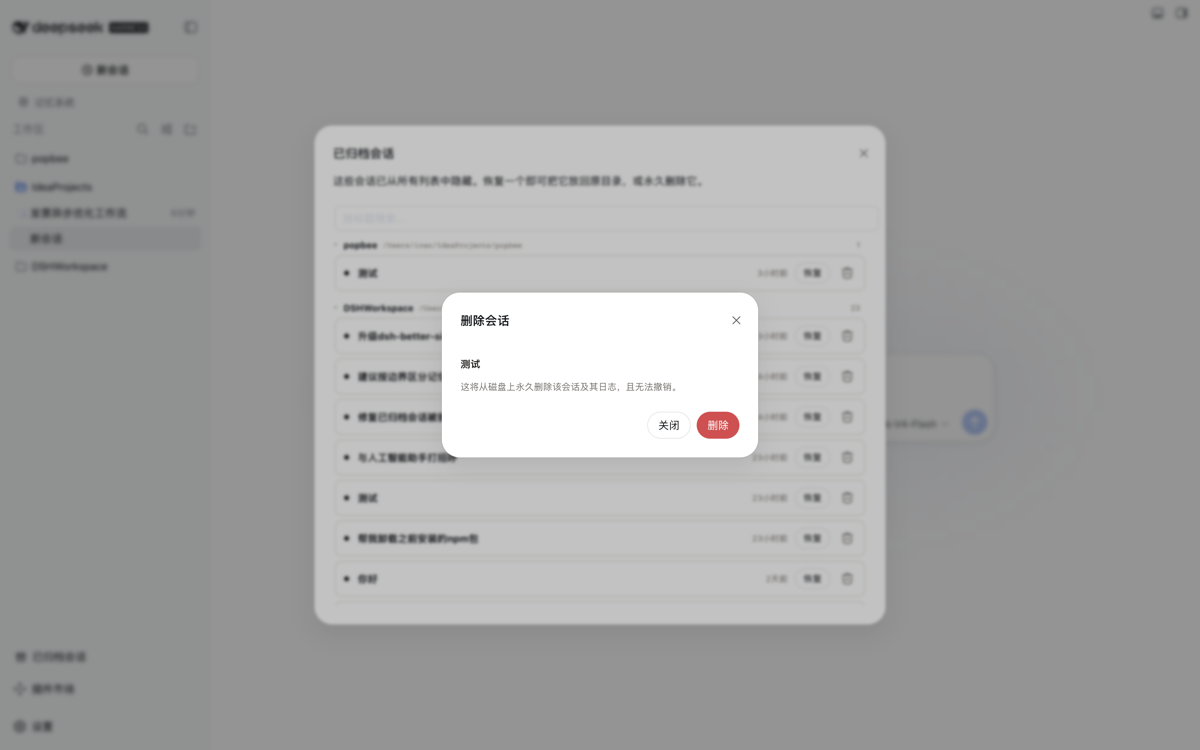
删除二次确认 —— 删除必须经过显式确认弹窗;活跃会话一律拒绝删除。
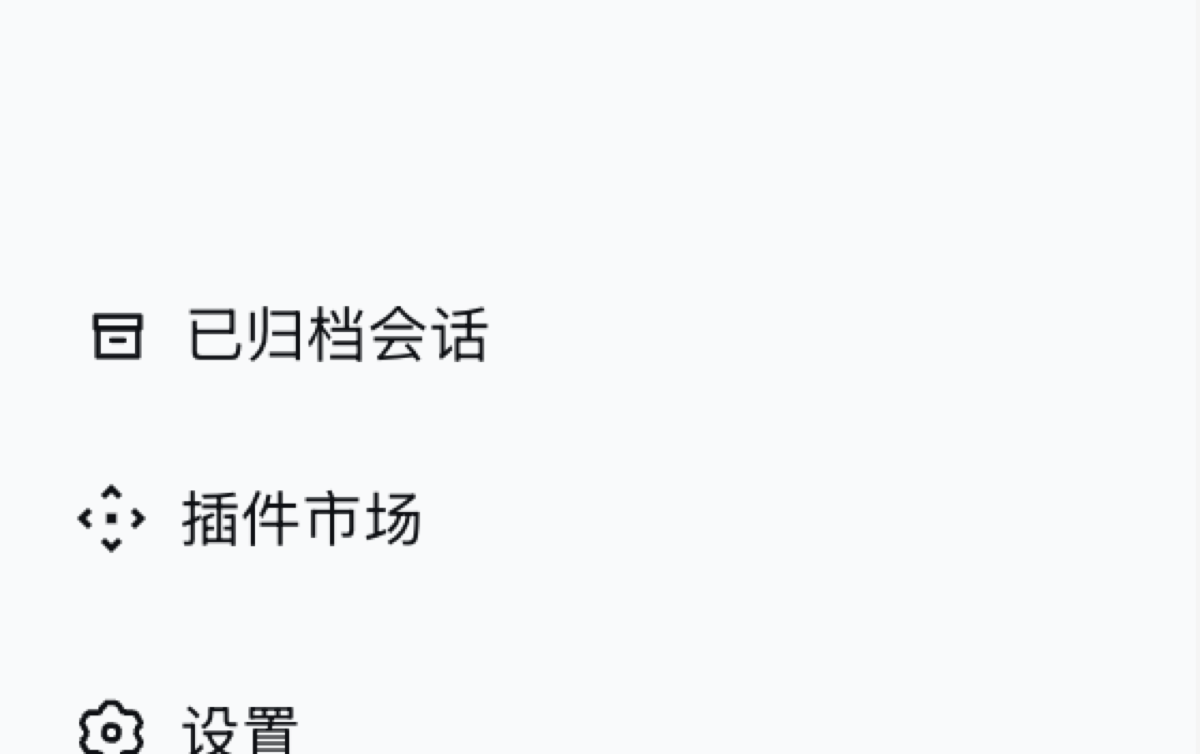
侧边栏入口 —— 插件在侧边栏底部添加按钮,与 Cordis Plugin、插件市场并列。
功能
- 侧边栏底部入口 —— 侧边栏底部的「已归档会话」按钮(收起为图标 rail 时同样可用)。
- 分组面板 —— 宽幅固定尺寸面板列出全部已归档会话,按所属工作区 目录分组(未分组排最后),分组可折叠,每组带计数徽章。
- 每行最后活动时间 —— 紧凑相对时间(刚刚 / 5分钟 / 3小时 / 2天), 风格与侧边栏会话行一致;悬停显示绝对本地时间。组内按时间倒序 排列(最新在上)。
- 实时标题搜索 —— 输入即跨全部分组过滤会话。
- 只读预览 —— 点击会话标题打开弹窗,从磁盘日志渲染全部真实用户 问题(系统注入内容已排除)。纯观察性操作:归档状态全程不受影响, 可先查看内容再决定恢复还是删除。
- 一键恢复 —— 调用同源 host 路由,从持久化归档集中移除该 id (幂等,经 workspace-registry 写入链串行化);会话随即回到原分组。
- 带确认的删除 —— 垃圾桶按钮打开确认弹窗;确认后永久移除归档 记录、解除工作区记账并删除磁盘上的日志目录。活跃会话拒绝删除。
- Host 服务 API —— 向相邻 host 插件暴露
workspaceArchive(list()/preview(sessionId)/restore(sessionId)/deleteSession(sessionId))。
安装
前置:DeepSeek Harness Web profile(dsh 可用,pnpm 在 PATH 上)。
dsh plugin --profile web add https://github.com/kiligzzz/dsh-session-archive
重启 Web profile(host 与浏览器 bundle 在启动时扫描),然后刷新页面。
bundle id 出现在 __DSH_BOOT__ 中,侧边栏底部出现
sidebar.footer.action 入口。
从本地 checkout 安装:
pnpm --dir <本仓库路径> install   # 仅重建时需要(dev 依赖 esbuild)
pnpm --dir <本仓库路径> run build # 可选 —— lib/ 构建产物已提交
dsh plugin --profile web add "$PWD"
卸载
dsh plugin --profile web remove @kiligzzz/dsh-session-archive
工作原理
- host(
src/index.ts):注入workspaceRegistry(及可选webServer)的 cordis 插件。WorkspaceArchive.restore()复刻注册表 自身archiveSession的写入路径:enqueueOperation→requireState→setState({ ...state, archivedSessionIds: filtered }), 变更经串行化原子持久化到工作区域(~/.dsh/storages/workspace.json)。 同源路由/_dsh/session-archive提供GET(列表)与POST {action:'restore'|'delete'|'preview'}。 - client(
src/client/index.tsx):注册sidebar.footer.action入口;面板从共享useWorkspaces/useSessionsstore 读取archivedSessionIds与会话摘要,恢复时 POST 到 host 路由,随后 workspace 基线刷新。相对时间取自每个会话的updatedAt。
许可证
MIT
还没有评论,来写第一条。