English · 简体中文

Answer me with HTML
in Shimo Style
An agent skill that answers hard questions with a one-page HTML in Shimo Docs style.
Markdown in. One self-contained page out. No server, no build step.




Demo · Install · Theme · Development
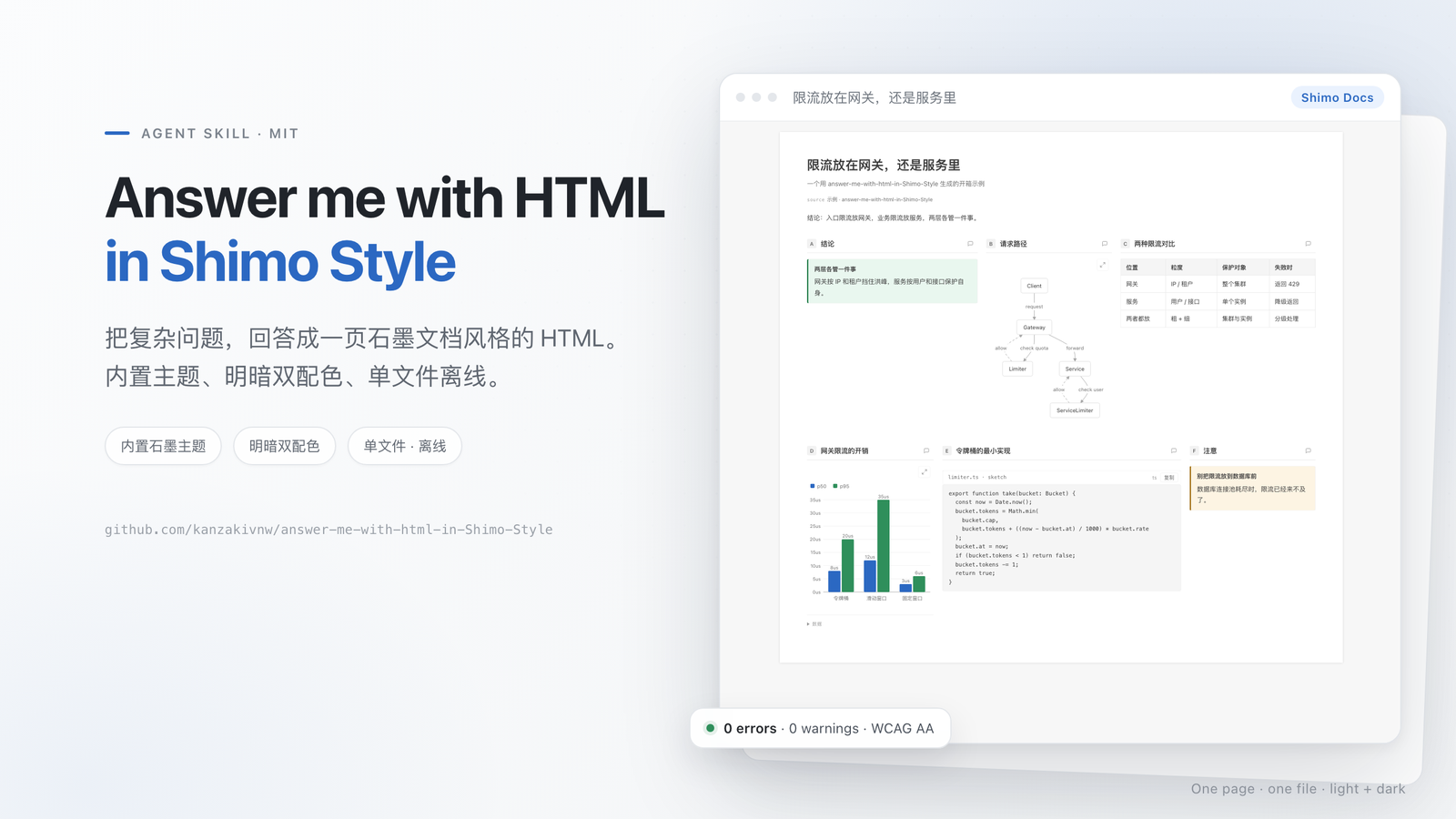
The built-in shimo theme. Run am config set mode dark, or use the page toolbar, for the dark variant.
Why this fork?
Answer me with HTML already turns a Markdown draft into one clean HTML page. This fork adds a project-native Shimo Docs theme and makes it the default, so every page looks like a document someone would actually read.
| Original | This fork | |
|---|---|---|
| CLI, drafts, components, videos | ✅ | ✅ unchanged |
| Themes | blueprint · shadcn · paper · 3b1b | + shimo, built in and default |
| Look | technical board / cards / paper | white square page on #f7f7f7, 30px/700 title, 15px/1.7 body |
| Quality | — | 0 errors · 0 warnings, WCAG AA contrast |
✨ Features
| Feature | What you get |
|---|---|
| 🎨 Shimo Docs by default | White page, thin gray rules, neutral grays and one accessible Shimo blue. |
| 📄 One file, offline | The output is a single HTML file with inline CSS and JS. No server, no CDN. |
| 🧩 Real components | Tables, code blocks, callouts, flow / sequence / ER diagrams, charts, timelines, trees and math. |
| 🌗 Light & dark | Both palettes are token-driven and pass the theme's contrast checks. |
| ⚡ Fast | The model writes a short Markdown draft; the bundled CLI does layout and SVG coordinates. |
| 🧪 Controlled writing | The STE check flags wordy sentences and overlong paragraphs before the page is written. |
🚀 Install
You need Node.js 20 or newer. There is no npm install step: the CLI is bundled inside the skill.
Let your agent install it
Paste this into Claude Code, Codex, Cursor, OpenCode, DeepSeek Harness or another agent:
Install Answer me with HTML in Shimo Style: read https://raw.githubusercontent.com/kanzakivnw/answer-me-with-html-in-Shimo-Style/main/INSTALL.md and follow it.
One command
npx skills add kanzakivnw/answer-me-with-html-in-Shimo-Style
The installer (vercel-labs/skills) asks which agents to install into.
Claude Code plugin
/plugin marketplace add kanzakivnw/answer-me-with-html-in-Shimo-Style
/plugin install answer-me-with-html-in-shimo-style@answer-me-with-html-in-Shimo-Style
DeepSeek Harness plugin
dsh plugin --profile web add github:kanzakivnw/answer-me-with-html-in-Shimo-Style
git clone --depth 1 https://github.com/kanzakivnw/answer-me-with-html-in-Shimo-Style.git /tmp/answer-me-with-html-in-shimo-style
cp -R /tmp/answer-me-with-html-in-shimo-style/skills/answer-me-with-html-in-shimo-style ~/.claude/skills/answer-me-with-html-in-shimo-style
Other skill folders: Codex ~/.codex/skills/, Cursor ~/.cursor/skills/, OpenCode ~/.config/opencode/skill/,
DeepSeek Harness ~/.dsh/skills/.
🧩 Use
Ask a question the way you always do:
> Explain the TCP three-way handshake
> Redis or Memcached for our cache?
> Map out how the modules in this repo fit together
The agent writes a short Markdown draft and runs the bundled CLI. The page goes to
~/.answer-me-with-html/pages/ (the same data folder as the original project; install one or the other, because
settings and pages are shared). Open it in a browser.
Change settings with the agent (config), or directly:
am config                      # show settings; theme defaults to shimo
am config set theme auto       # content-based theme choice
am config set theme shimo      # back to the Shimo Docs theme
am config set mode dark        # dark palette
am list                        # templates, themes, components
On the page itself, the top-right toolbar switches theme and light/dark mode, opens comments, and copies the reply Markdown back to the agent.
🎨 The Shimo look
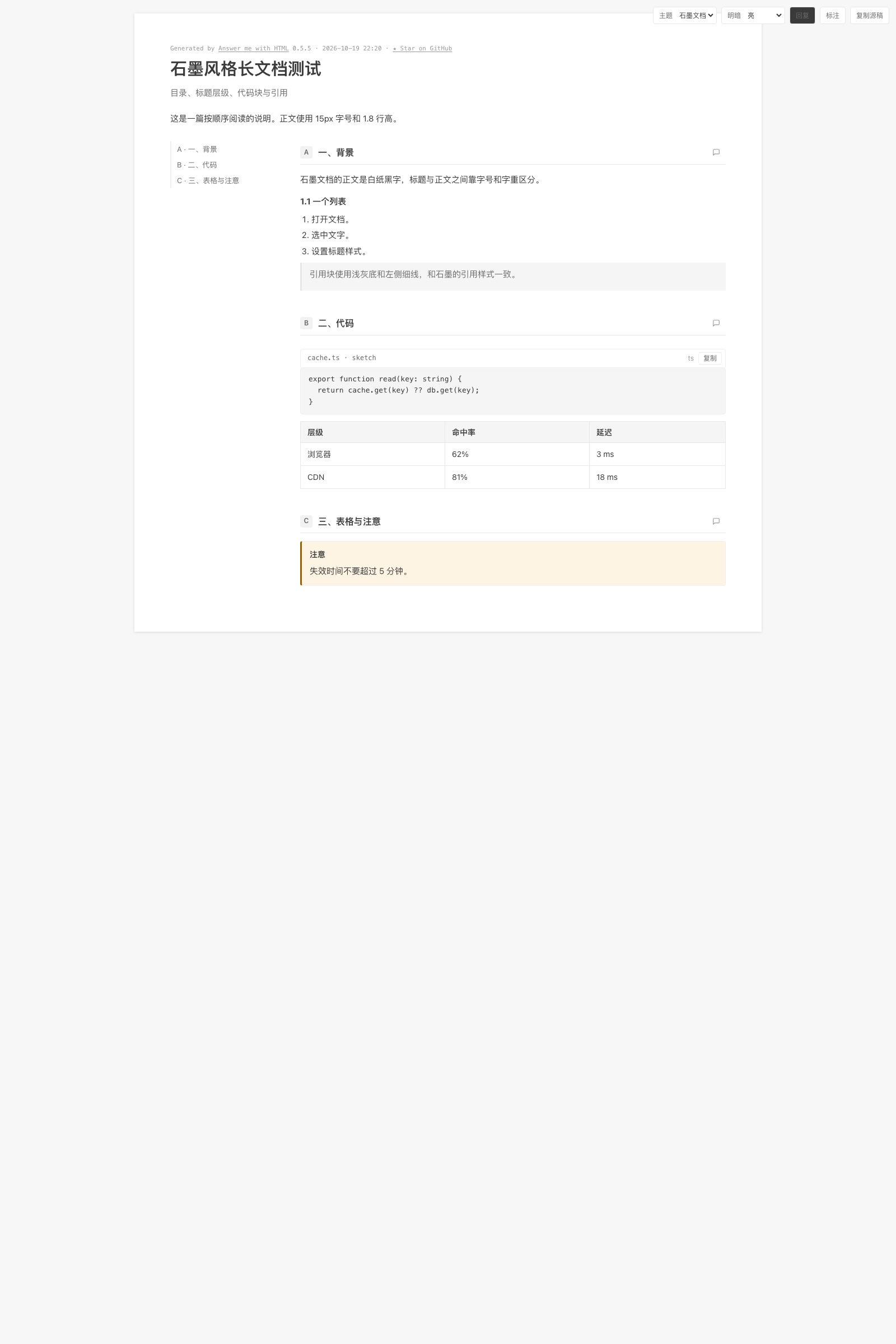
The theme follows measurements from the Shimo editor (2026-10). Nothing is hand-waved: the tokens below are the same ones the theme checks and ships.
| Element | Value | Where it shows |
|---|---|---|
| Canvas | #f7f7f7 |
page background |
| Paper | #ffffff + 0 1px 5px rgba(0,0,0,.13) |
square page with a quiet shadow |
| Title / body | 30px/700 · 15px/1.7 |
document title and prose |
| Ink | #3a3a3a · #6b6b6b · #9a9a9a |
text, secondary text, metadata |
| Rules | #e7e7e7 · #efefef |
table borders and hairlines |
| Fill | #f5f5f5 |
table headers, code blocks, inline code |
| Accent | #2b68c2 |
links, focus rings, highlights |
| Diagram | #d5dae1 strokes · #eaf2fe highlights |
flow, sequence, ER, charts |
The theme source is src/themes/shimo.js. A user theme with the same name in
~/.answer-me-with-html/themes/shimo.json would shadow it; do not install one if you want the built-in version.
🔄 How it works
flowchart LR
  Q[Question] --> D[Markdown draft]
  D --> C[Bundled am CLI]
  C --> T[shimo theme tokens]
  T --> P[Single HTML page]
The model never writes HTML, CSS or SVG. It writes the draft; the CLI owns layout, colors, dark mode, diagram coordinates and the writing checks.
📁 Project layout
skills/answer-me-with-html-in-shimo-style/   the skill: SKILL.md, references and the bundled CLI
src/themes/shimo.js                          the Shimo theme source (built into the CLI)
demo/                                        the GitHub Pages demo (index.md → index.html)
.github/workflows/pages.yml                  renders the demo and deploys it to Pages
🛠 Development
npm ci
npm run build     # rebuild skills/answer-me-with-html-in-shimo-style/scripts/am.mjs
npm test
skills/answer-me-with-html-in-shimo-style/scripts/am.mjs is generated. Edit src/, then run npm run build and
commit both.
⚖️ Credits & license
Forked from Answer me with HTML by QingYunA, MIT. The Shimo theme, fork branding and default-theme change are by kanzakivnw. See LICENSE and NOTICE. The Bangers font that a theme can embed is under the SIL Open Font License 1.1.
If this skill makes your answers easier to read, a ⭐ helps other people find it.
No comments yet. Be the first to write one.