dsh-table-copy
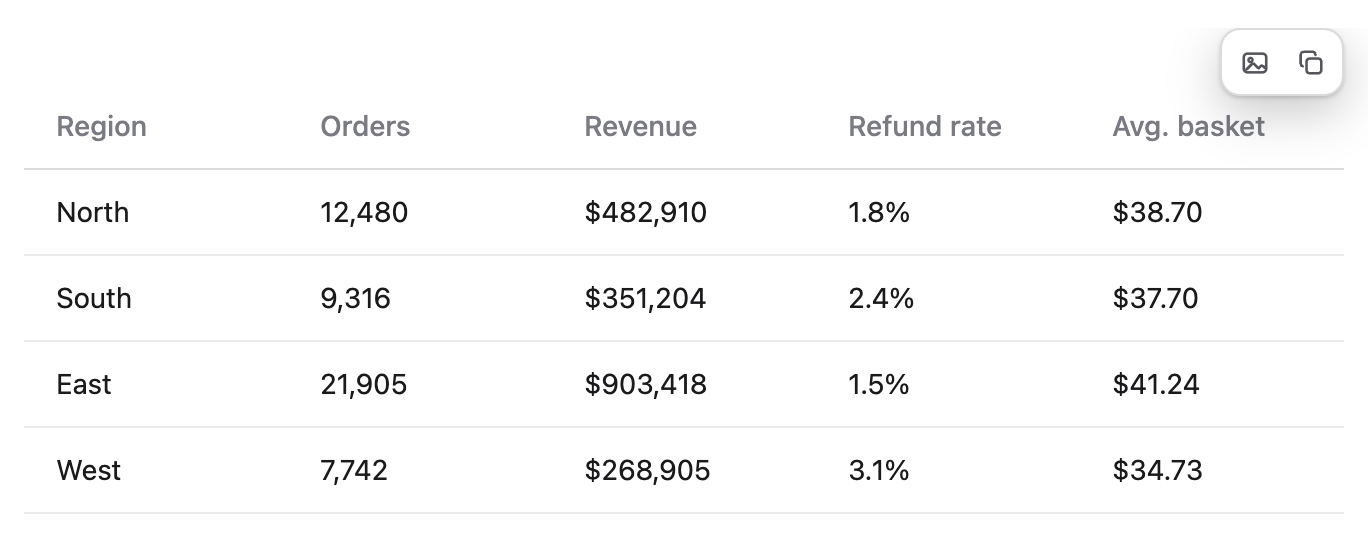
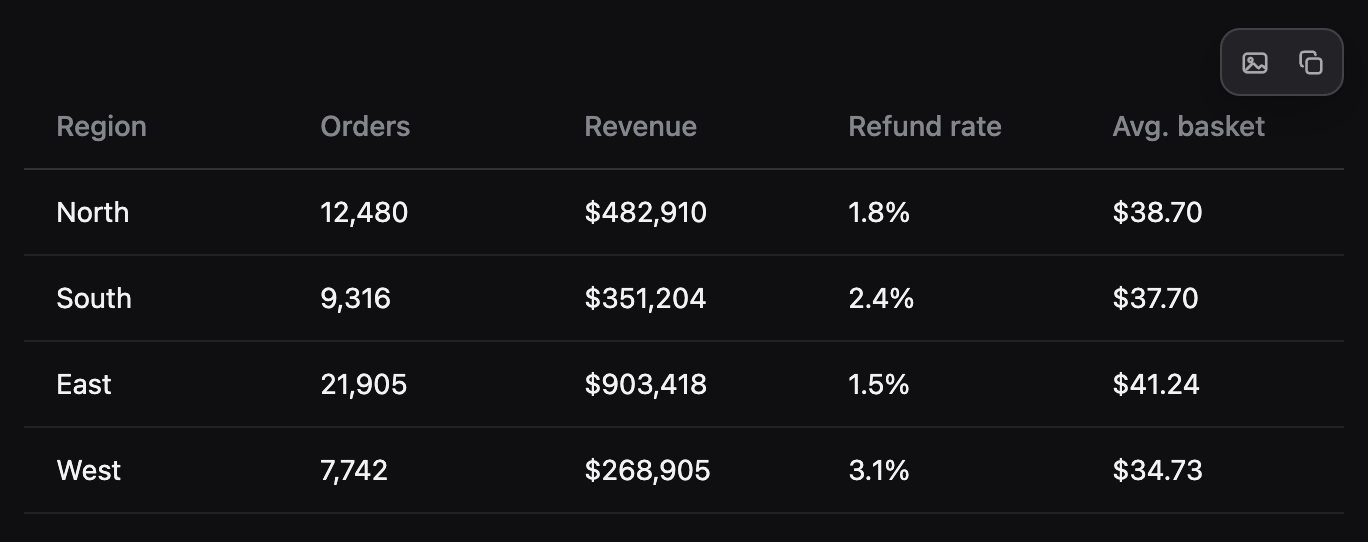
Hover toolbar for every Markdown table in DeepSeek Harness Web — copy the table as Markdown or as a PNG image, straight into the system clipboard.
Light theme:
Dark theme:
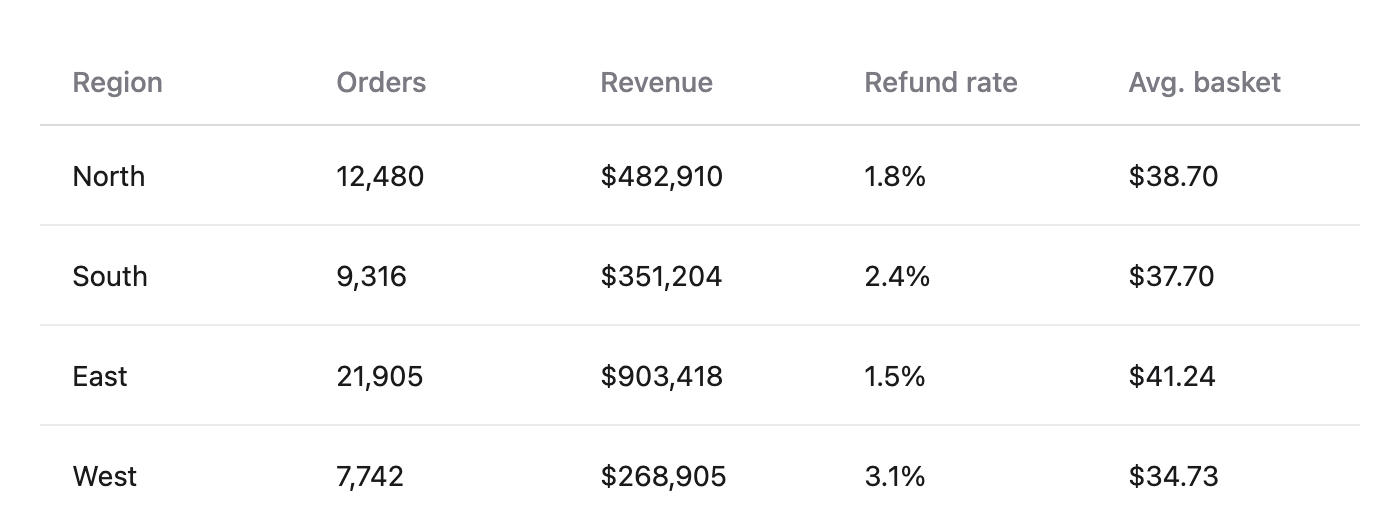
Paste the image into WeChat, Feishu, a doc or an issue: it is snapped at 2× with the current theme's background, fonts and borders.
Everything is client-side: no network calls, no filesystem access, no extra host routes. The only thing it touches is the clipboard.
Install
# from npm (after publishing)
dsh plugin --profile web add dsh-table-copy

# or straight from GitHub
dsh plugin --profile web add github:jiongboy/dsh-table-copy
Then reload the Web UI (Cmd/Ctrl+R). The plugin shows up under 插件 → 已安装插件.
Uninstall:
dsh plugin --profile web remove dsh-table-copy
Usage
- Move the pointer over any Markdown table — a two-button pill fades in at its top-right corner.
- Left button (image) — the table goes to the clipboard as a PNG. If the browser refuses image writes, the same PNG is downloaded instead.
- Right button (copy) — the table goes to the clipboard as Markdown (
| a | b |plus a| --- |separator row). The button flashes a check mark and a short toast confirms.
The toolbar stays out of the way otherwise: it only appears on hover.
How it works
- Host half (
lib/index.js) only declares the plugin identity. No routes, no services. - Browser half (
lib/client.js) installs aMutationObserver, finds every<table>inside the Markdown container, and appends a<caption class="dtc-tools">to it.- The table node itself is never wrapped or moved: that tree belongs to React, and an extra wrapper gets torn out on the next streaming re-render. A
<caption>is the table's own child, so it is simply re-added when the renderer rebuilds the table. - Caption and pill both use
position: sticky; right: 0, so the buttons stay pinned to the visible right edge while a wide table scrolls horizontally. - Markdown export reads
table.rows, collapses whitespace per cell and escapes|. - Image export clones the table, inlines the computed styles of every node (a 48-property whitelist), wraps the clone in a
foreignObjectSVG, loads it as an image, paints it onto a 2× canvas and callscanvas.toBlob("image/png"). - The background is taken from the first opaque ancestor, so dark-theme tables export dark instead of white.
- The table node itself is never wrapped or moved: that tree belongs to React, and an extra wrapper gets torn out on the next streaming re-render. A
Known limits
- The SVG must travel as a
data:URL. Ablob:URL taints the canvas in Chromium andtoBlob()throwsSecurityError. - The image is a snapshot of the rendered width: columns scrolled out of view are still captured, because the cloned table keeps its
width: max-contentlayout at full size. - Links inside the table keep their colour and text but are not clickable in the PNG.
- Only Markdown-rendered tables are decorated; product UI tables (settings, plugin lists) are left alone.
Development
node --check lib/client.js && node --check lib/index.js   # syntax

# is the client bundle live in a running instance?
curl -sN --max-time 5 http://127.0.0.1:55102/plugins/events | head -c 2000
The browser half is a plain script registered through window.__ModuleLoader__.load({ id, factory }) — not ESM. The factory returns { name, inject, apply }, the same contract dsh-pet and dsh-md-plus use.
License
MIT
No comments yet. Be the first to write one.