READMESource: main@be0e066d

dsh-terminal-tab
A terminal tab for the Conversation view row of DeepSeek Harness (DSH) — the same persistent shells as the sidebar terminal, mounted as a top tab.





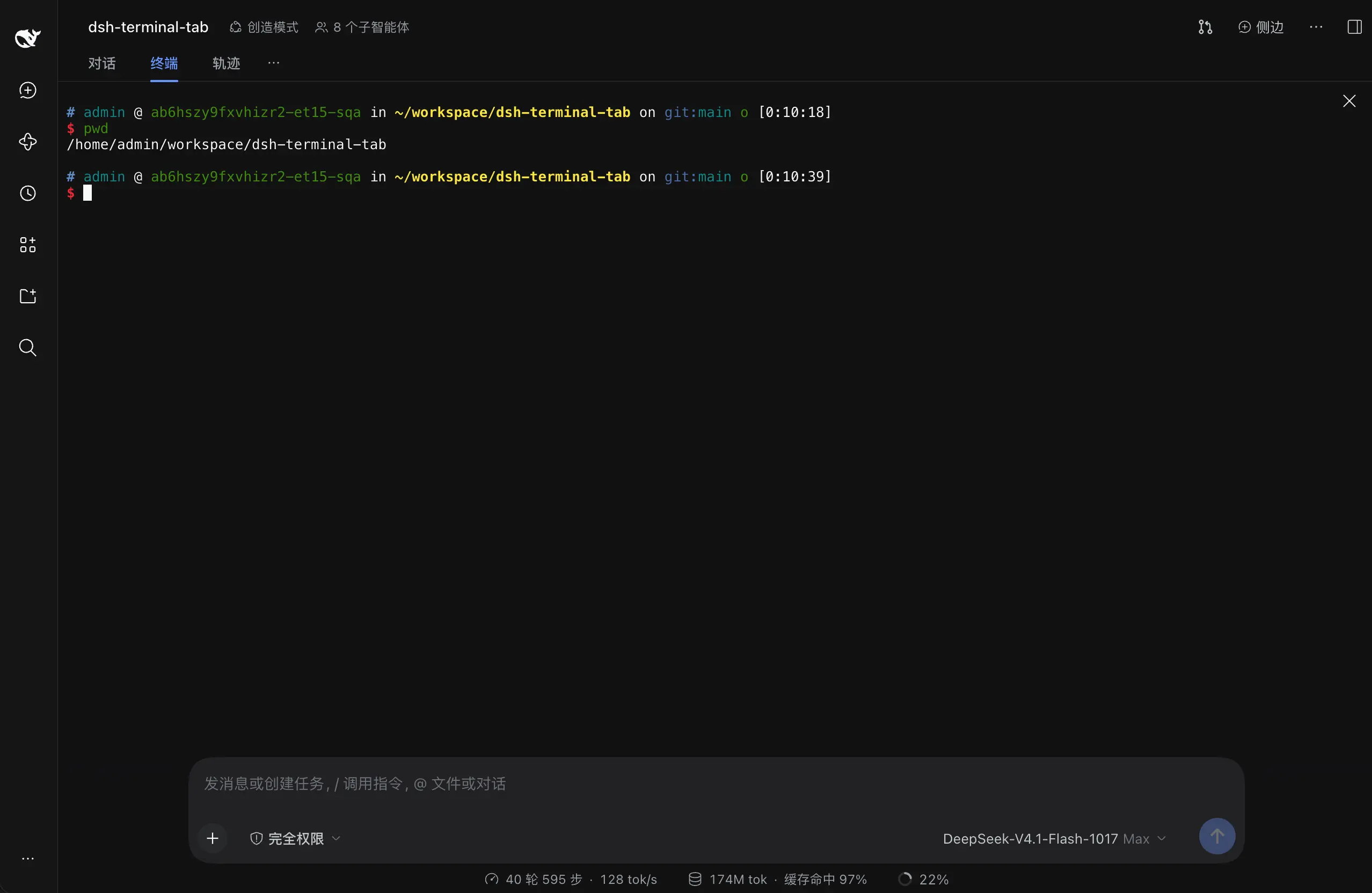
Adds a Terminal tab to the top row where "Conversation / Trace" live (after Conversation, before Trace). It behaves exactly like the sidebar terminal — same persistent shells, same auto-recovery — just with the entry point moved to the top.
Works with DSH 0.2.2-rc.2 and later 0.2.x releases.
Features
- Opens straight into a shell: one fixed terminal per session, started in the session's current working directory
- Auto-recovery: refresh the page or reopen the browser and the terminal reconnects, screen content intact
- Never reclaimed: switching tabs or sessions never kills it — the terminal keeps running as long as the window stays open
- Explicit close: the floating close button (top-right) ends the process; the "closed" state survives page refreshes until you click "New terminal"
- Default shell: switch it in Settings → Plugins → Installed →
dsh-terminal-tabdetail page; sidebar terminals follow the same choice - After a service restart: shows "This terminal no longer exists" with a one-click recreate
- The top tab and the sidebar share the same pool of terminal processes
Installation
Web:
dsh plugin --profile web add dsh-terminal-tab
dsh plugin --profile web update dsh-terminal-tab
Desktop:
dsh plugin --profile desktop add dsh-terminal-tab
dsh plugin --profile desktop update dsh-terminal-tab
No comments yet. Be the first to write one.