READMESource: main@46581232
@hzpeng/dsh-lens-rail
A Codex-style LEFT message navigation rail for the DeepSeek Harness (DSH) Web conversation column.
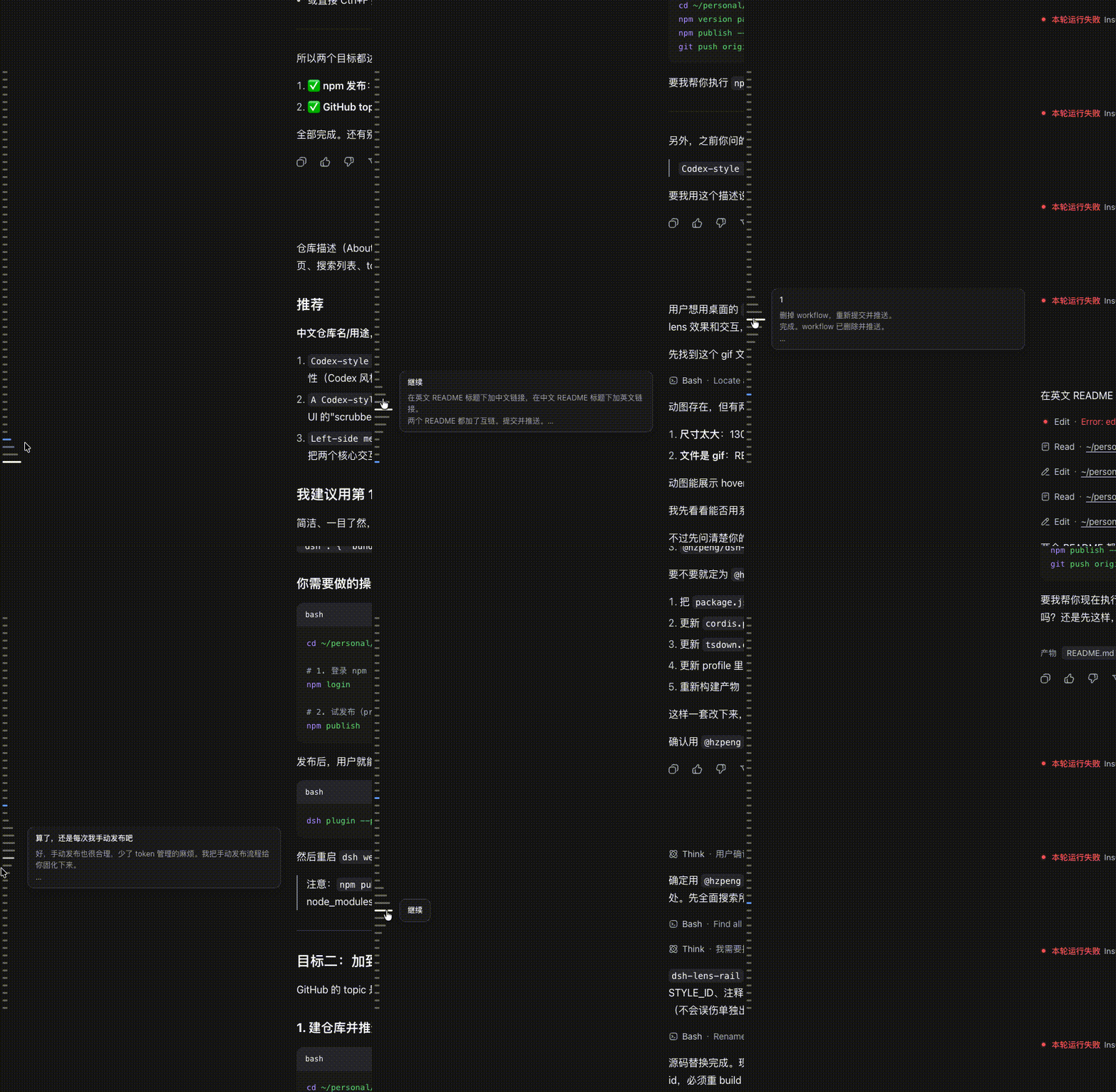
A vertical column of short horizontal lines runs down the left edge of the transcript — one line per message, including both your turns and the agent's replies. It is a scroll-spy scrubber: the line under your current reading position is highlighted in the brand colour, hovering grows the line under the cursor while its neighbours taper smoothly toward the edges (the Codex "lens" effect), and clicking any line jumps the transcript to that message (paging older history when necessary).
Features
- Left edge placement —
left: calc(var(--dsh-sidebar-width) + 4px), so it sits beside the conversation column and never overlaps the app sidebar. - One line per message — both user turns (
usernodes) and agent replies (assistantnodes) get a line; tool rows, commands, and turn-tails are skipped so the rail reads as a conversation, not a step ledger. - Lens hover — the focused line is longest; neighbours taper off with a
gaussian profile (
width = base + amp * exp(-d²/2σ²)), exactly the Codex effect. - Scroll-spy highlight — the line nearest the 40% viewport line is active (brand colour + glow) and follows your reading position.
- Click to jump —
loadOlderpages older history on demand, then scrolls the target row into view; shows a small spinner while a long jump loads. - Theme-aware — uses DSH alias tokens (
--dsw-alias-*) so light and dark themes both look right.
Install
dsh plugin --profile web add @hzpeng/dsh-lens-rail
Then restart dsh web and hard-refresh the browser.
Uninstall
dsh plugin --profile web remove @hzpeng/dsh-lens-rail
License
MIT
No comments yet. Be the first to write one.