READMESource: main@3aca3ff0
dsh-plugin-discovery
在 DeepSeek Harness(DSH)侧栏发现、推荐并安装社区 Bundle 插件。


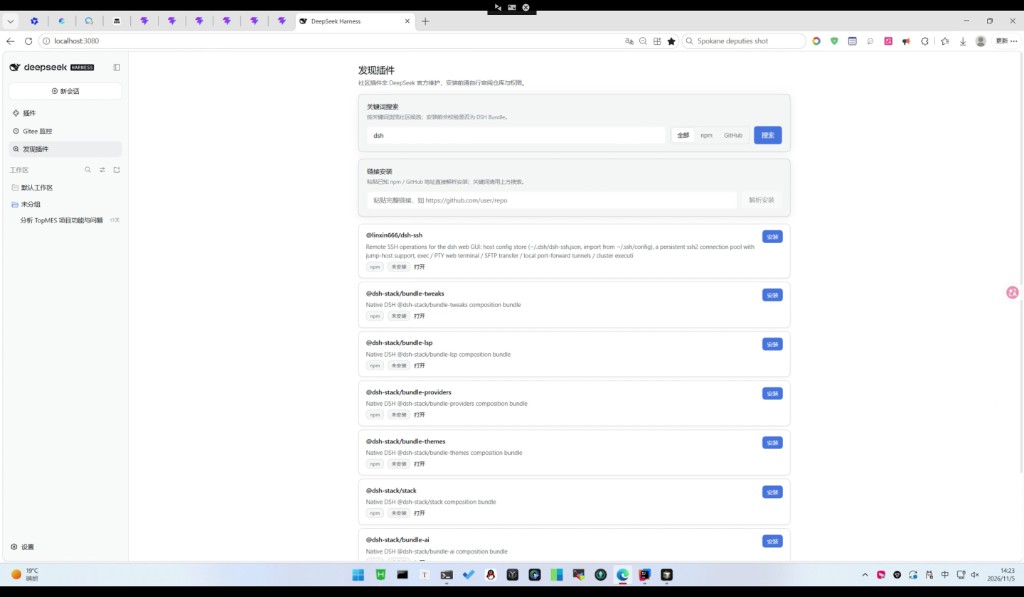
安装后侧栏出现「发现插件」:新手必装 / 个性化推荐 / 分类浏览 / 在线搜索(npm · GitHub),安装前用 pluginManager.inspect 校验是否为合法 DSH Bundle。
一句话价值
把分散在 npm / GitHub 的社区 DSH 插件收进侧栏,带本地精选目录与远程自动更新,一键校验后安装。
安装
dsh plugin --profile web add dsh-plugin-discovery
装完并启用后,刷新 Web UI,侧栏会出现「发现插件」。
国内备选
多数环境已用 npmmirror,直接装包名即可:
dsh-plugin-discovery
GitHub 慢时可用 Gitee:
dsh plugin --profile web add https://gitee.com/hjhcos/dsh-plugin-discovery
或:
git+https://gitee.com/hjhcos/dsh-plugin-discovery.git
github:hjhcos/dsh-plugin-discovery
社区插件非 DeepSeek 官方维护,安装前请自行审阅仓库与权限。本插件会访问 npm / GitHub / Gitee 以搜索与刷新推荐目录。
功能
- 新手必装:市场、中英对话语言、搜索、费用、上下文、Skills、回退、原生文件工具等
- 个性化推荐:按已装插件偏好排序
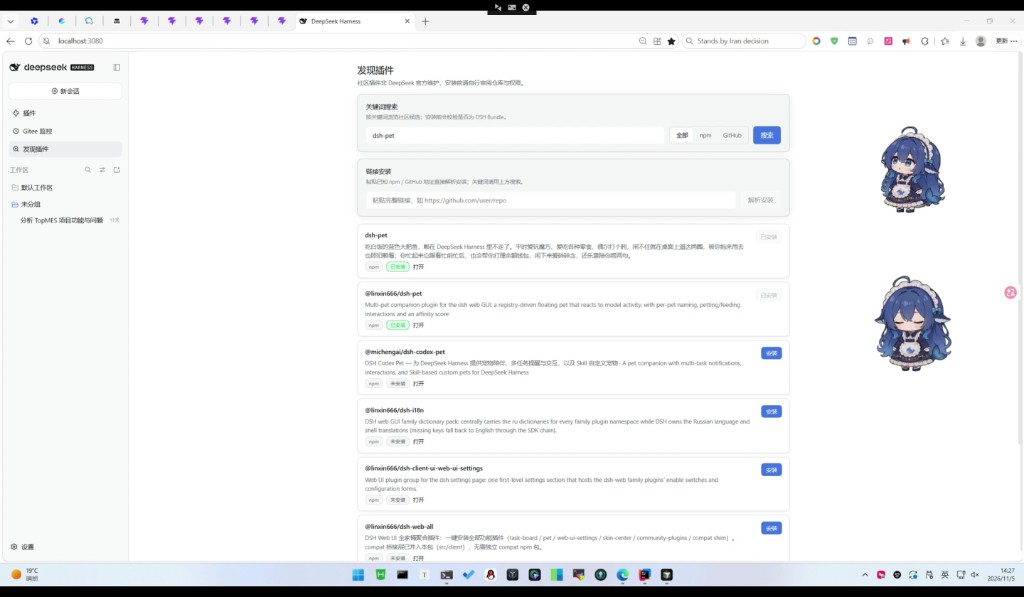
- 分类浏览:桌宠 / 主题 / IM / 记忆 / 效率 / 多媒体 / 远程 / 市场 / 多智能体
- 远程目录更新:优先 Gitee raw JSON,失败再试 GitHub;按
version写入$DSH_HOME/cache/... - 插件自更新:启动/打开面板时检查 npm 最新版(Gitee
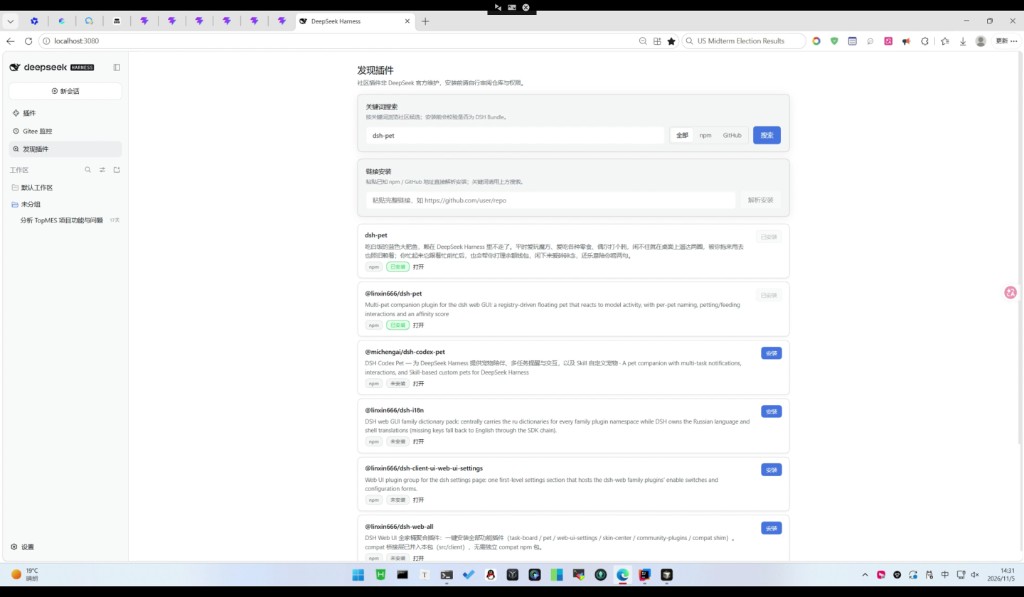
package.json兜底);有新版本可自动或一键更新 - 关键词搜索(全部 / npm / GitHub)与链接解析安装
- 安装三态:未安装 / 安装中 / 已安装
- 中英文界面
使用
- 打开侧栏「发现插件」
- 默认「为你推荐」;可切「分类浏览」(含新手必装)或「在线搜索」
- 点击「安装」,等待变为「已安装」
- 到「插件」页确认启用
精选目录:data/recommended.json。改 JSON 并提高 version 后推到 Gitee/GitHub,用户端会自动拉取,无需重装插件。
远程地址(可在插件配置改):
- Gitee:
https://gitee.com/hjhcos/dsh-plugin-discovery/raw/main/data/recommended.json - GitHub:
https://raw.githubusercontent.com/hjhcos/dsh-plugin-discovery/main/data/recommended.json
可选:配置 GitHub Token 提高搜索配额。
兼容
- 目标:DeepSeek Harness
0.2.x(web profile) - 平台:Web UI(client)+ host Bundle
- 许可证:MIT
仓库与发布
- GitHub:https://github.com/hjhcos/dsh-plugin-discovery
- Gitee:https://gitee.com/hjhcos/dsh-plugin-discovery
- npm:https://www.npmjs.com/package/dsh-plugin-discovery
- 市场:https://dsh-plugin.org/zh (topic:
dsh-plugin)
License
MIT © hjhcos
No comments yet. Be the first to write one.