READMESource: main@522a8c8f
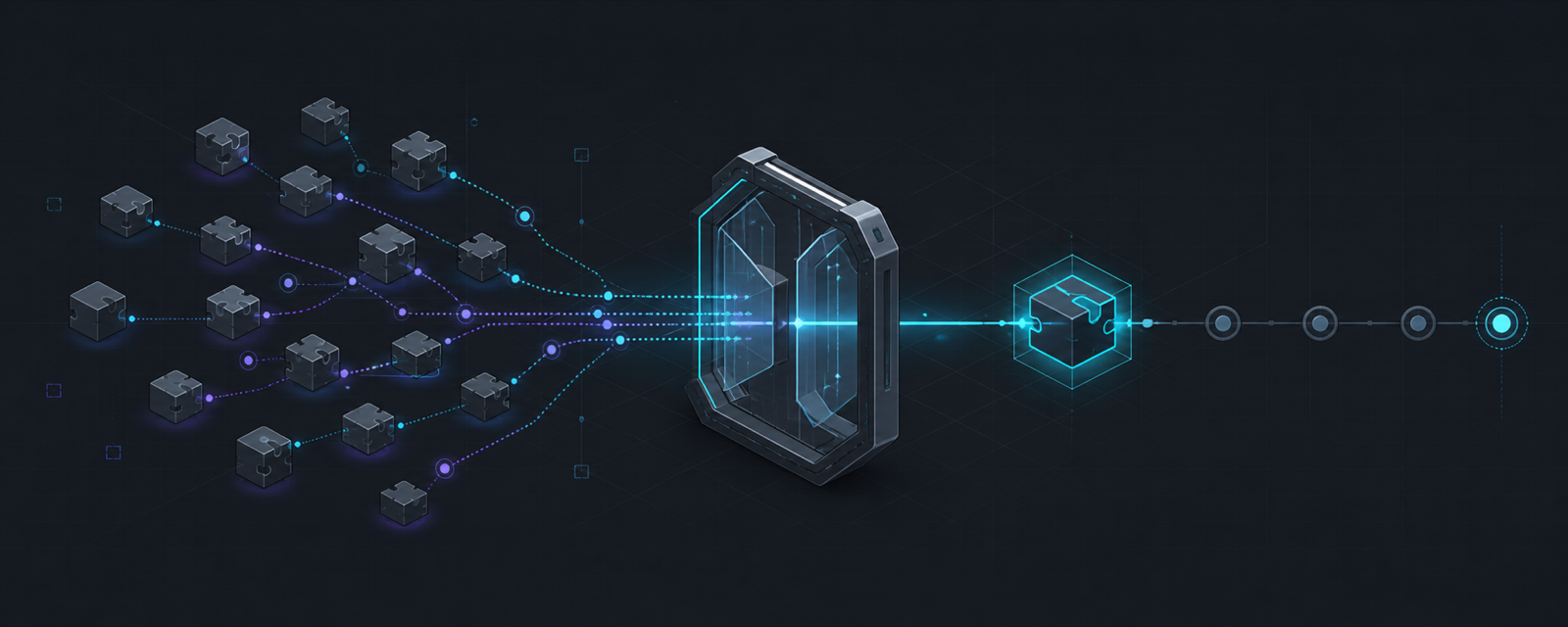
find-plugin for DeepSeek Harness
让 DSH Agent 主动发现新能力,同时把安装决定、安全检查和版本控制留在用户手中。



DSH 社区插件分散在 GitHub,而一个 dsh-plugin topic 并不能证明仓库真实可用,更不能证明它值得信任。过去,用户需要自己搜索仓库、核对 bundle 和 patch、审查生命周期脚本、固定版本、修改 profile,再确认插件是否真的加载成功。
find-plugin 把这条容易出错的链路收敛成 Agent 内的一次安全工作流:搜索、验证、风险披露、用户批准、固定 commit 安装、结果校验。它不是另一个插件目录,而是 DSH 的受控自扩展入口。
✨ 为什么使用 find-plugin?
- 🔎 更快发现能力:直接搜索 GitHub
topic:dsh-plugin,按关键词筛选最相关的社区插件。 - 🛡️ 安装前先检查:验证
dsh.bundle、patch、构建入口和生命周期脚本,过滤明显无效的仓库。 - 🙋 用户保留控制权:插件信息、目标 profile 和风险会先进入 DSH approval,只有
allowed-once才继续。 - 📌 拒绝版本漂移:检查后固定完整 commit SHA,避免安装内容与审查内容不一致。
- 🚫 不执行安装脚本:安装统一使用
--ignore-scripts,不会运行社区包的install、prepare或postinstall。 - ✅ 验证真实结果:安装后检查 dependency、SHA pin、bundle、patch 和 DSH config dump,并明确提示是否需要重启。
V1 刻意保持轻量:直接使用 GitHub 和 DSH 官方 plugin manager,不引入 registry、embedding、数据库或 Web UI。
🚀 安装
前置要求:
- Node.js 20 或更高版本。
pnpmmust be available on PATH。当前 DSH 官方 plugin manager 会在 profile 目录中调用pnpm。
一条命令安装到 web profile:
npx @deepseek-ai/dsh plugin --profile web add github:graceen2331-prog/find-plugin
然后重启 DSH:
npx @deepseek-ai/dsh web
插件会注册两个工具:
find_plugin
install_plugin
本仓库已提交 lib/ 构建产物;安装和运行不依赖本包自身的 prepare、install 或 postinstall。
🧰 工具
🔎 find_plugin
{ query: string }
- 只搜索 GitHub
topic:dsh-plugin,本地关键词排序,最多返回 5 项。 - 返回仓库名称、描述、stars、更新时间、GitHub URL、package name 与 bundle patch。
- 检查根
package.json、dsh.bundle.patch和 patch 引用的构建入口。 - 列出
install、prepare、postinstall及明显风险。 - 过滤归档或禁用仓库、bundle/profile 混用、危险路径、空 patch、缺失构建产物等无效候选。
GitHub 未认证搜索额度较低。可选地通过 DSH_FIND_PLUGIN_GITHUB_TOKEN、GITHUB_TOKEN 或 GH_TOKEN 提供 token;token 只发送给 api.github.com。
🛡️ install_plugin
{
  owner: string
  repo: string
  profile?: string // 默认 web
}
- 获取 default branch 的完整 commit SHA,并在该 SHA 上重新验证 bundle。
- 在 DSH approval 中展示仓库、package、目标 profile、固定 SHA、生命周期脚本和风险。
- 只有
allowed-once才继续。 - 从当前运行的
@deepseek-ai/dshpackage 定位 CLI entry;不会查找全局dsh,不会拼接 shell command。 - 通过 DSH 官方 plugin manager 安装
github:<owner>/<repo>#<40-char-sha>,并使用--ignore-scripts。 - 验证 profile dependency、SHA pin、
dsh.profile.bundles、bundle patch 和官方--dump-config。 - 成功后返回
restartRequired: true;V1 默认当前 runtime 不会热加载新增 bundle。
🔐 安全边界
- GitHub topic 不是信任信号;静态检查只能过滤明显问题,不能替代完整源码审计。
- DSH 插件最终在 Harness 进程内运行,拥有该进程权限,并不是安全沙箱。
- V1 永不执行依赖的生命周期脚本。依赖
prepare才生成运行文件、且没有提交构建后 JS 的插件会被过滤或加载失败。 - 固定顶层仓库 commit 可以防止检查与安装之间的 branch 移动,但不等于完整的供应链证明。
- approval 是一次性授权;拒绝、取消或没有可用 approval channel 时不会安装。
🧪 开发与验证
pnpm install --ignore-scripts
pnpm test
pnpm pack
发布前应在空的 DSH_HOME 中执行上面的 GitHub 安装命令,重启 Web surface,并从 DSH tool registry 确认两个工具已经注册。
No comments yet. Be the first to write one.