READMESource: main@25d154a5
dsh-page-refresh · 为 DeepSeek Harness 官方桌面版设计的会话头刷新按钮
给 DeepSeek Harness(下称 DSH)的 Web 界面加一个 ↻ 刷新按钮,点一下页面就地重载,不用去浏览器菜单/快捷键里找。
面向桌面版(Electron 壳)设计:桌面版里
F5常被网页浏览区域吃掉或与应用快捷键冲突,页面卡住时想刷新只能绕路。这个按钮把刷新放回会话头右上角,一次点击直达。Web 网页版同样可用。
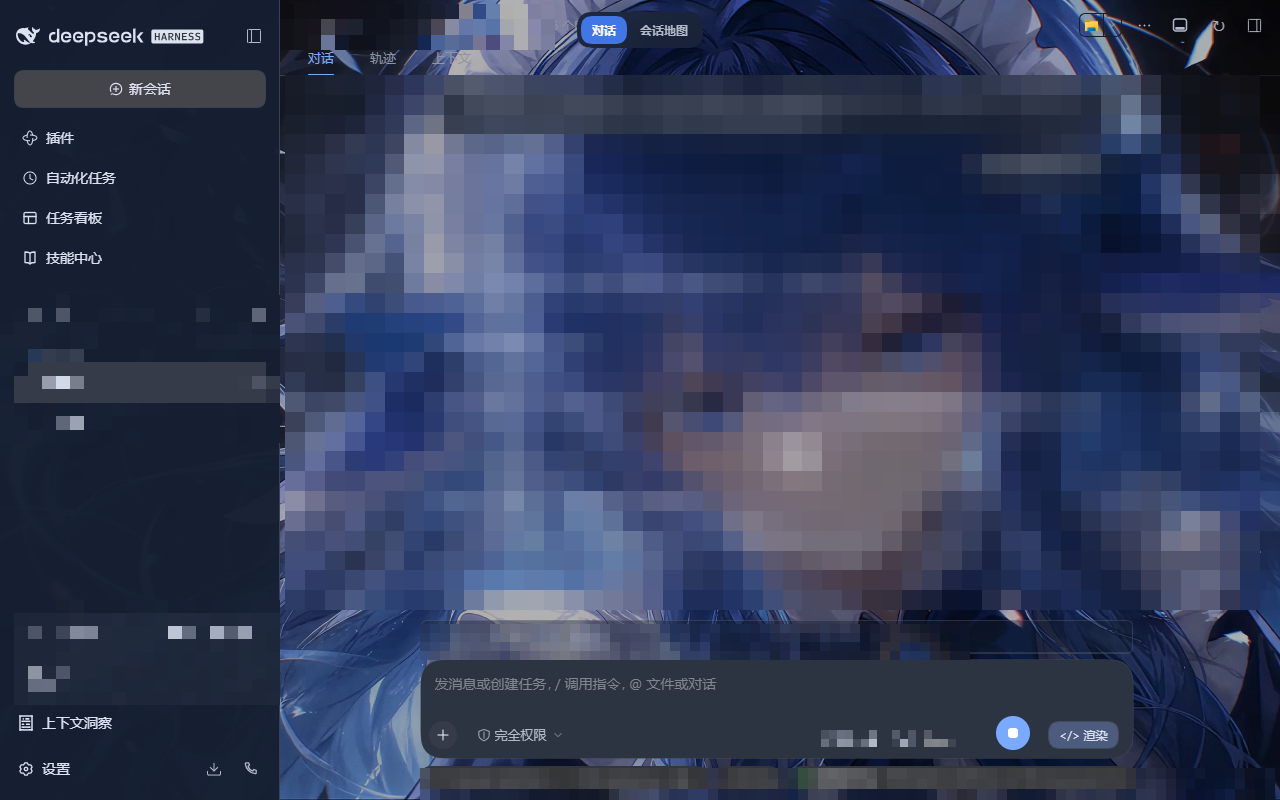
特性
- 位置固定:会话头右侧工具区(
utilities槽位)最右,order: 999 - 零 token:纯客户端插件,不注册任何 model tool,每轮对话成本为 0
- 零依赖:不启引擎、不碰后端、不写状态文件
- 样式随主题:继承当前主题文字色,悬停高亮,26×26 圆角按钮
安装
npm(推荐,已发布 dsh-page-refresh):
npx @deepseek-ai/dsh plugin --profile web add dsh-page-refresh
或从源码(本仓库插件在 plugins/dsh-page-refresh/):
npx @deepseek-ai/dsh plugin --profile web add "<本仓库路径>\plugins\dsh-page-refresh"
桌面版注意:桌面版宿主运行的是
desktopprofile,而plugin addCLI 拒绝管理它("managed exclusively by the Electron application")。此时需手动登记三处,缺一不可:
~\.dsh\profiles\desktop\package.json→dependencies加"dsh-page-refresh": "link:<插件路径>"- 同文件
dsh.profile.bundles数组加"dsh-page-refresh"- 在
~\.dsh\profiles\desktop\下执行pnpm install(落 symlink)全部完成后重启 DSH 生效。
卸载
npx @deepseek-ai/dsh plugin --profile web remove dsh-page-refresh
# 桌面版手动装的:把上面三处登记原样撤掉,再重启
改造
plugins/dsh-page-refresh/client.js 里:
- 换位置:调
order: 999(越小越靠左) - 换图标:改组件返回的
'\u21BB'(↻) - 换行为:改
window.location.reload()
改代码不需要重启 DSH,保存后刷新页面即生效(宿主按文件内容哈希发版)。
文件结构
plugins/dsh-page-refresh/
├── package.json        # dsh.bundle.patch + dsh.client 声明
├── cordis.patch.yml    # bundle patch:插入插件行
├── screenshots.json    # 插件市场截图声明
├── assets/             # 截图
├── lib/index.js        # host 半边(空实现,只为满足 bundle 契约)
└── client.js           # 客户端半边:注册 utilities 槽位按钮
已验证环境
- DSH
0.2.0-rc.2(官方桌面版;本机验证环境为官方源码编译构建) - Windows 11 + Edge/Chromium 内核
- 需要
package.json带"type": "module"(宿主按 ESM 解析 host 半边,缺了会静默跳过整个 bundle)
License
MIT
No comments yet. Be the first to write one.