READMESource: main@b8e90b6d
dsh-font-size
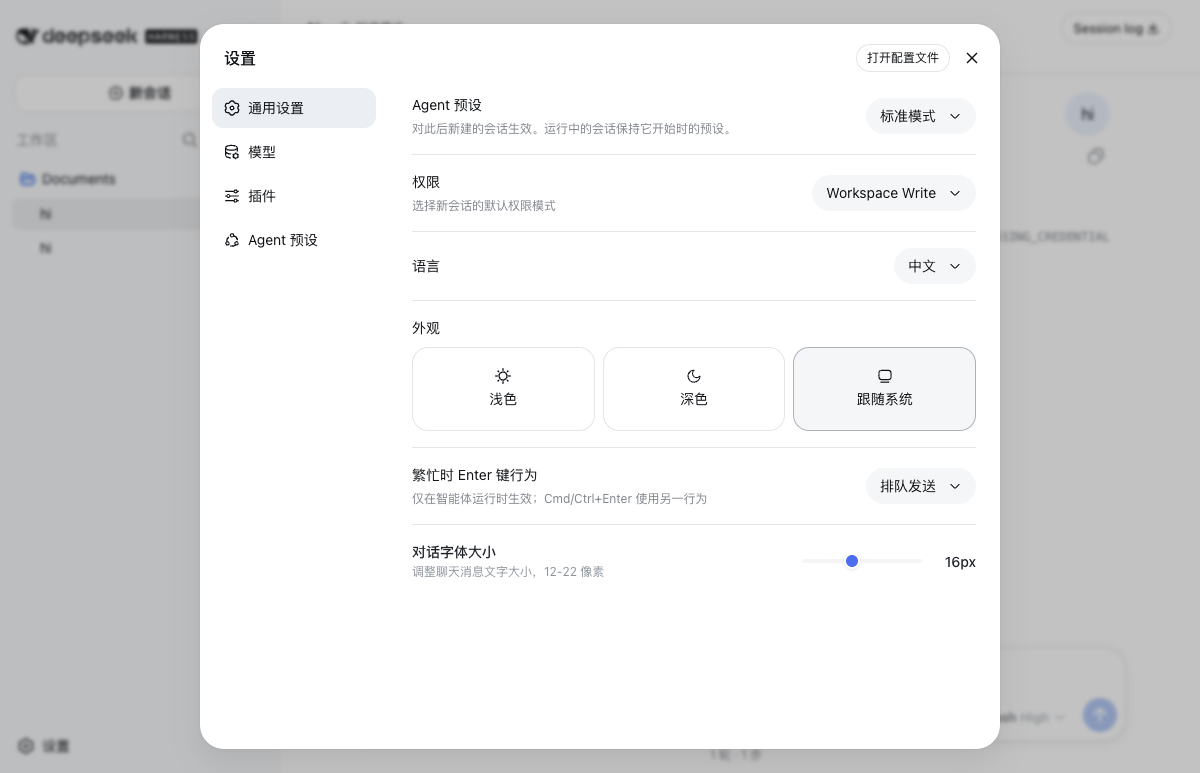
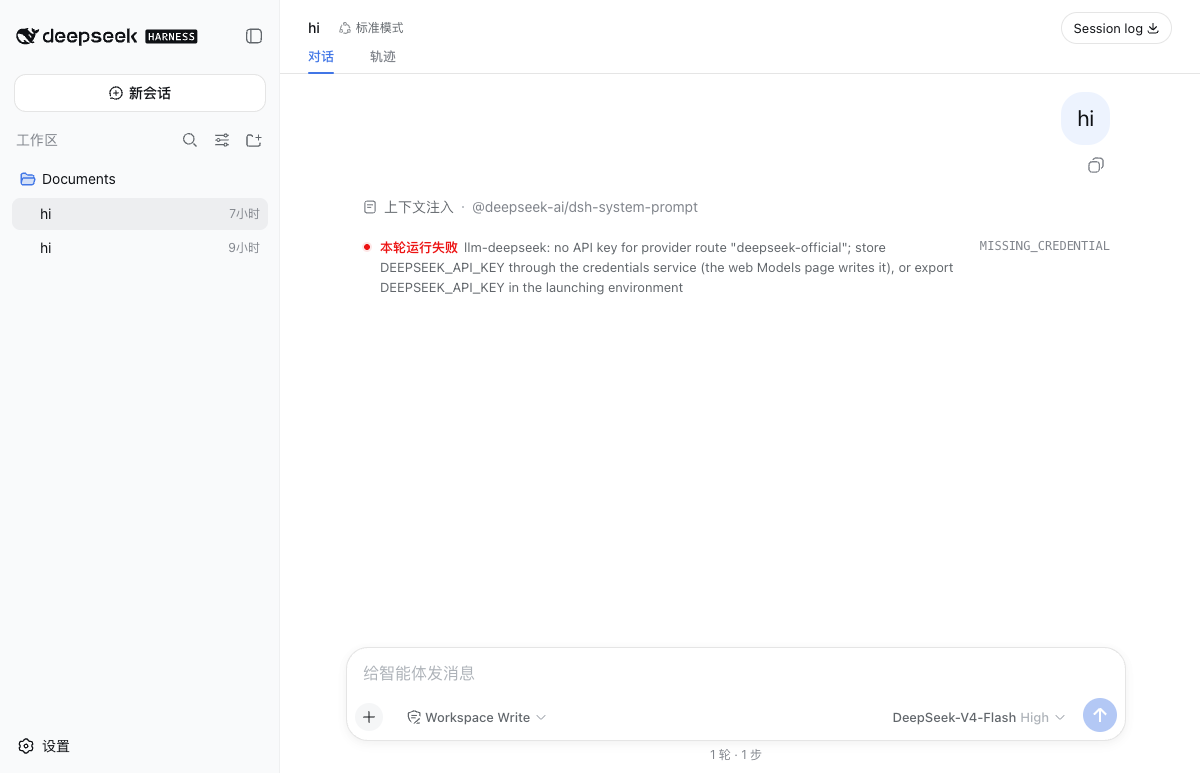
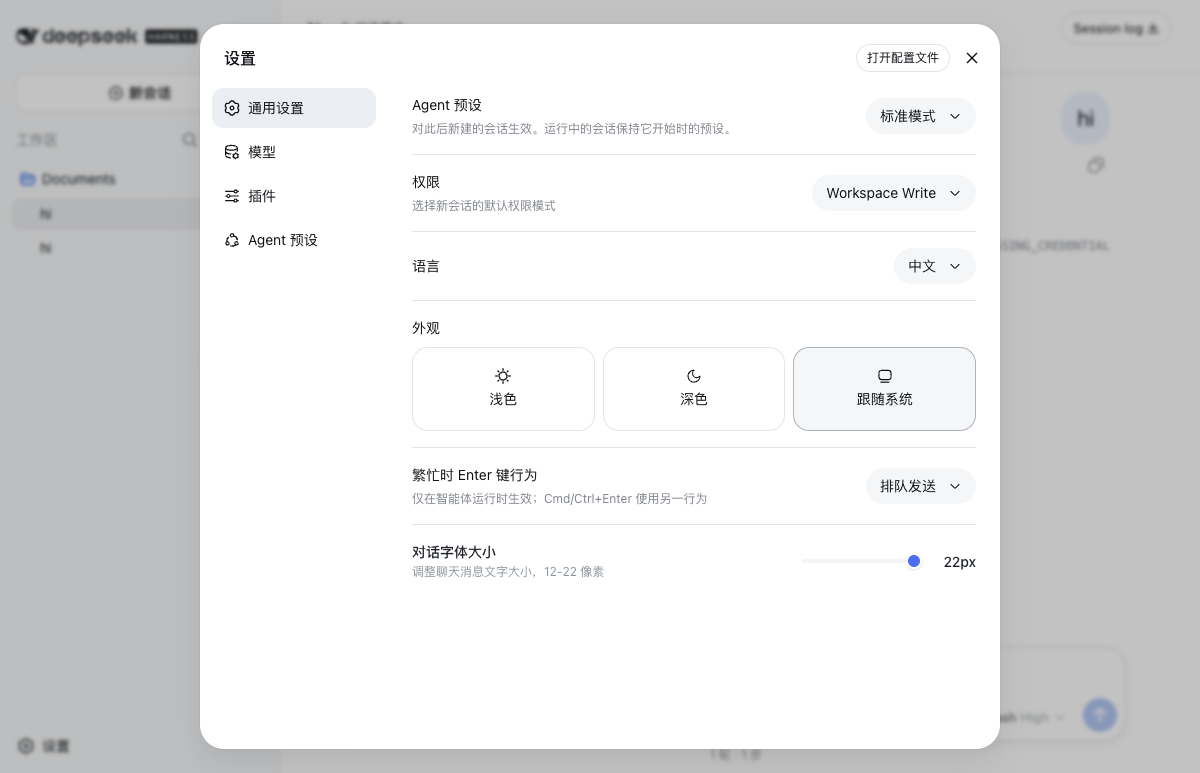
DeepSeek Harness 聊天字体大小调节插件。「设置 → 通用」新增一行滑块,12–22 px,拖动立即生效。
| 默认 16 px | 调至 22 px |
|---|---|
 |
 |
它能干什么
聊天消息(用户气泡 + 助手正文)统一放大/缩小。12–22 px,整数步进。设置存在浏览器本地(localStorage),换浏览器或清空站点数据回到默认 16 px。
工作原理
MessageItem.module.css 和 AssistantMarkdown.module.css 把 font-size: 16px 硬编码了,没暴露 CSS 变量。插件注入一段全局 <style> 用属性选择器覆盖,!important 赢级联。不改 core 源码。
目录
dsh-font-size/
├── package.json
├── cordis.patch.yml
├── lib/index.js        # 宿主半边
├── lib/client.js       # 浏览器半边
├── docs/               # 截图
└── README.md
安装 / 卸载
# 安装
dsh plugin --profile web add github:chengoak/dsh-font-size

# 本地开发
dsh plugin --profile web add link:$(pwd)

# 卸载
dsh plugin --profile web remove dsh-font-size
装完重启 dsh web(dsh web --port 3080),打开 http://127.0.0.1:3080/,「设置 → 通用」里就能看到「对话字体大小」一行。
lib/ 已 build 进 git,安装无需构建授权。从 deepseek-harness 源码仓库跑 dsh 时,把上面 dsh 替换成 pnpm dsh。
已知边界
- 跨浏览器/跨设备不共享字号。
- 只覆盖聊天消息,侧边栏/设置面板/输入框不动。
- 核心样式未来若改成 CSS 变量,选择器会失效,需同步更新。
License
MIT.
No comments yet. Be the first to write one.