DSH 消息区自由缩放 · 把对话区变成你自己的浮窗



拖动改大小、拖动搬位置,位置和尺寸自动记住 —— DSH(DeepSeek Harness)的界面 / 皮肤主题类小插件。
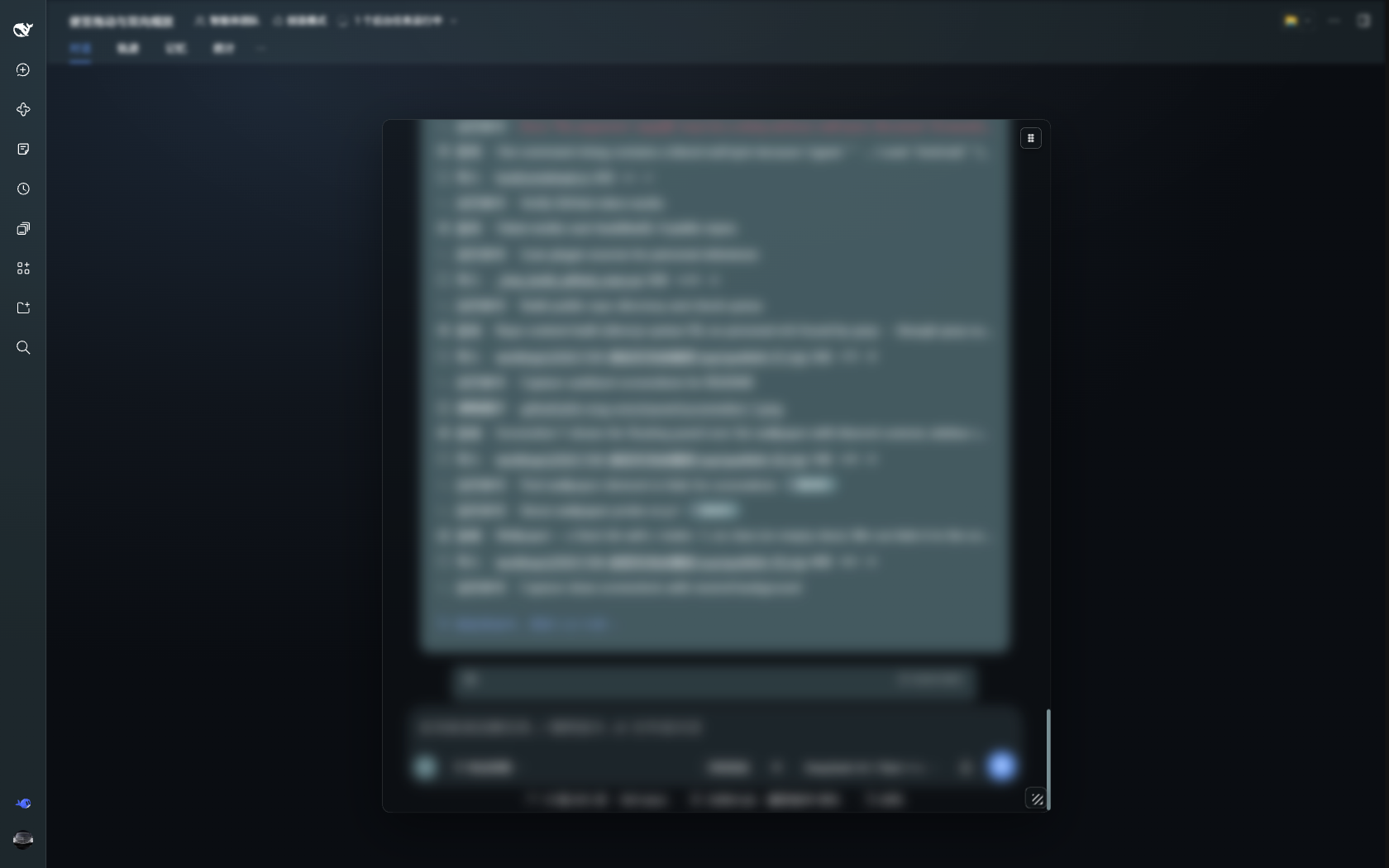
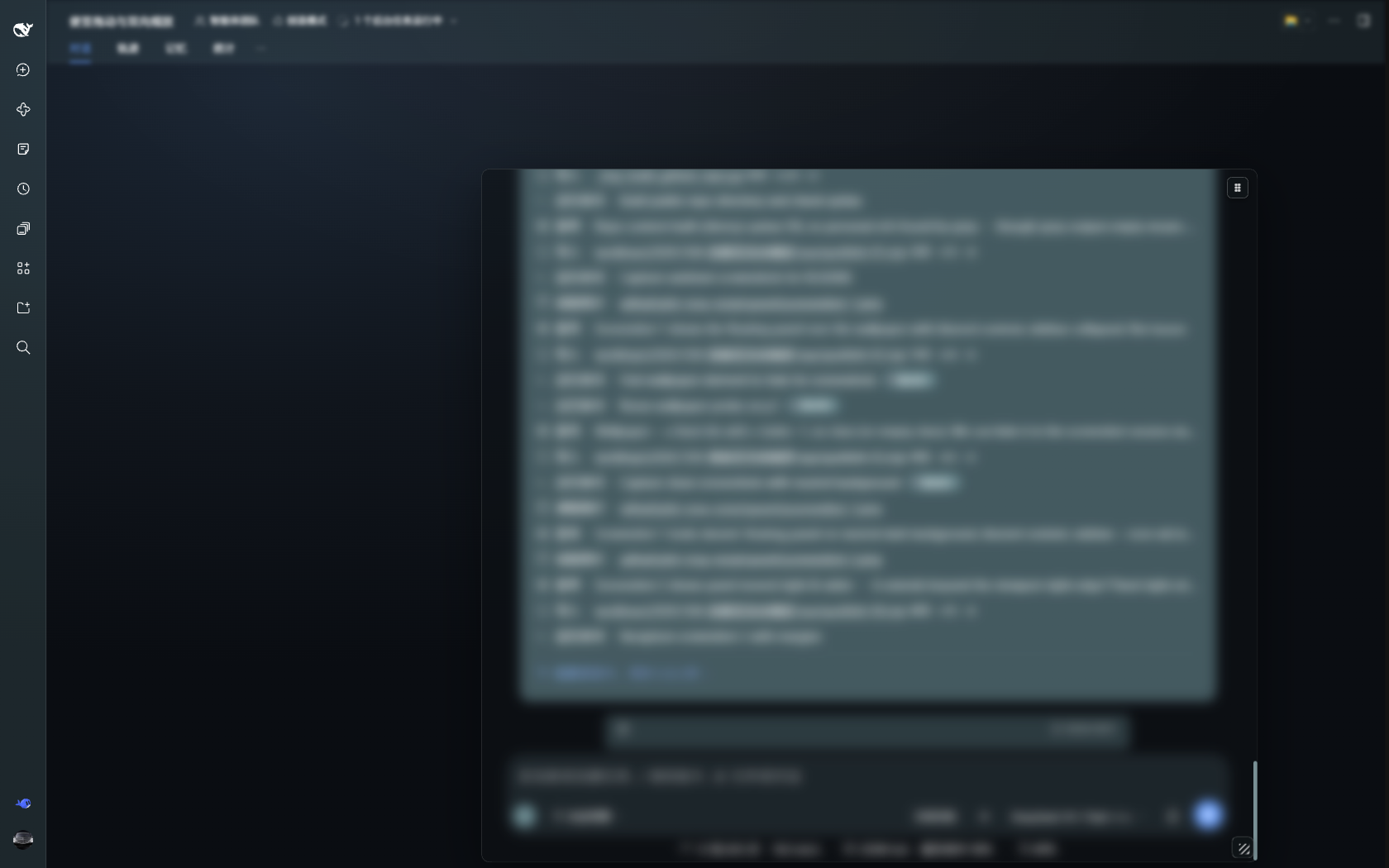
(截图里的对话正文做了模糊处理;壁纸换成中性渐变,方便看清插件本身。)
这是什么
DSH 的对话区默认是一条居中、固定宽度的消息列,输入框跟在下面。这个插件把整块对话(消息区 + 输入框)变成一个浮窗:
- 右下角 ⤡:拖动改宽、改高(最小 460×320)
- 右上角 ⠿:拖动把整块搬到任意位置
- 双击各自复位;键盘聚焦把手后 ←→↑↓ 微调(Shift 大步)
- 位置和尺寸存
localStorage,刷新、重开都还在 - 活动范围限在对话内容窗格内(内缩 8px):不会挡住左侧栏、不会跑出屏幕;收起左侧栏后可以继续往左贴
- 输入框宽度跟着面板走、高度不变、始终贴面板下沿
- 窄屏(< 720px)自动撤下,不动手机布局
安装
插件 id 固定为
msg-resize,包名dsh-msg-resize。只装你想用的那个 profile(网页版一般是web,桌面版是desktop)。
方式 A:一行装(推荐,需要本机有 git)
dsh plugin --profile web add github:buddha68/dsh-msg-resize
装完重启一次 DSH(或等宿主重组合)。本包自带 dsh.bundle 清单与 cordis.patch.yml,安装后会自动挂上「右上移动 / 右下缩放」两个把手。
方式 B:Release 压缩包(免 git)
- 到 Releases 下载
dsh-msg-resize-2.6.0.zip(或源码归档),解压到任意目录,例如D:\plugins\dsh-msg-resize; - 链接进 profile 的
node_modules(Windows 用 junction,macOS/Linux 用 symlink):
mklink /J "%DSH_HOME%\profiles\web\node_modules\dsh-msg-resize" "D:\plugins\dsh-msg-resize"
ln -s /path/to/dsh-msg-resize "$DSH_HOME/profiles/web/node_modules/dsh-msg-resize"
- 在该 profile 的
cordis.patch.yml末尾追加(内容同仓库根的cordis.patch.yml):
- insert:
    - id: msg-resize
      name: 'dsh-msg-resize'
- 等宿主重组合(约 7–10 秒),或重启 DSH 一次。打开任意会话,应出现一个浮窗和两个把手。
方式 C:克隆源码手动装
git clone https://github.com/buddha68/dsh-msg-resize /path/to/dsh-msg-resize
然后照着方式 B 的第 2–4 步做。
DSH_HOME默认是 dsh 的数据目录(Windows 常见为F:\dsh-home或%USERPROFILE%\.dsh)。 只装 web profile 就只动 web 的cordis.patch.yml,桌面版 profile 不受影响。
使用
| 想做 | 操作 |
|---|---|
| 改大小 | 拖右下角 ⤡(横改宽、竖改高) |
| 搬位置 | 拖右上角 ⠿ |
| 回到默认 | 双击对应的把手 |
| 微调 | 点一下把手聚焦,然后 ←→ 改宽、↑↓ 改高(Shift ×4) |
兼容性 & 已知限制
- 验证环境:DSH web 端
0.2.x(Chromium / Electron),插件 v2.6.0。 - 靶点全部用 CSS Modules 的类名后缀匹配(
[class$="_scrollBody"]、[class$="_column"]、[class$="_centerCol"]等),跨构建稳定;但宿主若大改对话区结构,插件会自动失效不报错(fail-inert),届时改这几处选择器即可。 - 面板是
position: fixed,宿主祖先节点不能有transform / filter(当前版本没有;若将来加了,fixed 会被劫持,需要换成 portal)。 - 与 dsh-chat-drag 的关系:那个插件负责「把消息区横向挪一挪」,它的把手和本插件的把手会撞位。所以本插件在对话页接管移动(把它的位移归零并隐藏它的把手),新建会话页不受影响。若你没装 dsh-chat-drag,这段逻辑等于空转。
- 折叠左侧栏、切换「便签 / 对话」面板后,活动范围会自动重算;拖动到边界附近不会抖动(v2.6 专门修过)。
卸载
- 删掉
cordis.patch.yml里那段- insert: … msg-resize(用dsh plugin add装的,直接dsh plugin --profile web remove dsh-msg-resize); - 删掉
node_modules\dsh-msg-resize链接(若把仓库 clone 在别处,仓库本身也可以删); - 刷新页面。插件在
localStorage只留一个键dshMsgResize.v2,可顺手清掉。
实现要点(给想改代码的人)
- 容器:
[class$="_scrollBody"]是真正的对话滚动容器,改成position: fixed后消息区和输入框一起搬,内部滚动照常、输入框仍是 sticky。 - 宽度要改两处:消息列
[class$="_column"]与输入卡[class*="_composerStack"] [class$="_card"]不在同一容器,差的 32px 是输入卡内边距。 - 测量纪律:运行期绝不清空自己的样式表去「量自然布局」——那会让宿主重排,拖拽时表现为来回跳。只在启动时量一次窗格顶,其余实时算。
- 拖动:按下时冻结边界,move 里只做钳制;位置没变就不重写样式表。
- 多实例自愈:热更新后旧实例靠全局代际号
__dshMsgResizeGen自停。
详细版本史与踩坑记录见仓库 CHANGELOG.md。
English (short)
A DSH UI plugin that turns the chat area into a draggable, resizable floating window: drag the ⤡ handle (bottom-right) to resize, drag the ⠿ handle (top-right) to move, double-click to reset. Position and size persist in localStorage; movement is clamped to the conversation pane.
Install with dsh plugin --profile web add github:buddha68/dsh-msg-resize, or manually link the folder into
$DSH_HOME/profiles/<profile>/node_modules/dsh-msg-resize and append the msg-resize insert block to that profile's
cordis.patch.yml. Verified on DSH web 0.2.x.
License
MIT
No comments yet. Be the first to write one.