dsh-sketchpad
English | 中文
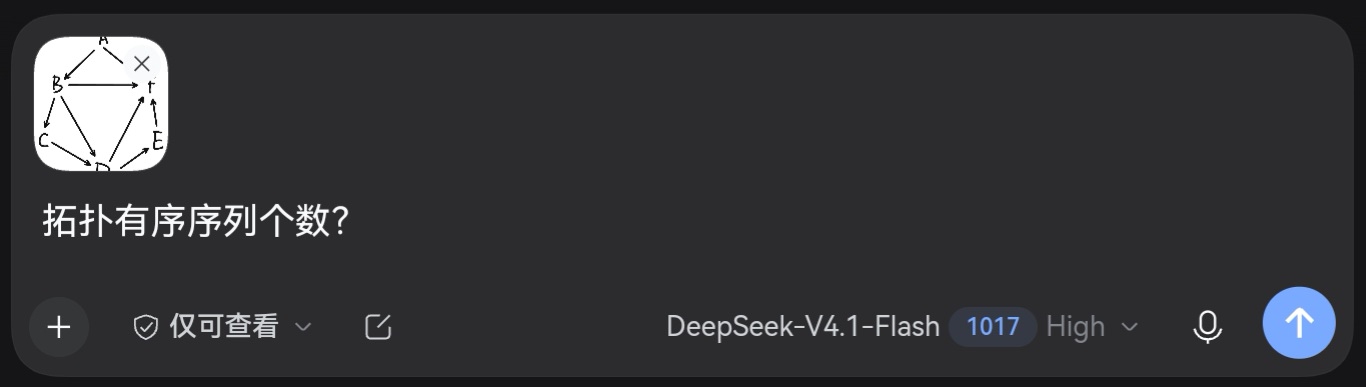
A drawing board for DeepSeek Harness. Handwrite a formula, sketch a diagram or jot a note, then attach the picture to your message.
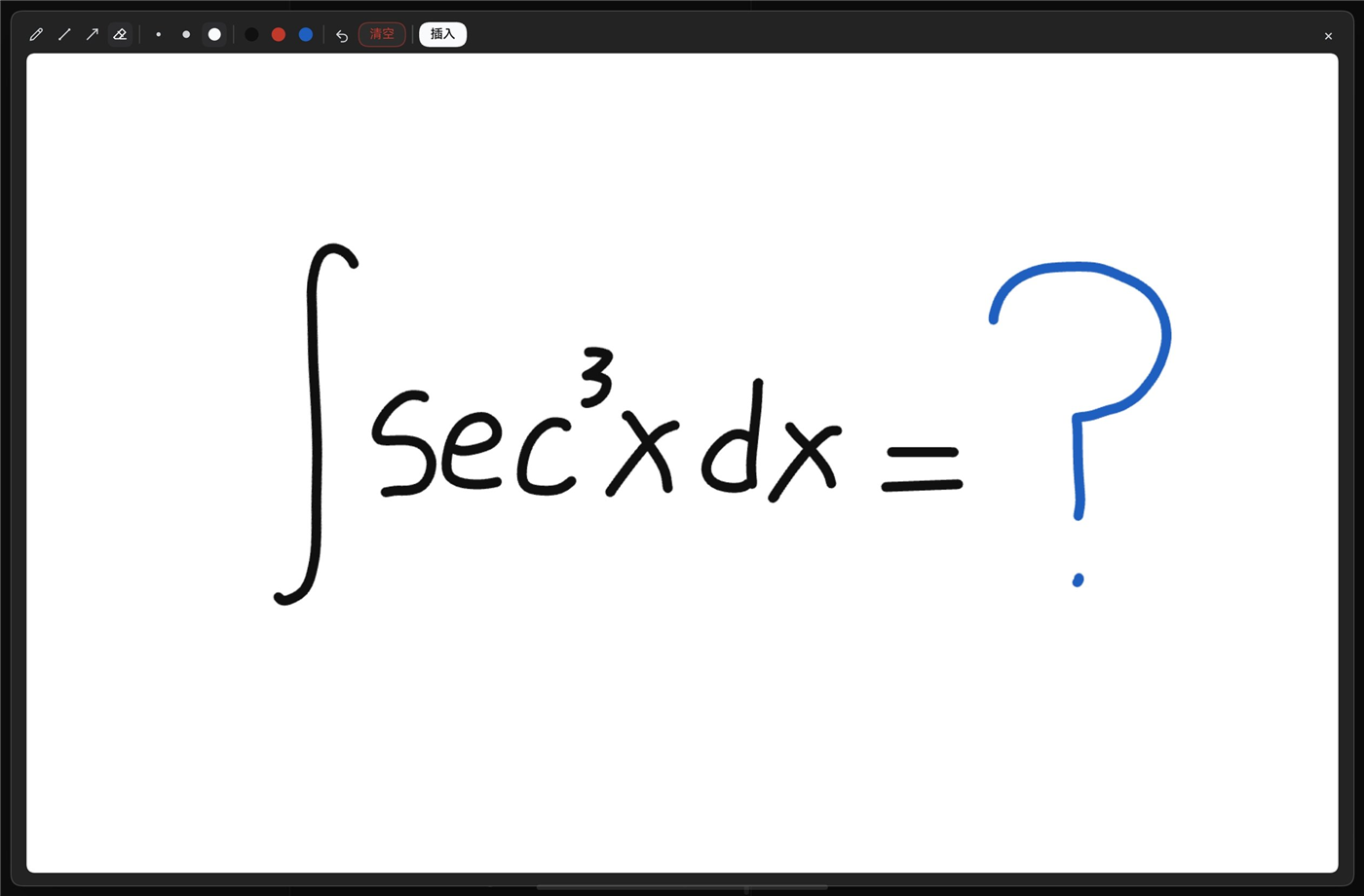
Features
- Entry points — the composer's
+menu (Sketchpad, also/sketchpad) and the right-sidebar tab. - Floating board — 1600×1000 landscape.
Esc, the×, a backdrop click or a double-click closes it; closing only closes, the drawing is attached when you press Done. - Fullscreen — the toolbar button (or
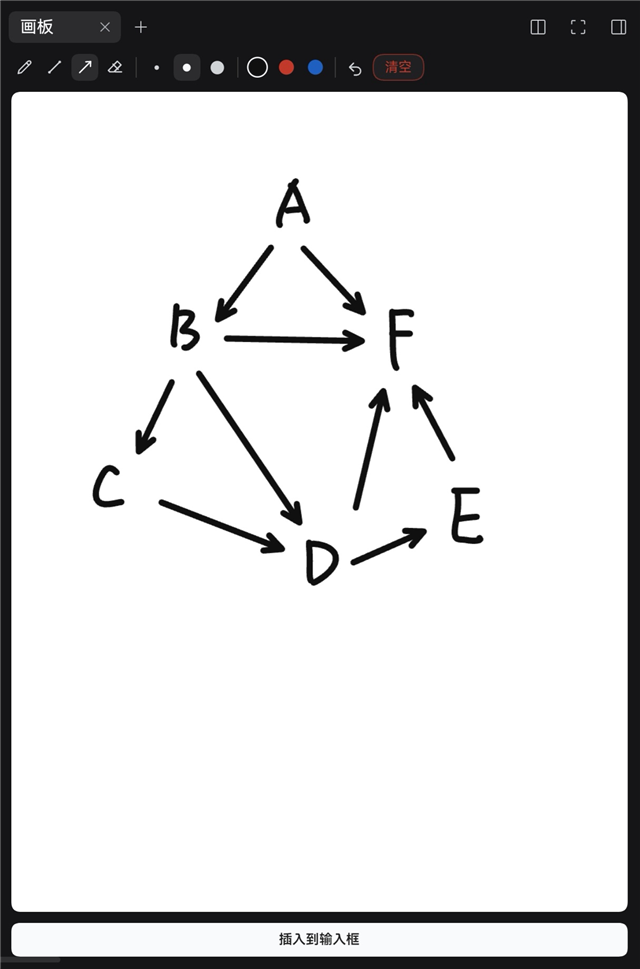
F) expands the floating board to the whole window, and the sidebar board has the same button: it opens the floating board fullscreen, so you get the landscape board from anywhere. The choice is remembered for the next time. - Sidebar board — a portrait 1000×1333 right-sidebar tab with its own strokes and attachment.
- Only explicit saves — nothing is encoded while drawing; the PNG is made only when you press Done.
- Cropped export — cut to the ink bounding box plus 26 px; small sketches are upscaled up to 2.5× (about 900 px on the long side).
- Tools — pen, line, arrow, and a stroke deleter: tap a stroke or drag across several to remove them whole; widths 4 / 7 / 12 px; black, red and blue;
Shiftsnaps to 0°/45°/90°. - Undo (40 steps), redo, two-finger tap undo —
Ctrl/Cmd+Z,Ctrl/Cmd+Shift+Z, the toolbar buttons, or tap the board with two fingers; clearing and deleting are undoable too. - Chinese and English — UI copy follows the host language (
<html lang>). - Touchscreen guards — while the pen is down touch is ignored; contacts far larger than your finger (learned per device, 55 px floor) are treated as a palm; a touch must travel 5 px before it inks. A resting hand leaves no dots, and a finger still draws.
- Shortcuts —
BLAE,123,[],Ctrl/Cmd+Z,Ctrl/Cmd+Shift+Z,F,Enter,Esc.
Install
DSH 0.2.1-rc.2 or newer.
dsh plugin --profile web add dsh-sketchpad
Restart dsh web (or refresh after a live install).
Usage
- Open Sketchpad from the composer's
+menu (or/sketchpad, or the 画板 sidebar tab). - Draw.
- Press Done to attach the drawing (closing the board only closes it).
- Send.
Floating Done freezes the drawing, clears the board and closes the window. The sidebar's Done keeps the tab open for the next one.
Permissions and data
No network requests and no message access. The plugin uses the host's draft-attachment API, the session-scoped input state, the sidebar tab API, and localStorage for the pen colour and width only. Drawings stay in page memory; the PNG is created in the browser.
Limits
No pressure sensitivity, and palm rejection is heuristic — pen priority, a per-device finger-size baseline, and a drag threshold — so a palm that reports a finger-sized contact can still slip through. The two boards are independent, sizes are fixed, and a page refresh clears the boards.
Development
See docs/DEVELOPMENT.md. License: MIT.
No comments yet. Be the first to write one.