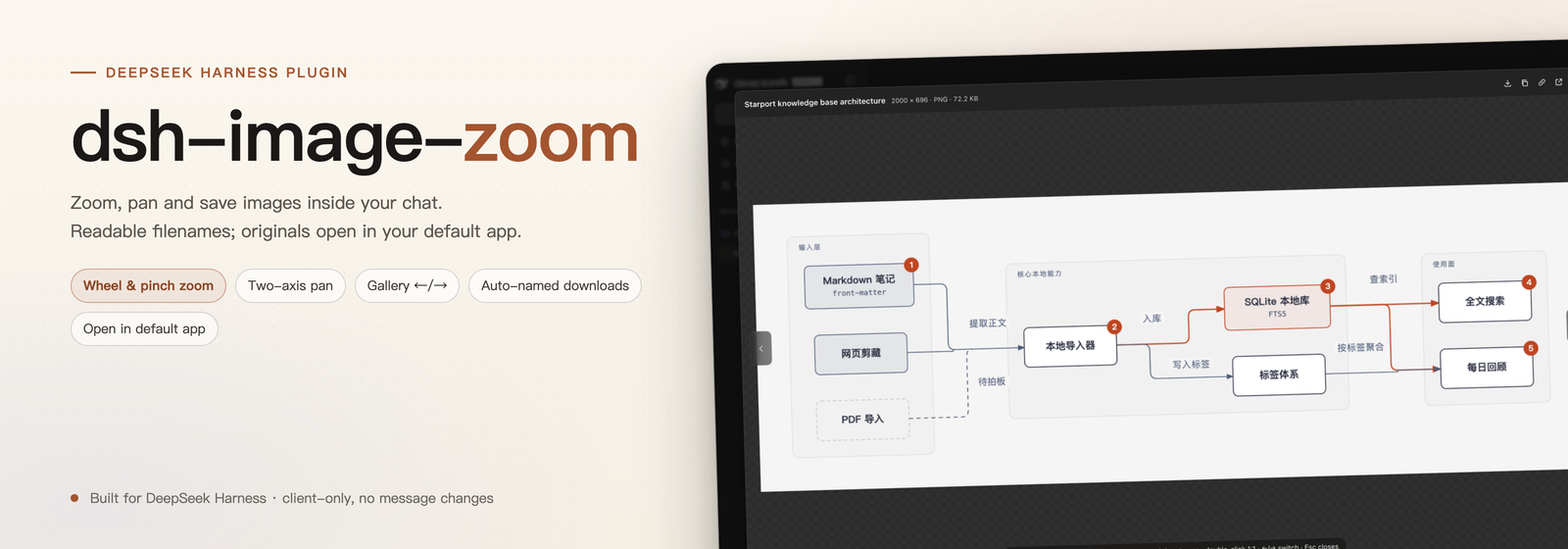
dsh-image-zoom
A real image viewer for DeepSeek Harness. Click any content image in chat — a Markdown image, a tool screenshot, a workspace artifact — and get wheel/pinch zoom, two-finger and drag panning, gallery browsing, and downloads that arrive with a sensible filename.




English | 中文
Why this plugin
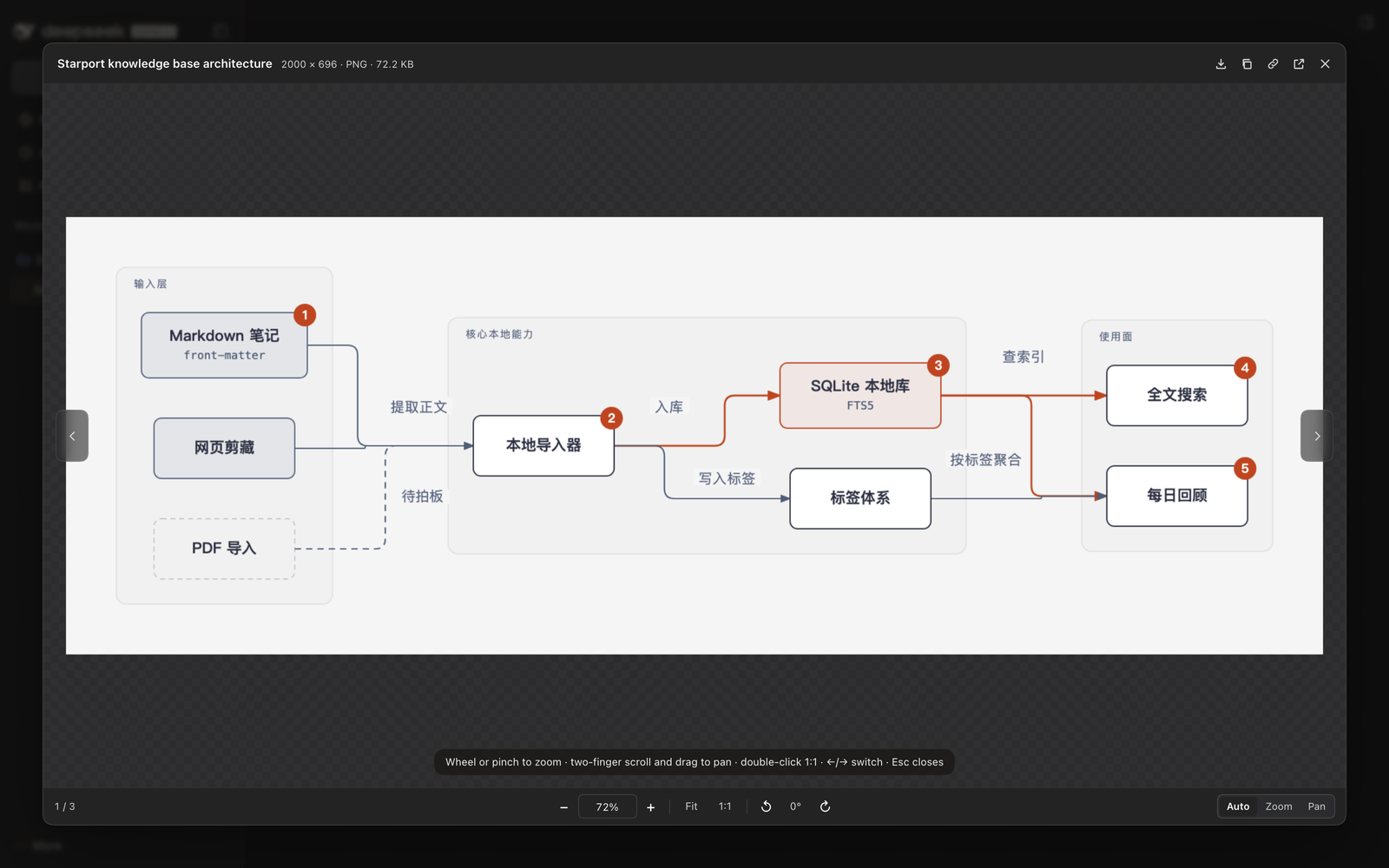
The built-in image preview is a step up from a raw <img>, but it is not a viewer: you cannot really zoom, pan on both axes, or keep a good filename when you save. dsh-image-zoom takes over content-image clicks and draws its own dialog:
| You want to… | How it works |
|---|---|
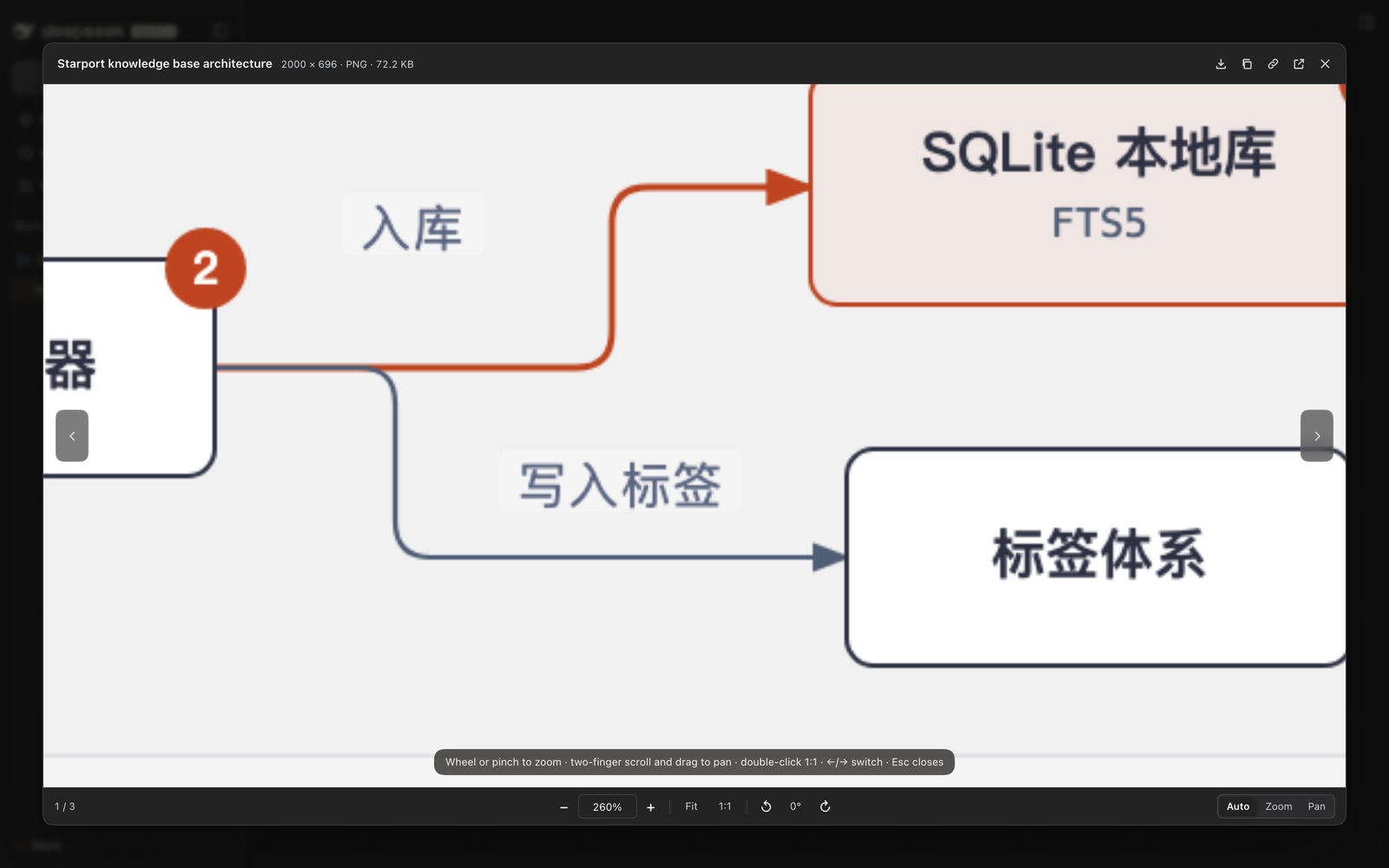
| Zoom with a mouse | Wheel zooms at the pointer. A normal notch (Windows 100 / Chrome 120) zooms immediately; a smooth-scroll or precise mouse with tiny deltas is confirmed as an isolated event after 75 ms and zooms too. |
| Zoom with a trackpad | Pinch (ctrl+wheel) zooms continuously. |
| Pan left/right and up/down | A two-finger scroll stream pans both axes; drag also pans; Shift+wheel pans sideways. |
| Read something small | Fit / 1:1 / double-click, +/-, typed percentage, 5%–4000%, rotate 90°. |
| Flip through screenshots | ←/→ or the side chevrons; 3 / 7 in the footer. |
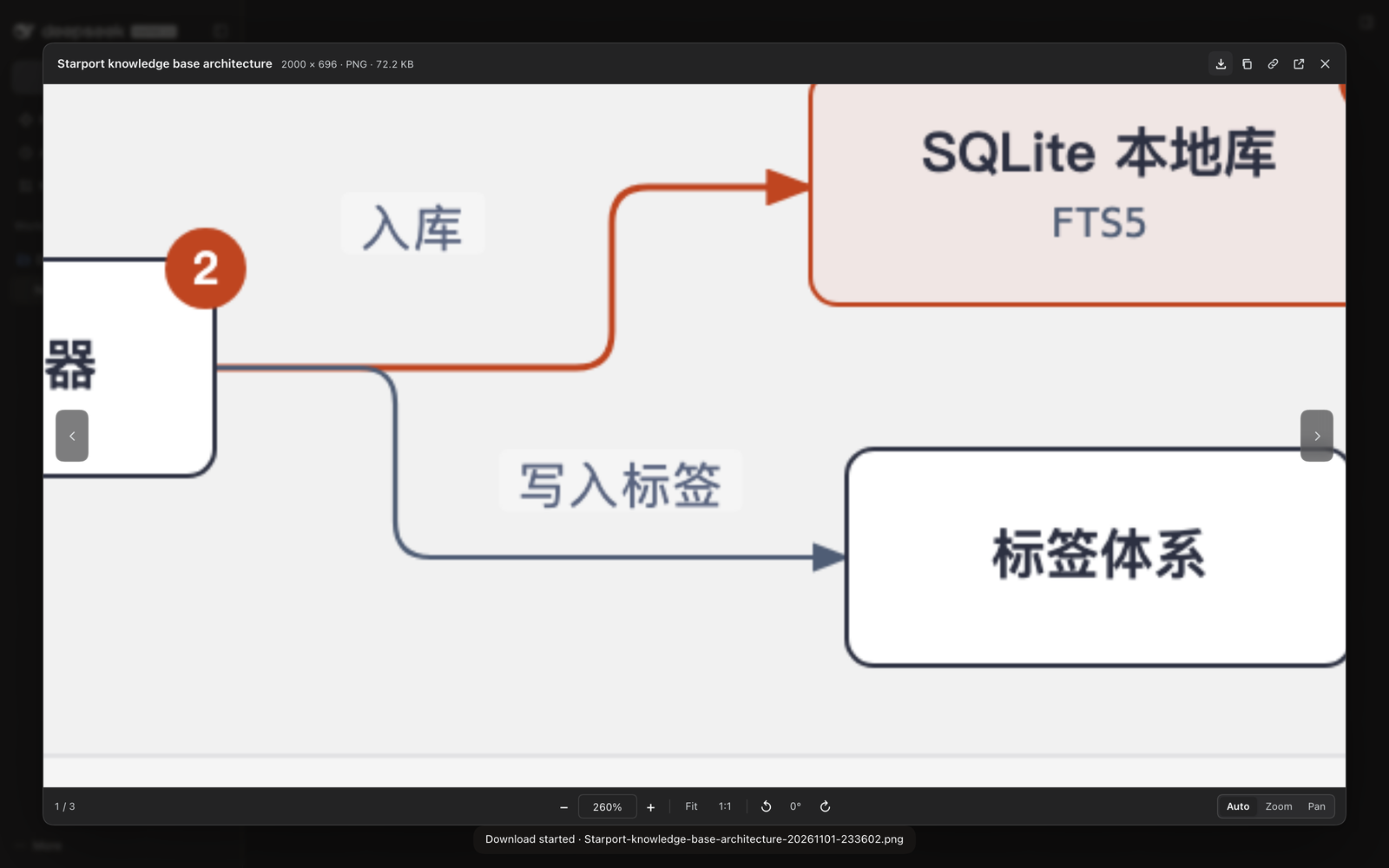
| Keep the file | Download with a generated name, copy the image, copy an external image link, or open a workspace original in the system default app. |
Install
GitHub release tarball (current)
dsh plugin --profile <your-profile> add https://github.com/bingomu/dsh-image-zoom/releases/latest/download/dsh-image-zoom-1.0.1.tgz
Plugin market
It is listed in the DSH plugin market (registry entry awesome-dsh-plugin) and installs with:
dsh plugin --profile <your-profile> add https://github.com/bingomu/dsh-image-zoom/releases/latest/download/dsh-image-zoom-1.0.1.tgz
From a checkout (development)
dsh plugin --profile <your-profile> add /path/to/dsh-image-zoom
Then restart DSH (or reload the page when only client.js changed). The plugin is client-only: it declares dsh.bundle.patch and a dsh.client web entry, and writes nothing to your sessions or files.
Requirements
| Item | Value |
|---|---|
| DSH | >=0.2.1-rc.2 <0.3.0-0 (declared in engines.dsh); developed and tested on DSH Desktop 0.2.1-rc.5 |
| Runtime | Web client / DSH Desktop. Node is only needed for tests. |
| Platform | macOS tested on the desktop app; Windows uses the same web client (the wheel notch path is covered by tests via synthetic 100/120 deltas). |
Gestures and shortcuts
| Input | Action |
|---|---|
| Mouse wheel (one notch) | Zoom at the pointer |
Pinch / Ctrl+wheel / ⌘+wheel / Alt+wheel |
Zoom |
| Two-finger scroll stream | Pan both axes |
Shift+wheel |
Pan sideways |
| Drag | Pan |
+ / - |
Zoom 25% |
0 / 1 |
Fit / actual size |
| Double-click | Fit ↔ 1:1 |
← / → |
Previous / next image |
Shift+arrow keys |
Pan 72 px |
R / Shift+R |
Rotate 90° clockwise / counter-clockwise |
Esc |
Close (first exits the zoom input) |
The footer has three explicit wheel modes — Auto / Zoom / Pan — stored in localStorage. Auto is explained above; choose Zoom if your mouse's smooth-scroll driver breaks the auto heuristic, or Pan if you want scroll to always move the picture.
Download naming
Every download is saved as:
<description>-<YYYYMMDD-HHmmss>.<ext>
- description = the image
alttext, else a meaningful source filename, else the localized “image”. - The local timestamp keeps names unique and sortable; the extension follows the detected format, so blob-backed screenshots never land as
.bin. - Characters Windows forbids are replaced, reserved device names get a trailing
_, and long descriptions are capped at 48 characters.
The download button's tooltip previews the exact name; the macOS save dialog opens with it already filled in.
Header actions
| Button | What it does |
|---|---|
| ↓ Download | Save the original with the name above |
| ⧉ Copy image | Copy to the clipboard as PNG/JPEG |
| 🔗 Copy link | Only for off-origin http(s) images: copy the absolute URL |
| ↗ Open original | Workspace images (served via /api/file?path=…) open in the system default app through the Host's openWorkspacePath; external images open in a new window; blob:/data: attachments explain that they have no local path |
| ✕ Close | Same as Esc |
Feedback and support
- Bugs and feature requests: GitHub Issues — the primary channel; please use the templates and include DSH version, OS, and reproduction steps.
- X / Twitter: @robinham — short questions and release notes.
- Questions and usage help: GitHub Discussions when enabled; otherwise open an issue.
- Security reports: do not open a public issue. See SECURITY.md.
- Response expectation: this is a personally maintained project; issues are answered on a best-effort basis, usually within a week.
See SUPPORT.md for the full support policy and docs/identity-and-release.md for the versioning and release policy.
Versioning
- Semantic Versioning: patch for fixes, minor for backward-compatible features, major for breaking changes.
- Every release updates CHANGELOG.md and states its DSH compatibility in
engines.dsh. - A DSH release that drops compatibility is treated as a breaking change for this plugin.
Development
npm run check          # node --check
./tests/chrome.sh      # headless Chrome with CDP on 127.0.0.1:9333
node tests/run-e2e.mjs # 88 assertions, real input events and real downloads
./tests/chrome.sh stop
The plugin is a single client entry (client.js) with no build step. Tests drive a minimal DSH-like harness over HTTP with wheel, pointer, keyboard, double-click and download behavior. See tests/README.md for the isolation rules.
License
MIT — see LICENSE. Copyright © 2026 Genzo (bingomu).
Maintained by Genzo (@bingomu · @robinham). Not affiliated with DeepSeek. “DeepSeek Harness” is an open-source project by DeepSeek; this is a third-party plugin.
No comments yet. Be the first to write one.