dsh-plugin-file-explorer
English | 中文
A VS Code-style workspace file explorer for the DeepSeek Harness (DSH) web UI: right-side file tree + editable tabs + Markdown read/edit/split + floating outline + Quick Open.
Features
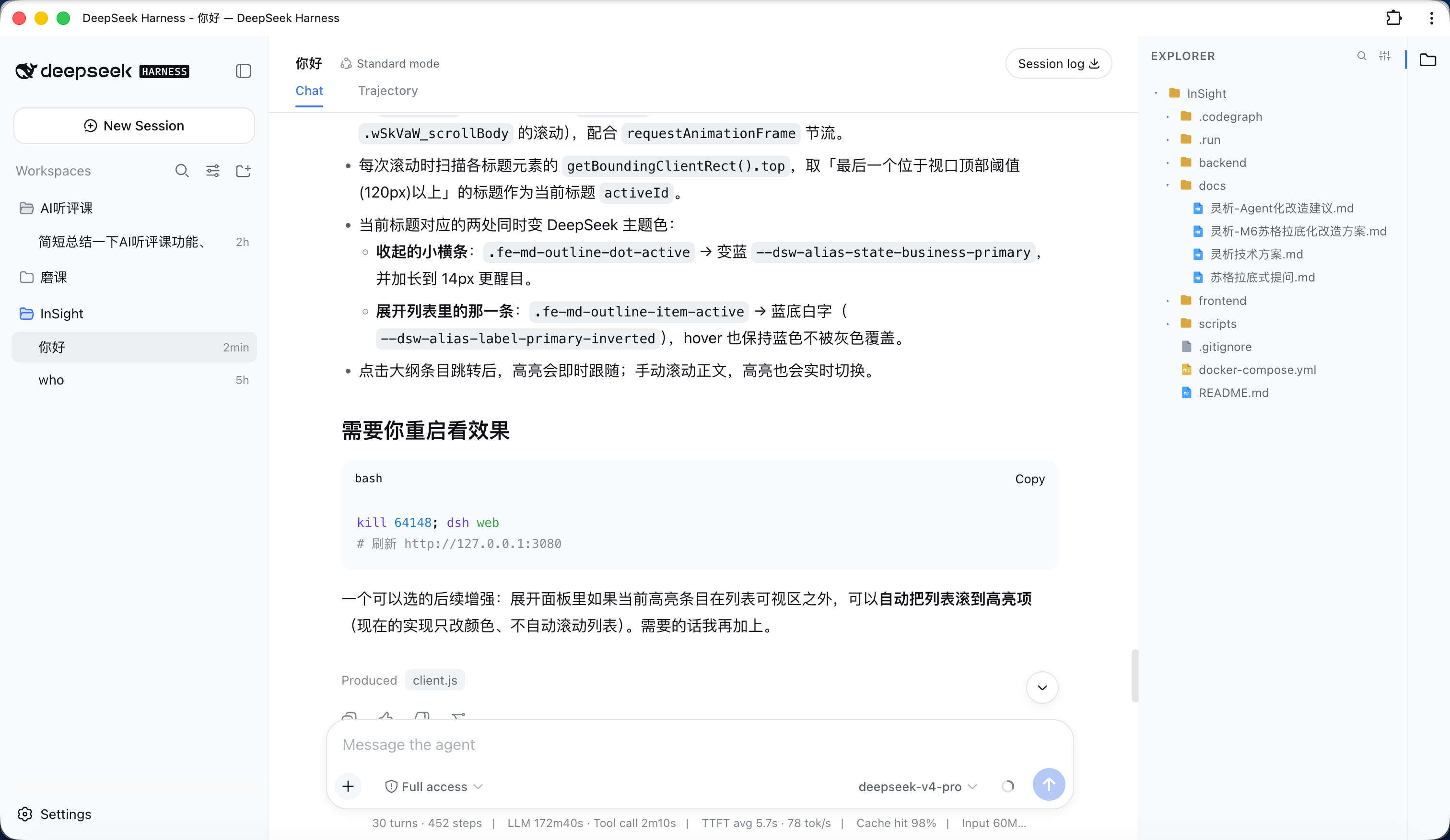
- File tree: right-side explorer with type-colored icons and collapsible folders; click a file to open it in the center area.
- Right-click menu: right-click the file tree → New File / New Folder / Rename / Delete / Copy Path (like the VS Code explorer).
- Drag-and-drop move: drag a file or folder onto a folder to move it (like VS Code); open tabs update their path automatically when a file is moved.
- Import from your OS: paste files copied in Finder / Windows Explorer (
⌘/Ctrl+V) or drag them in from the desktop — folders keep their structure and name clashes are auto-renamed. - Editable tabs: center tabs (after the conversation/trace tabs) with syntax highlighting, Tab indent,
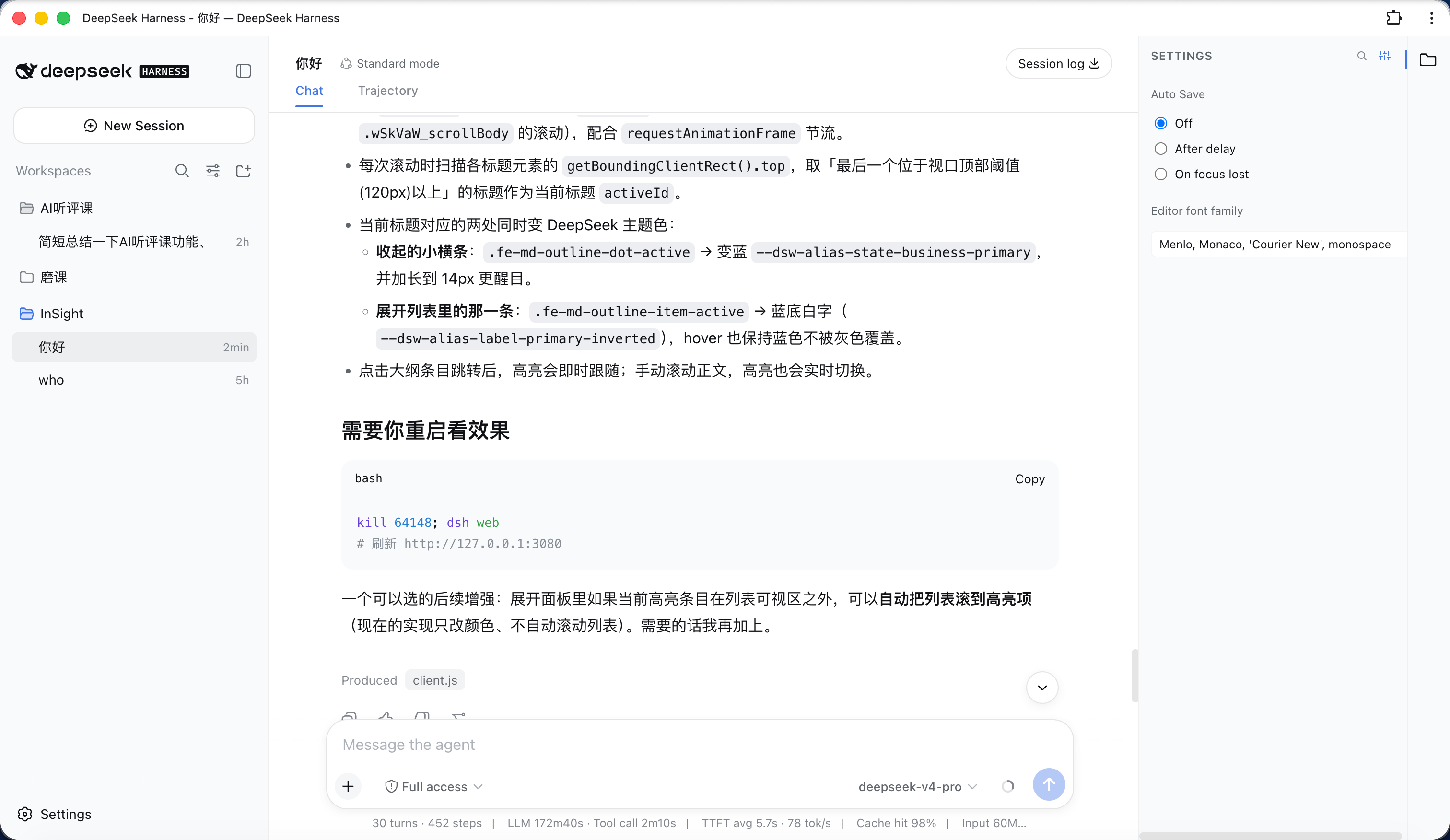
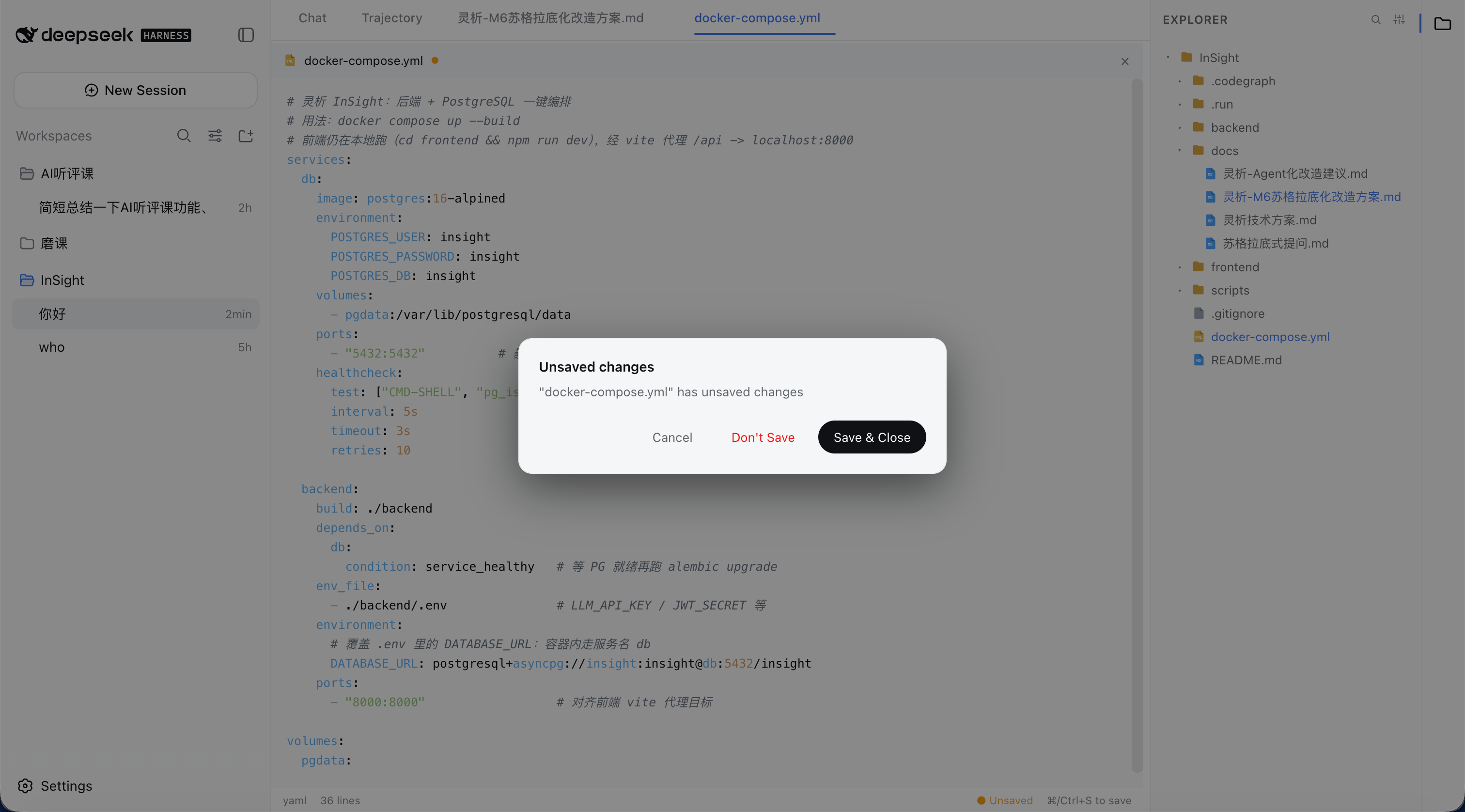
⌘/Ctrl+Ssave, hover×close, and a right-click menu (Close / Close Others / Close to the Right / Close Saved / Close All / Copy Path / Pin). - Auto-save: configurable "Off / After delay / On focus lost"; a confirm dialog guards closing unsaved files.
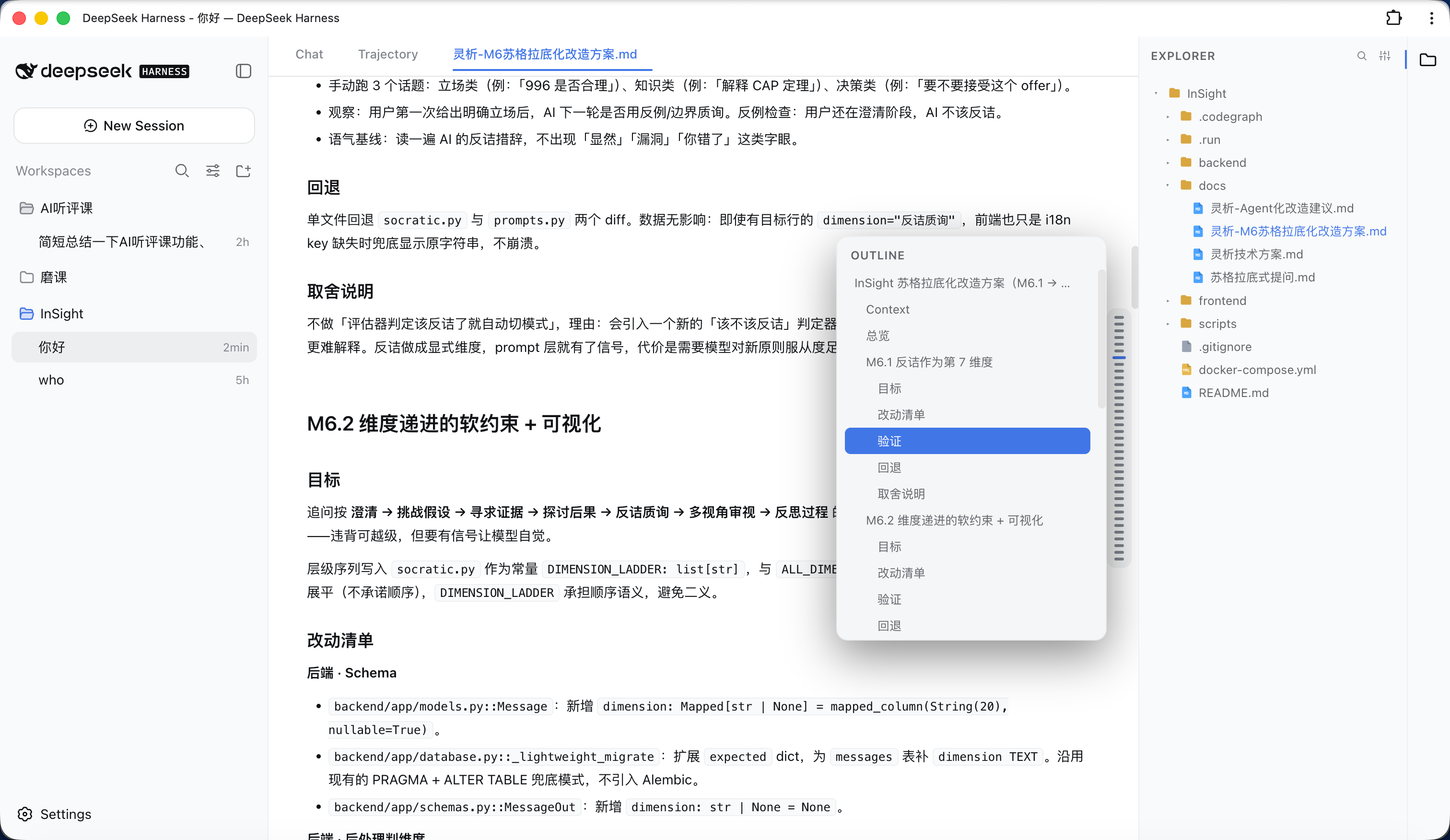
- Markdown: Typora/Obsidian-style "Read / Edit / Split" modes; a floating outline on the right in read mode that expands on hover (like ChatGPT's hover bar).
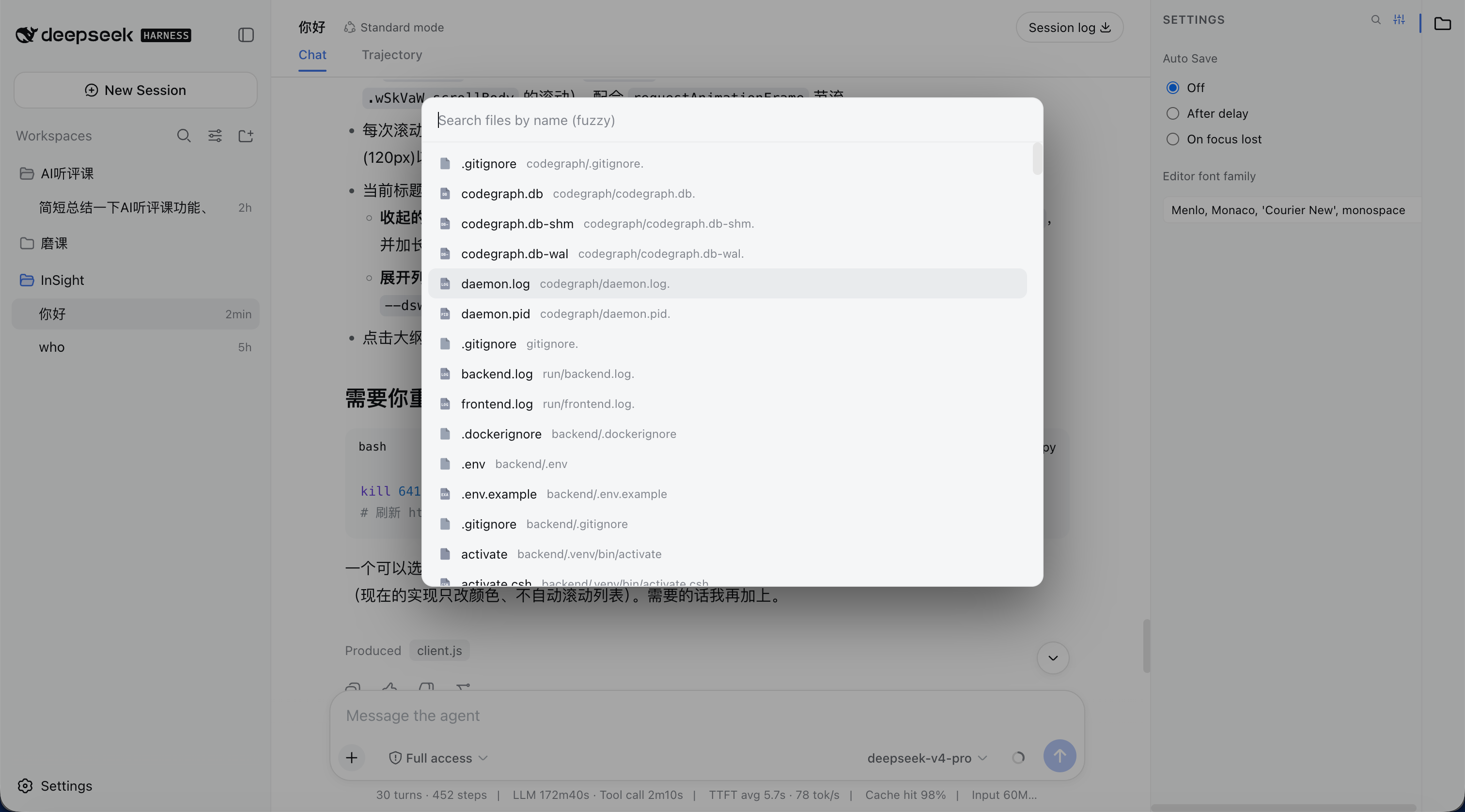
- Quick Open:
⌘/Ctrl+Pfuzzy file search and open (same as VS Code); also reachable via the magnifier button in the sidebar header. - i18n: switches between Chinese and English by following the DSH general setting.
- Editor font: customize the editor font for opened files in the settings panel (monospace contexts).
- Open chat files in-app: clicking a file in the chat (a produced-file chip, an inline path mention, or a tool card's file link) opens it in the explorer editor tab instead of the browser/Finder.
Screenshots
Explorer expanded
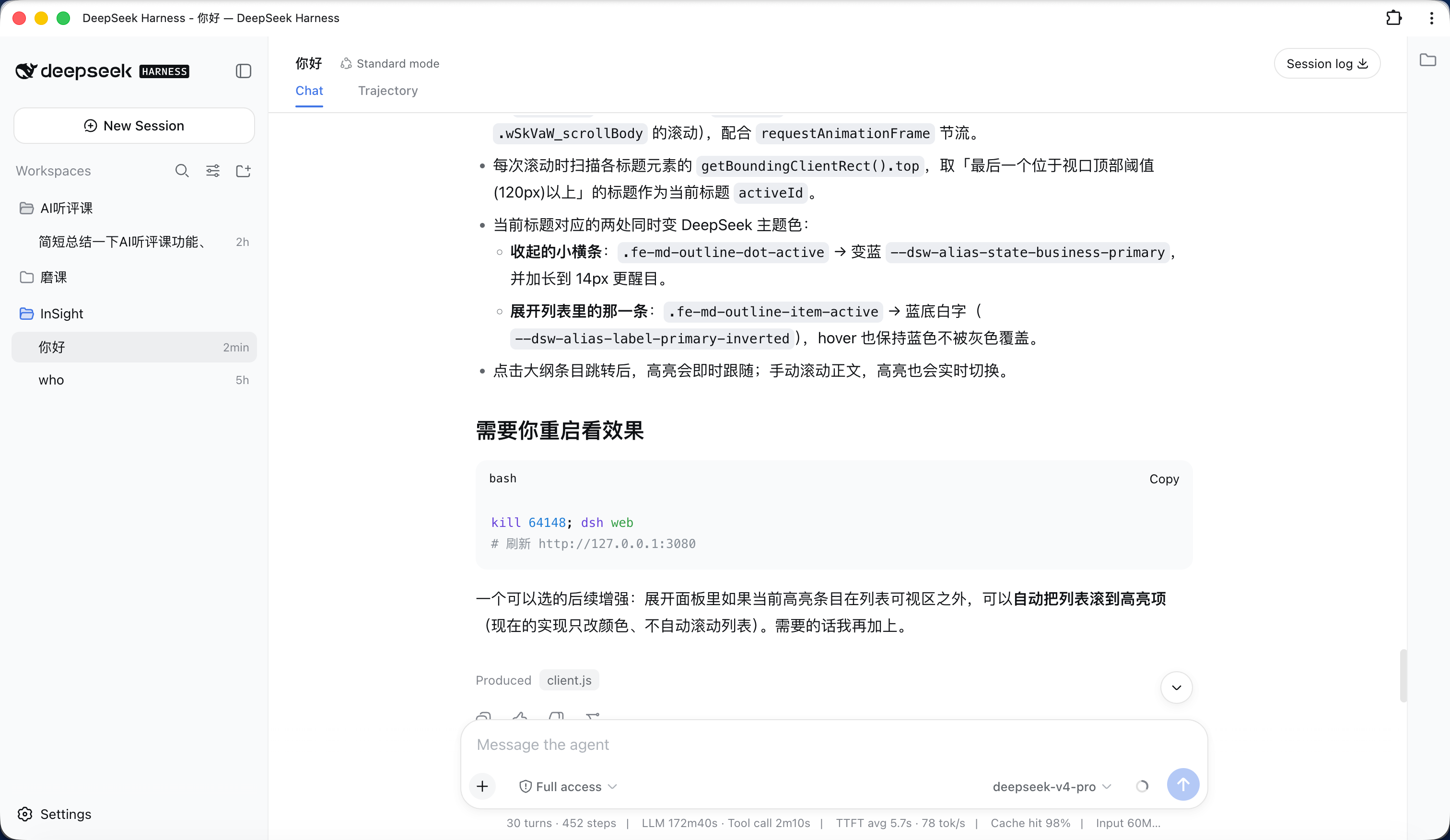
Explorer collapsed
File settings
File search
Open file
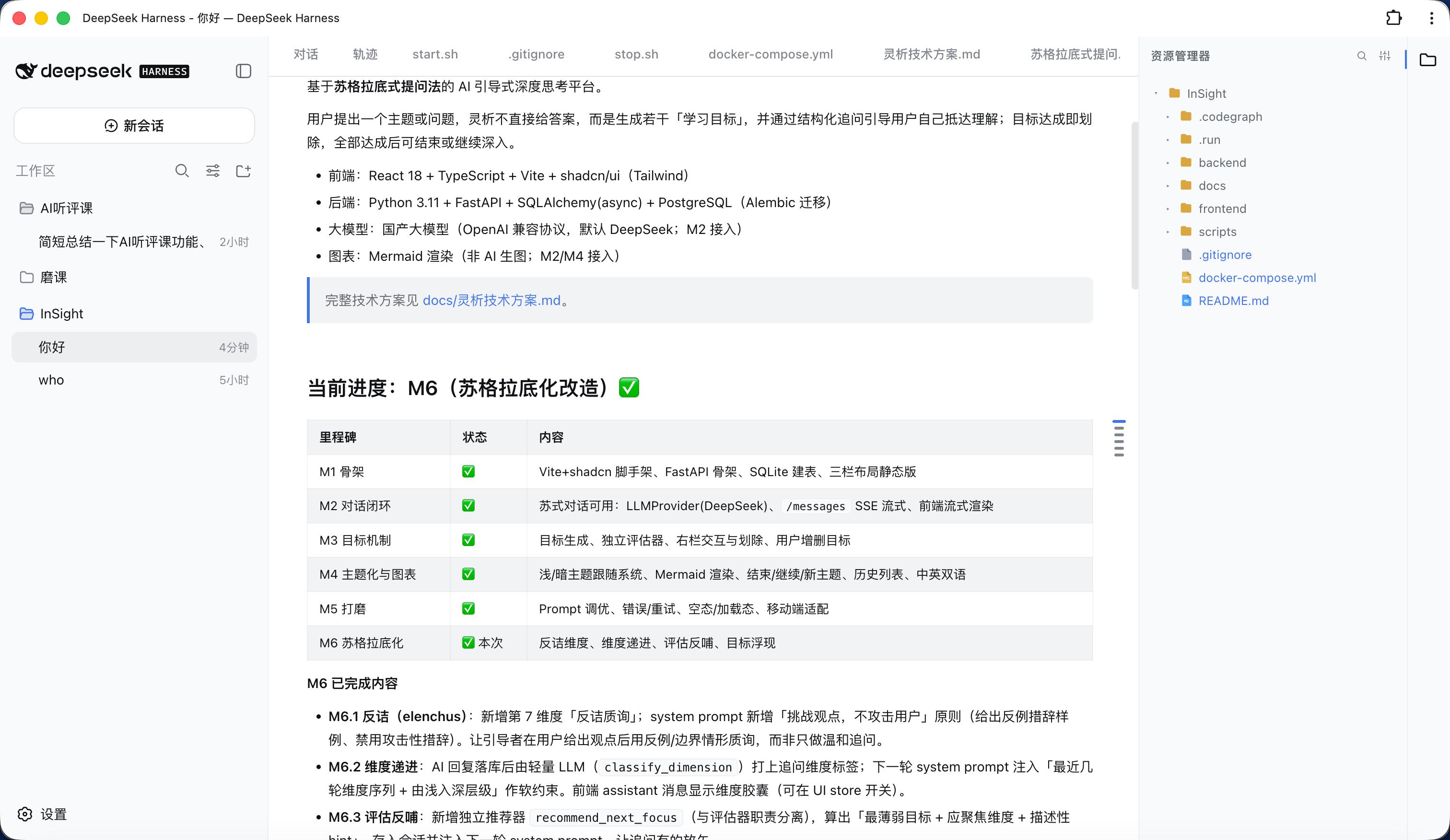
Markdown outline
Closing an unsaved file
Installation
Requires DSH with an initialized
webprofile (auto-created on firstdsh web).
dsh plugin is DSH's built-in plugin manager; it forwards the arguments to pnpm inside the profile directory. Always use it, not npm install -g — DSH loads plugins from $DSH_HOME/profiles/web/node_modules, and it never reads the global directory (Windows AppData\Roaming\npm), so a global install has no effect.
Prerequisite:
dsh pluginshells out to pnpm, so install pnpm first (npm install -g pnpm), otherwise it fails withpnpm not found on PATH.
Option 1: install from npm
# install into the web profile (equivalent to running `pnpm add` in that profile)
dsh plugin --profile web add dsh-plugin-file-explorer
Option 2: install from GitHub (no npm publish required)
dsh plugin --profile web add github:bearllfleed/dsh-plugin-file-explorer
Update
dsh plugin --profile web update dsh-plugin-file-explorer
Uninstall
dsh plugin --profile web remove dsh-plugin-file-explorer
Check installed / latest version
# version actually loaded (looked up inside the profile)
dsh plugin --profile web list dsh-plugin-file-explorer
# latest on npm
npm view dsh-plugin-file-explorer version
Then enable the plugin
Installing only adds the package as a dependency; you must also register it in the profile's cordis.patch.yml so DSH loads it. Edit $DSH_HOME/profiles/web/cordis.patch.yml and add:
- insert:
    - id: file-explorer
      name: 'dsh-plugin-file-explorer'
id is a unique identifier in the config tree (customizable); name must be the npm package name.
Restart
dsh web
# then refresh http://127.0.0.1:3080
After install/update you must fully quit and restart the
dsh webprocess (host routes are registered at startup) and hard-refresh the page with⌘/Ctrl+Shift+R(the browser bundle is cached). A plain page refresh won't pick up new features.
New features don't show up after updating?
Check in order:
- DSH not fully restarted — host routes (new file / rename / delete) are registered at process startup; quit
dsh weband start it again, not just refresh the page. - Browser cache — the right-click menu and drag-and-drop live in the browser bundle; hard-refresh or use an incognito window.
- Wrong location / wrong version —
dsh plugin --profile web list dsh-plugin-file-explorershows the actually-loaded version; if it's an old one, it was likely installed withnpm install -ginto the global directory (which DSH ignores). Re-rundsh plugin --profile web add ...above.
Usage
| Action | Shortcut / entry |
|---|---|
| Toggle file tree | file icon in the right activity bar |
| Open a file | click in the tree; or ⌘/Ctrl+P then Enter |
| New / rename / delete | right-click menu in the tree |
| Move a file / folder | drag it onto the target folder |
| Save | ⌘/Ctrl+S |
| Close a tab | hover × on the tab, or right-click menu |
| Markdown mode | "Read / Edit / Split" at the top of the file |
| Markdown outline | hover the right floating bar in read mode |
| Editor font / auto-save | gear button in the sidebar header |
Layout
lib/index.js    host (Node) routes: list / read / raw / write / create / rename / delete / files
lib/client.js   browser bundle: tree, editor, Markdown, outline, Quick Open
package.json    plugin manifest (dsh.client.inject / platform)
Development
After editing lib/, if the plugin is installed via a file: link, sync to $DSH_HOME/profiles/web/node_modules/dsh-plugin-file-explorer/lib/; otherwise re-run dsh plugin add and restart.
No comments yet. Be the first to write one.