READMESource: main@cda689fc
dsh-avatar-balance
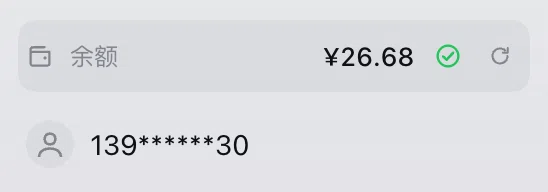
DeepSeek account balance in the sidebar foot, directly above the account avatar.
English | 中文
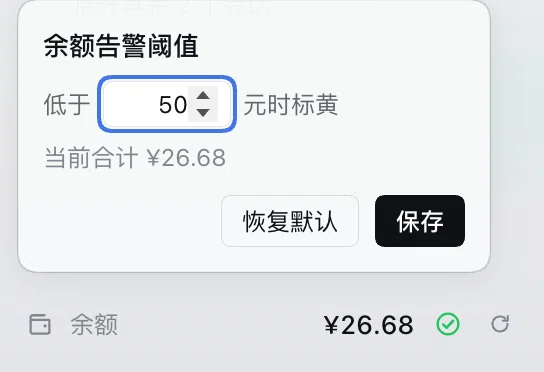
A full-width row shows the balance with a status mark: amber ⚠ while the total (top-up + bonus) is below the threshold, green ✓ above it. Click the mark to change the threshold (default 20, saved locally). Hover for the breakdown; a collapsed sidebar shows a round wallet button instead. Hidden while signed out.

Install
Settings → Plugins → Install:
github:adrian-atlas/dsh-avatar-balance
DeepSeek Harness 0.2.1-rc.3+ and a DeepSeek account.
Refresh
- on load
- 3 seconds after any task finishes
- every 2 minutes while the page is visible
- when the window regains focus
- on ⟳
The balance is account-wide, shared by every session.
License
MIT
No comments yet. Be the first to write one.