READMESource: main@edf1946a
dsh-resume
在 DeepSeek Harness 里接着做 Codex、Claude Code、Cursor、Grok、Pi 没做完的事。
输入 /resume-claude,另外四条同理。它只读本机那次会话,抽出还能接手的上下文,写成一张交接卡。旧进程不会被拉起来,别人的会话文件也不会被改。
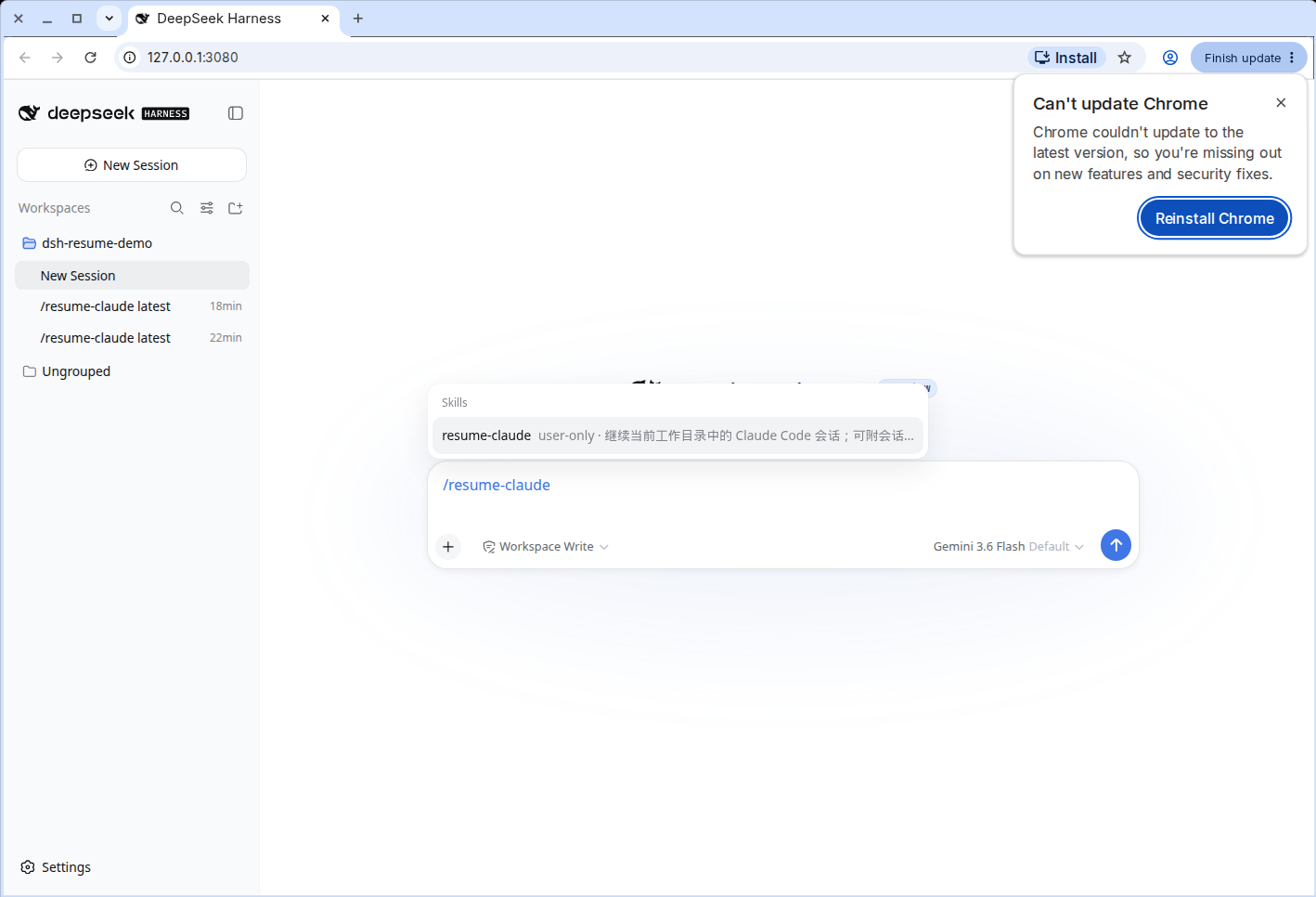
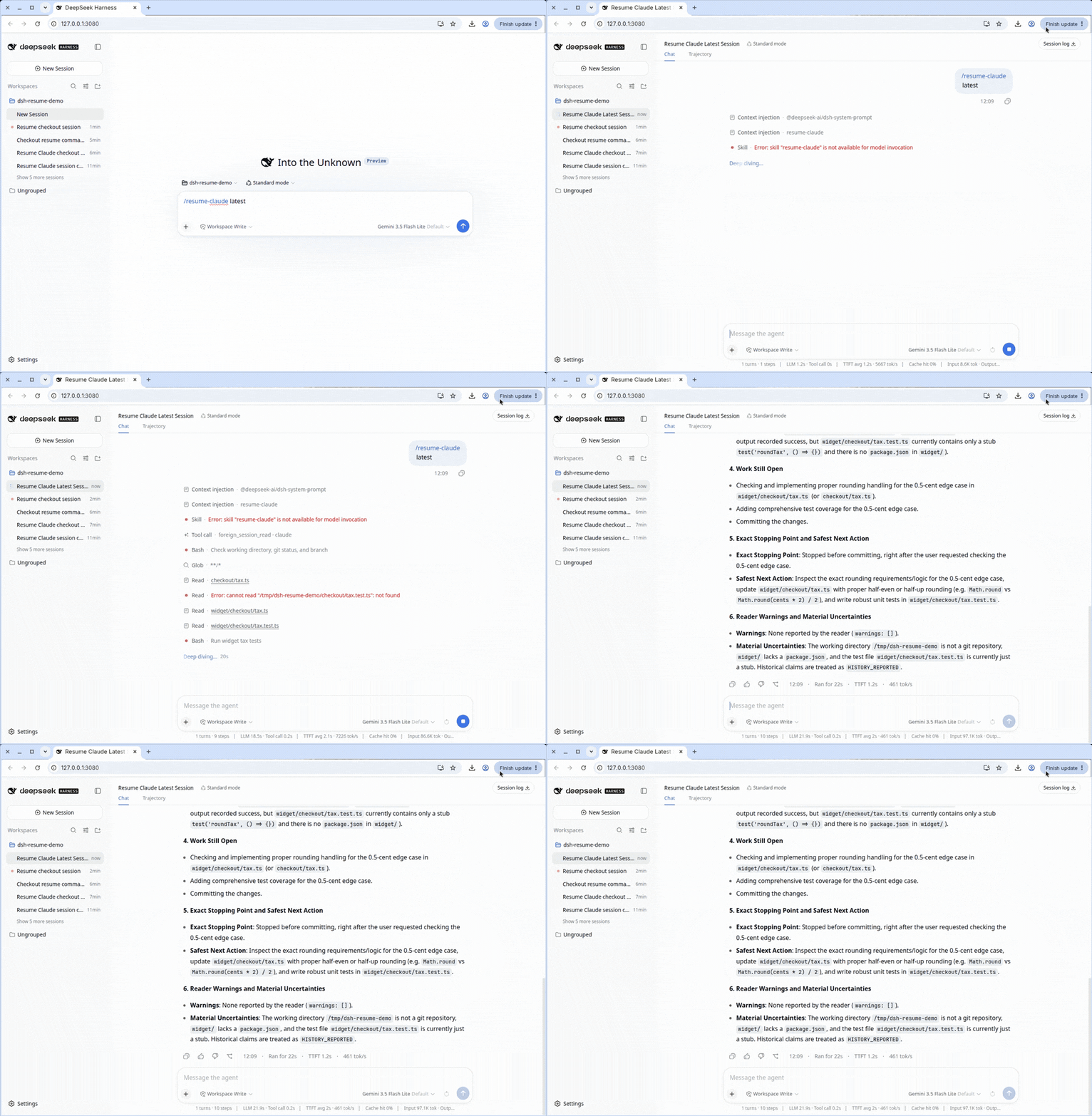
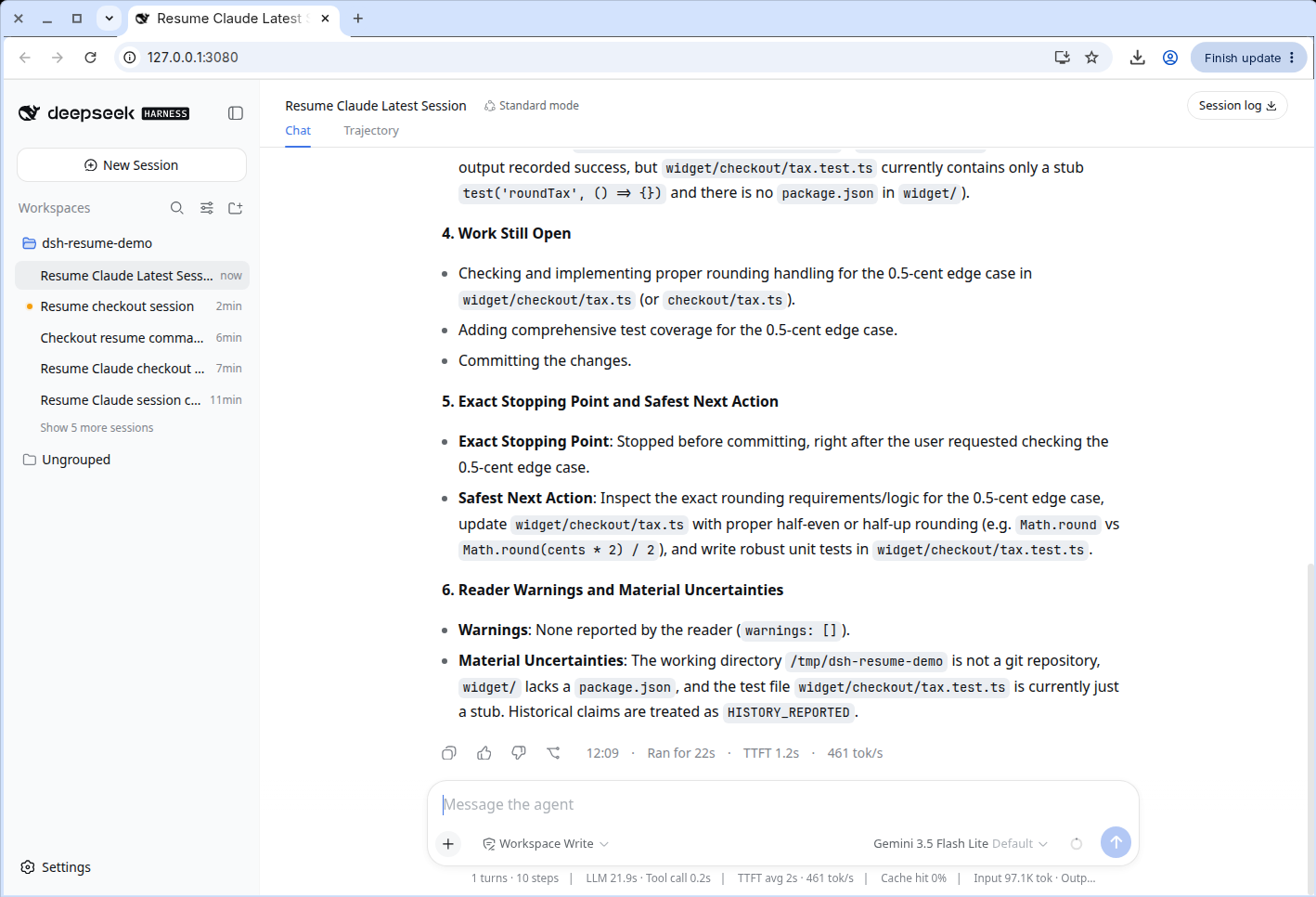
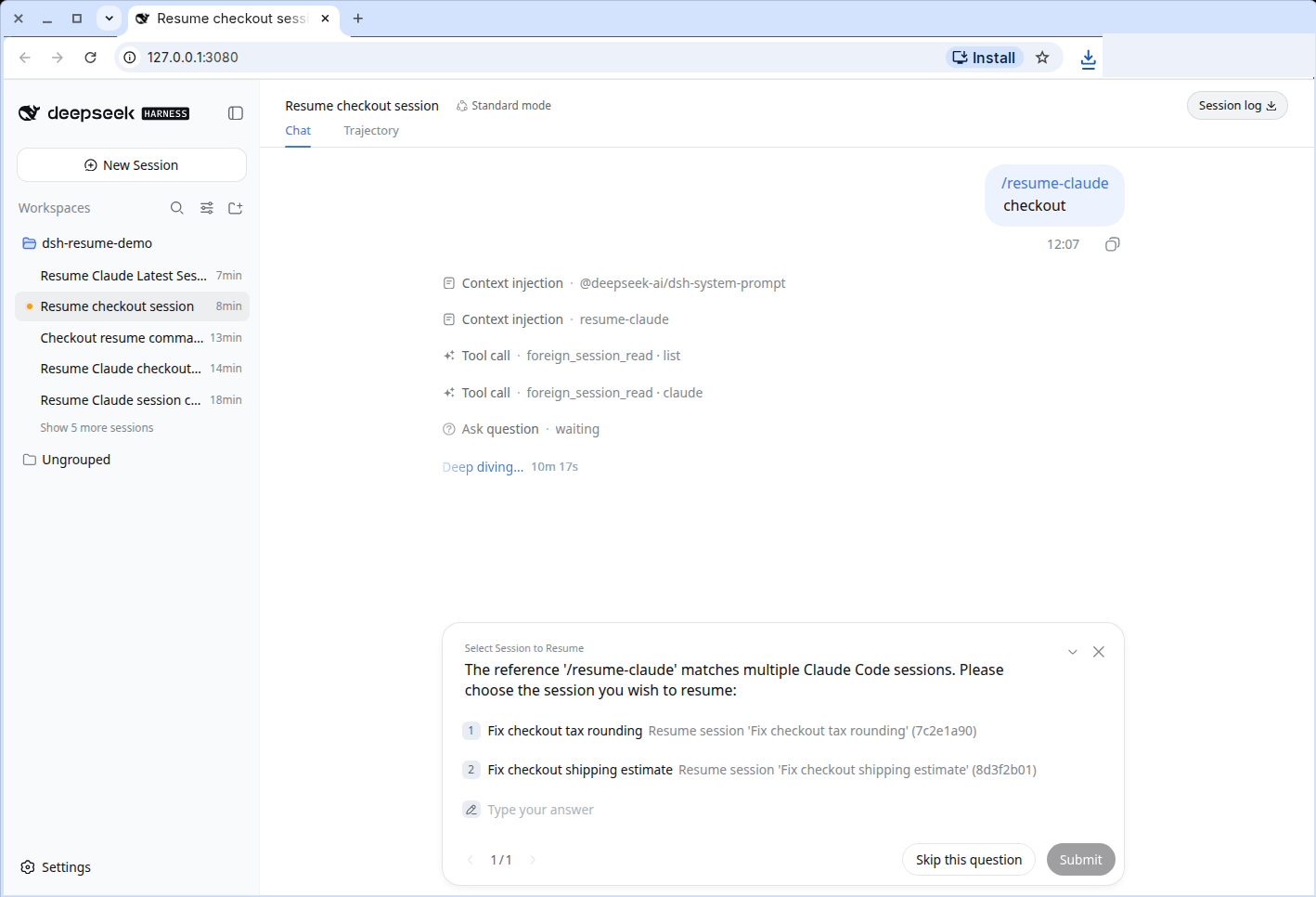
六段按目标、文件、做到哪、还差什么、停在哪、读者警告来写。标题对不上号时不会猜,会列出候选让你挑。
安装
DeepSeek Harness 0.1.2-rc.1,Node.js 22.19+ 或 24+,Python 3。Codex 的压缩 rollout 才需要 zstd。
dsh plugin --profile web add github:aa2246740/dsh-resume
或本地 clone:
git clone https://github.com/aa2246740/dsh-resume.git
dsh plugin --profile web add ./dsh-resume
然后重启这个 DSH Host。它没有 client 包,一般不用刷新浏览器,但要确认斜杠命令已经出现。不要同时用 bundle 和 patch 挂两份。
dsh plugin --profile web remove dsh-resume
命令
只读,不改任何一家的会话仓库。系统提示、隐藏推理、加密或坏掉的记录要么丢掉,要么标明不可用。历史里的结论先标成 HISTORY_REPORTED,这轮在当前仓库里核对过的才是 CURRENT_OBSERVED。Grok 只读看得见的 updates.jsonl。Pi 只跟当前这条分支。
| 命令 | 从哪接着 |
|---|---|
/resume-codex [latest | 会话 id | 路径 | 标题] |
Codex CLI / 应用 |
/resume-claude [latest | 会话 id | 路径 | 标题] |
Claude Code |
/resume-cursor [latest | 会话 id | 路径 | 标题] |
Cursor |
/resume-grok [latest | 会话 id | 路径 | 标题] |
Grok |
/resume-pi [latest | 会话 id | 路径 | 标题] |
Pi |
开发
corepack pnpm install
pnpm check
No comments yet. Be the first to write one.