dsh-frosted-glass
English | 中文
Native macOS frosted glass for the DeepSeek Harness Desktop window — the UI's panes show the window's real vibrancy material instead of painting over it.
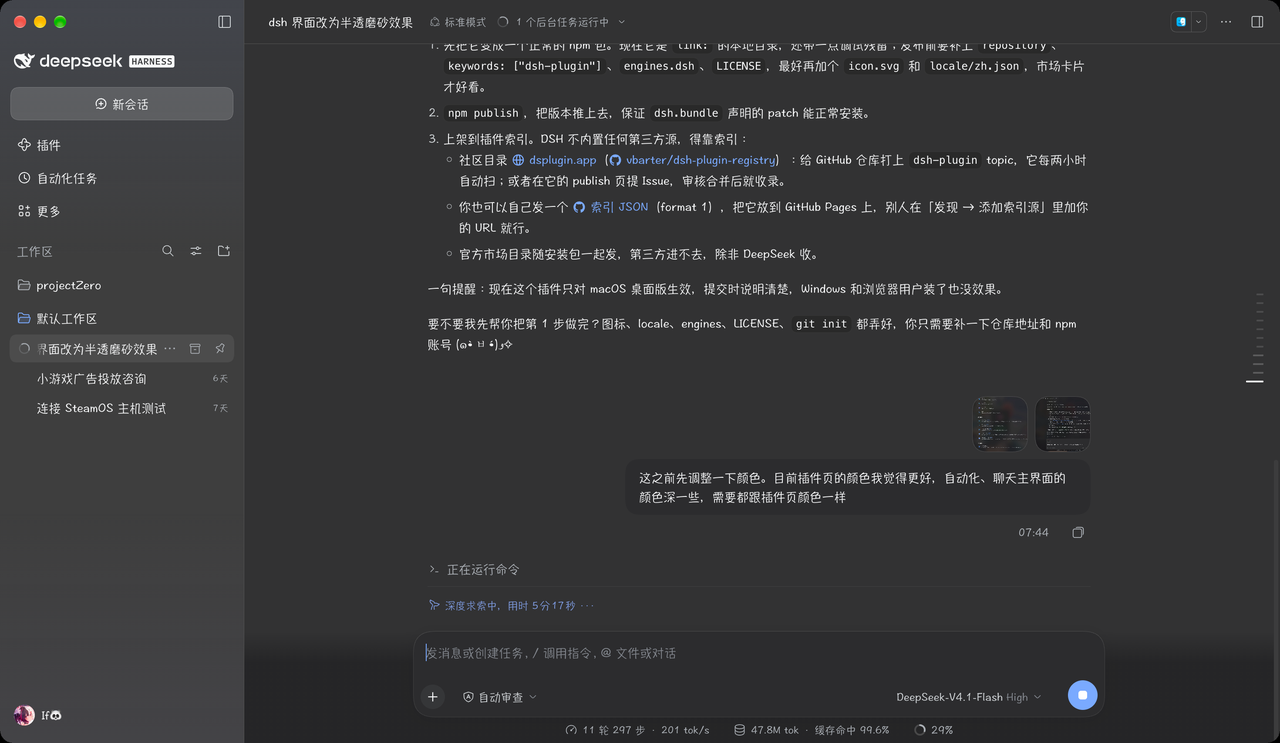
What it does
The Desktop shell already asks macOS for a native material and a transparent window
(vibrancy: "sidebar", backgroundColor: "#00000000"). The Web GUI then paints every pane opaque,
so the material never shows. This plugin re-tints those panes with an alpha color:
- the window reads as one piece of frosted glass, and the blur stays native — macOS composites it, so nothing is re-blurred per frame in CSS;
- the conversation, the schedule page and the plugin page sit at the same depth (each of them used to add its own opaque layer on top of the layout);
- page-style surfaces lose the sticky header strip that turned one step darker than the body once the tint became translucent.
Requirements
| Host | DSH Desktop on macOS (dsh >= 0.2.0-rc.1) |
| Not supported | the Web GUI in a browser tab — there is no window material to show through |
It also honours the system Reduce transparency setting and macOS full-screen mode by falling back to solid surfaces, the way native apps do.
Install
From the plugin page (插件 → 添加插件), install it by spec:
- npm:
dsh-frosted-glass - a checkout:
file:/absolute/path/to/dsh-frosted-glass
Then toggle frosted-glass on. The page reloads the module; no app restart is needed.
To remove it, toggle the bundle off or remove it from the plugin page.
Tuning
The plugin ships two knobs, both in the stylesheet at the top of lib/client.js — the percentage is
opacity, so a lower number is more transparent:
--dsh-frosted-glass-pane: color-mix(in srgb, #fdfdff 56%, transparent);  /* light theme */
--dsh-frosted-glass-pane: color-mix(in srgb, #151517 44%, transparent);  /* dark theme  */
The sidebar has its own alpha, since macOS already mixes the sidebar fill with 50% transparency:
--dsw-specific-sidebar-fill: color-mix(in srgb, #f9fafb 50%, transparent);
Edit the file, then toggle the plugin off and on to reload it.
How it works
A bundle can ship both a host half and a browser half, so this one package is enough:
dsh.bundle points at cordis.patch.yml (which adds one Loader row) and dsh.client points at the
browser bundle. The browser half appends one <style> element when the module materializes.
Everything is selector-driven, never a patched app binary:
--dsw-alias-bg-baseis the token every pane paints, so tinting that one variable makes the window glass;html[data-platform="darwin"]keeps it inert on other platforms;- pane-level layers that paint the same token again (conversation root, page roots, tab hosts) are set transparent, so every main surface keeps exactly one tint layer.
Limitations
- macOS Desktop only; Windows and the browser get no visual change.
- The selectors use CSS-module local names (
pageBar,pageBody,TabHost, the conversation's column-width custom property), not hashed class names, so they survive rebuilds — but a major layout refactor can still break them. - macOS "Reduce transparency" and full screen win over the plugin by design.
No comments yet. Be the first to write one.