dsh-sidebar
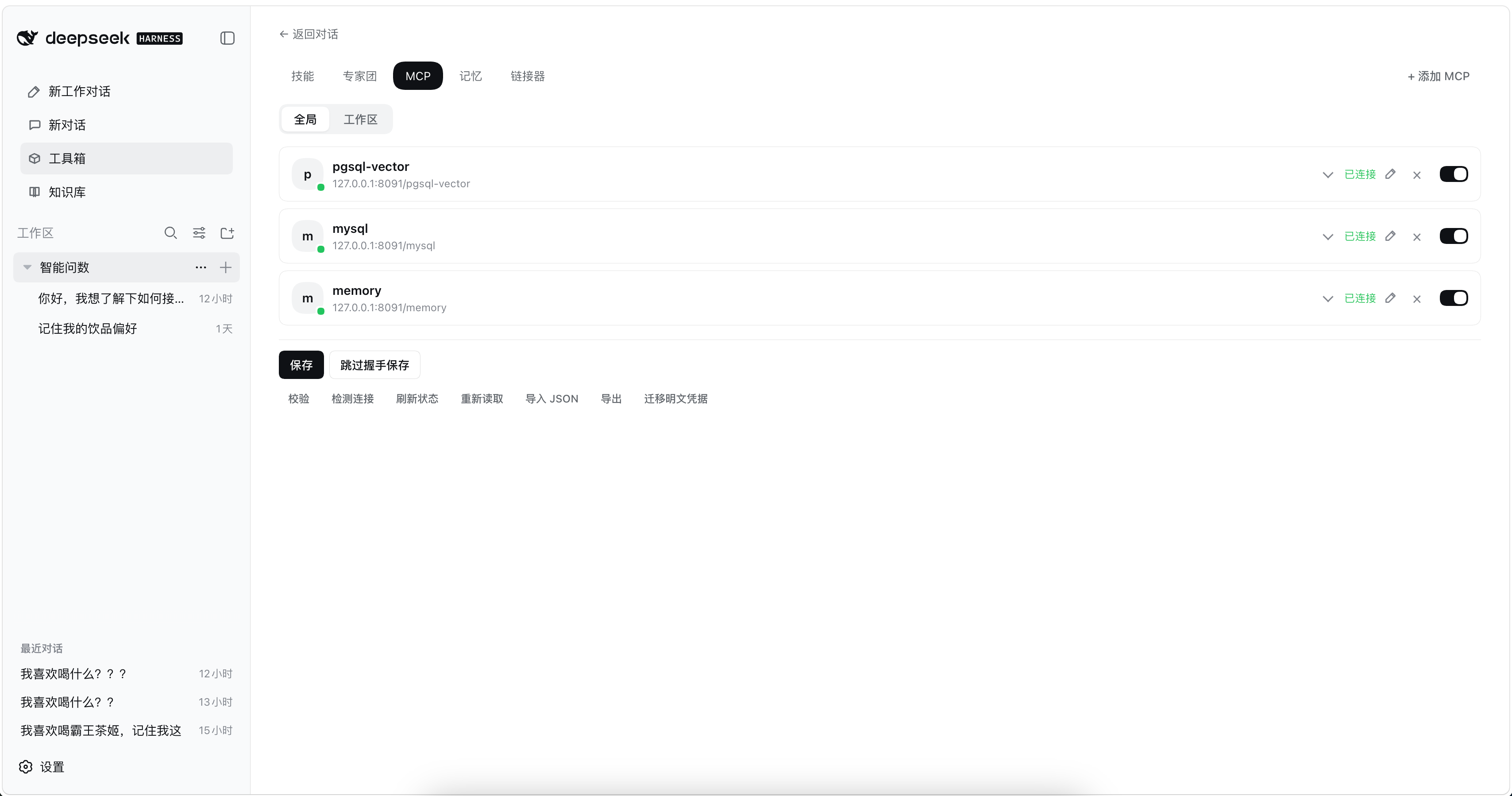
DeepSeek Harness(DSH)Web 插件:把左侧导航改成三段式布局(功能菜单 · 项目对话树 · 最近对话),并在侧边栏提供「工具箱」,直接管理技能、MCP 服务与跨会话记忆。
功能特性
- 三段式左侧导航:功能菜单、项目对话树、快速对话的最近记录;工作区的折叠、高亮、重命名和删除仍由 DSH 自己渲染,底部「设置」不变。
- 工具箱 → MCP:按「全局 / 工作区」作用域可视化配置 MCP 服务器,保存前真实握手校验,保存后立即生效、无需重启。
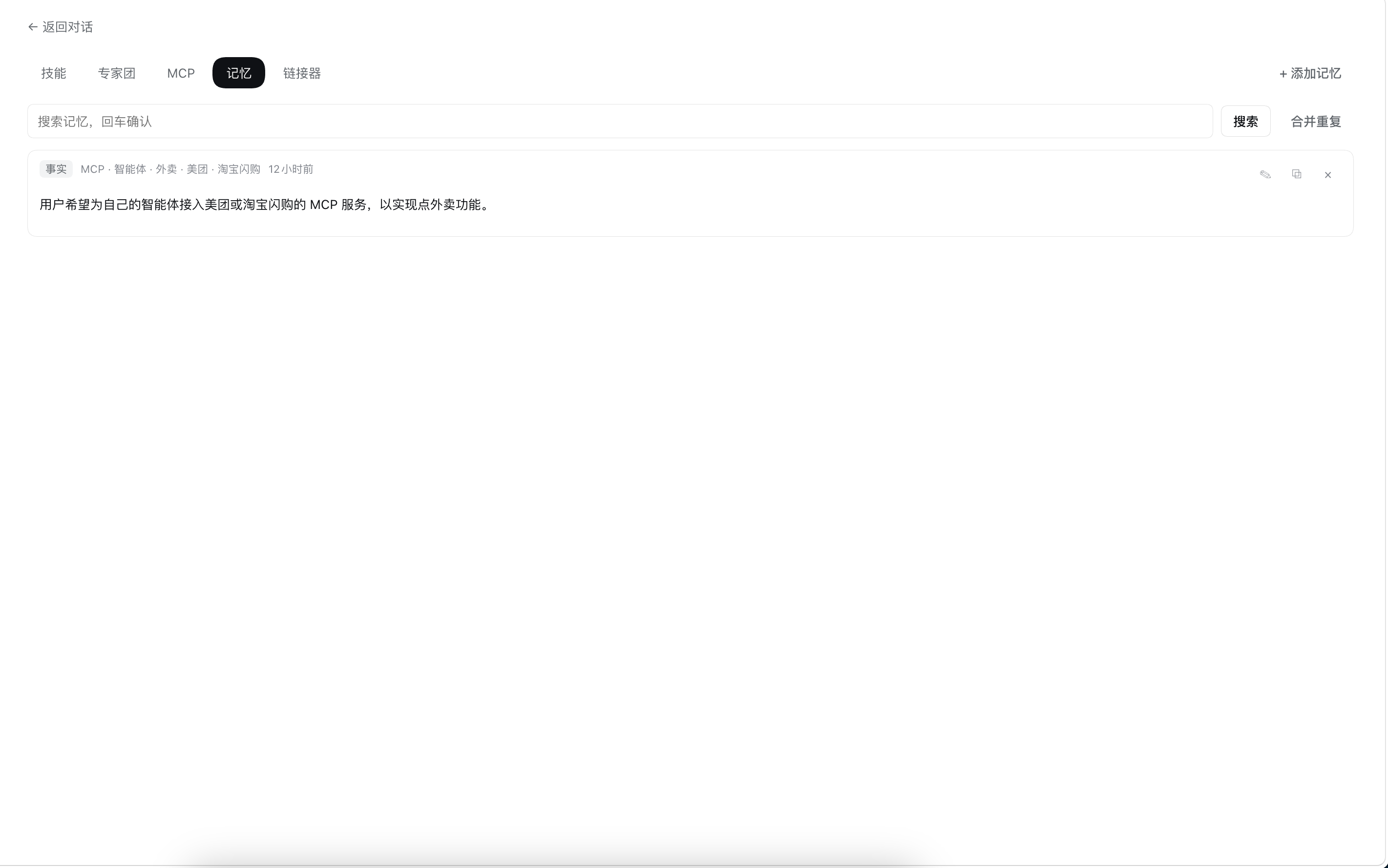
- 工具箱 → 记忆:跨会话记住偏好、约定与项目事实。默认自动提炼入库、按输入召回并注入上下文;Agent 可调用
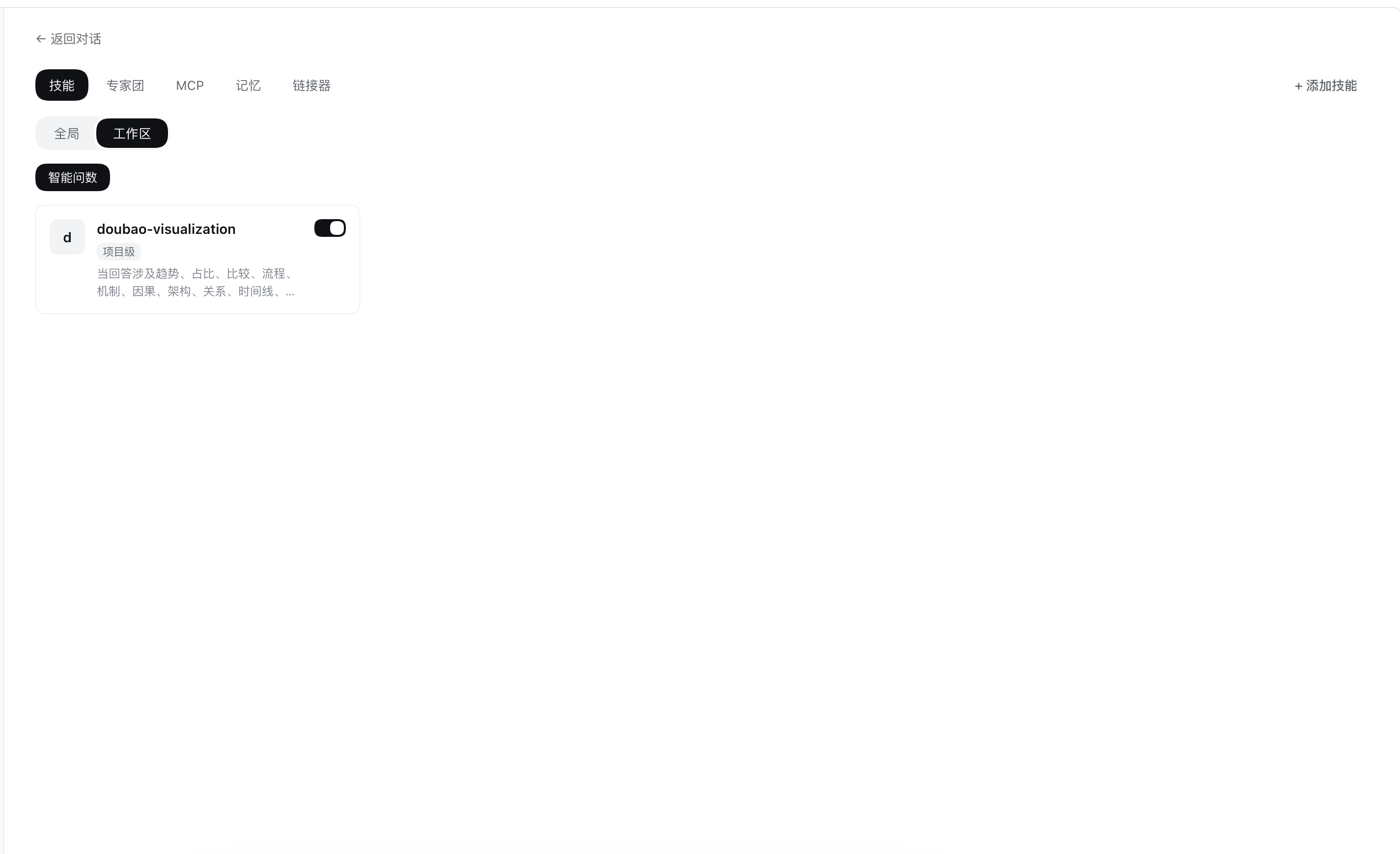
memory_search/memory_write/memory_forget。 - 工具箱 → 技能:技能(Skill)管理页,全局 / 项目级切换。
「新对话」始终打开同一个后台项目,项目树里不显示它,会话只出现在「最近对话」。搜索框留在「项目」标题旁(DSH 没有单独的搜索槽)。宿主如果本来就不画出空项目,这里也不会补一行「暂无对话」。
截图
安装
从 GitHub 安装(推荐)
第 1 步:安装插件
dsh plugin --profile web add github:Tomcat099/dsh-sidebar
第 2 步:pnpm ≥ 10 首次会报「构建未授权」错误,按提示授权后重装
git 安装拉的是源码(不是构建产物),pnpm 默认拒绝运行 prepare 构建脚本,所以第一次 add 会报 ERR_PNPM_GIT_DEP_PREPARE_NOT_ALLOWED。把报错里的包键加入该 profile 的 pnpm-workspace.yaml:
# 文件:~/.dsh/profiles/web/pnpm-workspace.yaml
allowBuilds:
  dsh-sidebar: true
然后重新执行第 1 步的 add 命令。
这等于允许该包代码在安装时于你的机器上执行,只对源码可信的包授权。也可以锁定 commit 安装,避免仓库后续推送悄悄改变实际运行的内容:
dsh plugin --profile web add github:Tomcat099/dsh-sidebar#<commit-sha>
第 3 步:重启生效
dsh web
本地目录安装(开发调试)
# macOS
dsh plugin --profile web add file:/path/to/dsh-sidebar
# Windows
dsh plugin --profile web add file:C:/path/to/dsh-sidebar
必须带 file: 前缀,否则 pnpm 会写成软链。改源码先 npm run build,再重启 dsh web。
file: 安装是硬链复制:改已有文件会同步,但新增文件不会被 pnpm 搬进 profile(会报 Already up to date)。加了新文件后要清掉 profile 里的旧副本再装一次:
rm -rf ~/.dsh/profiles/web/node_modules/dsh-sidebar
dsh plugin --profile web add file:/path/to/dsh-sidebar
验证是否装好
dsh --profile web --dump-config # 输出里应能看到 "# == dsh-sidebar" 这一层
开发
npm install
npm run build     # tsc → lib/(prepare 自包含,git 安装时也会执行)
npm test          # node --test tests/*.test.js
client/client.js(浏览器 CJS bundle)与 lib/(Host 构建产物)随仓库提交,git 安装即可直接用。
No comments yet. Be the first to write one.