dsh-marktext


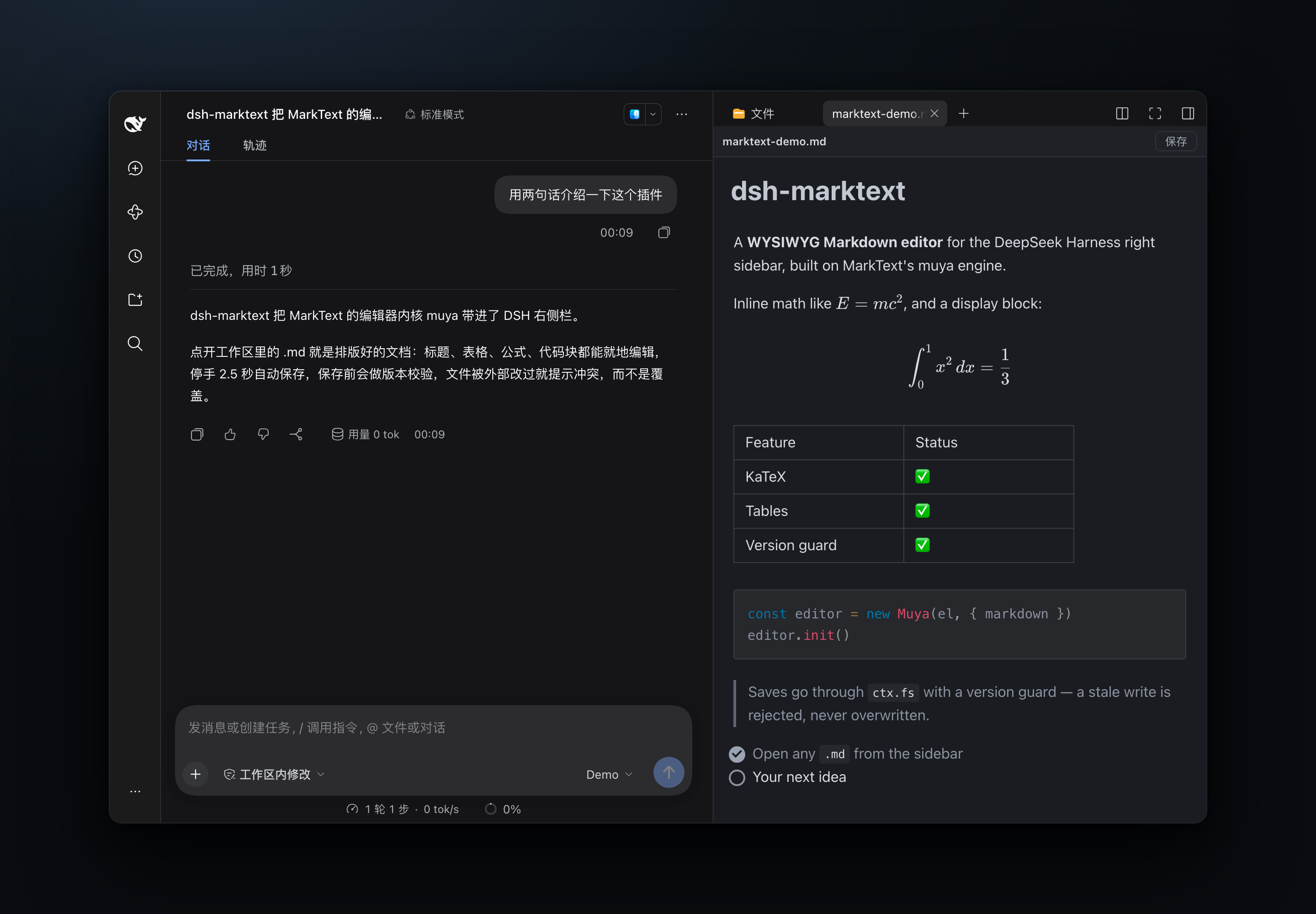
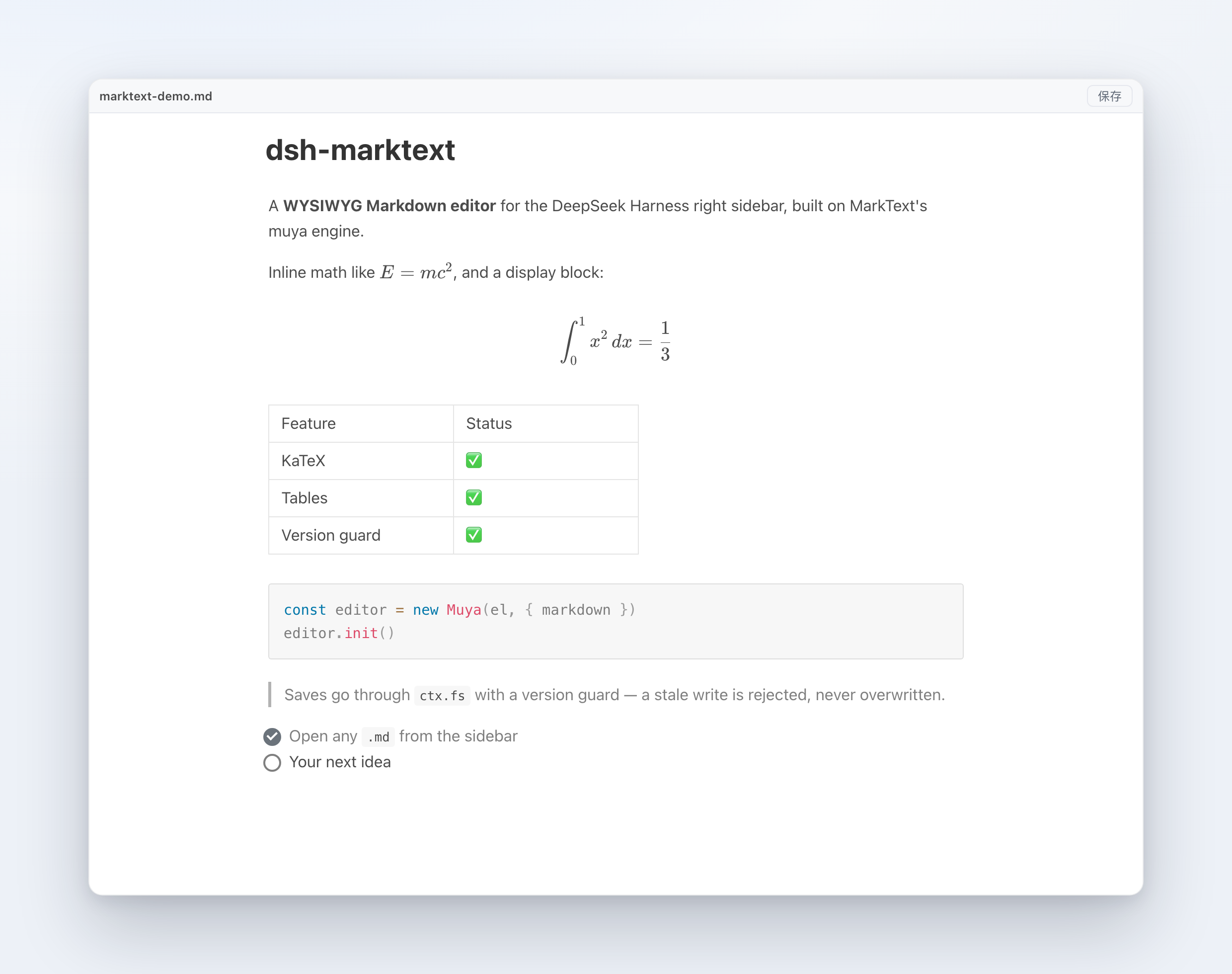
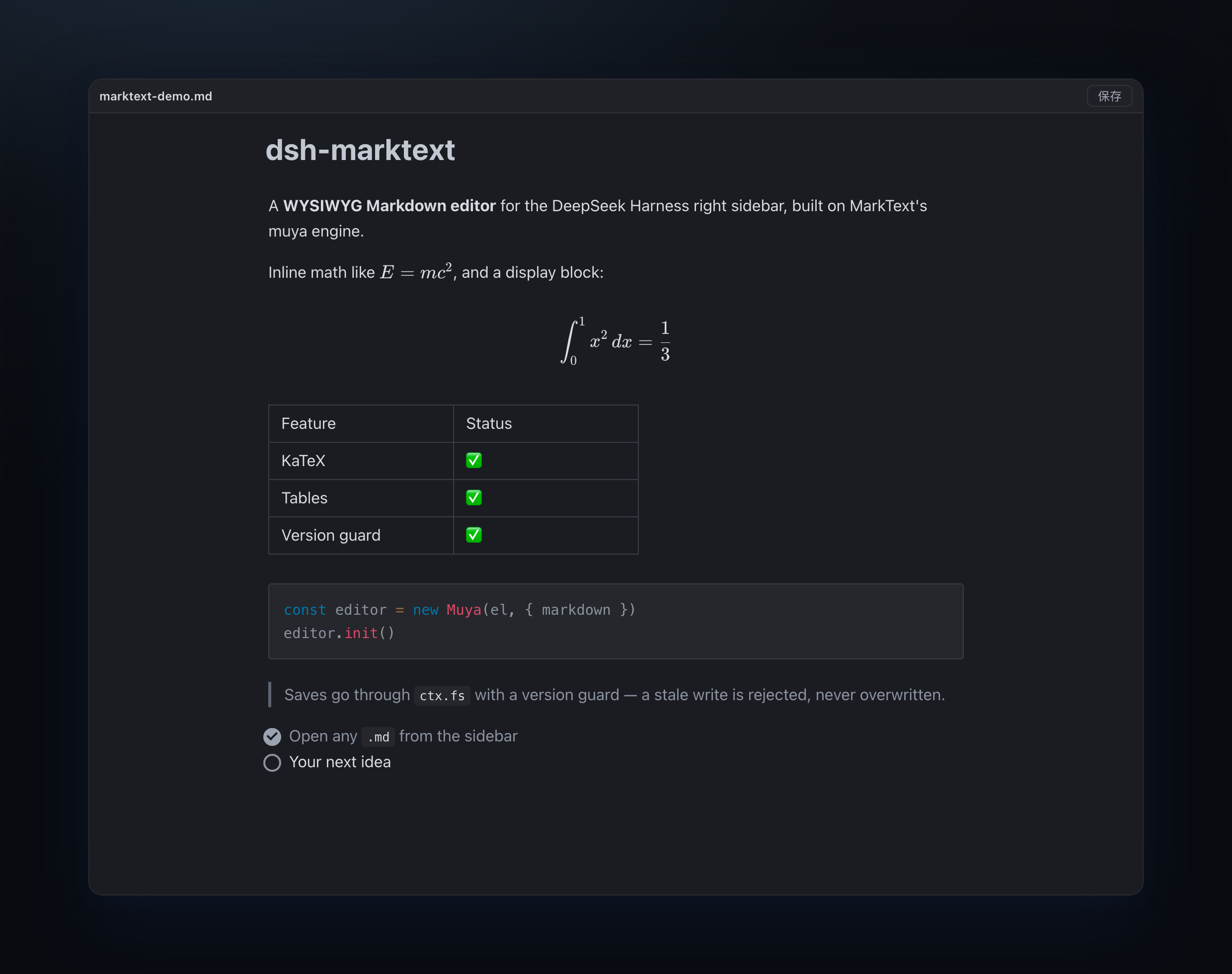
MarkText's editor core, running inside the DeepSeek Harness right sidebar. Open a .md file and edit it as a rendered document — headings, tables, math, diagrams and images — then save straight back to disk with a version guard.
MarkText is an Electron desktop app. This project does not ship its desktop shell: it uses the editor library MarkText extracts,
@muyajs/core(muya, MIT), and adds only the DSH integration around it.
What you get
- Click any
*.md/*.markdown/*.mdown/*.mkdin the sidebar file tree — it opens in a MarkText-style editing tab - True WYSIWYG: markdown markers are hidden, blocks are real DOM (headings, lists, tables, quotes, code)
- KaTeX math, Mermaid, Vega, PlantUML and Prism highlighting ship offline and load on demand
- Toolbar with the file name, unsaved dot, status and a Save button;
⌘S/Ctrl+Ssaves any time - Undo and redo with
⌘Z/⇧⌘Z(andCtrl+Z/Ctrl+Shift+Z) - Autosave 2.5 s after you stop typing
- Follows the host light/dark theme
- Relative images in the markdown (
) resolve against the document's own folder
Install
1. From the DSH app (recommended)
Sidebar → Plugins → Add plugin → Install a third-party plugin, enter:
dsh-marktext
Then click Enable now and restart the app once. Open any .md file.
2. Command line (web profile)
dsh plugin --profile web add dsh-marktext
3. Manual (desktop profile)
The desktop app manages its desktop profile itself, so dsh plugin --profile desktop is rejected. Edit ~/.dsh/profiles/desktop/package.json instead:
{
  "dsh": { "profile": { "bundles": [..., "dsh-marktext"] } },
  "dependencies": { ..., "dsh-marktext": "^0.1.1" }
}
cd ~/.dsh/profiles/desktop && pnpm install
Then restart the app.
From GitHub instead of npm
Anywhere a package name is accepted you can use github:Roland0511/dsh-marktext (the built renderer is committed, so no build step is needed).
Requirements
- DeepSeek Harness 0.2.1+ with
ctx.sidebarRightTabs,ctx.slots,ctx.fsandctx.webServer - Node 20+ only if you build from source
Architecture
DSH Web (React)
  lib/client.js  ── registers sidebar tab kind `marktext` (patterns: *.md)
      │             tab body = <iframe src="/dsh-marktext/renderer/<token>/index.html">
      │ postMessage (a single envelope: __dshmkt)
      ▼
renderer/ (standalone Vite build, contains muya)
      │ fetch
      ▼
lib/index.js (host plugin)
  · /dsh-marktext/renderer/<token>/*   static assets; misses fall back to the document folder (relative images)
  · /dsh-marktext/api/open|save|stat   through ctx.fs; save requires baseVersion
Why an iframe instead of rendering into React directly: muya declares its CSS variables on :root and appends its floating toolbars to document.body, so inlining it would leak styles into the host. The iframe isolates all of that; only the document, theme and save calls are bridged.
Message protocol (v1)
Envelope: { __dshmkt: true, dir: 'down' | 'up', type, content }
| Direction | type | content |
|---|---|---|
| down | doc |
{ path, displayPath, text, version, dark, locale } |
| down | saved |
{ version } |
| down | save-error |
{ code, message } |
| down | theme |
{ dark } |
| up | ready |
— |
| up | dirty |
{ dirty } |
| up | save |
{ text, baseVersion } |
| up | reload |
— |
| up | open-external |
{ href } |
Saving and the file policy
- Normal path:
ctx.fs.writeText(target, text, { kind: 'replaceIfVersion', version }). A stale version returnsFS_STALE_VERSION; the UI shows a conflict banner and never overwrites. - If the host file policy refuses the write (
FS_SANDBOX_DENIED, e.g.workspace-write/read-only), the save falls back to Node's nativefs.writeFile— the version guard is not relaxed: the version is checked viactx.fs.statfirst, and re-read after the write. - The fallback only applies to this one save action; the plugin gains no other write capability. Real OS errors (
EACCES/EPERM) still surface as-is. - A successful fallback returns
nativeFallback: truein the/saveresponse.
Troubleshooting
If a .md opens but the tab says something like "no viewer available", the client half did not register its tab body. The client reports its registration result to the host; read it with:
curl -s http://127.0.0.1:<DSH-port>/dsh-marktext/api/diag | python3 -m json.tool
typeRegistered, bodyRegistered and errors tell you which step failed.
Known limitations
- Relative image paths only —
/absolute/a.pngandfile://URLs are not resolved yet. - No "insert selection into chat", no file tree operations, no PDF export — these are next.
- Package size: ~4 MB tarball (~9.4 MB unpacked, 745 files); first paint ~1.6 MB (≈470 KB gzip), with Mermaid/Vega/Prism chunks loaded on demand.
- Overlaps with
dsh-markdown-typora: both register*.mdin theextensionband, so only one of them wins; install one or the other. - Built against muya
0.2.0from npm; the repo'sHEADAPI is newer (different locale exports), so upgrades need a compatibility pass.
Development
npm install
npm run build:renderer            # writes renderer/ (committed; only needed when src/renderer changes)
npm test                          # host routes, version guard, traversal, origin fence, client registration
node scripts/verify-renderer.mjs  # headless Chrome: open → render → save → disk
Release
Publishing uses npm Trusted Publishing (OIDC) — no token or secret is stored in the repository. On every push to main the workflow runs tests, verifies the committed renderer/ matches src/renderer/, and publishes only when the version in package.json is new. Provenance is attached automatically, and each new version also creates a GitHub Release (v<version>, auto-generated notes).
npm version patch --no-git-tag-version
git commit -am "chore: release x.y.z"
git push
Star history
License
MIT — see LICENSE. Third-party components and MarkText attribution: NOTICE.md.
No comments yet. Be the first to write one.