DSH Native Taskbar Badge
简体中文 · MIT · Contributing · Security
A Windows-native numeric taskbar overlay for DeepSeek Harness Desktop. A small host plugin observes live main-session events; a Python standard-library helper calls COM ITaskbarList3.SetOverlayIcon. No ASAR patching, toast, sound, focus stealing, shortcut edits, AppUserModelID changes or protocol registration.
Repository target: https://github.com/O-OII/dsh-native-taskbar-badge. This source package is independently installable; it does not require the annotation or activity-panel projects. GitHub distribution is intended; no npm registry publication is required.
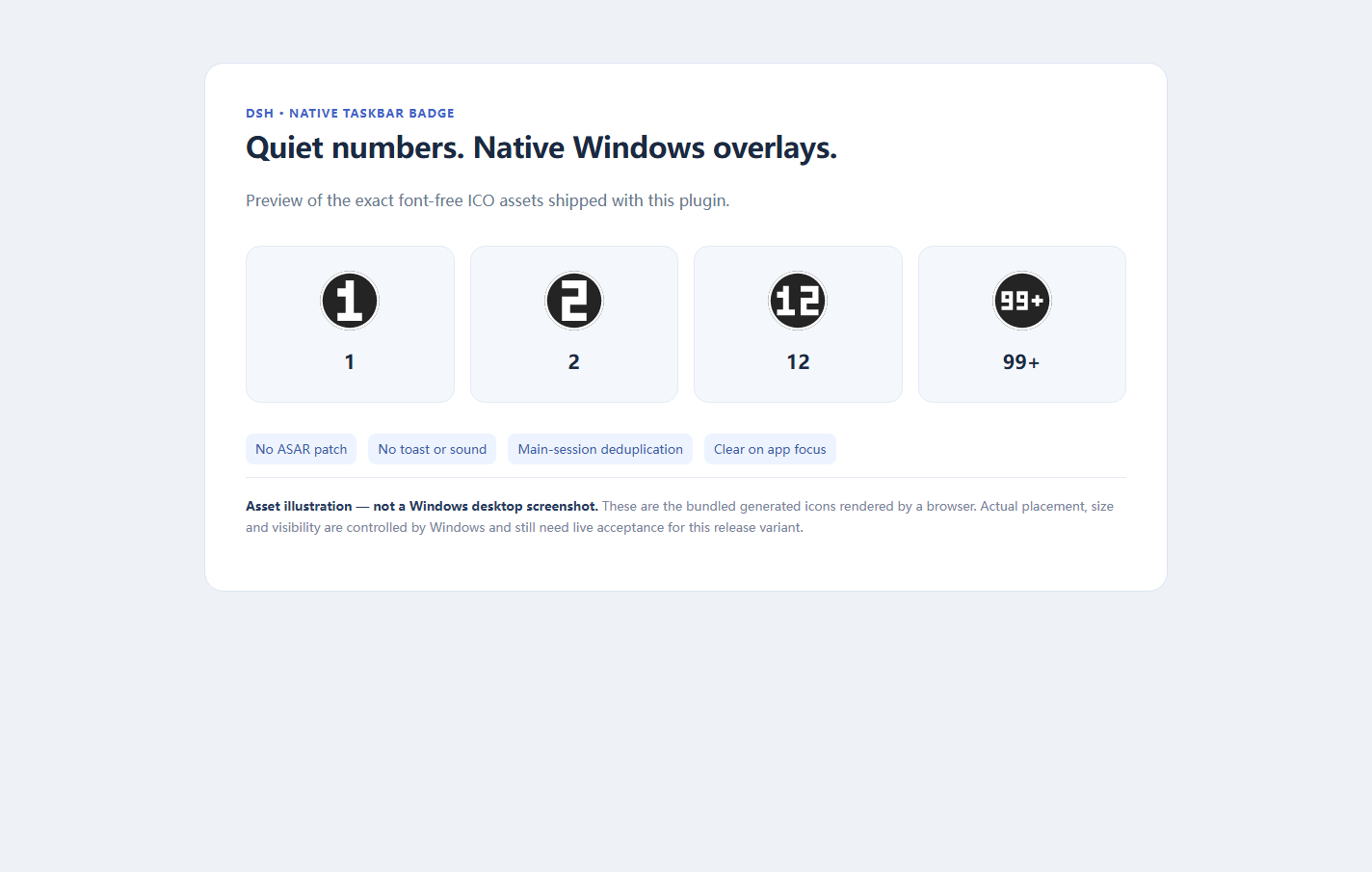
Asset illustration, not a Windows desktop screenshot. Open tools/preview-assets.html to inspect the exact bundled ICO artwork.
What the number means
- While DSH is in the background, count each main session once if it finishes, fails, becomes blocked, reaches its output limit, waits for approval or runs
ask_user_question. - Display
1through99, then99+. Subagents never add counts. - Focusing any window belonging to the exact configured DSH executable acknowledges and clears all pending sessions. Leaving DSH again does not replay old events.
- This is window-level acknowledgement, not per-session unread tracking. If DSH is foreground, another session finishing does not accumulate an unread badge. State is in memory; restarting does not replay history.
- User cancellation and restored-history markers do not notify. Completed intermediate rounds of an active goal are filtered by default; final completion and failures remain eligible.
- Matching uses the full executable path, never fuzzy window titles. More than one visible matching top-level window is ambiguous: the helper refuses to guess. It does not restore tray-hidden windows.
There is no custom GUI. Settings have English/Chinese metadata; diagnostics have English fallback and an optional Chinese language selection. No synthetic icon collage is presented as a desktop screenshot.
Compare the approaches
| Approach | Purpose and difference |
|---|---|
This plugin / Windows ITaskbarList3 overlay |
Quiet number on an existing DSH taskbar button; no app identity rewrites or source-package modification. |
Electron BrowserWindow.setOverlayIcon |
Similar Windows overlay primitive for applications controlling their own Electron main process. This plugin instead uses an external helper and leaves the packaged application untouched. |
| dsh-badge-notify | A direct numeric-badge alternative using UIA positioning and a transparent taskbar overlay; per-session unread acknowledgement differs from this window-level policy. |
| Muyu97/dsh-taskbar-badge | A direct 1…99+ / focus-clear alternative that patches ASAR to access Electron main-process overlay APIs; this project leaves installation files untouched. |
| SnoreToast | Desktop toast notifications, not this deduplicated session-count overlay. This project neither embeds nor invokes it. |
| Web Badging API | Browser/PWA app badges; availability and app identity differ from an existing native DSH desktop window. |
Links are comparisons, not bundled code or endorsements.
Requirements and compatibility boundary
| Component | Supported contract / verification boundary |
|---|---|
| DSH | >=0.2.1-rc.2 <0.3.0, official subprocess and sessionProjections host services. The tested precursor used Desktop 0.2.1-rc.2; the range is an API constraint, not a claim that every release was tested. |
| Windows | Interactive Windows 10/11 session with Explorer and a visible DSH taskbar button. The original implementation had maintainer-run Windows overlay/clear probes. This portable release variant, removal of the helper AppUserModelID call and regenerated artwork still require fresh live Windows acceptance. |
| Node | 22 or later; development tests use the experimental VM-module flag. |
| Python | Existing Python 3.10+ for Windows; official DSH primary runtime preferred. Runtime helper and asset generation use only the standard library. No runtime download or installation. |
| Linux/macOS | Native plugin is inert. CI runs fake Node/Python tests; this is not native badge support. |
| Multiple DSH windows, tray-only apps, custom shells, small taskbar buttons, unusual DPI | Not claimed as live-validated. Multiple matching visible windows are refused; Windows decides final placement/visibility. |
This repository contains no private deployment snapshots or screenshots. Fake tests cannot establish actual shell rendering, DPI readability, grouping behaviour or Explorer restart behaviour on every machine. The release-specific acceptance boundary is the matrix above, not any private deployment's historical status.
Install from a local source checkout
Use the official CLI shipped with the same DSH Desktop installation, not an unrelated global CLI. Start PowerShell in this repository. Installation is a manual user action; tests never install, edit a live profile or manipulate the taskbar.
$DshCli = Read-Host 'Full path to this DSH Desktop installation\resources\runtime\cli\bin\dsh.cmd'
$Project = (Resolve-Path .).Path
& $DshCli plugin --profile desktop add --ignore-scripts $Project
If your installation puts its official CLI elsewhere, select that exact shipped CLI. --ignore-scripts disables package lifecycle scripts for this operation, not any global security policy. The package has no dependencies or lifecycle installation scripts. The CLI may retain a local development link: keep the checkout in place. Do not enable the old local badge plugin and this plugin simultaneously; disable the old plugin first during a safe maintenance window.
Normal host reload/disposal is owned by DSH. If your plugin lifecycle queue is busy, wait or arrange a safe maintenance window; never kill unrelated agents or edit their integration packages to force activation. Package-manager changes can reify other packages: back up your own local customizations before install/remove.
Configure portable Windows paths
The standalone bundle patch has no machine-specific absolute paths. Empty defaults mean bounded discovery, not "pick any similarly named window".
| Setting | Default | Meaning |
|---|---|---|
enabled |
true |
Start helper; disabling disposes it and clears its last overlay. |
desktopExecutable |
empty | Existing absolute Windows path to the exact desktop executable, not dsh.cmd, node or Python. |
pythonPath |
empty | Existing absolute Windows path to Python 3.10+ python.exe (versioned Python filenames accepted; not pythonw.exe). |
notifyOnError |
true |
Include errors, blocked and token-limit endings. |
notifyOnWaiting |
true |
Include approvals and ask_user_question. |
notifyOnGoalRounds |
false |
Include completed intermediate rounds while a goal remains active. |
language |
auto |
Diagnostics/accessibility description: en or zh; auto reads LC_ALL, LC_MESSAGES, then LANG, else English. The settings renderer uses the host UI language independently. |
Discovery order:
- Desktop: nonempty setting → explicitly supplied
DSH_DESKTOP_EXECUTABLE→ current host executable only if namedDeepSeek Harness.exe→ the knownresources/app.asar/dsh/Host entry's installation root plusDeepSeek Harness.exe. - Python: nonempty setting → explicitly supplied
DSH_PYTHON_PATH→$env:DSH_HOME\dsh-runtimes\dsh-primary-runtime\dependencies\python\python.exe→<desktop installation>\resources\runtime\python\python.exeif that known file exists.
No PATH search, user-directory scan, registry inspection or dependency install. Electron's process.execPath is never used as Python. An invalid explicit value fails closed instead of silently falling back. Every result must be an existing file, not a directory. Python binary identity/version ultimately depends on the selected trusted executable; do not rename an arbitrary program to python.exe.
If discovery cannot establish both paths, no helper starts. Set them in the plugin settings, for example C:/Applications/DSH/DeepSeek Harness.exe and C:/Runtimes/Python/python.exe only if those files exist on your computer. Drive-qualified paths and UNC shares are Windows scenarios; a POSIX path or drive-relative C:... path is not supported. Prefer local trusted executables to network shares. Environment variables must be supplied to the Host before it starts; changing a shell variable afterwards does not change an already running Host.
Troubleshoot safely
configuration-error: supply the exact existing desktop executable and trusted Python 3.10+ executable. There is no automatic Python installation; do not point Python to Electron/node.- No visible number: make sure the application has an actual taskbar button and Windows allows badges/overlays. A hidden tray-only app is not restored. Existing focus clears the count by design. Small-button mode and shell policy may suppress overlays.
- Multiple DSH windows: close only your own extra windows at a safe time or disable the plugin; there is no title-based guessing or per-window selector.
- Helper error/readiness timeout: check selected Python, Windows session/Explorer access and security policy. The helper starts with
-I -u. Errors and native HRESULT detail have a generic English fallback; underlying operating-system messages may remain in the OS language. - Crash/Explorer recreation: unexpected helper exit is retried at most three times (1/2/4 seconds). A changed Explorer/window topology retries a still-pending overlay; it does not generate new session notifications. After retry exhaustion, fix the cause and disable/re-enable the plugin.
- Optional diagnostics are written beside the plugin as
runtime-status.json; read-only installs may log a warning but counting does not depend on this file. It contains phase, process IDs, native handles/counts and error text, not conversation content. Error text can still reveal local paths: redact it before sharing. Never submit a full profile or private snapshot.
Disable, uninstall and roll back
Prefer disabling Native taskbar number badge in DSH's plugin manager, or set
enabled: false. Normal disposal sends quit/EOF, clears its overlay, waits for the helper, then applies a bounded forced termination only to its own helper if necessary.To remove the package, use the same official CLI after disabling it:
& $DshCli plugin --profile desktop remove --ignore-scripts dsh-native-taskbar-badgeTo roll back an update, disable this plugin, restore a known-good checkout/release, install that local directory with the same command, and re-enable only after checking paths. Keep any unrelated plugin customizations backed up; do not downgrade DSH or kill applications for a demonstration.
No shortcut, AppUserModelID, protocol, registry or startup entry was created, so none needs reversal. Remove the old local checkout and its optional diagnostic file only after its helper has exited. If a hard Host/OS crash leaves a stale shell image, safely reopen your own DSH window or use Windows' normal shell recovery later; abrupt process termination cannot guarantee normal cleanup.
Develop and verify (offline, fake only)
node --experimental-vm-modules --test test/*.test.mjs
python -B -m unittest discover -s test -p 'test_*.py' -v
python -B tools/generate-assets.py
There is nothing to install with npm/pip. Five original test suites are retained (63 JavaScript + 29 Python baseline cases), with added path discovery, metadata/catalog, native portability and fail-closed configuration coverage. Preparation checks on Windows with Node 24.21.0 / Python 3.12.14 passed 87 JavaScript + 35 Python tests, with no failures or skipped cases. An isolated official Desktop SDK import also validated all seven localized schema fields (including English fallback) and bounded discovery of both executables; it did not apply the plugin, start a helper or read a profile. The host test simulates Windows even on Linux; all subprocess and window operations are fakes. CI runs those same fake suites on Ubuntu and Windows, never the live native helper. A Windows CI runner does not count as live Windows taskbar acceptance. See contribution guidance for evidence boundaries and screenshot preparation.
License and artwork
MIT © 2026 O-OII contributors. Runtime code was reviewed against the supplied local source rather than assuming authorship from a package name. Asset provenance records the separately reviewed SVG and newly generated font-free numeric artwork; no Microsoft font file or font-rendered legacy icon is redistributed. Windows API names/GUIDs and external links are interface references, not copied implementation libraries.
No comments yet. Be the first to write one.