dsh-codex-sidebar
English | 中文
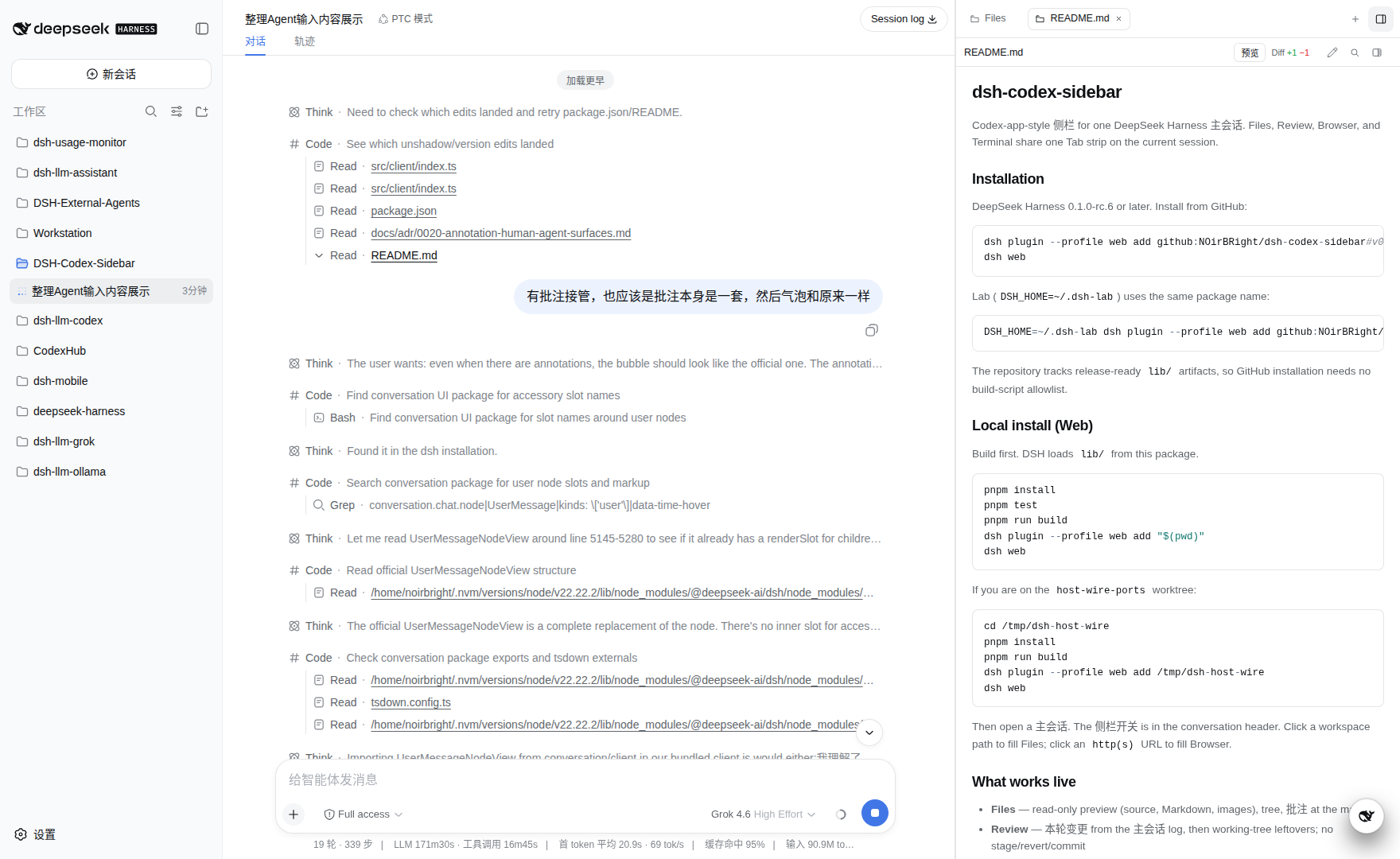
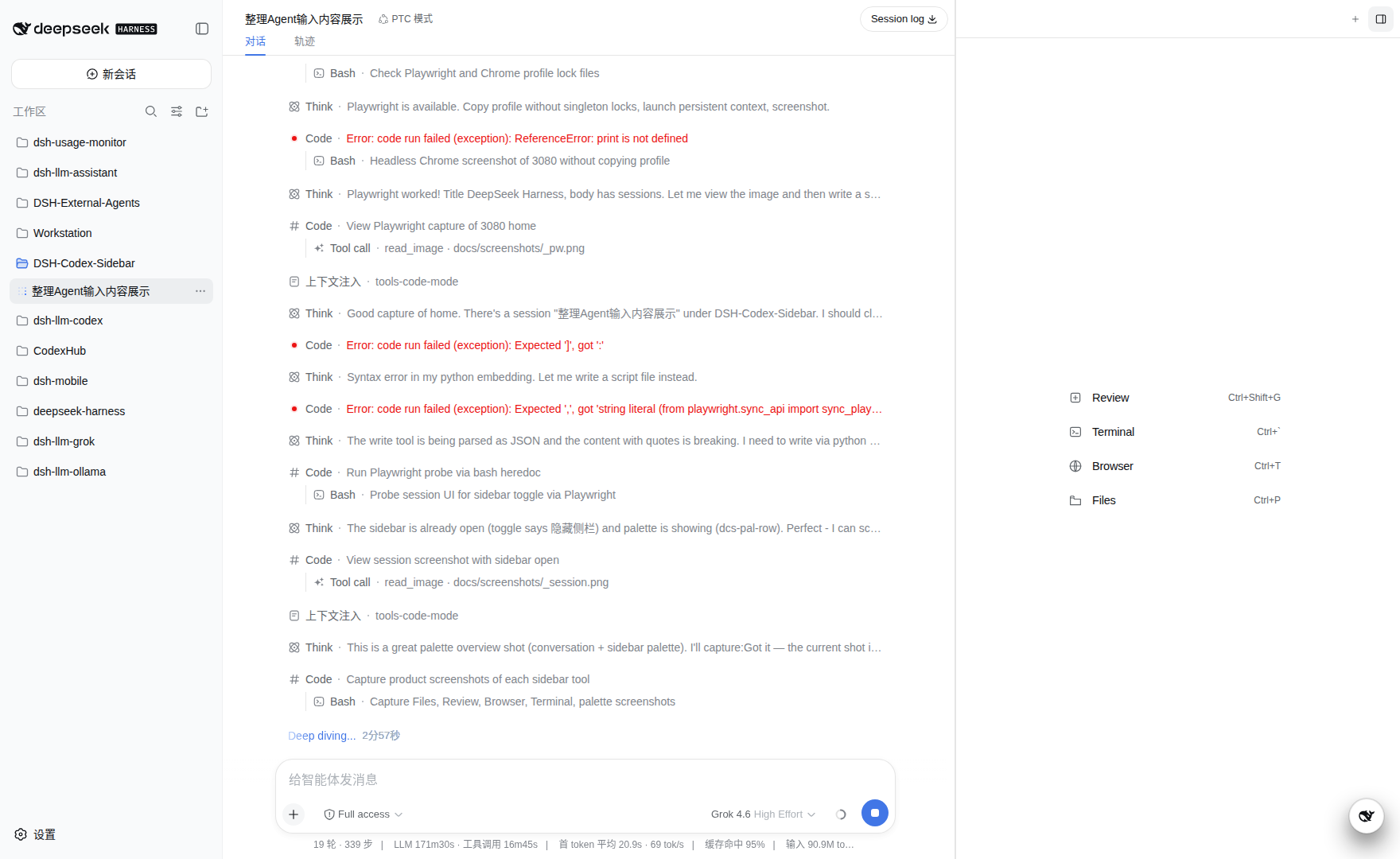
A Codex-app-style right-hand sidebar for one DeepSeek Harness session. Files, Review, Browser, and Terminal share a tab strip on the current session.
What it does
Open a session, then use the sidebar toggle in the conversation header. The drawer occupies the details column of the DSH frame. It does not replace the chat.
- Files — read-only preview (source, Markdown, images) and a workspace tree. Click a path in the transcript to fill it.
- Review — this turn's changes from the session log, then leftover working-tree diffs. Read-only: no stage, revert, or commit.
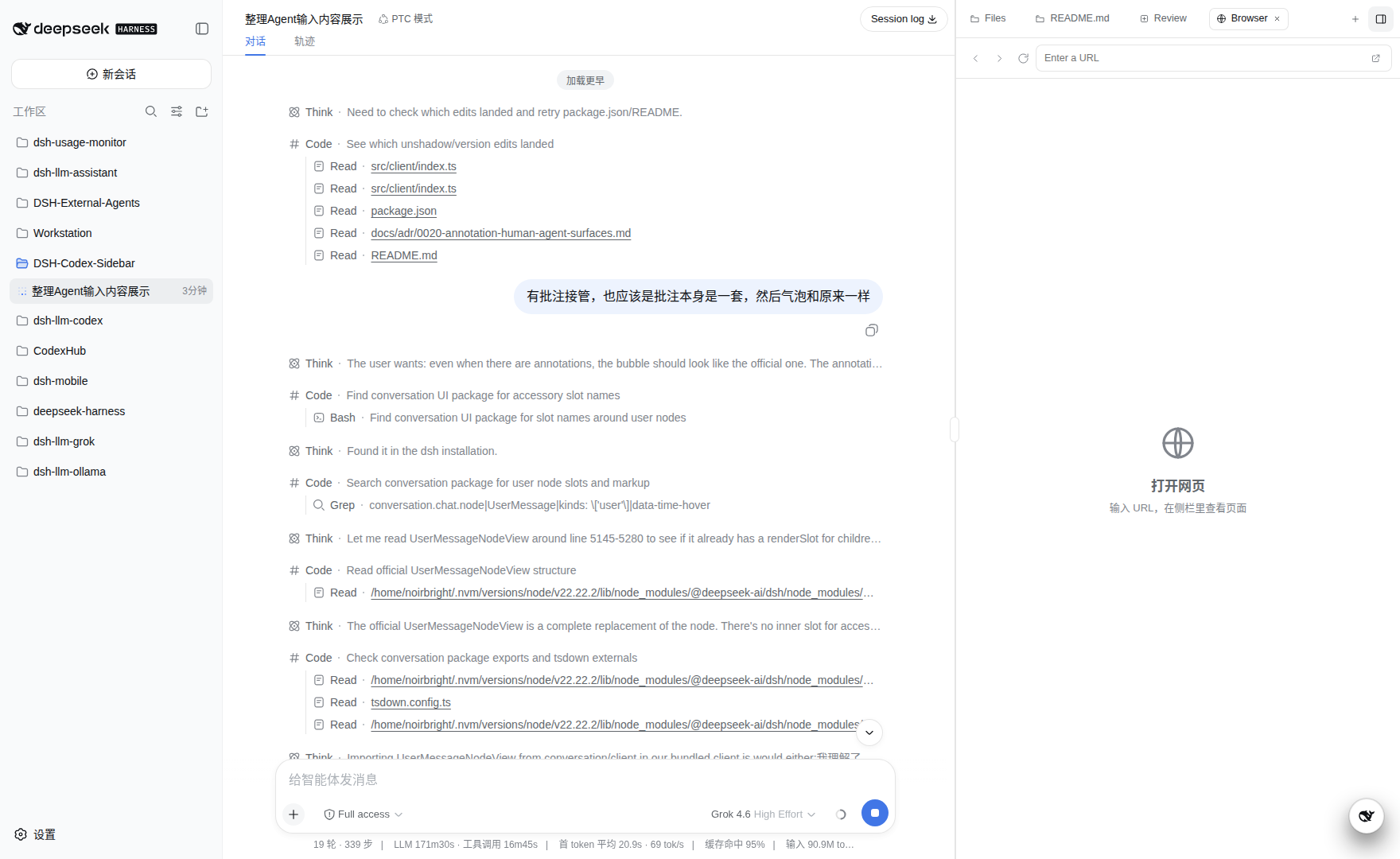
- Browser — a managed Chromium document in that tab. The session can call
browser_tabs,browser_open,browser_snapshot,browser_click, andbrowser_fillon loopback HTTP pages whether the sidebar is open or closed. Desktop streams use binary frames; the Origin-less Mobile tunnel uses JSON Base64. Paint acknowledgements bound capture and delivery work. Idle tabs are closed; opening the DSH web GUI inside this browser is rejected. - Terminal — a human pty (
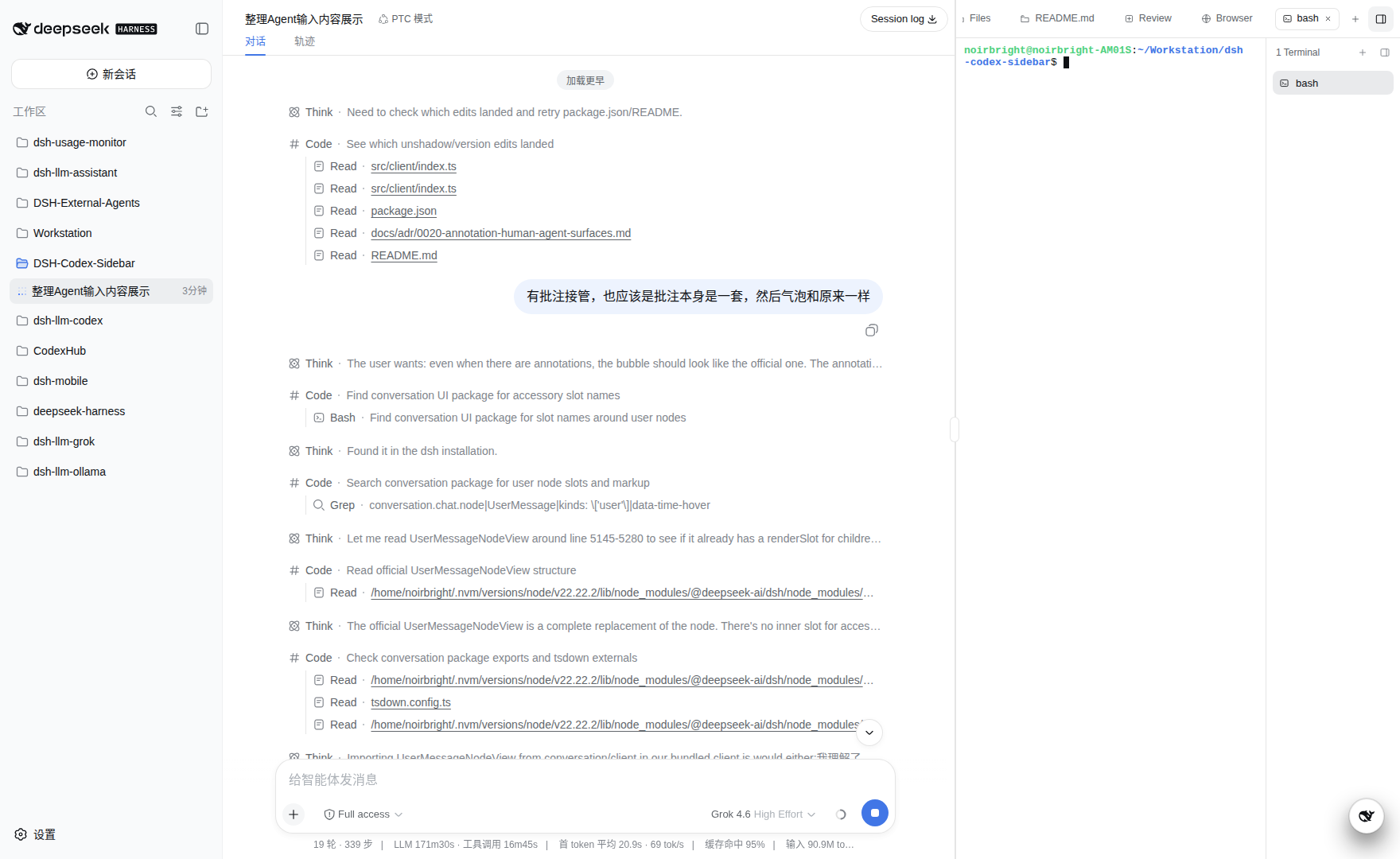
scriptwhen present), not an agent shell. - Annotations — click a line or a page to write a note at the mark. Send keeps the official user bubble; numbered chips sit under it. Locators and screenshots go to the model as evidence on that same user message.
- Edit +/− — each edit/write tool row shows the increment for that call, after the filename.
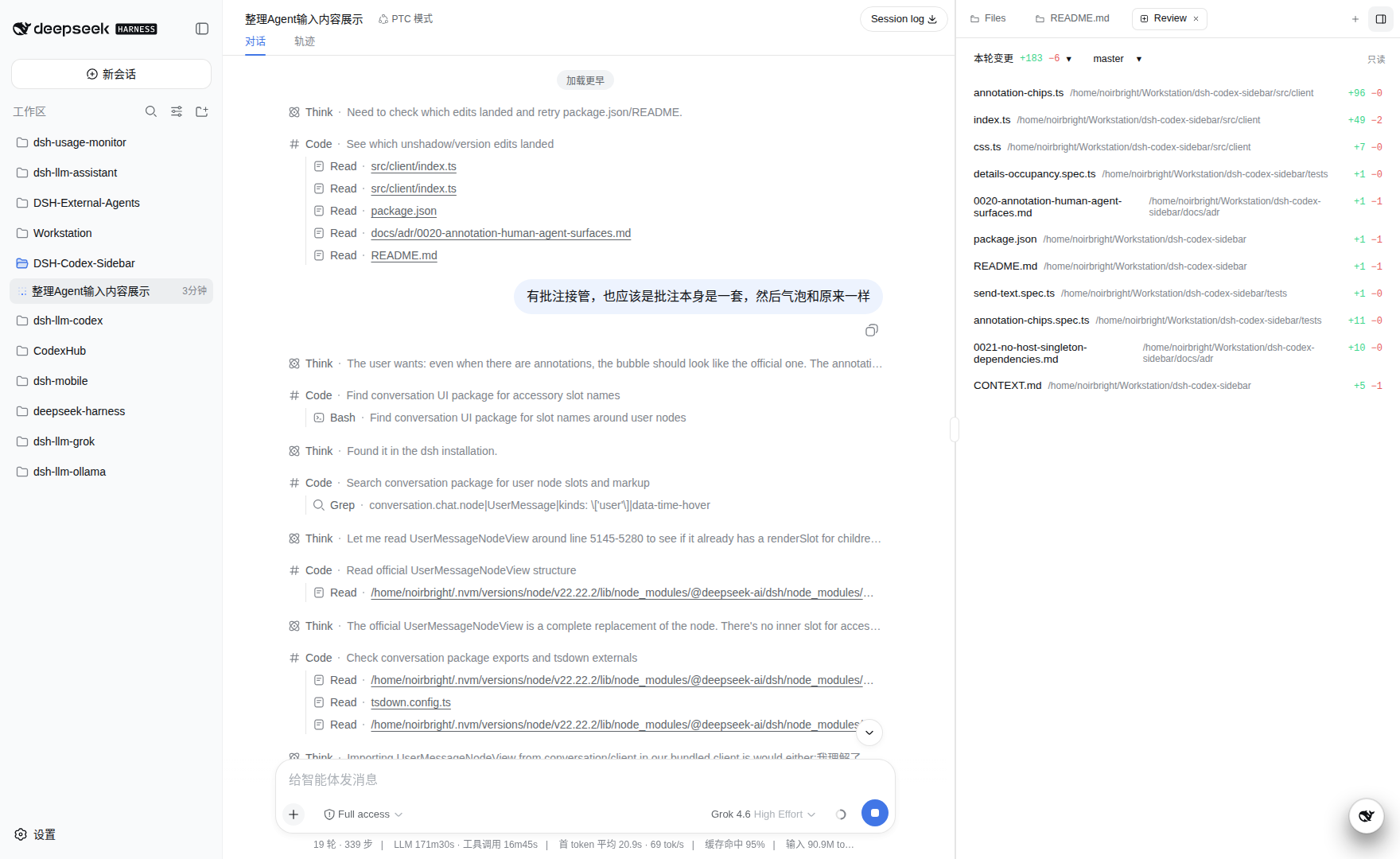
Chrome follows the DSH host theme. Tabs persist with that session. Side Chat is retired; cross-session questions belong to the DeepSeek assistant's task-reference flow.
Installation
DeepSeek Harness 0.1.0-rc.6 or later. Install from GitHub:
dsh plugin --profile web add github:NOirBRight/dsh-codex-sidebar#v0.3.23
dsh web
Lab (DSH_HOME=~/.dsh-lab) uses the same package name:
DSH_HOME=~/.dsh-lab dsh plugin --profile web add github:NOirBRight/dsh-codex-sidebar#v0.3.23
The repository tracks release-ready lib/ artifacts, so GitHub installation needs no build-script allowlist.
Since 0.3.0, Review/Files workspace projection is asynchronous and demand-driven: a collapsed sidebar does not scan git, Review rows use summaries, and file details load only when opened. Sidebar state is isolated under DSH_HOME, with on-demand fallback migration from ~/.dsh-codex-sidebar/sessions. Very large or binary file details are bounded summaries rather than unbounded LCS diffs, so the host remains responsive.
Do not list @deepseek-ai/dsh-tools (or other host singletons) as a plugin dependency. A hoisted copy shadows the host ToolRuntime and every tool call dies on .prepare.
The managed Chromium profile has a 256 MiB derived-cache budget by default. Configure it in the plugin loader entry when another limit is required:
- name: dsh-codex-sidebar
  config:
    managedBrowser:
      cacheBudgetBytes: 268435456
Before launch, the plugin performs a read-only, no-follow size estimate over allowlisted derived-cache directories. Chromium's persistent-context startup owns singleton arbitration; the plugin does not rename, remove, or repair profile paths. After a context starts successfully, an over-budget estimate triggers one temporary blank Page and CDP session that run Network.enable and Network.clearBrowserCache, then always detach and close. Clear failures warn without discarding the context. Chromium's cache API leaves cookies, Local Storage, and IndexedDB intact, while disk and media cache launch arguments limit future growth.
Local install
pnpm install
pnpm test
pnpm run build
dsh plugin --profile web add "$(pwd)"
dsh web
Then open a session and use the sidebar toggle.
Spec
See CONTEXT.md and docs/adr/.
No comments yet. Be the first to write one.