
dsh-vision-router-inline
Fold Auto Vision twins into clear picture buttons on their original model rows.
🇺🇸 English | 🇨🇳 简体中文




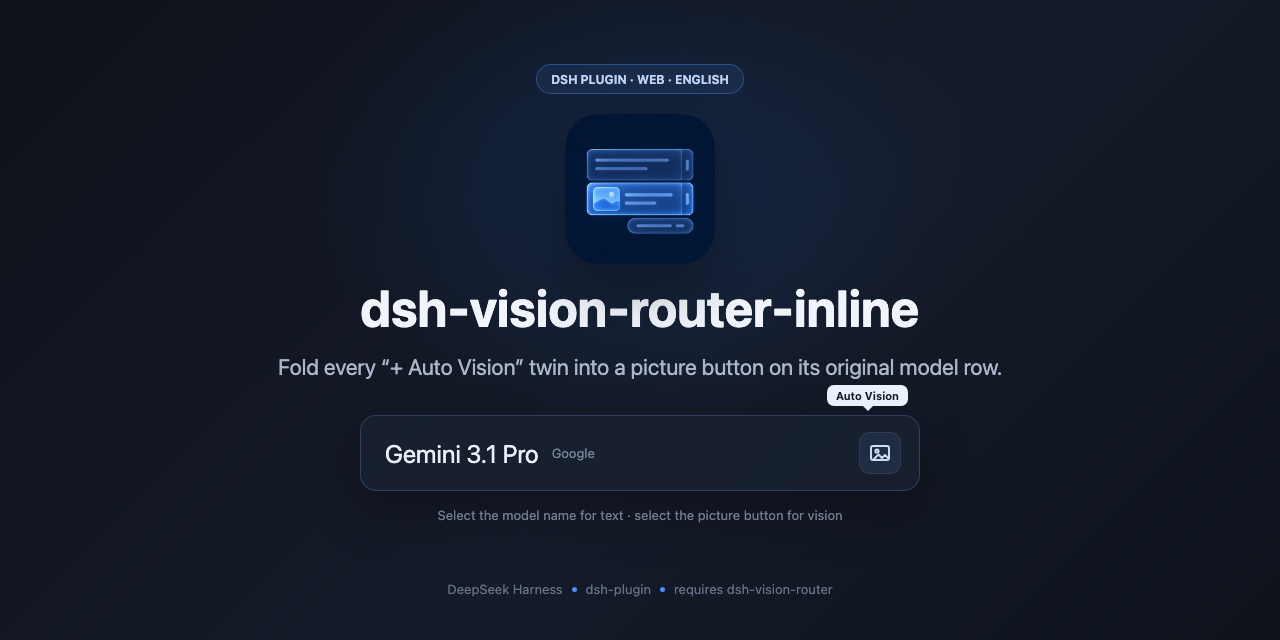
Display companion for dsh-vision-router.
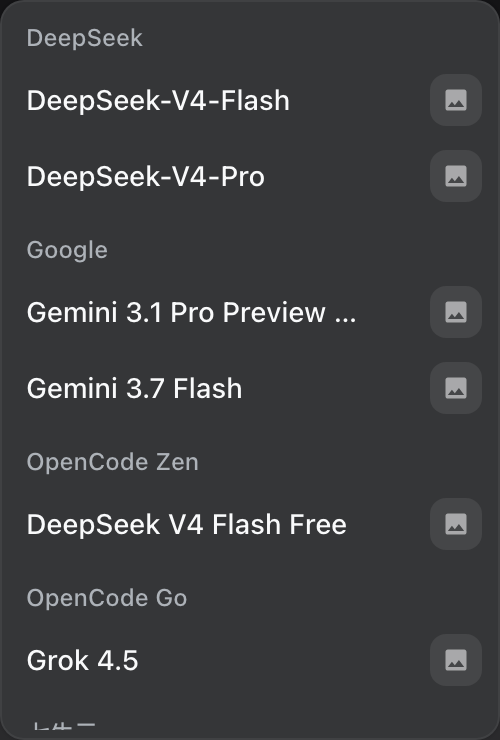
dsh-vision-router adds a second provider group (DeepSeek + 自动识图, etc.). This plugin does not change that routing. It only changes display: fold each twin into a square picture button on the original model’s row. Click the name for the text model; click the button for that provider’s vision twin route (e.g. google-vision for Google). The button hover is separate from the row hover. The same button appears on the composer trigger and the Model row only while the vision route is selected.
Example, one row:
- Gemini 3.1 Pro □ (vision)
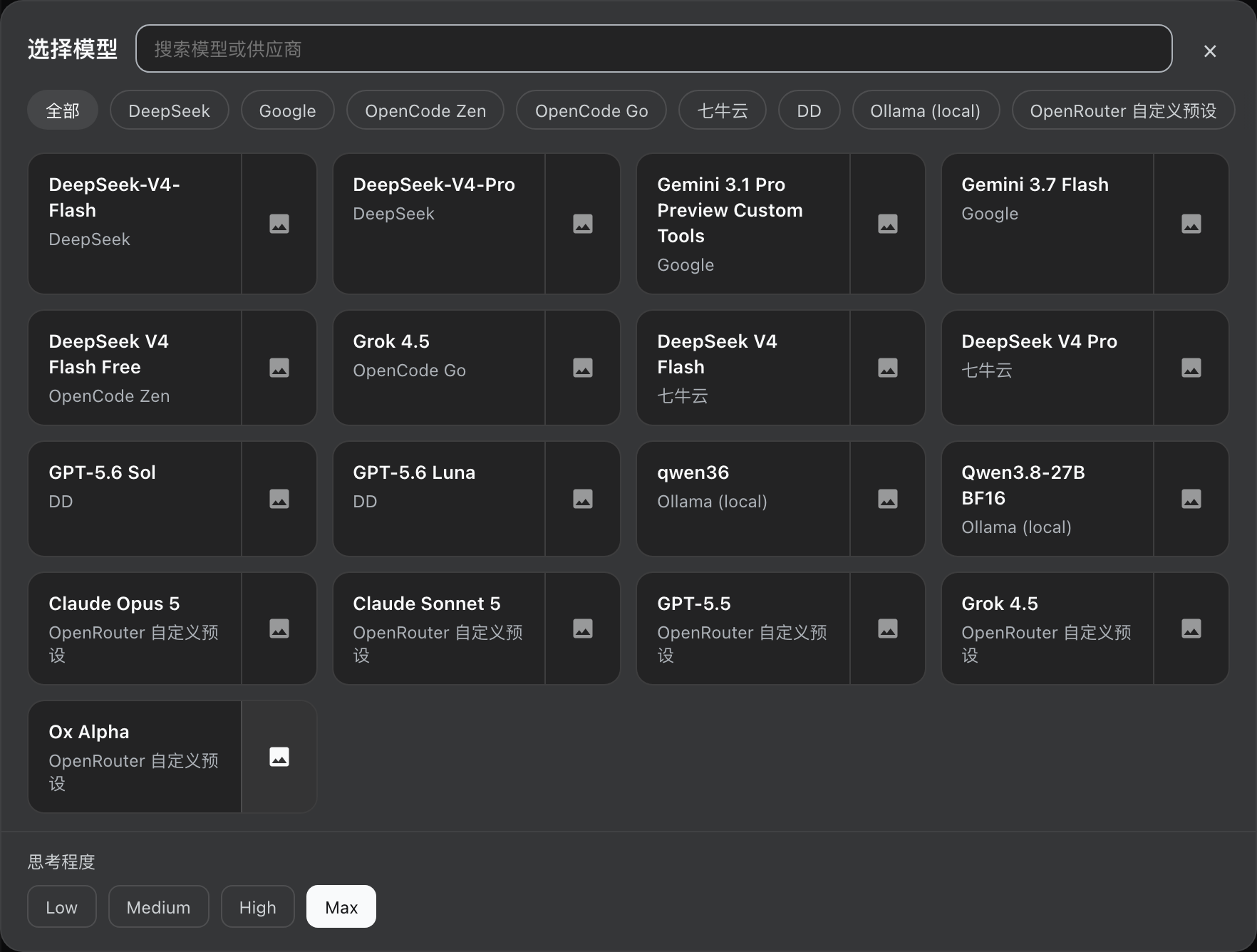
If dsh-better-ux is also installed, its large picker shows the same picture button on each card.
This plugin does nothing unless dsh-vision-router is already loaded. Install that first. If the router is missing, this package stays idle and does not wrap the model catalog.
Requires
- dsh-vision-router ≥ 1.0
- DeepSeek Harness web profile
Load order: dsh-vision-router first, then dsh-vision-router-inline.
Install
npm
dsh plugin --profile web add dsh-vision-router@latest
dsh plugin --profile web add dsh-vision-router-inline@latest
GitHub
dsh plugin --profile web add github:ysr666/dsh-vision-router
dsh plugin --profile web add github:MitsukiJoe/dsh-vision-router-inline
Ask DSH
Send this message to DSH:
Install this plugin https://github.com/MitsukiJoe/dsh-vision-router-inline
Restart DSH after installation.
Update
dsh plugin --profile web update dsh-vision-router dsh-vision-router-inline
Or send this message to DSH:
Update this plugin https://github.com/MitsukiJoe/dsh-vision-router-inline
Uninstall
Remove dsh-vision-router-inline from the web profile package.json and node_modules, restart DSH. dsh-vision-router itself is unchanged.
No comments yet. Be the first to write one.