Timeline Studio for DeepSeek Harness
English | 简体中文
dsh-timeline-studio-plugin connects DeepSeek Harness to Timeline Studio's deterministic .timeline command layer. It also bundles the edit-timeline-studio Agent Skill, so the agent receives both executable tools and the workflow rules needed to use them safely.
This plugin is built on Timeline Studio. Timeline Studio is the core video editor behind the visual timeline, media processing, browser-local AI capabilities, and complete creation experience. This repository provides the agent automation bridge between that editor and DeepSeek Harness. To explore the full product, see the editor UI, or contribute to its core features, visit the Timeline Studio main repository.
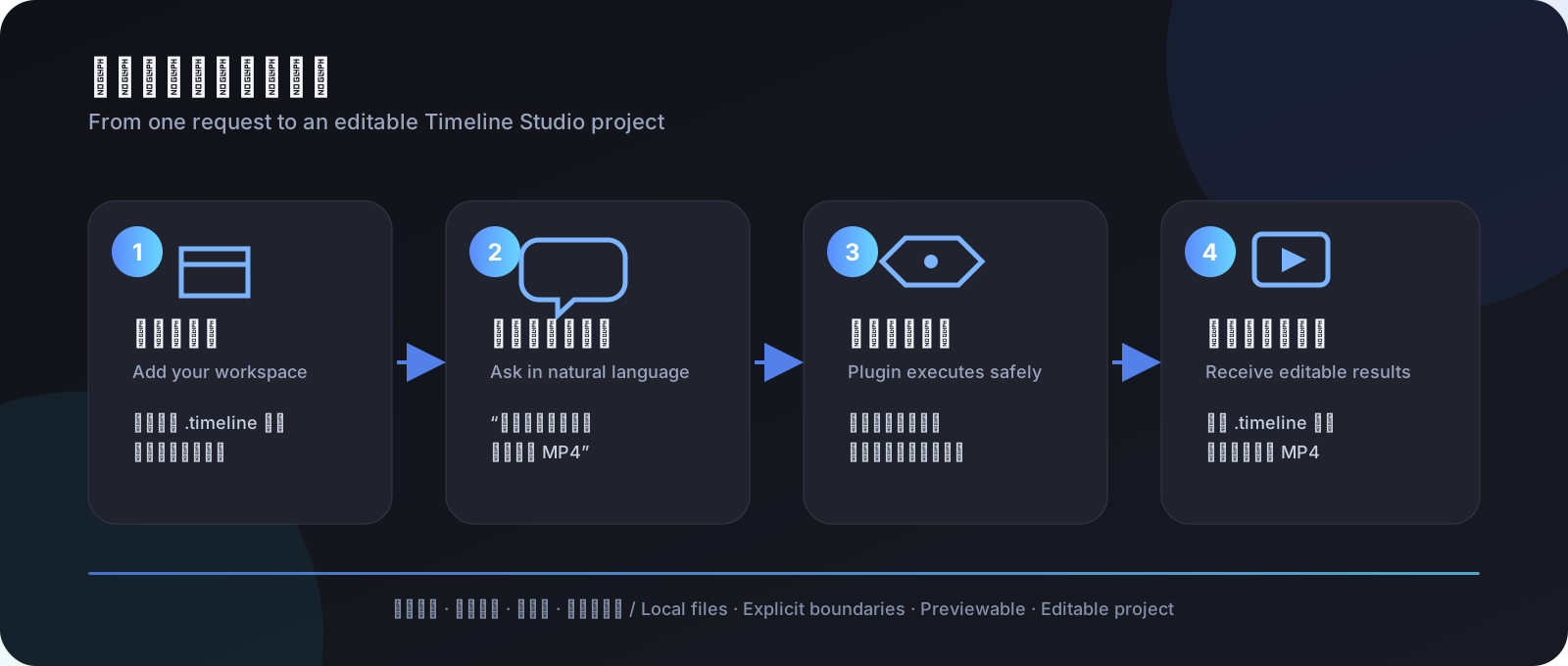
For players: what is it?
This is not another video-editor interface. It is an action bridge between DeepSeek Harness and Timeline Studio. Describe the result you want in Harness, and the agent can inspect a local .timeline project, preview changes before applying them, and produce a new editable project plus an MP4. The source project is not overwritten by default.
Don't have Timeline Studio yet? Start with the Timeline Studio main repository to get the editor. This plugin does not replace the editor runtime; it calls the .timeline command and rendering capabilities provided by the main project.
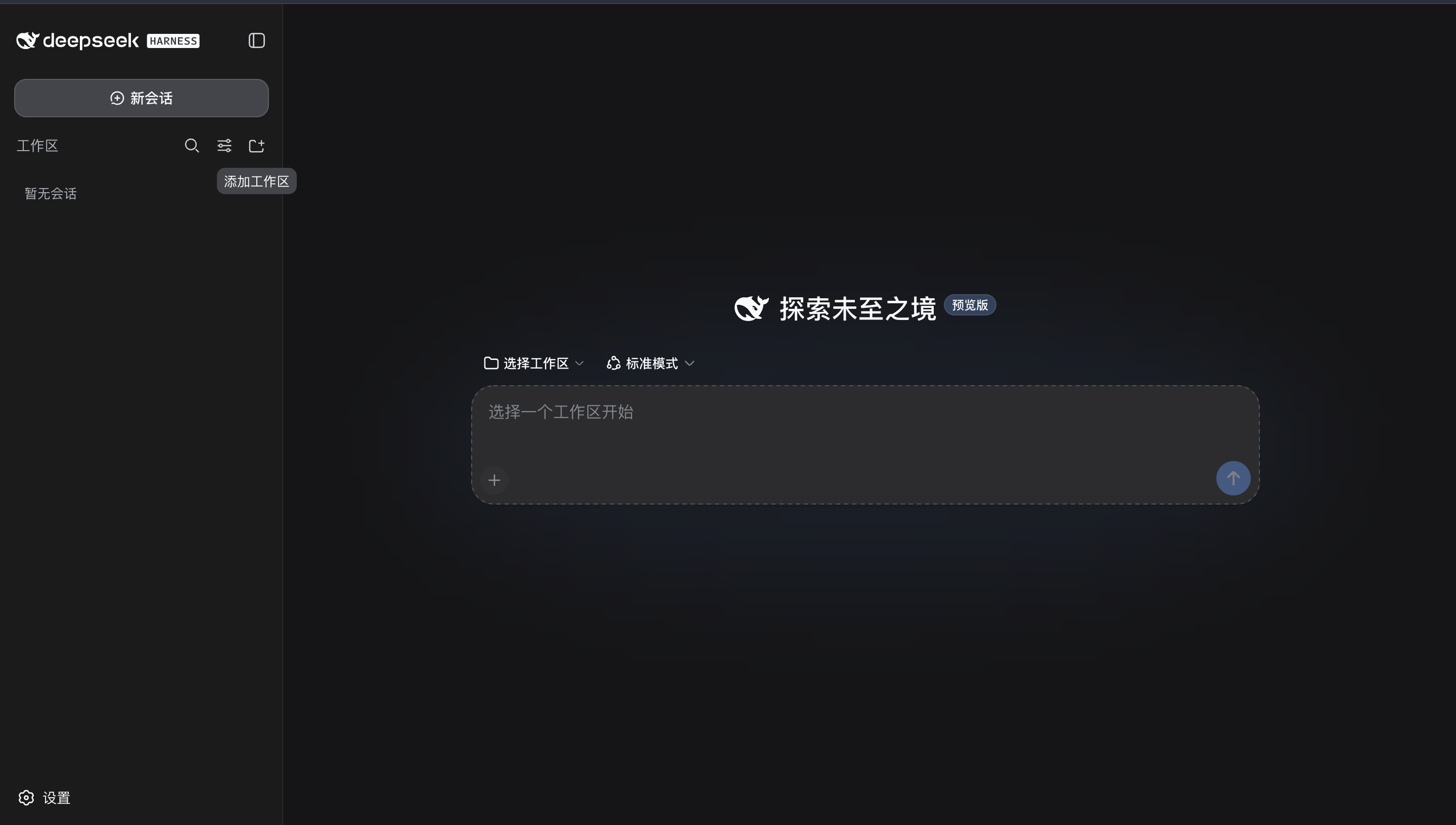
The screen above is where you begin:
- Click the Add workspace icon beside the Workspaces heading.
- Select the local folder containing your
.timelineproject and media. - Start a New chat and describe the outcome you want. The agent invokes the plugin automatically when needed.
Confirm that the plugin is active
Open Settings → Plugins → Plugin list, then search for timeline:
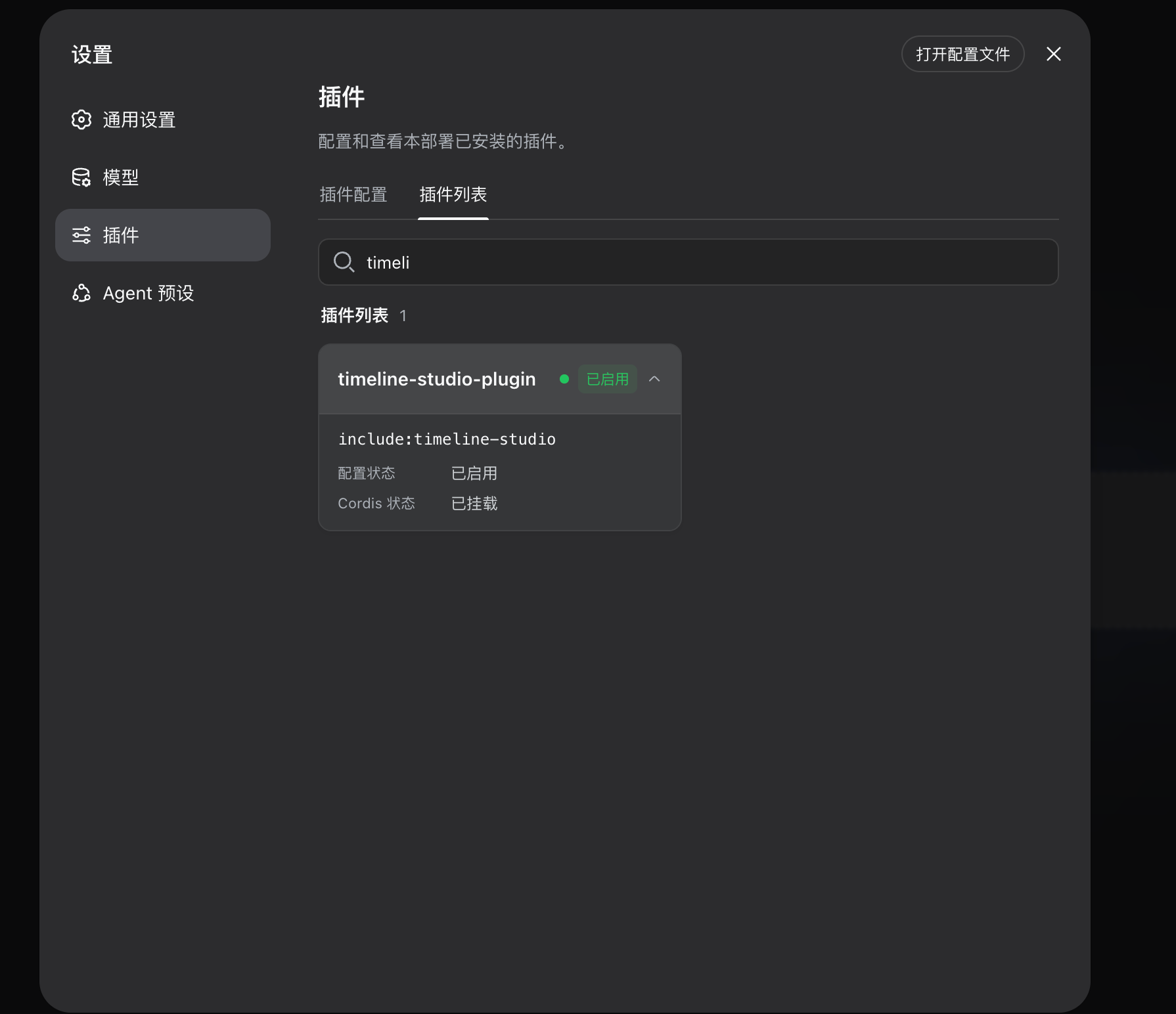
The green Enabled state and Cordis status: Mounted confirm that Harness has loaded the plugin. include:timeline-studio is the mount identifier used by this preview configuration; players do not call it directly—just describe an editing task in a normal conversation.
Try this first:
Inspect the Timeline Studio project in this workspace. Tell me its duration, aspect ratio, tracks, and media. Do not modify any files yet.
Then try a safe edit and export:
Change the project to 9:16. Show me the edit preview first; if it is valid, save it as a new project and render an MP4. Do not overwrite the source file.
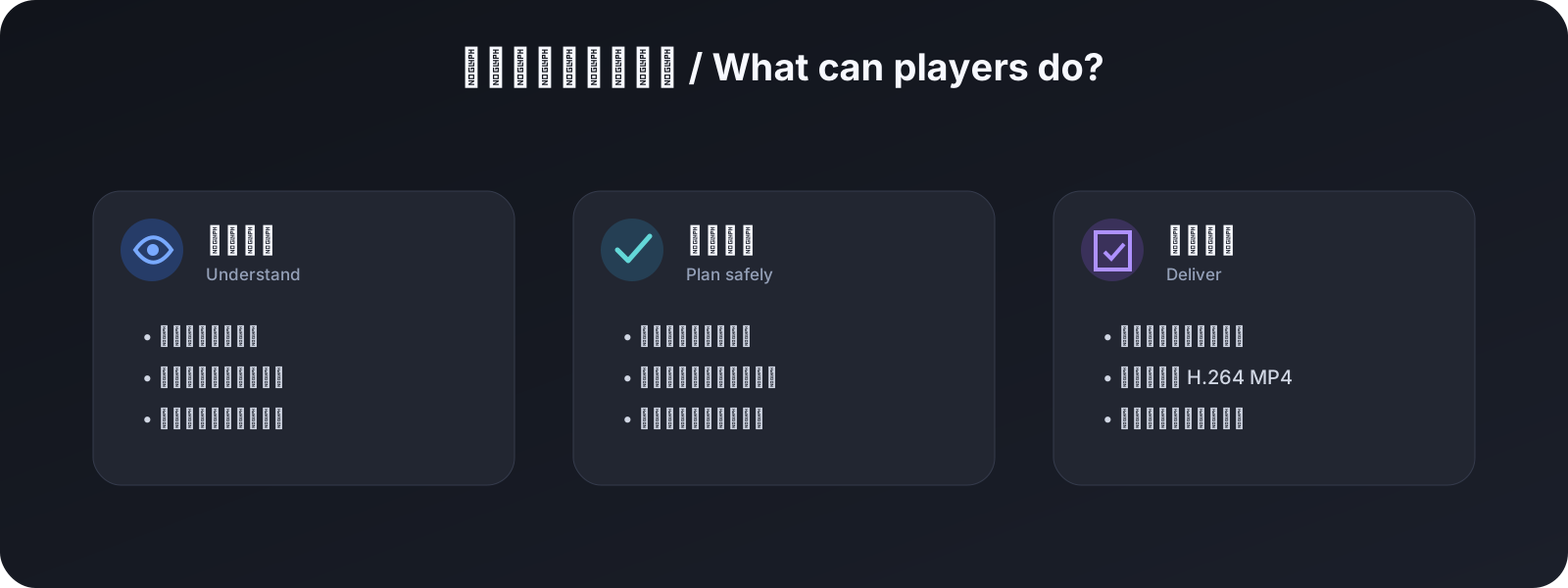
[!NOTE] The plugin does not add a separate visual panel. Its work appears as tool calls and results in the Harness conversation, then as new
.timelineand video files. Rich visual preview and browser-only WebGPU generation remain inside the Timeline Studio editor.
For developers: what is included
- Eight tools cover project, track, clip, transcript and marker inspection, semantic diff, transactional apply, and verified MP4 rendering.
- Revision checks and idempotent operation IDs for safe project mutation.
- A real filesystem boundary through
allowedRoots, including symlink-escape protection for inputs and outputs. - Harness cancellation propagated to the Timeline Studio child process.
- The complete
edit-timeline-studioSkill under.dsh/skills. - Unit tests and a real DeepSeek Harness/Cordis end-to-end test.
The editor provides the Sound FX library, timeline fade controls, alignment guides, and beat template appends. Open the edited project in Timeline Studio and export there for effects, overlays, and audio fades.
Requirements
- DeepSeek Harness
0.2.2-rc.1with Node.js24.9+. The plugin tool pipeline also runs with the0.1.1-rc.2SDK. - A local Timeline Studio checkout with dependencies installed. Use revision
18c1c69or newer for the features documented here. - FFmpeg and ffprobe for media import and rendering
Quick start
The recommended route is to install the GitHub repository as a bundle in the DSH Web profile:
dsh plugin --profile web add "github:MartinDelophy/dsh-timeline-studio-plugin#main"
Launch Harness with absolute paths for the Timeline Studio checkout and project workspace:
TIMELINE_STUDIO_ROOT=/absolute/path/to/web_player \
TIMELINE_PROJECTS_ROOT=/absolute/path/to/projects \
dsh --profile web
Set TIMELINE_STUDIO_ROOT to the checkout containing scripts/timeline-command.mjs and TIMELINE_PROJECTS_ROOT to the directory the tools may access. If the latter is unset, tools use the launch directory. Restart Harness and verify Settings → Plugins → Plugin list. PowerShell and Skill setup
After installation, copy the packaged Skill into your workspace or Harness home using the Skill setup steps.
For local plugin development, npm link is also supported:
cd /absolute/path/dsh-timeline-studio-plugin
npm install
npm link

cd /absolute/path/to/deepseek-harness
npm link dsh-timeline-studio-plugin
When not using the bundle installation, add the plugin manually to the Cordis composition used by your Harness preset:
- name: 'dsh-timeline-studio-plugin'
  config:
    timelineStudioRoot: /absolute/path/to/web_player
    allowedRoots:
      - /absolute/path/to/projects
allowedRoots is an enforced security boundary, not a prompt instruction. Every project, plan, imported asset, and output must resolve inside one of these directories.
The environment-driven example is available at config/timeline-studio.cordis.yml.
Agent workflow
- Load
edit-timeline-studio. - Call
timeline_studio_project_inspect. - Write a versioned edit plan under an allowed root.
- Call
timeline_studio_project_diff. - Only after a successful diff, call
timeline_studio_project_apply. - Inspect the output project and optionally call
timeline_studio_project_render.
Project updates
- 2026-11-11 — The plugin uses the host tool registry, adds marker inspection, and syncs the Timeline Studio Skill with current audio and template workflows.
Documentation
- Timeline Studio main repository and full editor
- Installation and integration · 安装与接入
- Tool reference · 工具参考
- Testing and verified results · 测试与验证结果
Development
npm run check
TIMELINE_STUDIO_ROOT=/absolute/path/to/web_player npm run test:e2e
The plugin registers its tools with the Harness host. The pinned Harness SDK packages in this repository are used by development checks.
Responsible use notice
Use only face and identity media that you own or are explicitly authorized to use. Do not create illegal, infringing, false, misleading, or identity-abusive content, and never present synthetic output as real footage. Users who violate these requirements are solely responsible for their actions and resulting harm.
No comments yet. Be the first to write one.