dsh-watchkeeper


Alpha. Version 0.1. The plugin API and configuration may change before 1.0.
dsh-watchkeeper is a DSH plugin that watches sessions for you. It does three things:
| Feature | What it does |
|---|---|
| Session numbers | Every session gets a stable number, shown at the start of its row in the session list. Numbers are not reused while the ledger is kept. |
| Pending answers | Human decision cards are collected in one place. You answer once, and the answer is delivered back to the session that asked. |
| Watch loop | A pluggable judge can answer routine mid-session questions for you. Low confidence, broken output, and red-line topics always go to a human. |
Screenshot: session list with numbers, a decision card and the pending-answer view. Placeholder until
docs/assets/screenshot.pngis added.
Defaults
- No judge configured means no automatic decision-card answers. A configured
fallbackEnabledreply provider only handles a narrow set of uncertainty results from a judge that actually ran; red lines and unavailable judges go to a human. Optional auto-continue is a separate path. - Reply providers are off by default.
- HTTP control writes require
WATCHKEEPER_CONTROL_TOKEN; without it the write routes return 403. The web host must use a literal loopback address. - Numbering starts at 1 and goes up. A session keeps its number across restarts.
Requirements
- Node.js 22.5 or newer
- A DSH desktop or web app with a profile
Install
Install with DSH's own plugin command. It forwards to pnpm in the profile directory and registers the plugin as a bundle of that profile, so no manual cordis.patch.yml edit is needed. Not on npm yet; install from GitHub.
Two parts: the plugin (host behavior) and the skill (agent instructions).
Plugin
dsh plugin --profile <your-profile> add github:Maravetech/dsh-watchkeeper#v0.2.0
To work on a local clone instead:
git clone https://github.com/Maravetech/dsh-watchkeeper.git
dsh plugin --profile <your-profile> add "file:$PWD/dsh-watchkeeper"
Or download dsh-watchkeeper-<version>.tgz from the release page and add the file:
dsh plugin --profile <your-profile> add ./dsh-watchkeeper-0.2.0.tgz
For a fixed install, pin a commit instead of a tag: github:Maravetech/dsh-watchkeeper#<commit-sha>. The package is plain JavaScript with no build step, so no allowBuilds entry is needed.
Supported DSH versions are declared in engines.dsh (currently >=0.2.0-rc.1 <0.3.0); dsh plugin add refuses other versions.
Remove it with dsh plugin --profile <your-profile> remove dsh-watchkeeper.
Restart DSH completely, then check the health endpoint:
curl -s "$DSH_WEB_URL/watchkeeper/health" | python3 -m json.tool
If DSH_WEB_URL is not set, use the port from the app's URL, for example http://127.0.0.1:62630/watchkeeper/health.
Skill
ln -s "$DSH_PROFILE_DIR/node_modules/dsh-watchkeeper/skills/dsh-watchkeeper" "$DSH_HOME/skills/dsh-watchkeeper"
To install only the skill into other agents (Claude Code, Codex and others) through skills.sh (Vercel skills CLI, Node 22.20+):
npx skills add Maravetech/dsh-watchkeeper --skill dsh-watchkeeper -g
The skill only explains the plugin; it does nothing unless the plugin above is installed in DSH.
Full instructions, including upgrades and uninstall: docs/install.md.
Documentation
| Document | Covers |
|---|---|
| docs/install.md | Plugin and skill install, upgrade, uninstall |
| docs/configuration.md | Environment variables, the judge contract, providers |
| docs/decision-cards.md | Card JSON, options, common mistakes |
Configure
Settings are environment variables. The three that matter most:
| Variable | Default | Purpose |
|---|---|---|
WATCHKEEPER_HOME |
~/.dsh-watchkeeper |
Where state, the session-number ledger and the SQLite database live. |
WATCHKEEPER_JUDGE_CMD |
unset | Judge command. Unset means every question goes to a human. |
WATCHKEEPER_CONTROL_TOKEN |
unset | Separate bearer token for watch control POST routes; unset disables those routes. |
WATCHKEEPER_CODEX_BIN / WATCHKEEPER_AGY_BIN / WATCHKEEPER_CUSTOM_CMD |
unset | Reply provider binaries. |
The full list, the judge contract and the provider commands: docs/configuration.md.
Control writes for a new installation
Session numbering, watch state reads, and the pending-answer view do not need a control token. Every POST /watchkeeper/watch/* request does: this includes the session watch switch (toggle), reply-provider switch (provider), prompt, decide, beacon, sweep, and recover. With WATCHKEEPER_CONTROL_TOKEN unset, these writes return 403. A token configured only in your terminal does not reach DSH if DSH was launched elsewhere.
For a CLI-launched Web profile, create a private token file and pass its value in the environment that starts DSH:
umask 077
openssl rand -hex 32 > "$HOME/.dsh-watchkeeper-control-token"
export WATCHKEEPER_CONTROL_TOKEN="$(cat "$HOME/.dsh-watchkeeper-control-token")"
dsh web --no-open
Keep the file outside Git and do not print the token. An authorized HTTP caller must send it in x-watchkeeper-control-token. The current Web UI has no session watch switch that supplies this header; setting the environment variable alone does not add one. A safe UI or DSH-tool path is a proposal awaiting a decision.
Decision cards
A decision card is one JSON payload wrapped in [DECISION_POINT] and [/DECISION_POINT], placed outside code fences. The plugin reads it, shows the question in the pending-answer view, and delivers your answer back to the session.
Minimal shape:
{
  "audience": "human",
  "requires_user_response": true,
  "human_review": [
    {
      "question_id": "q-1",
      "question": "Ship with the current cover image or wait for the new one?",
      "type": "卡点",
      "reason": "The new image is not approved yet.",
      "manual_reason": "必要信息",
      "blocking_scope": "Publishing is blocked until this is answered.",
      "attempts": ["Checked the asset folder; the new image is still missing."],
      "background": "The current image is usable but older.",
      "recommendation": "Ship with the current image.",
      "options": ["Ship with the current image", "Wait for the new image"],
      "state": "needs_user",
      "audience": "human",
      "requires_user_response": true,
      "agent_can_resolve": false,
      "already_resolved": false
    }
  ]
}
Field rules, options, examples and common mistakes: docs/decision-cards.md.
Troubleshooting
Start with the health endpoint:
curl -s "$DSH_WEB_URL/watchkeeper/health" | python3 -m json.tool
Then check state:
ls "$WATCHKEEPER_HOME"          # default: ~/.dsh-watchkeeper
ls "$WATCHKEEPER_HOME/state"
Then read the plugin log:
tail -n 50 "$WATCHKEEPER_HOME/probe.log"
If a card does not show up, the message usually has the card inside a code fence, missing the [DECISION_POINT] wrapper, or missing a required field. See docs/decision-cards.md.
Development
node --version   # must be >= 22.5
npm test
The test suite uses Node's built-in test runner and needs no dependencies. See CONTRIBUTING.md.
Status icons
One icon per state, each in three backgrounds (1024×1024 PNG) under assets/icons/.
| State | Icon | Files |
|---|---|---|
| Working | 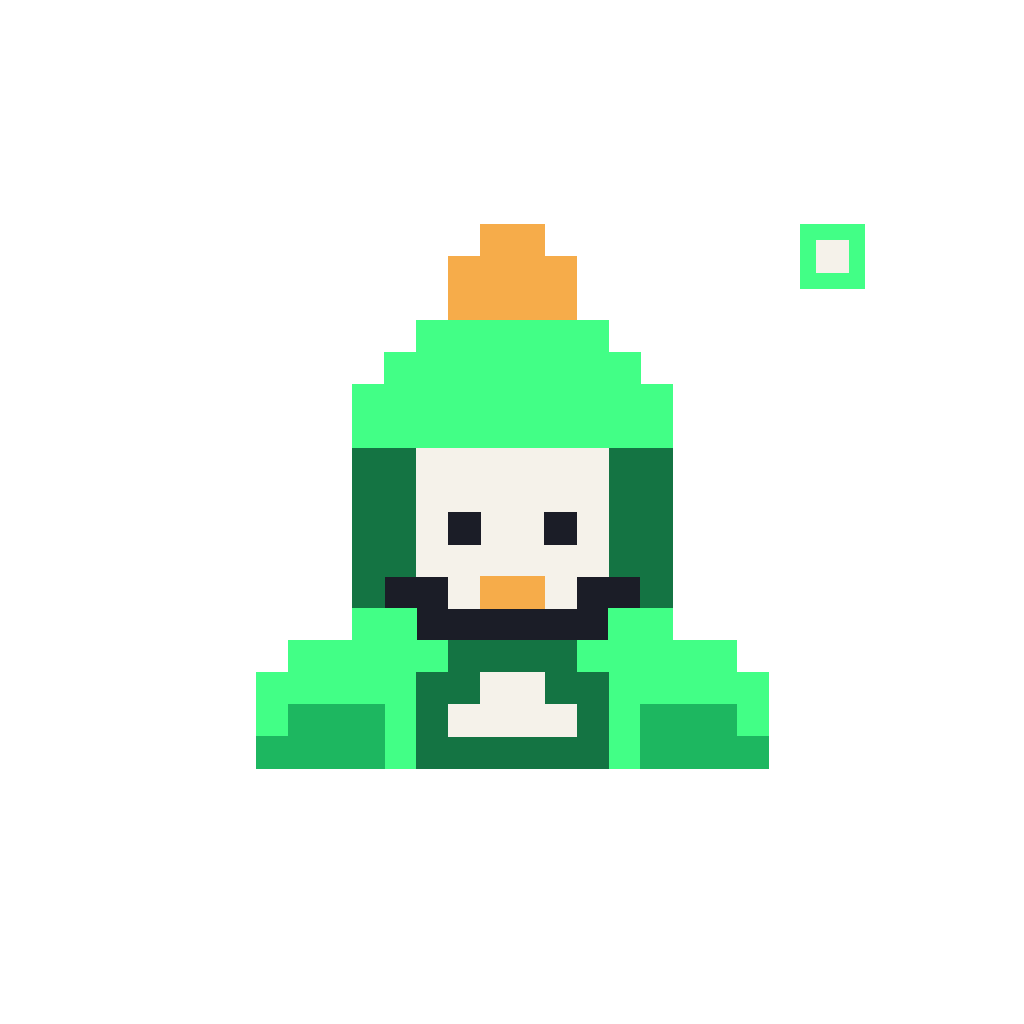 |
transparent · white · dark |
| Waiting | 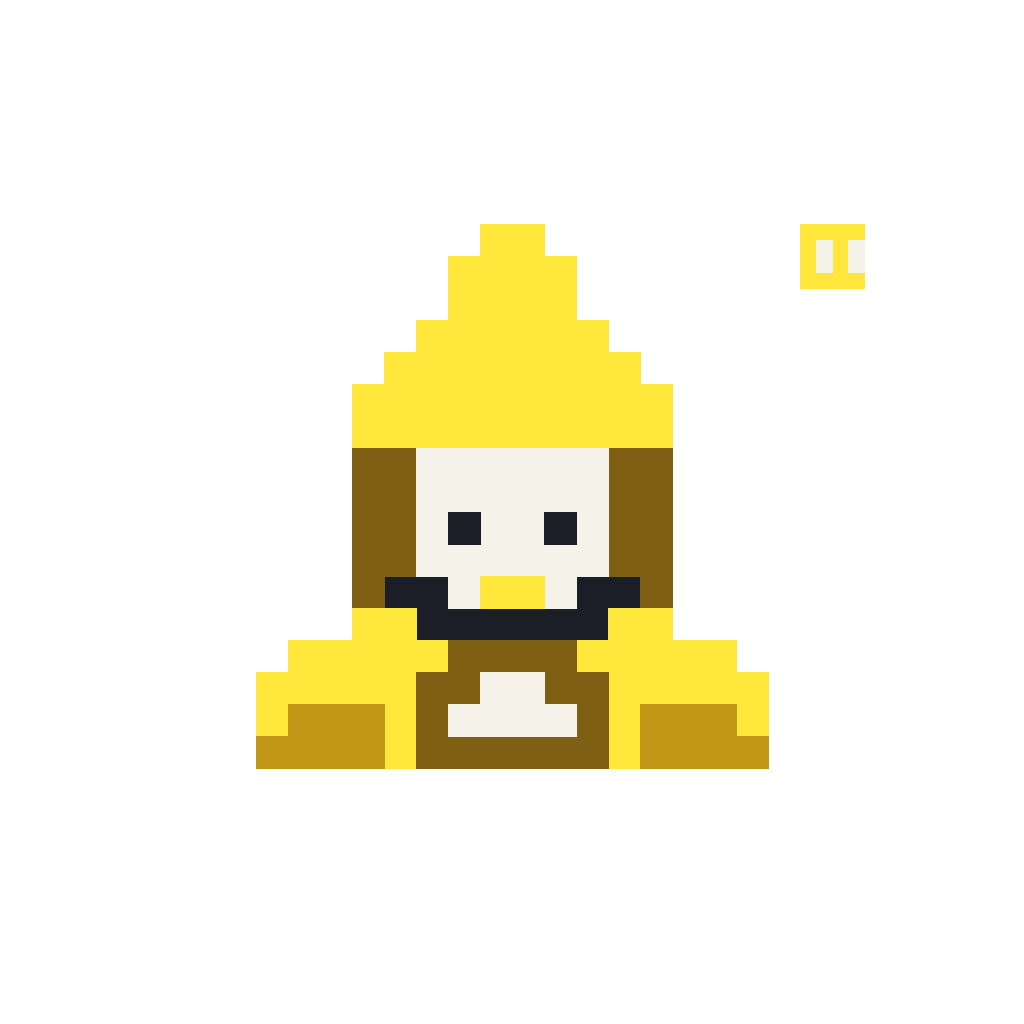 |
transparent · white · dark |
| Resting / paused | 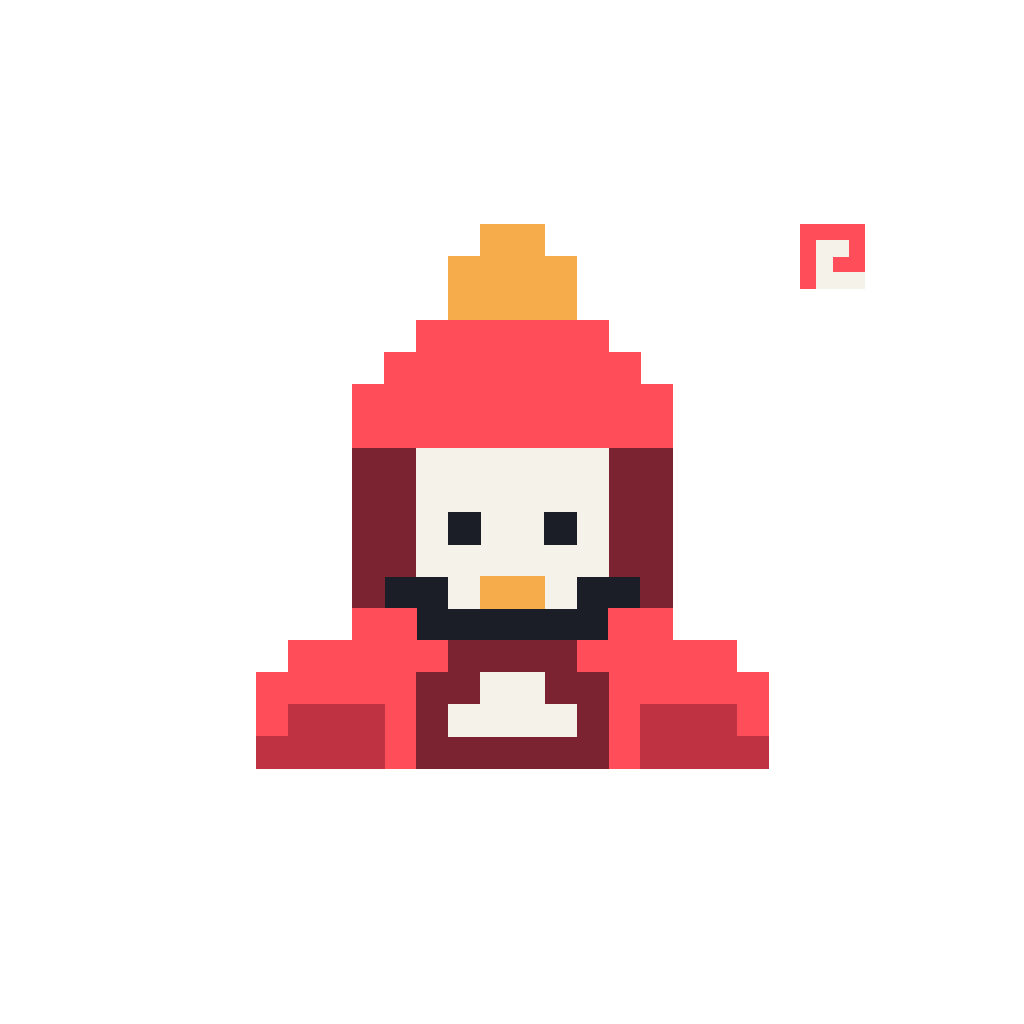 |
transparent · white · dark |


License
MIT. See LICENSE.
No comments yet. Be the first to write one.