
dsh-media-skills
An image workspace for DeepSeek Harness.
Generate images, revisit your work, and ask your agent to review a screenshot.
简体中文 · Quick start · Image review · Privacy · Troubleshooting


One plugin, three ways to work
| What you want | Where to start | What it needs |
|---|---|---|
| Generate an image | Images → Generate in the sidebar | Desktop 0.2.1+; a provider. Flux via Pollinations is configured as keyless. |
| Find or reuse a result | Images → Works | The page stores up to 60 recent entries in local storage |
| Describe or inspect an image | Ask for vision-review, or use a compatible image model in chat |
A configured vision provider for the skill, or an image-capable chat model for native attachments |
The sidebar page and media-tools use the same generation script. vision-review is a separate image review skill.
Quick start
In DeepSeek Harness Desktop, open Plugins → Add plugin, enter
dsh-media-skills, and install it. Or use the desktop profile:dsh plugin --profile desktop add dsh-media-skillsRestart DSH. On Desktop 0.2.1+, open Images in the sidebar.
Enter a prompt, select Flux (Pollinations), and generate. This path does not require a key; availability, image size and rate limits depend on the provider.
Open Works to revisit a result. To use another provider, configure it under Image key.
The two skills are registered with the plugin. Image review through vision-review requires a configured vision provider; a keyless image-generation option does not automatically supply image understanding.
First run: this repository does not control third-party availability or pricing. If Flux is unavailable, check the provider status or configure another supported provider.
The Images page
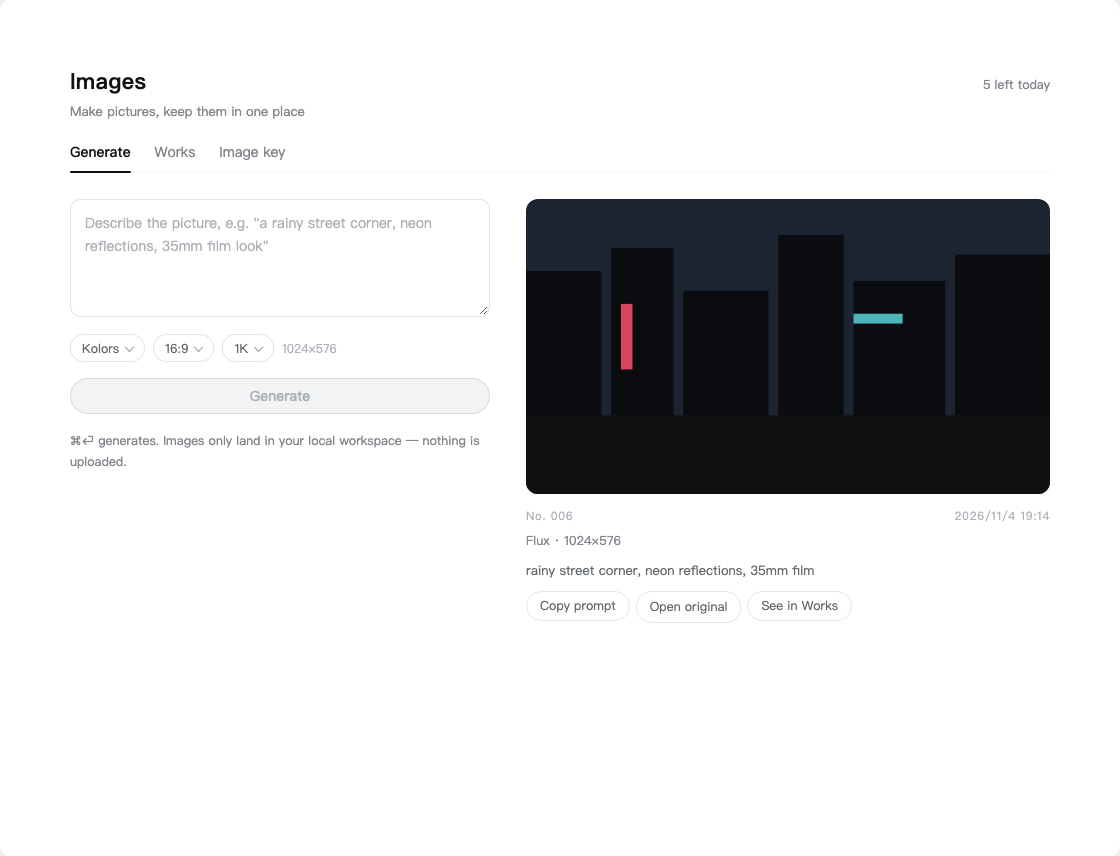
Interface illustration. The sample picture is a placeholder, not a generated result; the actual page and available models can differ.
Choose a prompt, model, aspect ratio and canvas size. The result card shows the image and its settings. The page also has a Works tab for revisiting images, copying prompts, reusing settings and deleting files.
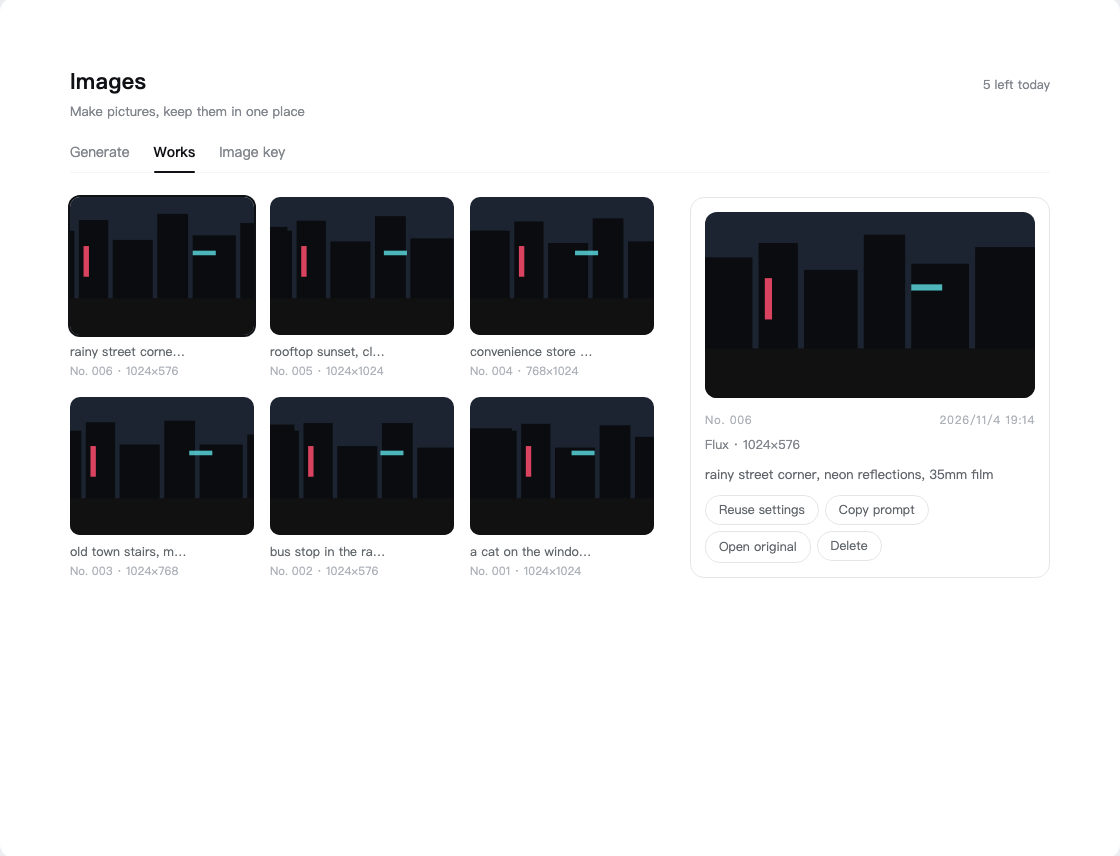
Gallery illustration with placeholder images.
Generated examples from the repository. Prompts and provider details: examples.
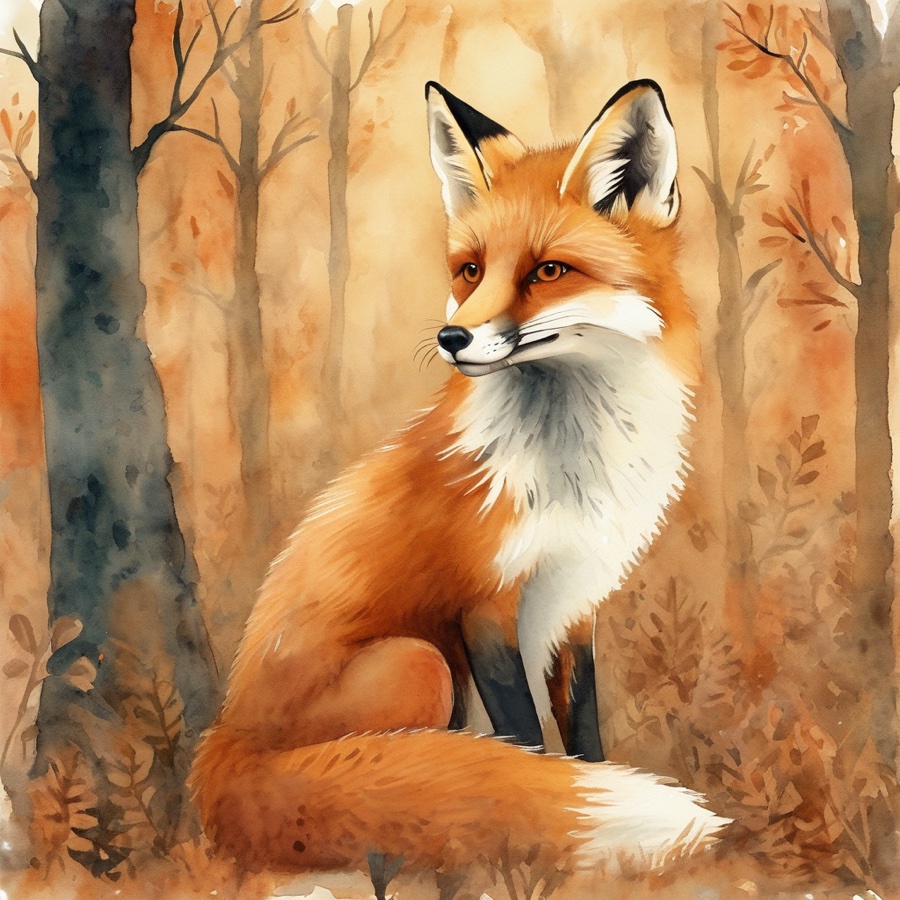
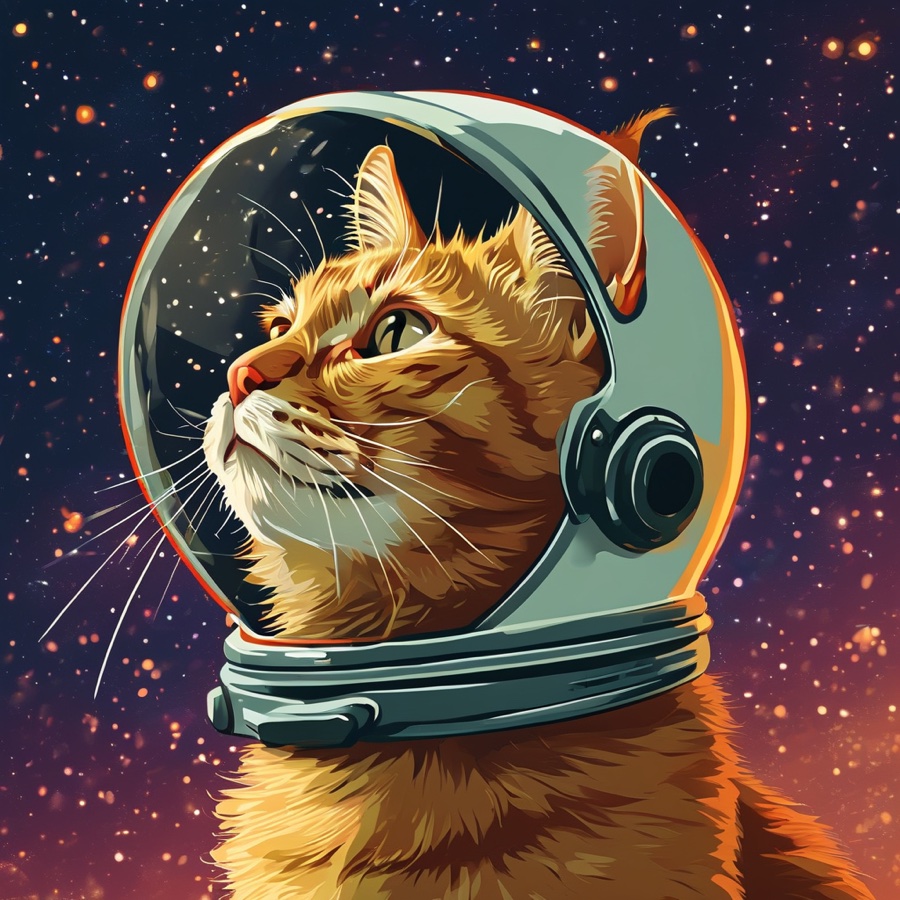
Image review
Ask the agent to use vision-review to describe a local image, inspect a UI screenshot, or produce structured observations. The script supports configured vision providers and a fallback chain; see vision-review/SKILL.md.
Native chat attachments are a separate DSH feature: the currently selected model must accept image input. If a text-only model rejects an attachment, switch to an image-capable model or use a local file path with a configured vision-review provider. Installing this plugin does not turn a text-only model into a vision model.
Privacy & providers
- The plugin does not bundle API keys. Panel-managed keys are stored locally in
~/.dsh/secrets/media-tools.env; the code requests file mode600where supported. - The prompt and relevant request parameters go to the provider you select. Image review sends the image to the configured vision provider. Custom endpoints are chosen by you.
- Generated files are saved in the local workspace. The page keeps up to 60 recent entries in local storage. Deleting an entry attempts to delete its file; if file deletion fails, the entry is still removed and the file can remain. Provider data-handling rules still apply.
- Free tiers, limits, watermarks, models and terms can change. Consult the provider before sending sensitive content or depending on a free service.
Details: generation skill · vision setup · ModLens coexistence.
Troubleshooting
- No Images page: the page requires Desktop 0.2.1+ and a restart after installation. The skills can be used separately on supported older hosts; see compatibility notes.
- Generation fails: check the selected provider, network, account balance and rate limits. The panel reports common HTTP errors where available.
- An image attachment is rejected: verify the current chat model supports image input, or use the file-path review workflow with a configured vision provider.
- Need a diagnostic for image review: run
python3 skills/vision-review/scripts/vision.py --doctorfrom the repository. Some checks may contact configured providers.
Languages
English · 简体中文 · 繁體中文 · 日本語 · 한국어 · Español · Deutsch · Português · Русский
English and Simplified Chinese describe the current Images page. Other translations are retained for reference and may describe earlier versions.
Development
Requires Node.js 22.19+ and Python 3.9+; image review uses Pillow. Run the repository checks with:
npm test
The package contains client.js, index.js, the DSH bundle manifest and the two skill directories. Examples · Issues · MIT license
No comments yet. Be the first to write one.