dsh-vx-workbench
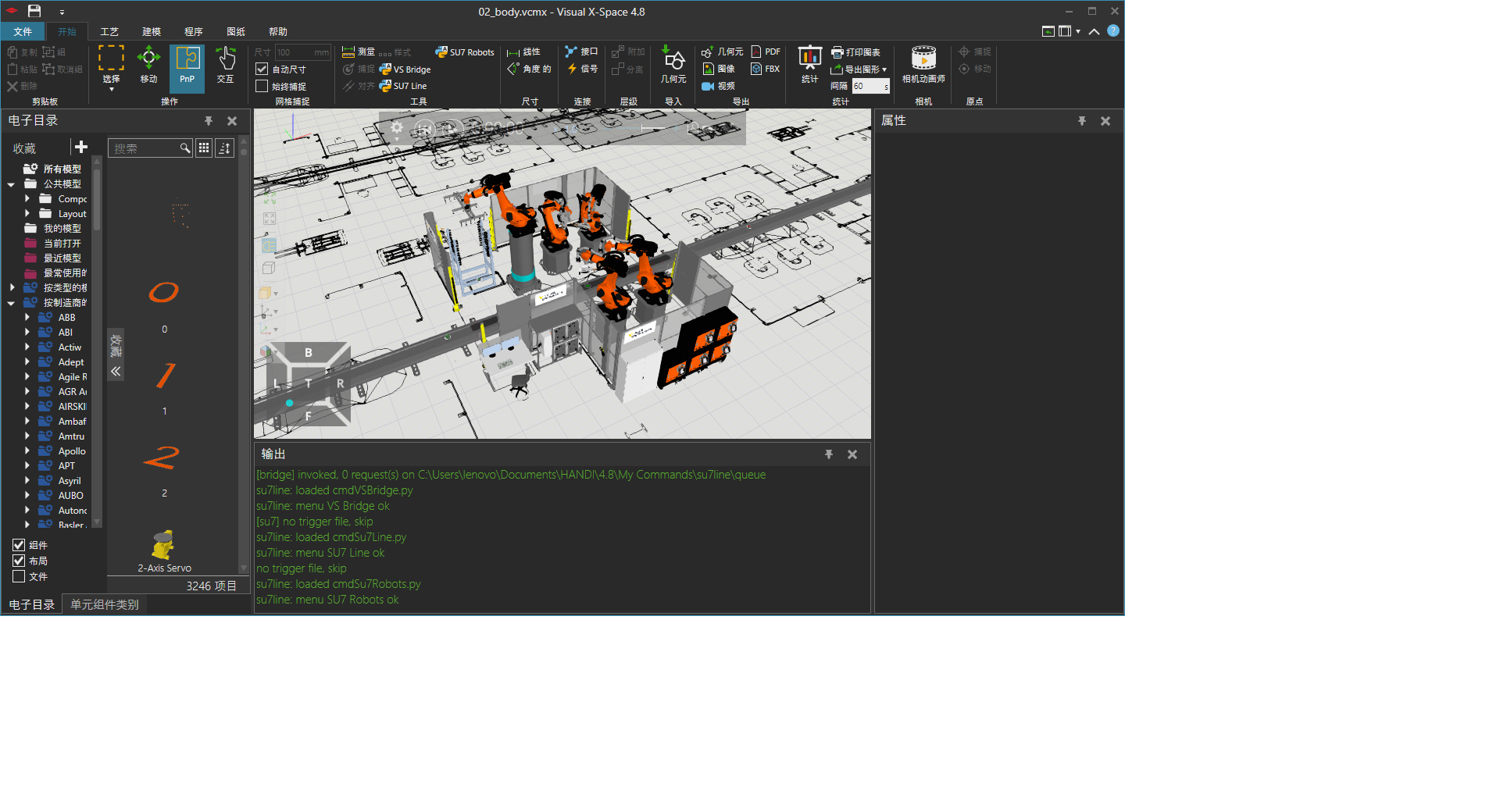
Turn Visual X-Space into a one-command workshop. Repair the CAD import path so FBX / STEP / STL load without a license dialog, generate a factory line from parameters, and keep every installed skill catalogued so the agent never guesses a skill name again.




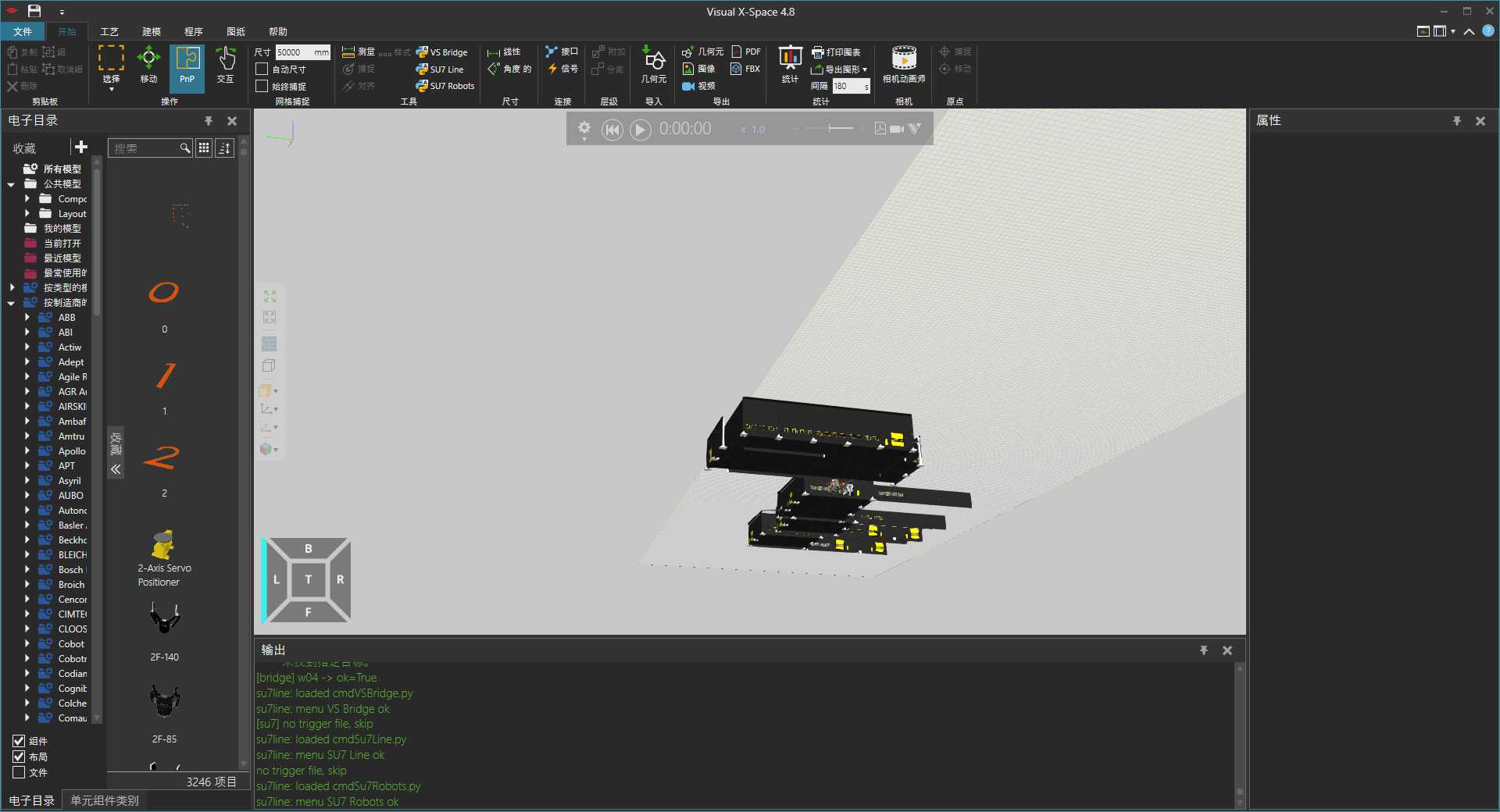
What it does
- CAD import compatibility repair — finds the decision site by its machine-code shape (not by a fixed file offset), patches it, verifies the byte on read-back, and keeps a restorable original next to it. A different build reports "this build is not supported yet" instead of silently doing nothing.
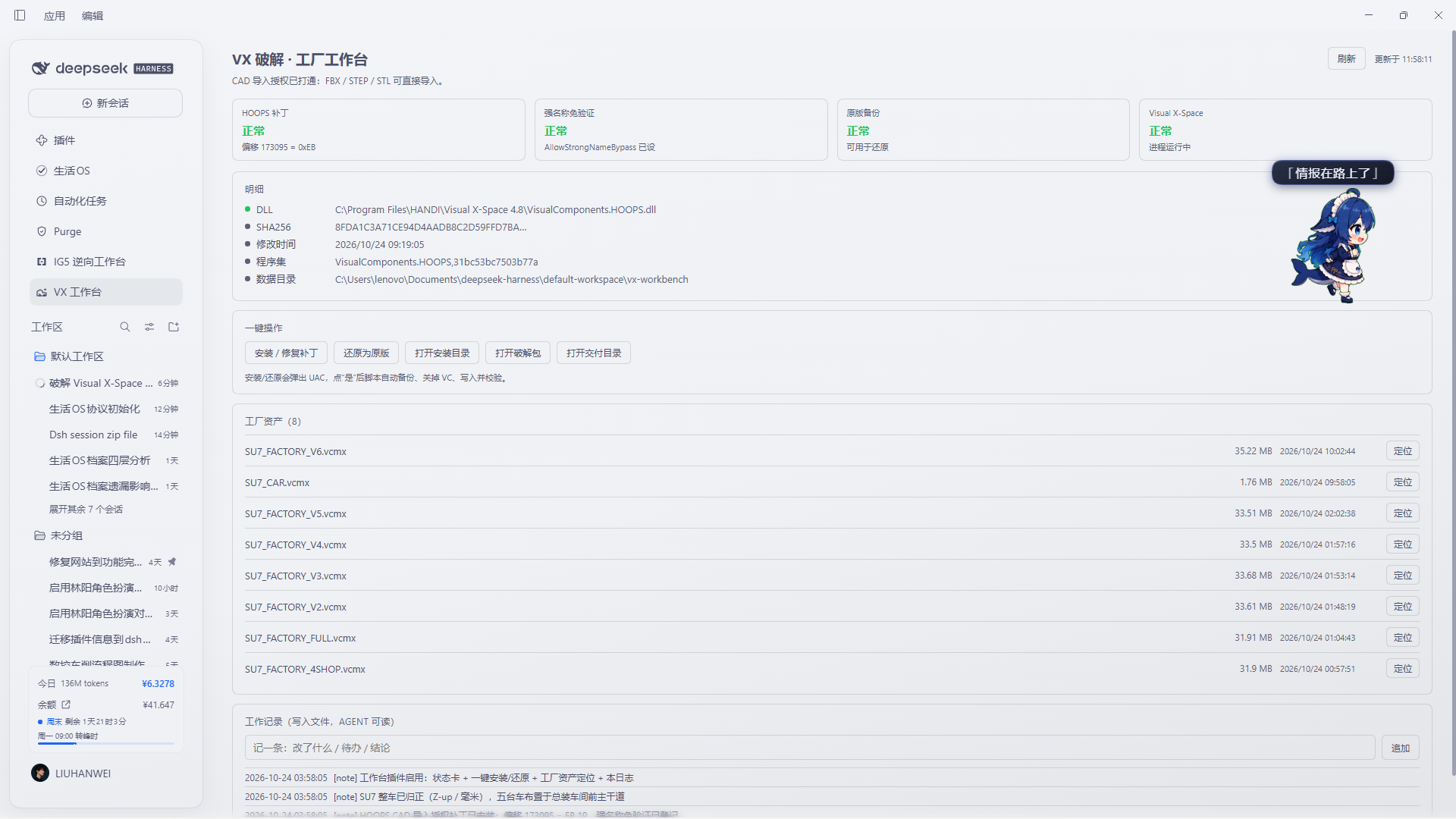
- Factory asset panel — every
.vcmxlayout in your delivery folder, with size, timestamp and a reveal button. The parameterised line generator is a roadmap item below and is not claimed here as shipped. - A skill ledger that maintains itself — every 5 minutes the plugin fingerprints
each
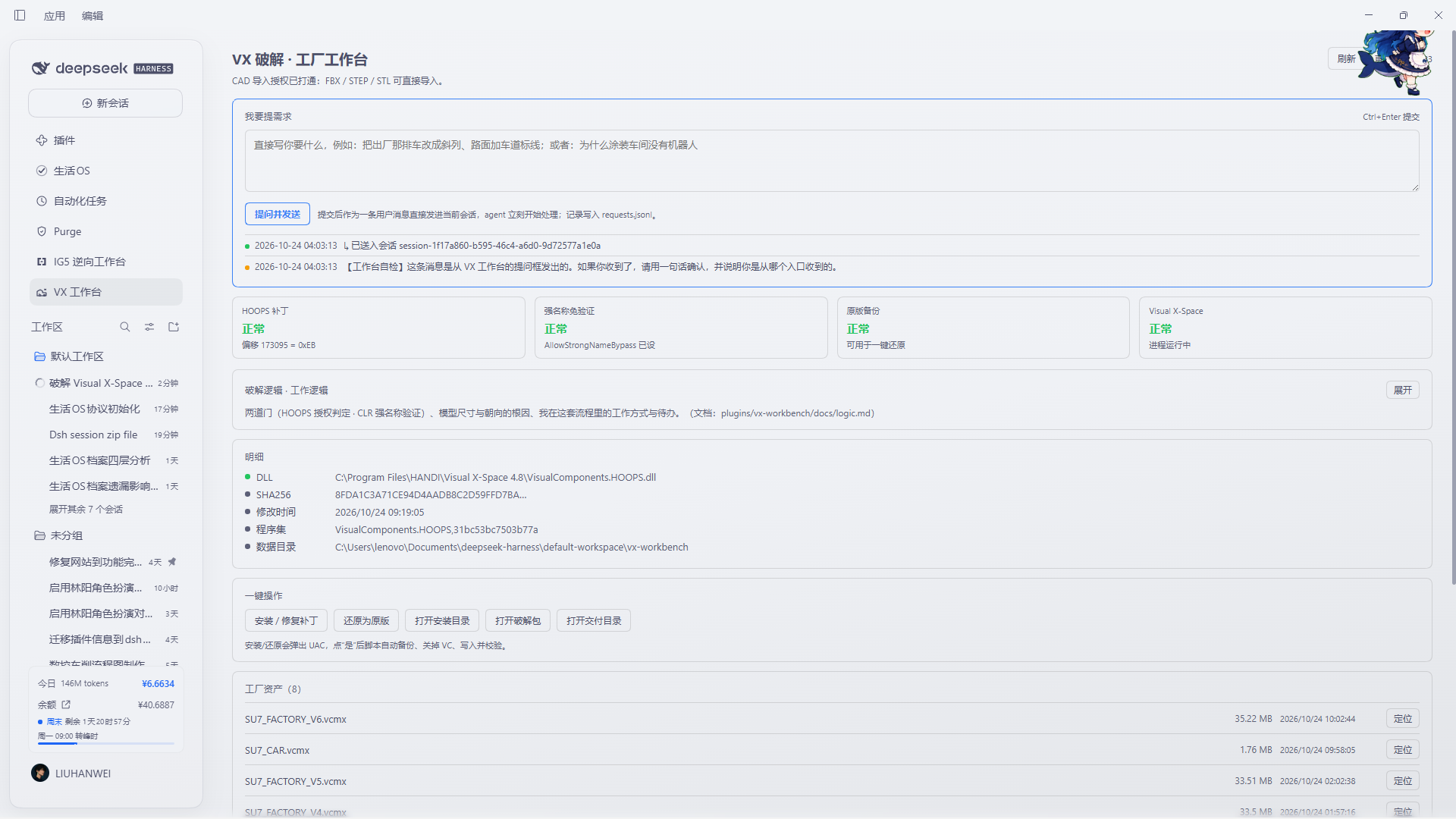
SKILL.mdon disk (plus OpenViking'sviking://skills when available), rewritesdocs/skills.md, and records what was added, changed or removed. One click pushes a compact change notice into the conversations you already have open. - Skills that grow on their own — the ledger separates this workbench's skills
(
.vcmx/ CAD / bridge operations) from unrelated global skills, which are listed but never mixed in. A session can write a new workbench skill throughPOST /vxwb {"action":"skill-add",…}; a broken one is not deleted by the model but queued as a delete request for you to approve (the folder moves tovx-workbench/trash/skills/, so it stays recoverable). Irrelevant global skills are hidden via{"action":"skill-ignore","all":true}without touching their files.
| Panel | Ask channel | Plant result |
|---|---|---|
 |
 |
 |
Requirements
| OS | Windows (the compatibility layer talks to a Windows-only CAD install) |
| DSH | >= 0.2.1-rc.2 |
| Visual X-Space | 4.8 (other builds are detected and reported, not patched blindly) |
Install
dsh plugin --profile web add dsh-vx-workbench
Or install it from the plugin market (Plugins → Discover). Restart the profile if
the panel does not appear; then refresh the page (the sidebar entry is
VX 工作台).
Configuration
All paths are environment variables — nothing personal is hard-coded, and an unconfigured install reports "not configured" rather than guessing.
| Variable | Meaning | Default |
|---|---|---|
VX_INSTALL_DIR |
Visual X-Space install directory | C:\Program Files\HANDI\Visual X-Space 4.8 |
VX_REPAIR_DIR |
Folder holding install.ps1 / restore.ps1 (optional) |
none |
VX_DELIVERY_DIR |
Folder holding your .vcmx layouts (optional) |
none |
VX_DSH_ROOT |
dsh install root, only needed for non-Electron hosts | auto |
Set them in the environment DSH runs in, then restart the profile.
Capabilities and permissions
Declared honestly, because a plugin that touches an installed application should be explicit:
| Capability | Where it is used |
|---|---|
fs-read |
Reads the CAD assembly to locate the decision site; scans skill roots for SKILL.md |
fs-write |
Writes the ledger docs/skills.md, vx-workbench/{skills,status,ov-skills}.json, log.jsonl, and the backup copy of the DLL |
shell |
reg query, tasklist, and — only when you press the button — powershell -File install.ps1 / restore.ps1 |
network |
Optional: a loopback MCP call to a local OpenViking server (${baseUrl}/mcp). Nothing leaves the machine |
It never writes to your project sources, never uploads anything, and never starts a CAD process.
Data and privacy
Everything lives in the workspace, under vx-workbench/:
vx-workbench/status.json      current snapshot (written on every panel poll)
vx-workbench/skills.json      skill catalog + last change set
vx-workbench/log.jsonl        append-only work log
vx-workbench/requests.jsonl   what was sent to which conversation
vx-workbench/ov-skills.json   OpenViking catalog snapshot (optional)
plugins/vx-workbench/docs/skills.md   the ledger itself
No telemetry, no analytics, no remote calls except the optional loopback OpenViking probe above.
The compatibility repair, in one paragraph
The CAD import path ends in a short branch: call a check, test the result, jump over the failure block when it passed. This plugin locates that branch by the 15 bytes around it, so builds that move the code around are still recognised, and then makes the branch unconditional. It saves the original bytes first, verifies the patched byte by reading the file back, and can restore the original in one click. When the signature is not found, or appears more than once, it stops and says so.
# inspect without touching anything
node lib/patch.mjs scan "C:\Program Files\HANDI\Visual X-Space 4.8\VisualComponents.HOOPS.dll"
The skill ledger
- Roots scanned: workspace
skills/, workspace.dsh/skills,~/.dsh/profiles/*/skills,~/.dsh/skills, and the skills shipped with dsh itself. - Fingerprint =
sha256(SKILL.md bytes + the shape of every other file in the folder), so editing the body or adding areferences/file both count as a change. - The first scan only establishes a baseline: it never reports your existing skills as "new".
POST /vxwb {"action":"skills-broadcast","maxAgeHours":168}pushes a compact notice into existing conversations (queued: a busy session reads it after its current turn; an idle one starts a turn — that costs tokens, so it is never automatic by default).
OpenViking (optional)
viking:// skills are database paths, not files, so they are ingested two ways:
a direct MCP-over-HTTP call to ${baseUrl}/mcp when a local OpenViking server is
running (URL read from ~/.openviking/ov.conf or OPENVIKING_URL), and otherwise an
agent-pushed snapshot written by
POST /vxwb {"action":"ov-ingest","roots":{...}}. Status is reported as live,
snapshot, unreachable or unconfigured — never as a silent failure.
Troubleshooting
| Symptom | Cause and fix |
|---|---|
| Panel says 此版本未适配 | The signature did not match your build. Run node lib/patch.mjs scan <dll> and open an issue with the sha256. |
| CAD still refuses the import after repairing | The assembly load chain is a second gate: enable the load-chain fix in the panel, then restart the CAD app. |
| Panel is empty / 未就绪 | The Host half did not load. Re-enable the bundle, then refresh the page. |
| Ledger shows 0 skills | No SKILL.md under any watched root, or VX_DSH_ROOT is wrong on a non-Electron host. |
| Broadcast did nothing | Sessions receive queued messages; check vx-workbench/log.jsonl for the delivery line. |
Roadmap
- signature-based compatibility repair with backup / restore / read-back verify
- self-maintaining skill ledger + conversation fan-out
- OpenViking catalog ingest (direct + snapshot)
- parameterised factory generator (line / stations / takt / robots / AGV)
- cycle-time and bottleneck report after a simulation run
- template assets downloaded on demand instead of shipped in the package
License
MIT © 2026 the author
No comments yet. Be the first to write one.