dsh-open-file
English · 简体中文
Workspace-scoped file attachments, document reading, local OCR, and page rendering for DeepSeek Harness Web.
dsh-open-file brings files of any format into DeepSeek Harness conversations. Its included agent tools inspect each upload and read, OCR, or render the content available for the task through one traceable workflow.
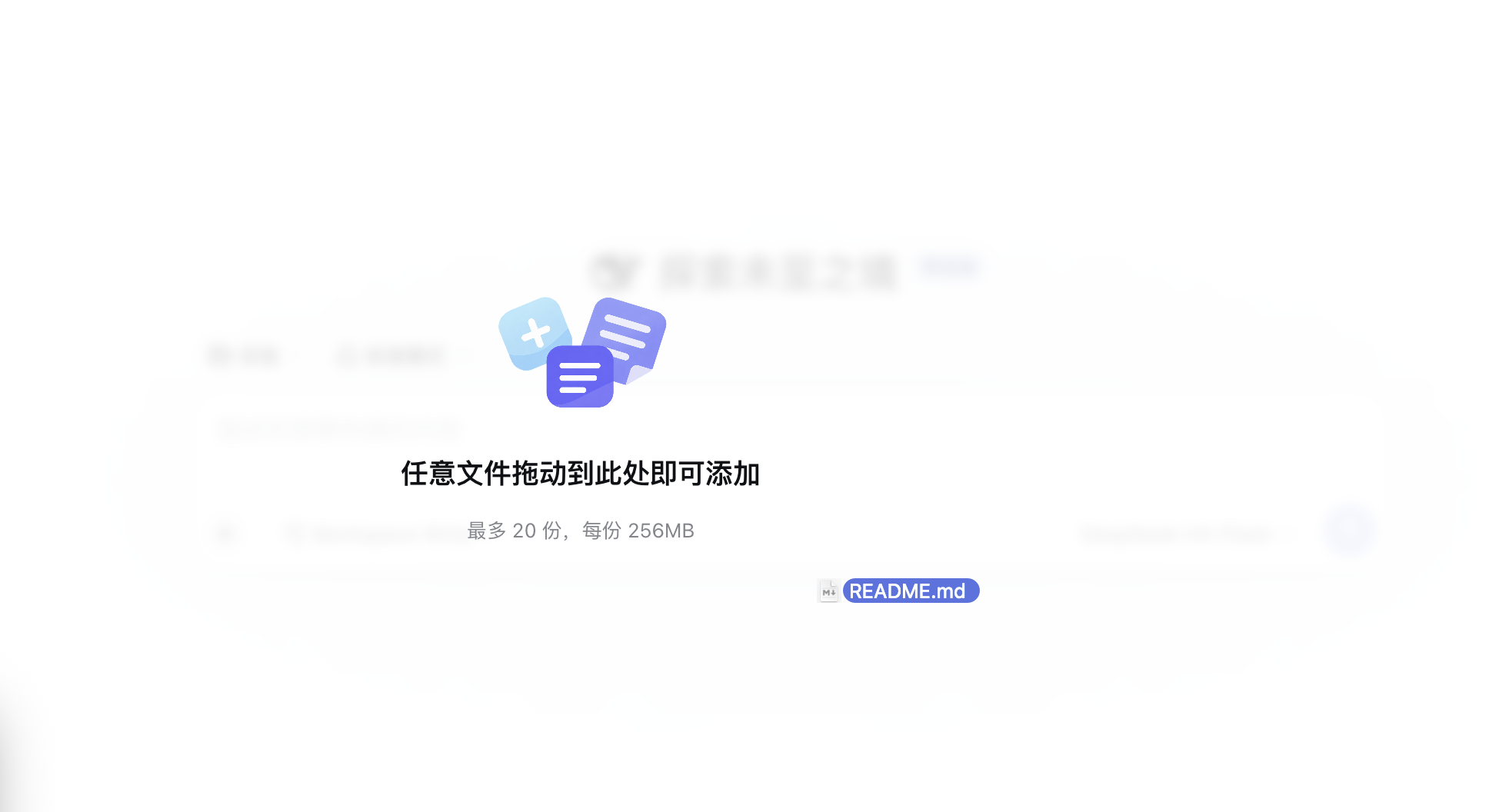
Drag files into the conversation
Drop one or more files anywhere in DeepSeek Harness Web to add them to the active session.
Features
- Adds an Add → Attachment action to the existing
+menu. - Accepts multiple files through the system picker and page-wide drag and drop.
- Presents compact draft cards with format icons, upload progress, cancellation, retry, and removal controls.
- Places sent attachment cards directly below their user message and keeps the conversation aligned.
- Streams same-origin binary uploads into the active session workspace.
- Provides four agent tools:
file_inspect,file_read,file_ocr, andfile_render. - Reads text, PDF, DOCX, PPTX, XLSX, bounded ZIP archives, common image formats, and metadata for regular files.
- Runs English and Simplified Chinese OCR with packaged language data.
- Returns source hashes, locators, cursors, parsers, and stable references for traceable reasoning.
Compatibility
| Component | Version or requirement |
|---|---|
| DeepSeek Harness | 0.1.0-rc.6 |
| Node.js | >=22.13.0 |
| Operating systems | Windows, Linux, macOS |
| Browser APIs | fetch, XMLHttpRequest, File, drag and drop |
The Web integration uses the rc.6 input-trigger registration, conversation renderer, native image workflow, and client runtime APIs. Compatibility checks report FILE_WEB_COMPATIBILITY when the host contract requires attention.
Install
Install the latest npm release:
dsh plugin --profile web add dsh-open-file
Install version 0.1.1:
dsh plugin --profile web add dsh-open-file@0.1.1
Install a locally reviewed package:
npm ci
npm pack
dsh plugin --profile web add ./dsh-open-file-0.1.1.tgz
The package activates the Host service, Web client, and Open File Skill through cordis.patch.yml. npm presents this README.md as the package documentation.
Quick start
- Open a DeepSeek Harness session with an active workspace.
- Select
+→ Add → Attachment, or drop one or more files onto the Web app. - Review the draft cards and wait for the ready state.
- Send the message to create session-bound
dsh-open-file://attachment/v1/...references. - Let the Assistant inspect, read, OCR, or render the selected content.
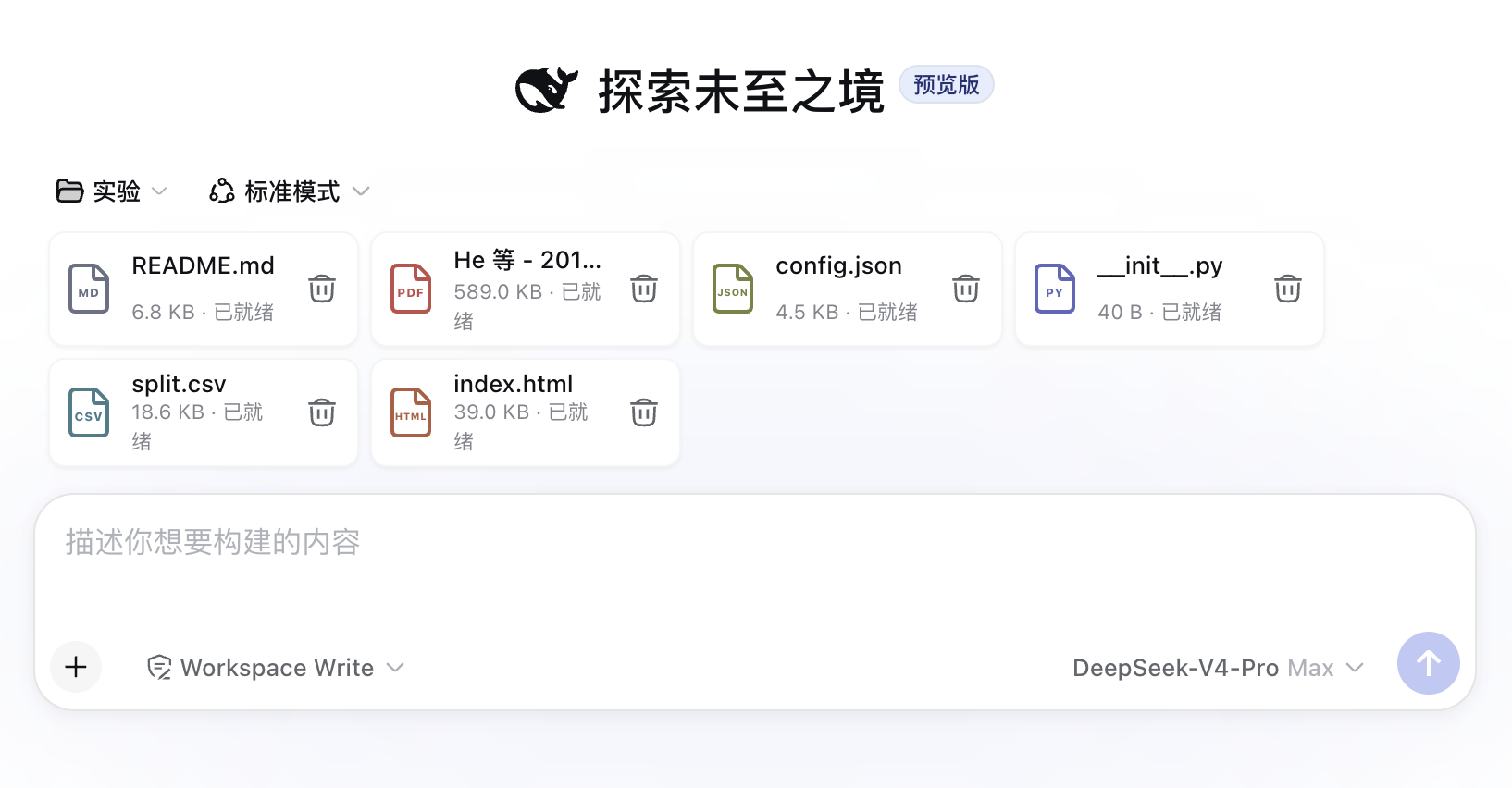
Upload any file format whenever your task calls for it
Documents, data, source code, archives, images, and every other format share one attachment flow.
| Tool | Role |
|---|---|
file_inspect |
Returns metadata, parser details, and selectable part_ref values |
file_read |
Reads a selected part with text cursors or worksheet ranges |
file_ocr |
Runs local English and Simplified Chinese OCR on a selected image part |
file_render |
Renders a selected document part to a workspace PNG |
Image files integrate with the DSH image workflow. Documents and regular files use the workspace attachment workflow.
Configuration
Version 0.1.1 uses packaged release defaults. cordis.patch.yml registers the Host service, Web client, and Skill. Resource limits are listed below and represented in the public contract.
Permissions, storage, and protocol
Source files and derived artifacts live under the active session workspace:
<workspace>/.dsh/open-file/v1/sessions/<sha256(session-id)>/
The plugin reads and writes this session directory and registers same-origin upload routes on the DSH Web Host. OCR uses the packaged eng and chi_sim language data.
POST   /dsh-open-file/v1/uploads/prepare
PUT    /dsh-open-file/v1/uploads/<upload-id>     application/octet-stream
POST   /dsh-open-file/v1/uploads/<upload-id>/commit
DELETE /dsh-open-file/v1/uploads/<upload-id>
Tool responses include the source hash, parser, locator, cursor, and canonical references. Extracted file content is tagged as untrusted evidence for downstream reasoning.
Default limits
| Limit | Default |
|---|---|
| File size | 256 MiB |
| Draft files per session | 20 |
| Draft bytes per session | 512 MiB |
| ZIP entries | 10,000 |
| Expanded ZIP entry | 64 MiB |
| Total expanded ZIP bytes | 512 MiB |
| ZIP compression ratio | 100:1 |
| Upload timeout | 300 seconds |
| Parse and render timeout | 30 seconds |
| OCR timeout | 120 seconds |
| Rendered pixels | 40,000,000 |
These values define the 0.1.1 resource envelope.
Security
- Session references, active Agent sessions, authoritative workspaces, and disk metadata participate in one validation chain.
- Canonical containment and symlink-aware checks protect managed workspace paths.
- ZIP validation covers normalized paths, links, encryption, duplicates, CRC integrity, archive depth, expansion size, and compression ratio.
- Office XML validation covers declarations, entities, and relationship targets.
- Type detection uses magic bytes and container structure.
- Published sources are immutable; derived artifacts use exclusive creation and atomic metadata replacement.
See SECURITY.md for the security policy and reporting process.
Troubleshooting
- Attachment entry: confirm that the Web client plugin is active and the Host matches DeepSeek Harness
0.1.0-rc.6. - Upload: confirm the live session, workspace permissions, same-origin route, and resource limits.
- OCR: select an image part or a PNG generated by
file_render, then chooseeng,chi_sim, or both languages. - Document parsing: use
file_inspectto review the detected type, parser, and available parts.
Stable error codes are exported from the package contract and included in tool failures for programmatic handling.
Uninstall
dsh plugin --profile web remove dsh-open-file
Install a selected release to complete a version change:
dsh plugin --profile web add dsh-open-file@0.1.1
Development
npm ci
npm run typecheck
npm run lint
npm test
npm run build
npm run verify:release
npm pack
The release workflow runs type checks, linting, the complete automated test suite, production builds, and npm artifact inspection across Windows, Linux, and macOS.
Release gate
GitHub and npm publication begins after maintainer approval of both README files and the generated tarball. Final acceptance covers package installation, Web startup, file selection, drag and drop, uploads, message rendering, all four tools, draft controls, and plugin removal.
No comments yet. Be the first to write one.