





Install · Assessment modes · Panel layout · 简体中文 · Releases
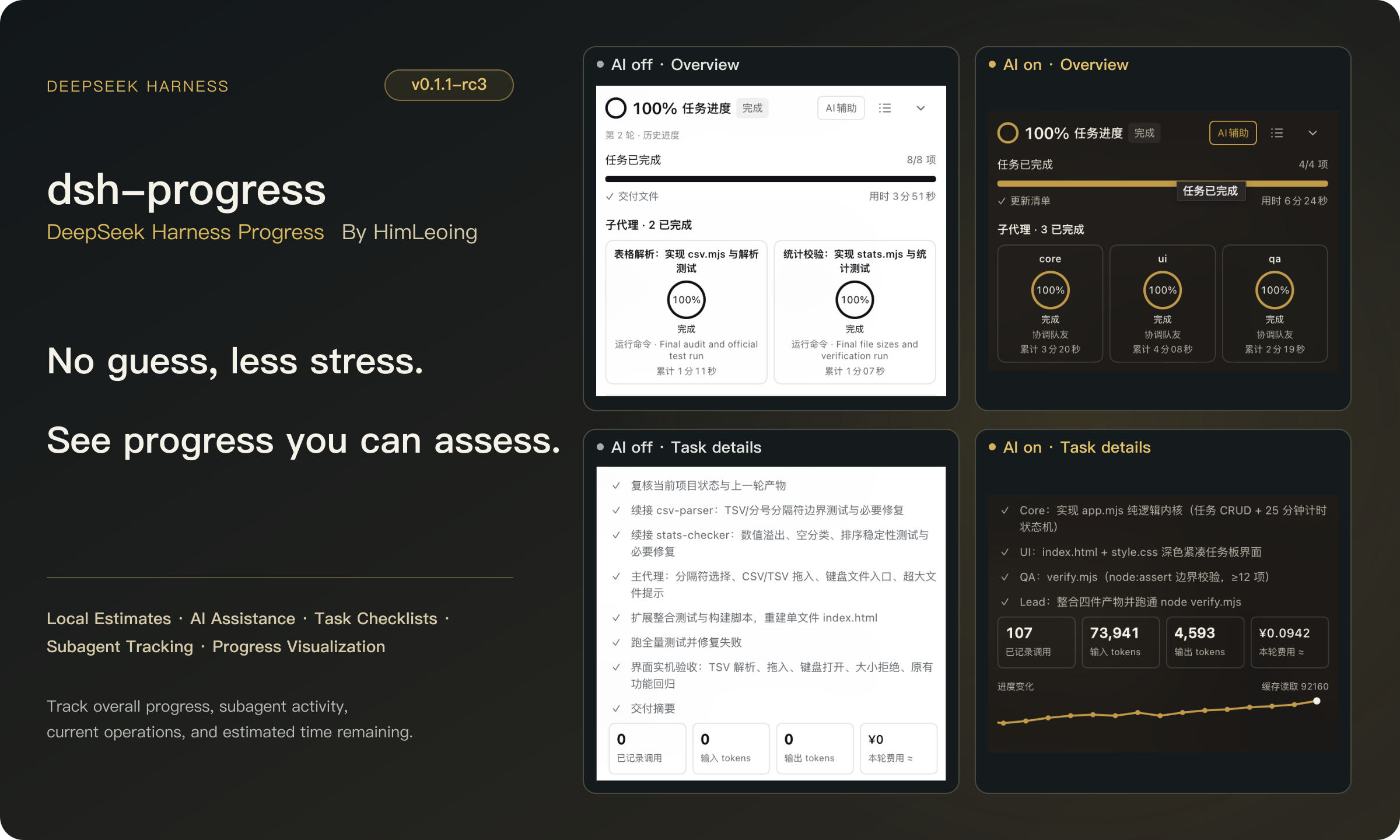
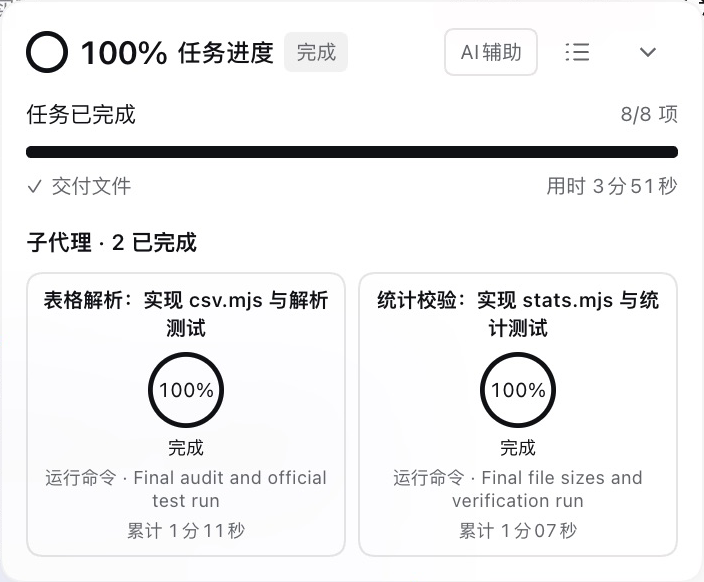
dsh-progress adds task progress to DeepSeek Harness Web and Desktop. See overall progress, current work, estimated remaining time, and each teammate's progress. Choose local estimation or AI assistance, and open details when needed.
Two assessment modes
| Local estimation | AI assistance |
|---|---|
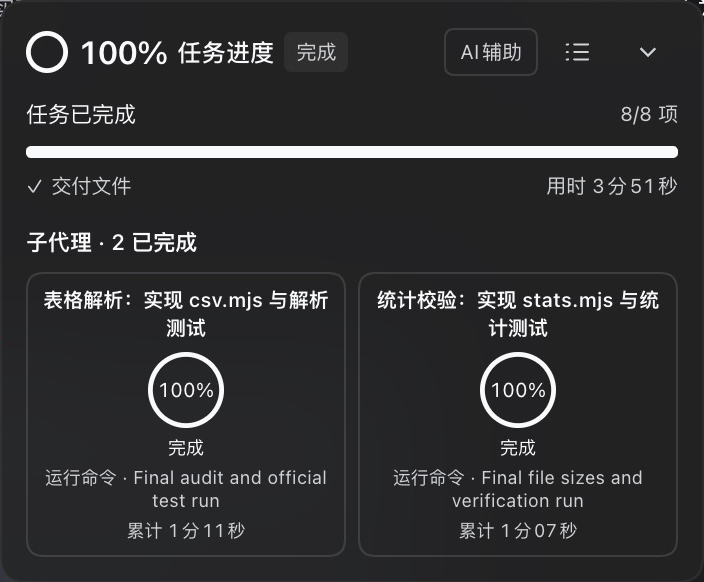 | 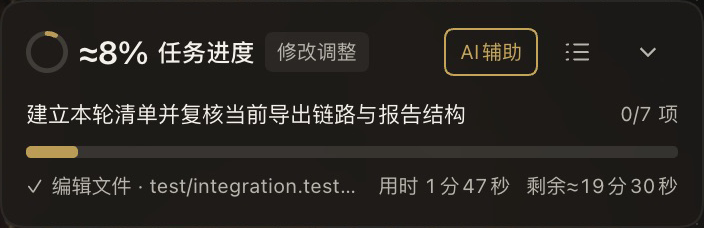 Assessment usage and trend after completion 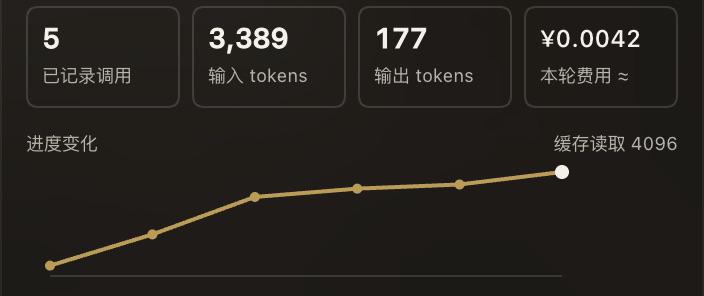 |
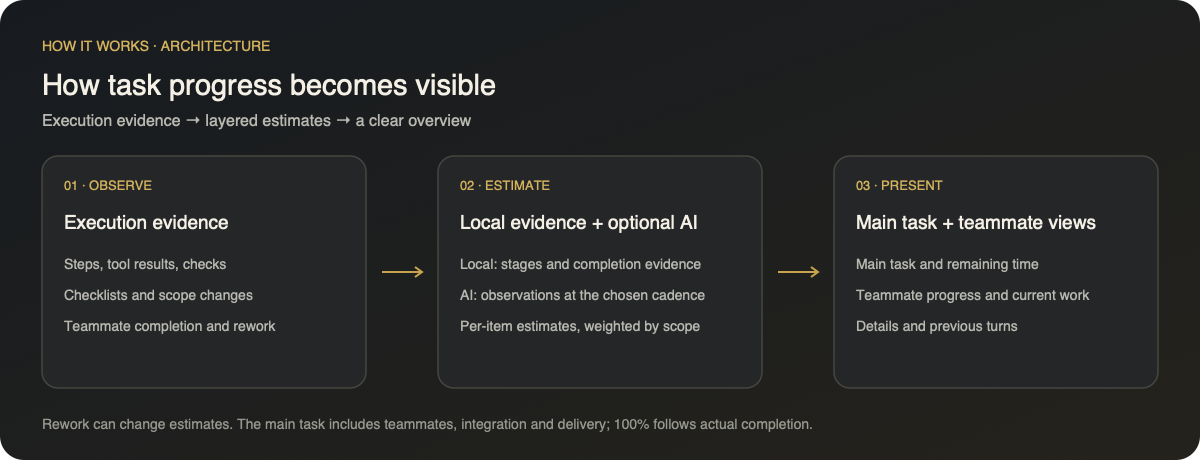
| Estimates informed by execution evidence, task stages, and checklist weights. Works without prior history. | Model assessments at execution boundaries, informed by checklist weights and teammate progress. |
| No additional model requests. Approximate percentages and remaining time shown in minutes. | Approximate percentages, remaining time counting in seconds, and combined lead/teammate probe cost estimates. |
Both modes support checklists, independent teammate progress, and switching during a run. AI assistance is off by default and can incur provider charges when enabled. Percentages and remaining time are estimates; rework can reduce progress. All product images below come from real task execution.
Panel layout
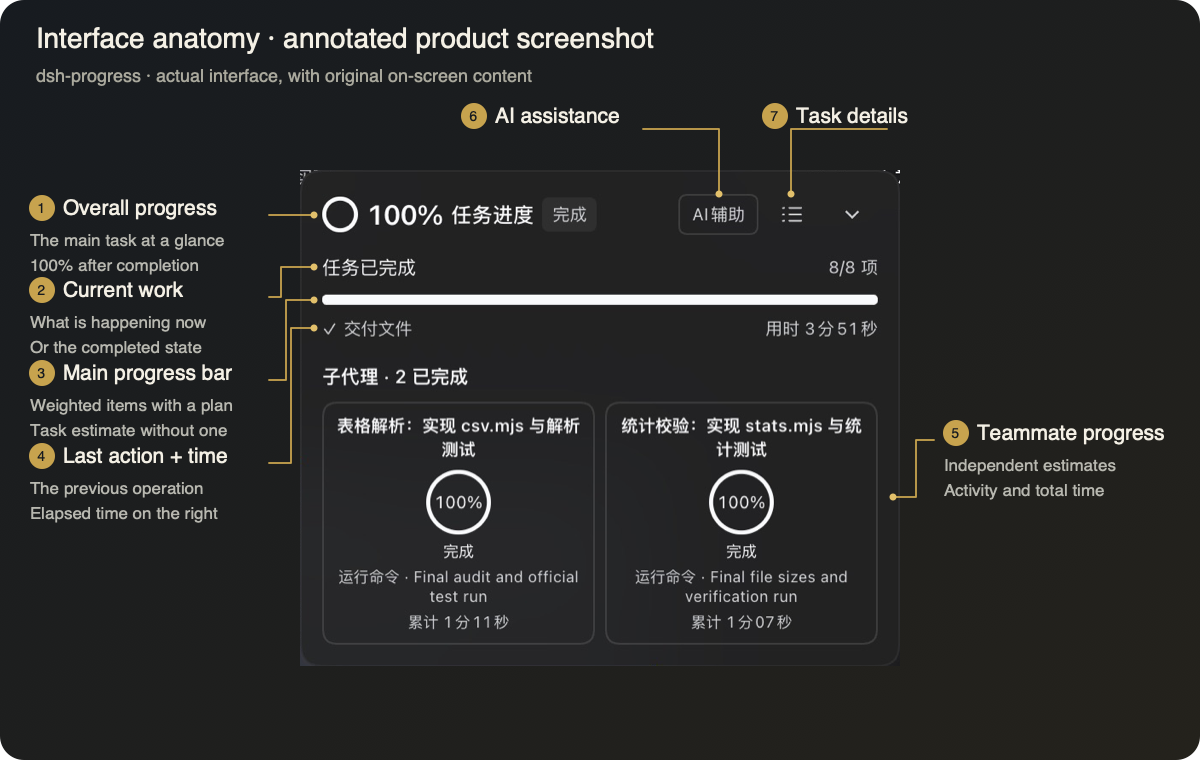
Task details and developer mode
| Task details | Developer mode |
|---|---|
 |  |
| Open the checklist, progress trend, and probe usage together. Cost estimates are built in. | Record call times and full inputs and outputs while enabled. Logs stay on your machine and can be viewed or downloaded. |
Both screenshots come from one real verification run: three checklist items, 97 passing tests, and five assessments. Click an image for its original size. Developer mode is off by default.
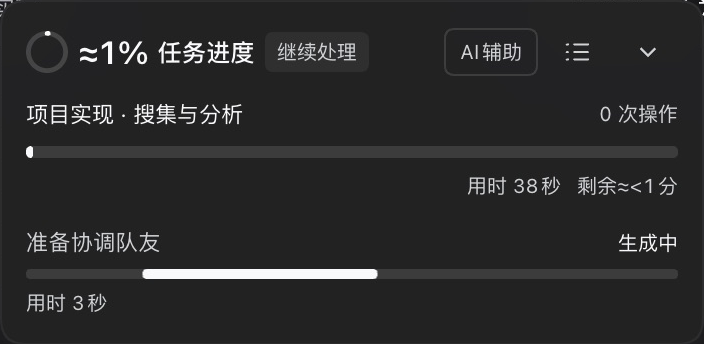
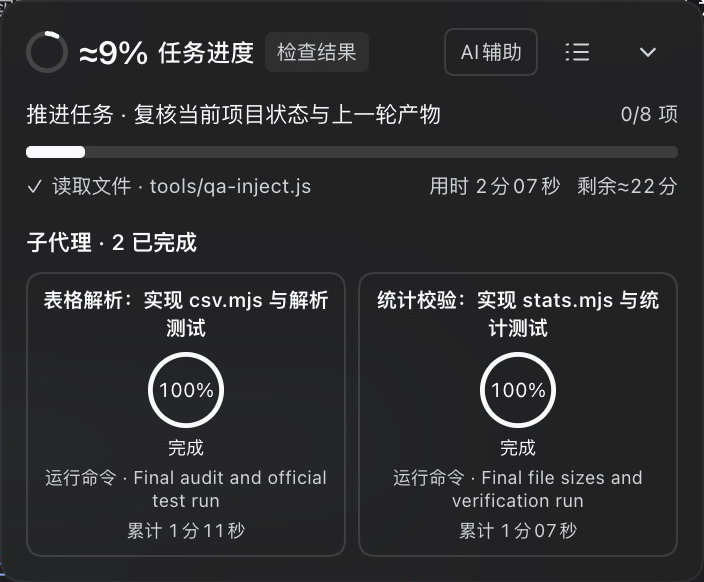
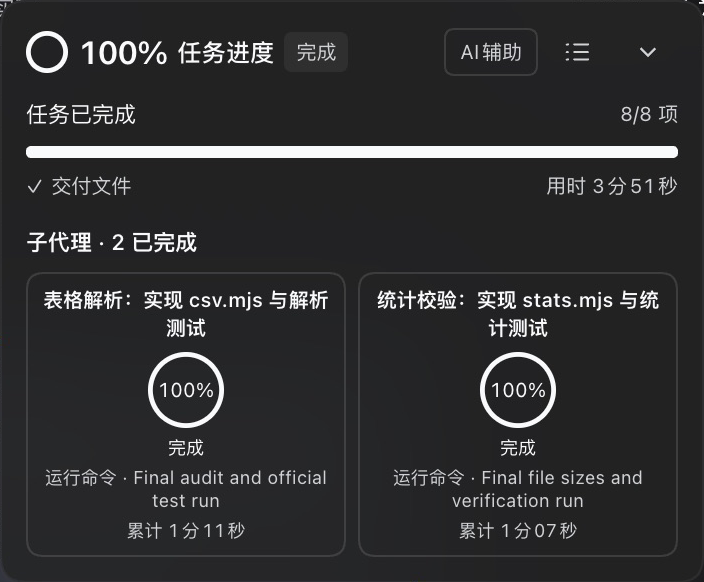
From start to finish
| Start | In progress | Complete |
|---|---|---|
 |  |  |
| Dark | Light |
|---|---|
|  |
How it works
Install
Requires DeepSeek Harness >=0.2.2-rc.1 (Web and Desktop) and Node.js >=24.9.0. Tested on Harness 0.2.2-rc.3.
Install from npm:
dsh plugin --profile web add "@himleoing/dsh-progress@0.1.1-rc3"
Or install the same version from GitHub:
dsh plugin --profile web add "github:HimLeoing/dsh-progress#v0.1.1-rc3"
Or download the .tgz archive from the release. Enable the bundle, restart Harness, and reload the Web UI. Eligible legacy data is copied when destination files are absent; originals remain intact.
Normal mode checks newer RC releases. Developer mode also checks newer Alpha releases. A circular update button appears beside the version in task details when an eligible release is available.
Learn more
Usage and estimation guide · Changelog · Report an issue · Contribute
Task details include checklists, trends, and built-in probe pricing. Developer mode adds observations and logs. Only authoritative successful completion establishes 100%. The minimum host range permits later versions; future breaking APIs can still require adaptation.
Project activity
| npm daily downloads | Star observations |
|---|---|
 | 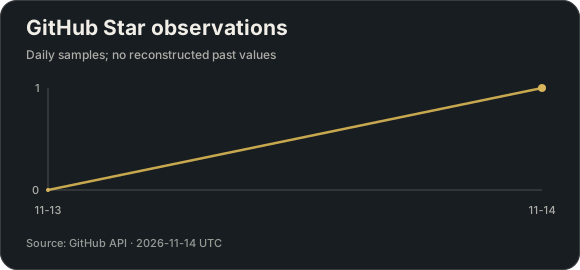 |
Updated daily from public APIs. npm counts only @himleoing/dsh-progress; new package data can be delayed. Star history starts with the first observation; earlier values are not reconstructed.
No comments yet. Be the first to write one.