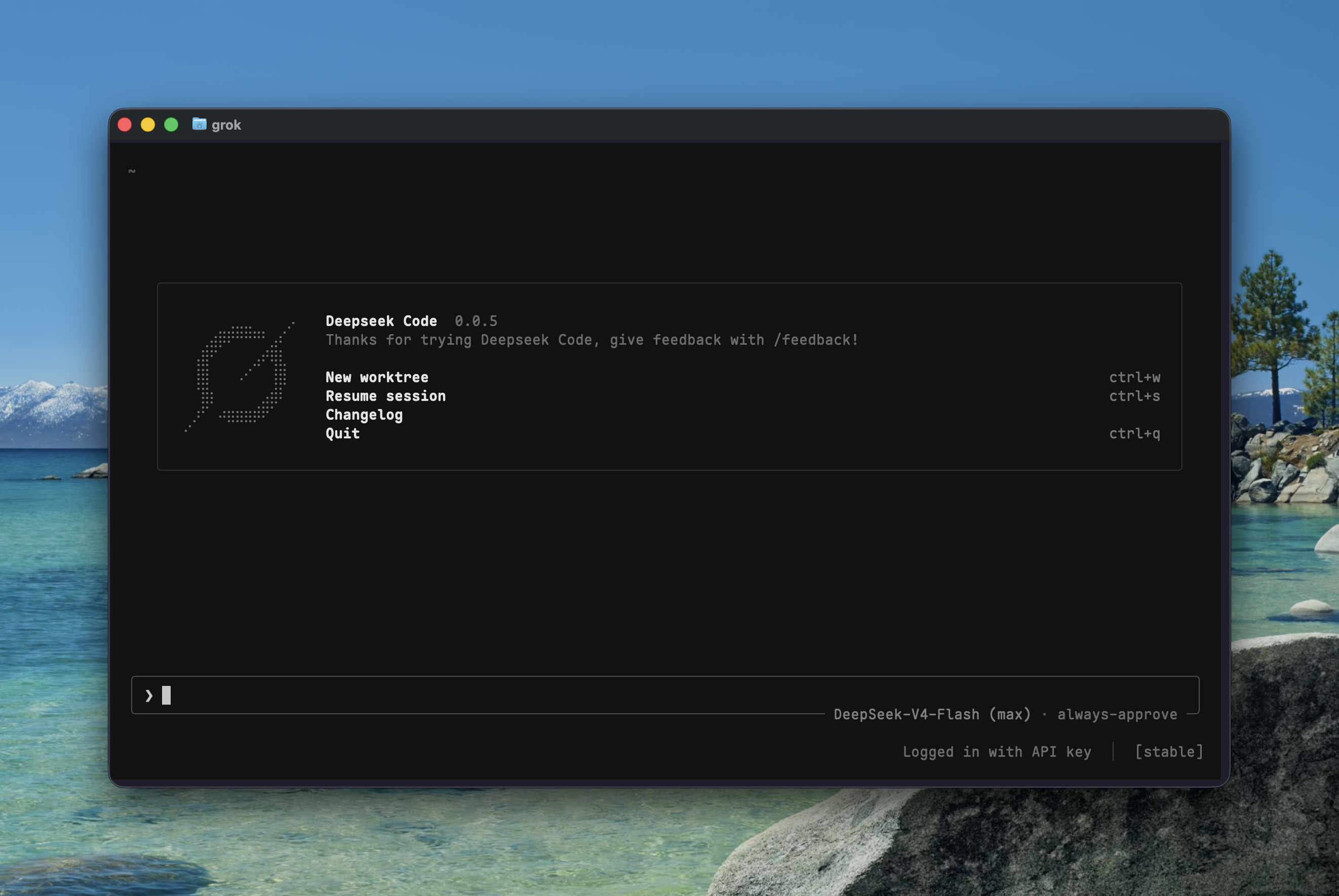
DeepSeek Code (dscode)
Terminal coding agent powered by DeepSeek Harness, with a Rust TUI and a managed runtime.
Personal project — not affiliated with or endorsed by DeepSeek or xAI.
Install
Requires macOS Apple Silicon or Linux x86-64, Node.js >=22.19.0, npm, and
GitHub access for the first install.
npx @hqzhao95/dscode
The launcher verifies and installs the matching TUI, bridge, and pinned DSH
runtime under ~/.dsh/profiles/dscode, then links ~/.local/bin/dscode. Add
~/.local/bin to PATH. No global DSH installation or compiler is needed.
Open /provider --add to configure a provider and API key, then /model to
select a model. Fresh sessions use DSH's standard preset; /preset selects
another preset and remembers it for future sessions.
Use
dscode                              # interactive TUI
dscode "review this repository"     # start with a prompt
dscode -p "explain src/index.ts"     # headless single turn
dscode -c                           # continue the latest session for this cwd
dscode --resume <id-or-title>       # resume a session
dscode sessions list                # list durable sessions
dscode -w                           # new session in an auto-named worktree
dscode --worktree=feat "fix it"     # named worktree with an initial prompt
dscode worktree list                # inspect managed worktrees
--resume <id> --worktree=try forks a conversation into a worktree;
--worktree-ref <ref> selects its base. worktree rm checks for unsaved work
unless --force is explicit. Headless formats are plain, json,
streaming-json, and streaming-messages-json. Run dscode --help for all options.
| In the TUI | Action |
|---|---|
/model, /provider |
Choose model, reasoning effort, and provider; selections persist |
/preset, Ctrl+Y |
Choose an installed preset |
/preset manage |
Search, copy (c), view (v), or edit (e) presets; restart after editing |
/resume, /reference |
Search sessions or insert a reference into the draft |
/compact, /goal |
Use the selected preset's native compaction and goal controls |
/subagents, /inbox |
Inspect children; queue, steer, edit, remove, or stop pending work |
/tasks, /workflows |
Read jobs, child transcripts, workflow phases, and retained output |
/tasks terminals |
Inspect persistent shells; i interrupts, x then Enter closes |
/reminders |
Schedule after 10m <text>, every 5m <text>, or at <ISO time> <text> |
/skills, /mcps |
Browse session skills and MCP servers; u inserts a selected skill |
/rewind, /undo |
Continue from an earlier prompt in a new session |
/export [filename] |
Copy/save Markdown; .zip exports logs, descendants, and attachments |
/doctor |
Check terminal, installation, and optional LSP/PTY dependencies |
Ctrl+P |
Open commands while keeping the current draft |
Ctrl+S, Alt+S |
Stash or restore one prompt draft |
Ctrl+T |
View the native Todo list |
Enter in a block viewer |
Quote the selection into the draft |
Paste or drag PNG, JPEG, WebP, or GIF images when the model supports image input. Completed child transcripts remain readable after restart. Reminder delivery requires the owning session to be open. Session ZIP export refuses existing files.
Optional presets: history adds workspace-scoped session search tools;
terminal adds persistent shell/REPL tools; lsp adds code navigation and needs
typescript-language-server and typescript on PATH.
Per-run configuration
DSCODE_CONFIG='{"models":{"default_reasoning_effort":"high"}}' dscode
DSCODE_CONFIG_PATH=./dscode-overlay.toml dscode
DSCODE_CONNECT_UI_TIMEOUT_SECS=60 dscode
Inline configuration is JSON; files accept JSON or TOML. These temporary
overrides cannot set credentials, providers, plugins, MCP servers, or command
hooks. Ambient GROK_CONFIG, GROK_CONFIG_PATH, and
GROK_CONNECT_UI_TIMEOUT_SECS are ignored.
Update and uninstall
dscode update --check              # read-only; add --json for structured output
dscode update                      # remembered/current channel
dscode update --stable             # stable releases
dscode update --beta               # beta or stable releases
dscode update --alpha              # alpha or stable releases
dscode update --version <version>  # exact version
dscode doctor --runtime            # diagnose even when normal startup fails
dscode uninstall
Updates install the matching bridge, TUI, and runtime together and save the
channel only after success. Failed validation or ordinary commit errors retain
the previous installation. Fresh prerelease installs use
npx @hqzhao95/dscode@beta or npx @hqzhao95/dscode@alpha.
Uninstall removes the owned profile, runtime, TUI, and launcher link; shared DSH sessions and attachment storage remain.
No comments yet. Be the first to write one.