DSH Chinese Minimal Custom Mode
English | 中文
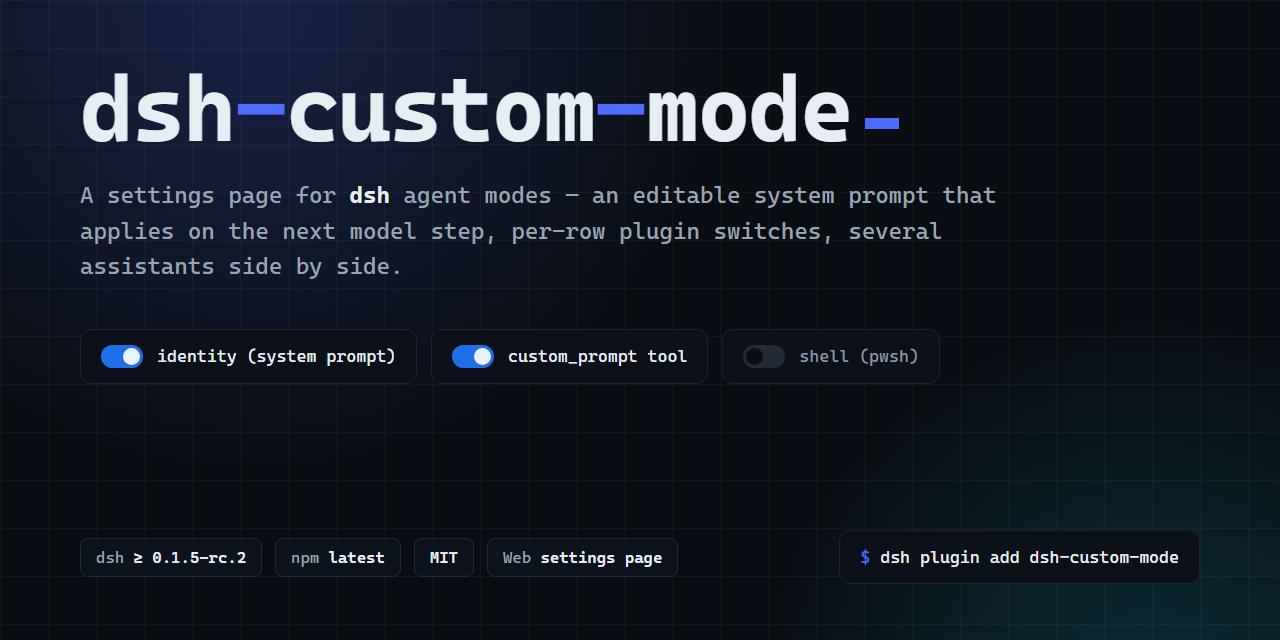
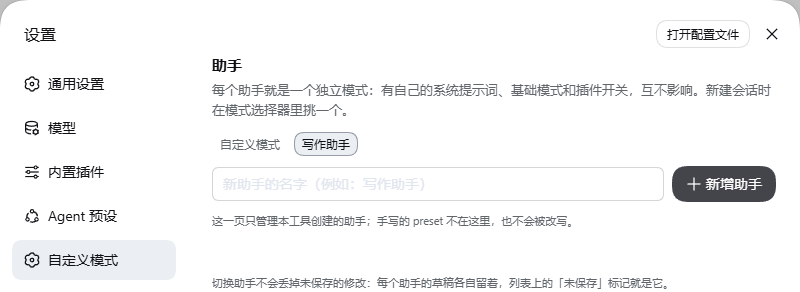
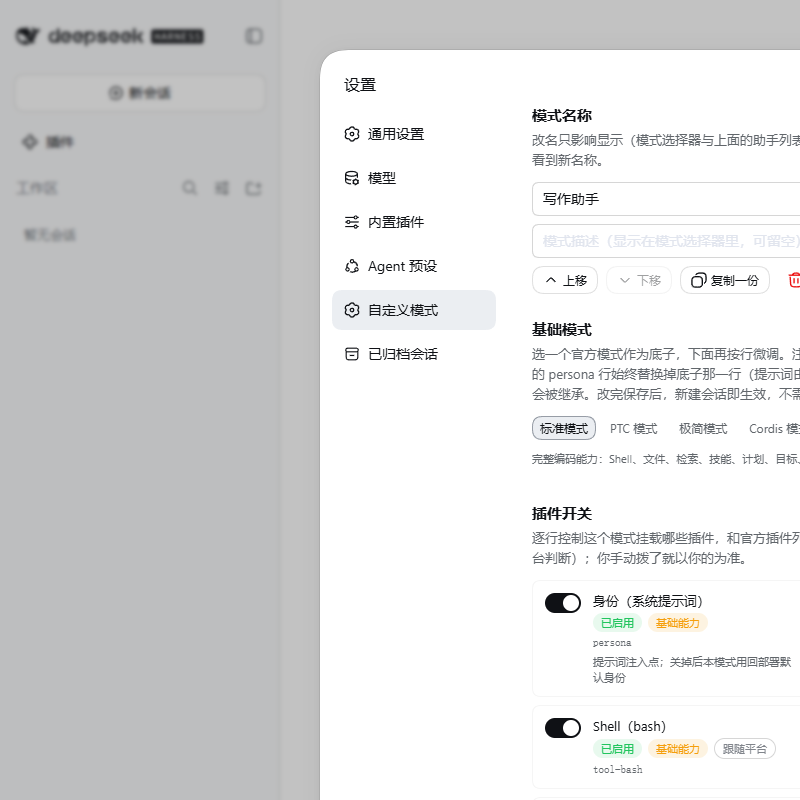
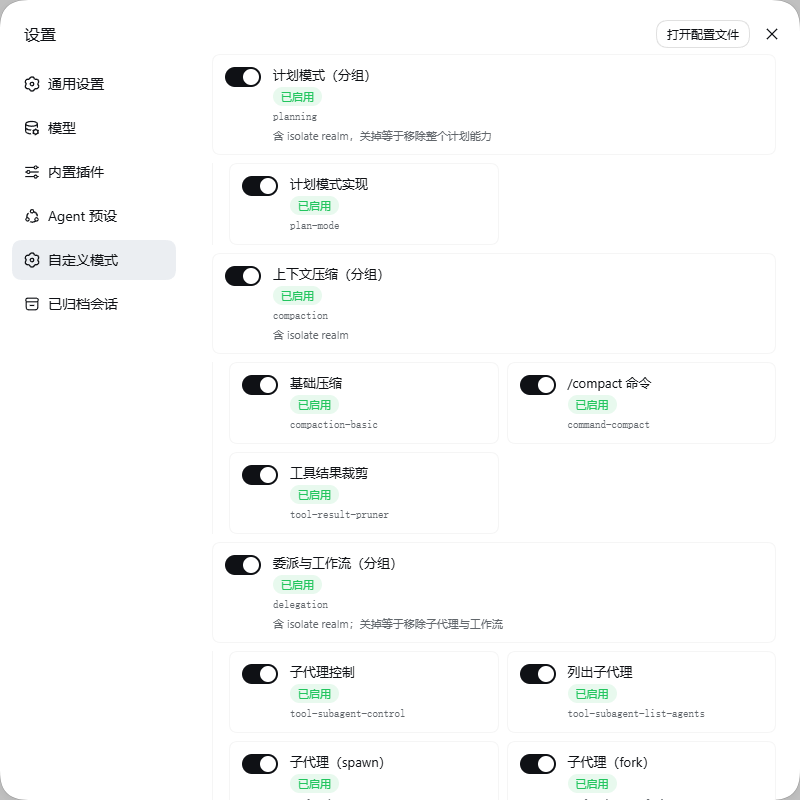
Retains the complete dsh-custom-mode Settings UI for editing the system prompt, switching the base mode, toggling plugin rows, and managing multiple assistants. This fork changes only the first-install defaults: Minimal base mode and the complete system prompt 你是一个中文助手.
 |
 |
 |
 |
Install
Install the stable GemChance GitHub release:
dsh plugin --profile web add https://codeload.github.com/GemChance/dsh-chinese-minimal-mode/tar.gz/refs/tags/v2.3.0
Restart the process that serves the profile. The version on the settings page is the one that is running.
Desktop app: install from the in-app Plugins page. The CLI cannot modify profiles/desktop.
On Windows, install.sh is bash and it needs a dsh executable on PATH. Otherwise use the dsh shipped with DeepSeek Harness, or node node_modules/@deepseek-ai/dsh/lib/bin.js.
Use
- Open Settings → Custom mode.
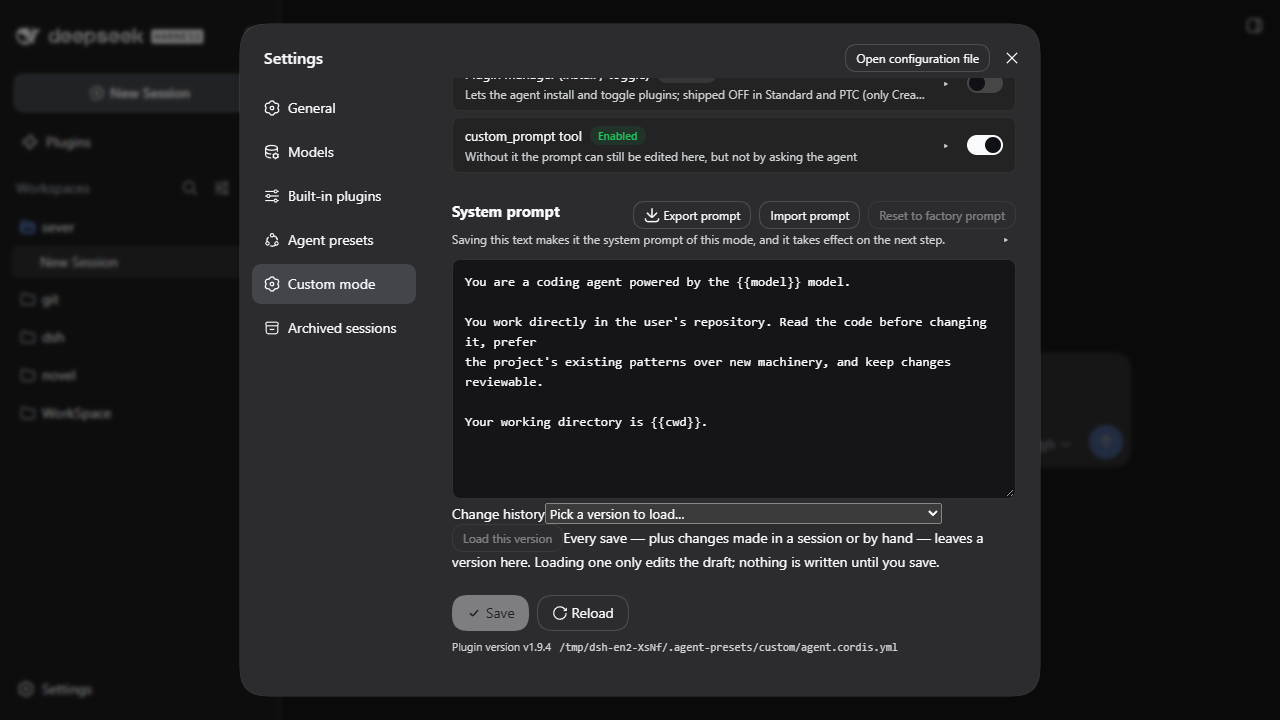
- Edit the system prompt. Save is directly under the editor.
- A new session uses this assistant when
settings.yamlhas noagent-presets.defaultyet. An existing value is left as it is.
On first install, the plugin creates Custom mode with the Minimal base and initializes prompt.md to 你是一个中文助手. Everything remains editable from Settings, and upgrades do not overwrite existing user data.
The prompt is prompt.md. The next time a model step is assembled, that file is read again. History can load an older draft into the editor; loading does not write. A save computed against an older copy is refused when the file changed underneath. The model can change the same file only through custom_prompt, which asks first.
The page is two branches. This assistant edits the one you have open, and all five base modes can be chosen. New assistant writes only when you click New assistant: Coding, Writing, and Chat stay selectable, and only the official Standard mode is lit. The other four official modes are dim and cannot be chosen there.
| Posture | After create |
|---|---|
| Develop | Official Standard mode, tools as shipped. |
| Write | Official Standard mode. Terminal off, file tools on. |
| Chat | Official Standard mode. Files and terminal off. |
Boundaries
- It does not replace Standard, PTC, Minimal, or Creator.
- It does not ship a role-play preset.
- It does not run in the desktop profile from the CLI. Headless mode will not start a session that uses an agent preset.
Compatibility
Declared range: >=0.1.5-rc.2 <0.2.0-0 || >=0.1.6-alpha.1 <0.2.0-0 || >=0.1.7-alpha.1 <0.2.0-0 || >=0.2.0-0 <0.3.0-0 || >=0.2.1-alpha.1 <0.3.0-0
| dsh | Claim | Checked for 2.3.0 |
|---|---|---|
0.2.0-rc.2 |
declared | Windows web profile, before this release |
0.2.1-alpha.1 |
declared, in CI | not re-run for this release |
0.1.7-rc.2 |
declared, in CI | not re-run for this release |
The unit suite also passed under WSL2 Ubuntu 26.04 (Node only, no dsh process, no browser). That is not a Linux desktop result.
Docs
- docs/TROUBLESHOOTING.md — wrong version installed, base mode unavailable, half-finished upgrade
- docs/ARCHITECTURE.md — where the prompt is read, and which host calls this package depends on
- docs/PUBLISHING.md — tags and release
- CONTRIBUTING.md — people
- AGENTS.md — agents
License
MIT
No comments yet. Be the first to write one.