




Introductions
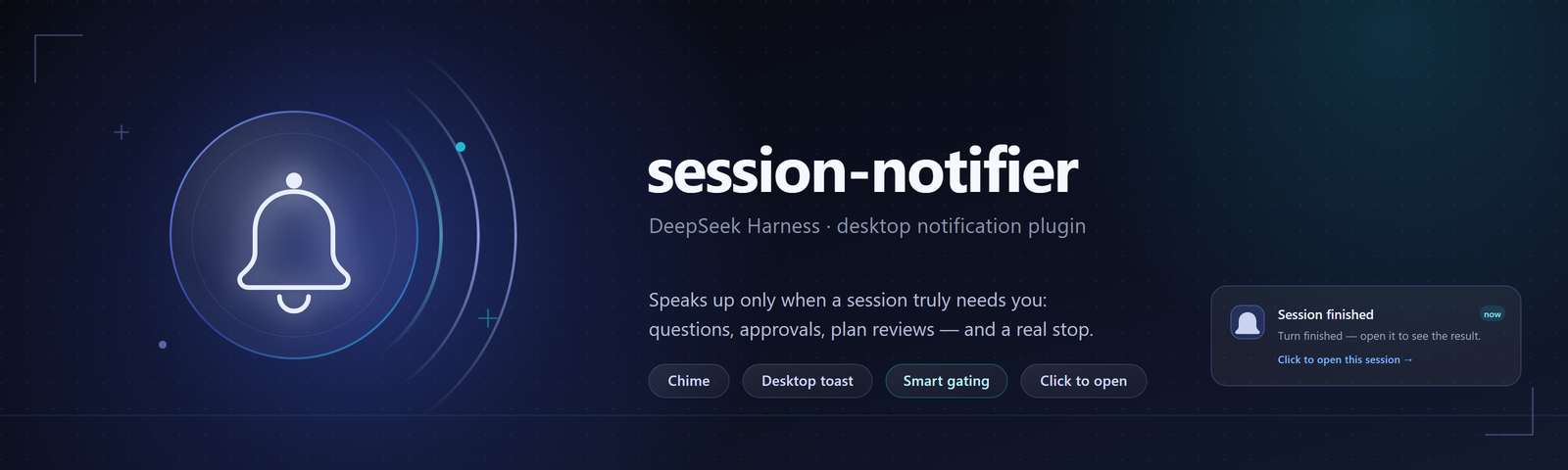
A notification plugin for DeepSeek Harness (DSH): when a session genuinely needs you, it plays a chime and shows a desktop notification.
The hard part is not raising an alert — it is knowing when not to. A turn ending is not the same thing as "your turn". Goal loops, scheduled work and queued follow-ups all start the next turn by themselves, and when a subagent finishes, the conversation actually waiting on you is the one that spawned it. Plug a naive "turn ended → notify" rule into that, and it rings through an entire chain of automatic continuations until you turn it off — which is the same as having no plugin at all.
So the plugin runs a decision table:
| What happened in your session | What you get |
|---|---|
| A question, an approval request, a plan review | Notify immediately (it is asking; there is nothing to wait for) |
| A turn ended and the session really stopped | Wait out a 1.2 s quiet window; 15 s if the session carries an active goal |
| A loop / goal round continued on its own | Silent: a resumption inside the window discards the candidate |
| A subagent (including an Agent Teams teammate) finished | Silent by default (the parent reports the outcome; can be enabled) |
| A subagent stopped to ask or request approval | Notify (only you can move it; labelled Subagent <name>) |
| You are already looking at that session (window focused + in the main view) | Skip (evaluated at delivery time, not when the candidate is registered) |
| You went back and typed into the session | Its stale notification is retired automatically |
The two quiet windows are measured, not guessed. Grouping the local DSH session logs by what woke the next turn shows goal rounds resuming at p99 ≈ 375 ms (the 1.2 s window absorbs 100% of them), while human hand-over sits at a median around 6 minutes — two to three orders of magnitude apart, so this can be decided rather than predicted. The script that recomputes it is tools/probe-round-cadence.mjs, and you can run it on your own machine.
Two delivery channels are independent of each other: a Web Audio chime synthesised at runtime (different two-note patterns for interactions and completions, 900 ms cooldown) and a desktop notification. On Windows there is a gotcha worth knowing: a toast tag longer than 16 characters makes the system reject the toast silently, so tags are shortened and made unique.
Why the repo holds a single plugin. This used to be maintained as two implementations, one per "desktop / server" line. Auditing both showed there is no platform-level difference — the Host half is an empty stub in both, they inject the same set of Client services, and both deliver through the same Web Audio + Notification path; the only Electron-specific feature was a line of diagnostic copy. Dual maintenance only bought behaviour drift and the same bug fixed twice, so they were merged into the single
session-notifier/at the repo root. Theclients/desktopandclients/serverbranches remain as historical archives and are no longer updated.
Changes take effect immediately: the plugin is a pure client half (the Host half is empty), so editing it only needs a page refresh — no DSH restart.
How to Install
Requires DSH Desktop; the plugin declares the web platform and rides along with the desktop app's page.
Install it through DSH's plugin manager, pointing at the absolute path of that directory:
plugin_manager install_bundle  ->  <repo path>/session-notifier
plugin_manager remove_bundle   ->  dsh-session-notifier
To make source edits take effect immediately, install with link: (DSH then symlinks it into the profile's node_modules), after which editing client.js only needs a page refresh.
Once installed, find the settings page under Settings → Session reminders (it is also registered as a tab under Settings → Plugins → Session reminders):
- Channels: master switch, sound, desktop notification
- Scope: stay quiet for the session on screen / also remind when a subagent finishes / also remind when a subagent needs you
- Title templates: question, plan review, approval and completion;
{session}is replaced with the session name, and an empty template falls back to the built-in copy - Test and status: test now, test after 10 seconds, permission state, last alert and diagnostics
The plugin has zero runtime dependencies, no build step, and needs no npm install.
How to Contribute
# Only Node >= 20 is required; there are no third-party dependencies
node session-notifier/tools/test-session-notifier.mjs   # behavioural tests, 68 checks
cd session-notifier && npm run check                    # syntax check across five files
The tests run on a controlled clock: completion alerts are deferred until a session proves it stopped, and without controlling time you cannot verify "hold the candidate and watch what happens next". When you add a decision rule, add its cases to that same table instead of asserting on implementation details.
Before you open a PR, please make sure:
- The behavioural tests pass, and the new behaviour has its own checks
- Do not hand-roll what a mature library already does (chimes, markdown, icons all have solid implementations)
- Any change to a decision condition comes with evidence — justify the threshold, the window and the signal source, and measure it where you can
- Commit messages follow conventional commits; this repository writes the subject in Chinese, with a body that explains motivation and trade-offs, not just what changed
Flow: fork → branch from main → commit → open a PR. For behaviour changes, describe what happened before, what happens now, and how you verified it.
Implementation details (signal sources, settings migration, degradation paths, verification boundaries) live in session-notifier/README.md.
Structure
dsh-plugin-notify/
├── docs/
│   └── assets/
│       ├── banner.svg          # source of the poster above (hand-drawn SVG)
│       └── banner.png          # rendered from that SVG; this is what the README uses
├── session-notifier/           # the single maintained plugin
│   ├── package.json            # bundle manifest: dsh.bundle.patch + dsh.client
│   ├── cordis.patch.yml        # inserts the plugin row into a profile
│   ├── index.js                # Host half, empty stub (all decisions happen in the page)
│   ├── client.js               # browser half: decisions, chime, toasts, settings page, console API
│   ├── locale/{zh,en}.json     # title and description shown by the plugin manager
│   ├── tools/
│   │   ├── test-session-notifier.mjs    # behavioural tests on a controlled clock (68 checks)
│   │   ├── probe-round-cadence.mjs      # recomputes the 1.2 s / 15 s thresholds
│   │   └── lib/session-log.mjs          # frame-splits session logs (one zstd frame per line)
│   └── README.md               # triggers, settings, migration, verification
├── LICENSE
└── README.md
The clients/desktop and clients/server branches are pre-merge archives; new code only lands on main.
Star History (Dark Mode)
License
MIT © 2026 Dynesshely
No comments yet. Be the first to write one.