dsh-whatsapp
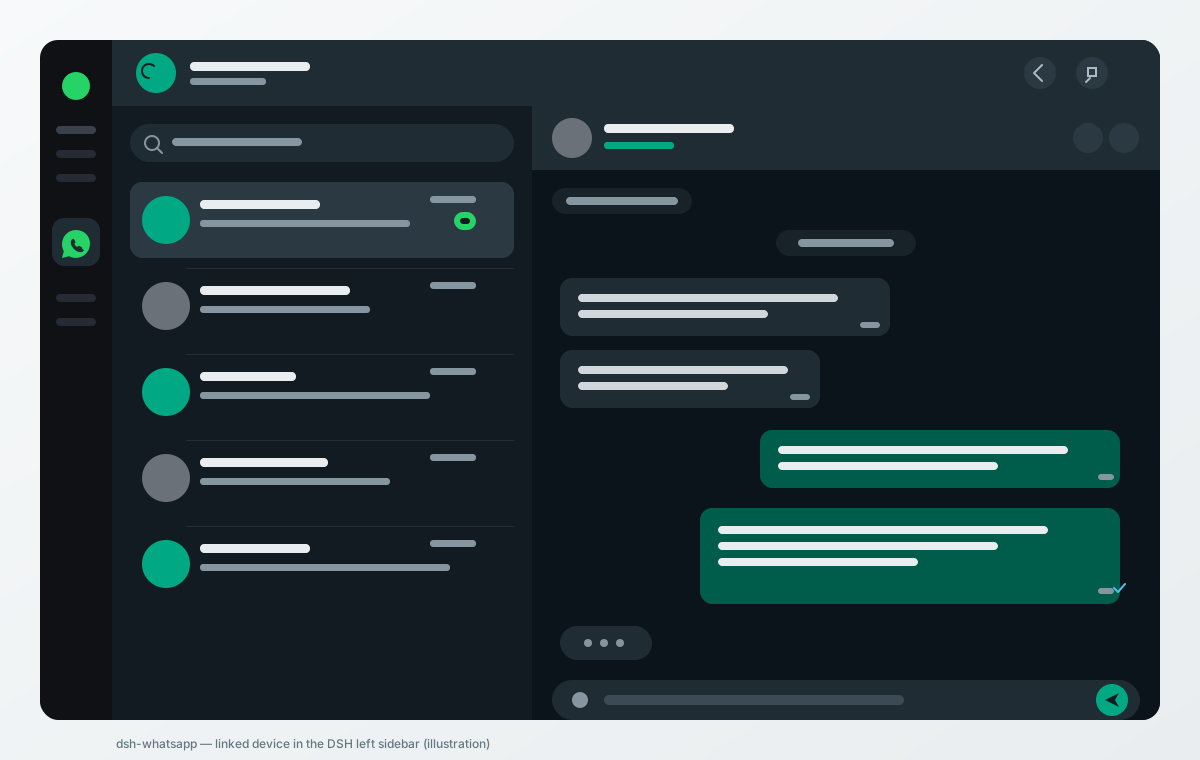
A DeepSeek Harness (DSH) plugin that puts a WhatsApp Web–style linked device in the DSH left sidebar. It mirrors a personal WhatsApp account on the computer: send and receive messages, share files, and keep chats in sync in real time — without a separate WhatsApp application.
Unofficial client. Use at your own risk. WhatsApp has no public API for personal accounts. This plugin links through the WhatsApp Web multi-device protocol using the open-source Baileys library. That is against WhatsApp's Terms of Service for unofficial clients and can get the linked number banned, including a permanent ban. Do not use an account you cannot afford to lose, and do not use it for bulk or automated messaging. This project is not affiliated with or endorsed by WhatsApp or Meta. See docs/FEASIBILITY.md.
What it does
| Area | Status |
|---|---|
| Link the phone once by scanning a QR code (WhatsApp → Linked devices) | Yes |
| Behave as an independent linked device with its own end-to-end encrypted connection | Yes |
| Keep working while the primary phone is off or offline | Yes, within WhatsApp's linked-device rules (about 14 days since last use) |
| Send and receive text messages, replies, emoji, mentions | Yes |
| Send and receive photos, video, audio and documents; download media | Yes |
| Chat list, search, unread counts, history sync, read receipts, typing, presence | Yes |
| Groups | Yes (send/receive, participant names, group metadata) |
| Voice/video calls | Not implemented — incoming calls are shown with a working Reject action, but this client cannot carry call audio/video. See below. |
| Status/stories, channels/newsletters, disappearing-message management, payments | Not implemented |
| Persist the linked session securely between launches | Yes — AES-256-GCM at rest |
The design deliberately does not fake the missing parts. The call buttons are disabled and explain why; the linked-device limits are shown in Settings.
Requirements
- DeepSeek Harness 0.2.0 or newer (tested against 0.2.2-rc.1; the manifest
declares
engines.dsh: ">=0.2.0"). - A phone with WhatsApp, and a data connection for the computer.
- Node.js 20+ (DSH's runtime is newer).
- A QR scan from the phone, once per link.
Install
From a packed tarball (recommended)
cd dsh-whatsapp
npm install
npm pack                       # produces dsh-whatsapp-0.1.0.tgz
dsh plugin add "$PWD/dsh-whatsapp-0.1.0.tgz"
Restart DSH if the plugin manager says a restart is required. The WhatsApp row appears in the left sidebar; open it to start linking.
From the GitHub release
Download dsh-whatsapp-0.1.0.tgz from the
latest release and:
dsh plugin add /path/to/dsh-whatsapp-0.1.0.tgz
From a source checkout (development)
git clone https://github.com/AJN-Tech/dsh-whatsapp.git
cd dsh-whatsapp
npm install
dsh plugin add "$PWD"
dsh plugin dev "$PWD" --host http://127.0.0.1:46739   # push client.js without a restart
If pnpm blocks dependency build scripts
@whiskeysockets/baileys and protobufjs declare install scripts. Recent pnpm
versions block them until approved. DSH's plugin manager reports the pending
names; approve them in the web UI ("Allow these scripts and retry") or install
with the approved-builds option. They only run a Node-version check and a
Protobuf codegen step; the shipped Baileys build does not need more. If you are
installing manually, npm install --ignore-scripts is enough for these two.
First link
- Open the WhatsApp entry in the DSH left sidebar.
- On the phone: WhatsApp → Settings → Linked devices → Link a device.
- Scan the QR shown in DSH. The phone asks to confirm the new device.
- The plugin switches to the chat list and starts syncing history.
The device appears in the phone's linked-devices list as a browser/desktop client. Up to four devices can be linked; this plugin is one of them.
Linking persistence and security
- Device credentials and Signal keys are written to
${DSH_HOME:-~/.dsh}/whatsapp/as AES-256-GCM sealed files, with a master key inkey.bin(mode0600) inside a0700directory. - Set
DSH_WHATSAPP_PASSPHRASEbefore starting DSH to derive the key from a passphrase with scrypt instead; nokey.binis written. Changing or losing the passphrase means re-linking (the sealed state cannot be opened). - Chat metadata and the local message cache are sealed with the same key.
- Media is downloaded on demand and cached in memory only; it is not written to plaintext on disk.
- The plugin never logs message bodies, credentials, keys, QR payloads, cookies or media bytes. It has no telemetry and makes no network request except to WhatsApp's servers.
- The local API is served under DSH's authenticated web server; every route runs the same connection/owner check DSH's first-party routes use, and the API is unavailable to other OS users by default.
Full threat model: docs/SECURITY.md.
Calls: what is limited and why
Voice and video calls are not implemented. Baileys implements WhatsApp's multi-device messaging and the call signalling events it receives (offer, ringing, accept, reject, terminate), but it has no WebRTC media transport and WhatsApp publishes no media API for linked devices. A "call" button that only signals without carrying audio would be a fake call, so this plugin does not pretend to place calls.
What does work: an incoming call raises a banner with the caller and Reject
(sock.rejectCall). The header call buttons are disabled with an explanation.
Everything else listed above is real. See docs/FEASIBILITY.md.
Phone-offline behaviour
A linked device keeps its own encrypted connection to WhatsApp. It can send and receive while the primary phone is off, and messages sent to the account are delivered to the linked device. WhatsApp unlinks a device that has not been used for roughly 14 days; after that the plugin shows the re-link screen and you scan again. If you need calls, use the phone or WhatsApp Web/Desktop directly.
Data and uninstall
State lives in ${DSH_HOME:-~/.dsh}/whatsapp/:
creds.enc   sealed device credentials
keys.enc    sealed Signal session/pre-key/sender-key state
store.enc   sealed local chat/message cache
device.json sealed link metadata (not required to reconnect)
key.bin     master key (absent in passphrase mode)
salt.bin    scrypt salt (passphrase mode only)
Use Settings → Log out (or Re-link) in the plugin to unlink the device and wipe the sealed credentials and this device's cached chats. Re-linking also wipes the cache, because the next account linked here must not inherit the previous account's chats. Uninstalling does not delete the directory:
dsh plugin remove dsh-whatsapp
rm -rf "${DSH_HOME:-$HOME/.dsh}/whatsapp"
Development and tests
npm install
npm test                 # node --test, no network and no real WhatsApp connection
npm run check            # node --check on every source file
npx dsh-plugin-toolkit doctor .
npm pack --dry-run
dsh-plugin-toolkit doctor passes. Its verify command mounts a plugin at the
right-sidebar slot sidebar.right.pane.tab; this plugin registers the left
sidebar.panellist entry plus the full-page main slot, so verify stops at
the mount step by design. The same installed bundle is mounted against main by
test/client.test.mjs (the toolkit's own mountClient helper), which is the
relevant proof for this plugin.
Tests cover the encrypted vault, auth-state round-trips, message mapping, the bounded/encrypted message store, reconnect classification and backoff, HTTP route behaviour with a fake service, and the client bundle mounted in jsdom against a stubbed API. They never link a real account.
The live-linking path (QR scan, history sync, media upload/download) cannot be exercised in CI without a WhatsApp account; the README states this rather than claiming it was tested end-to-end here.
Architecture: docs/ARCHITECTURE.md. Feasibility, library choice and risk: docs/FEASIBILITY.md. Security: docs/SECURITY.md. Troubleshooting: docs/TROUBLESHOOTING.md.
License and disclaimer
MIT. See LICENSE. Use of WhatsApp is governed by WhatsApp's own terms; this project is not affiliated with WhatsApp or Meta. The authors accept no liability for account bans, data loss, or misuse.
No comments yet. Be the first to write one.