READMESource: main@e3de1872
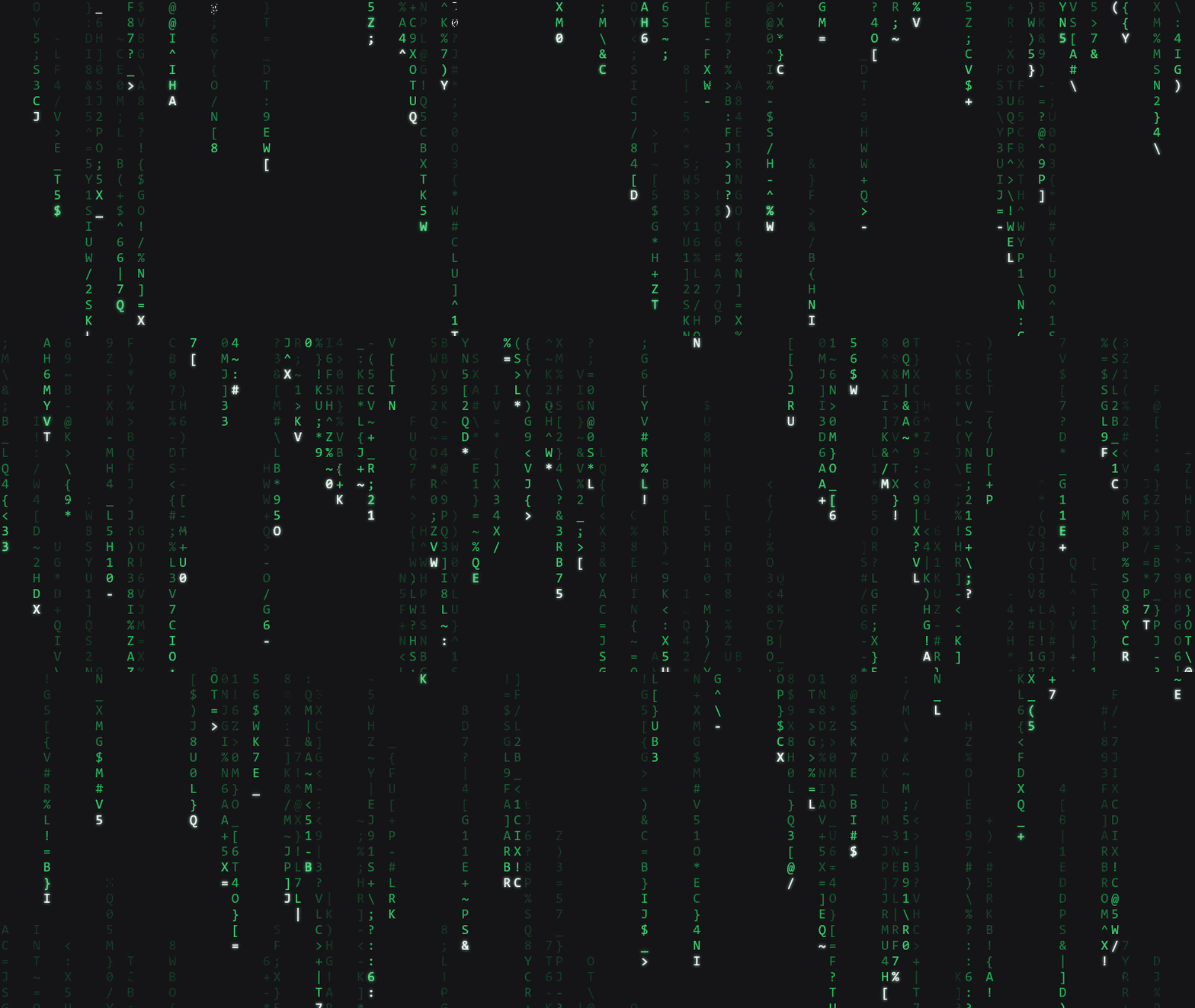
dsh-codefall【数字雨】开机动画 + 绿色语义主题。

快速开始
在桌面端 设置 → 插件 → 添加插件 里填:
dsh-codefall
安装时别关进度弹窗,完成后点「立即启用」,然后重启应用。
命令行等价(走 npm 镜像,约 2 秒,无需代理):
dsh plugin --profile desktop add dsh-codefall
其他来源:
# 从 GitHub 仓库(约 8 秒,需要能访问 GitHub)
dsh plugin --profile desktop add github:4444Hao/dsh-codefall

# 从 GitHub Release 的预构建包
dsh plugin --profile desktop add https://github.com/4444Hao/dsh-codefall/releases/download/v0.1.0/dsh-codefall-0.1.0.tgz

# 从本地已下载的 tgz
dsh plugin --profile desktop add D:\下载\dsh-codefall-0.1.0.tgz
首次启动时,开机动画会一直持续到你移动鼠标/点击/滚轮/按键。
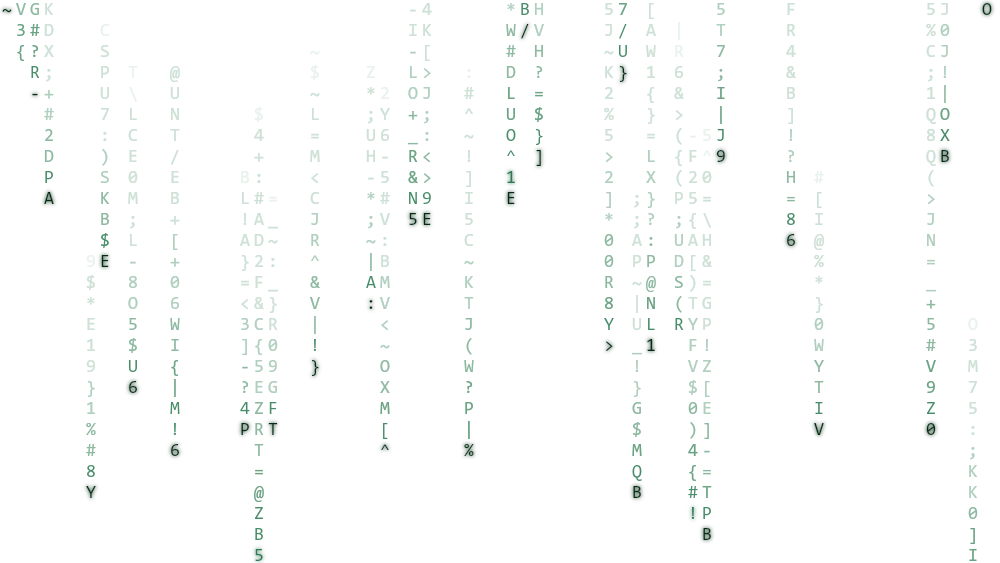
浅色模式是"墨迹雨"(白底深绿):
设置 → 开机动画codefall:
| 项 | 取值 | 默认 | 生效 |
|---|---|---|---|
| 结束方式 | 交互后结束 / 3 秒后自动继续 | 交互后结束 | 下次启动 |
| 雨密度 | 30%–100% | 85% | 下次启动 |
| 雨速 | ×0.40–×2.50 | ×1.00 | 下次启动 |
| 画质 | 高 / 标准 / 省电 | 标准 | 下次启动 |
| 明暗 | 跟随系统 / 深色 / 浅色 | 跟随系统 | 下次启动 |
| 绿色主题 | 开 / 关 | 开 | 立即 |
| 绿色色调 | 110–175° + 三个预设 | 雨绿 145° | 立即(拖动即变) |
卸载:dsh plugin --profile desktop remove dsh-codefall。主题层会随插件一起移除。
注意
- 桌面端改动画参数需重启(绿色主题与色相除外,即时生效)。
- 只在 Windows 桌面端人工验证过。macOS / Linux 的代码路径是安全的(标题栏部分是 Windows 专属,找不到探针时完全空操作),但没实机验证。
- 需要 Harness 0.2.0-rc.2 或更高。插件本身零依赖,
react由宿主提供。 - 想装在 Web 界面就把
--profile desktop换成--profile web。
No comments yet. Be the first to write one.