聊天体验优化(dsh-chat-comfort)
以保守的样式适配改善 DSH 聊天气泡、行距和阅读区域。
独立维护的 DSH 插件。第三方代码和宿主参考材料保留各自的许可和署名。
兼容性与状态
版本 1.0.1。本轮实际验证平台:Windows、DSH Desktop 0.2.1-rc.2。其他平台未测试,不声明支持。
仅核验 Windows DSH Desktop 0.2.1-rc.2 的特定组件指纹。仅对 Smooth Stream 0.7.0 有专项兼容测试;其他版本和其他第三方组合未经完整验证。指纹不匹配时保持原生界面。没有接管输入、会话数据、模型或权限。
安装与卸载
在 Releases 下载与本版本对应的预构建 tgz,先核对 SHA-256,再通过 DSH 官方插件界面选择该包,或执行:
dsh plugin --profile <你的Profile> add <安装包完整路径>
重启 DSH 后,在插件管理器核对名称、ID 和版本。更新前备份自己的配置;不要手动修改 node_modules 或 app.asar。卸载使用插件管理器的卸载入口,或 dsh plugin --profile <你的Profile> remove dsh-chat-comfort。卸载不保证删除已导出的文件、历史或保留偏好。
使用
打开设置 → Chat Comfort,切换启用和“舒适 / 紧凑”密度。阅读宽度与字号继续使用宿主设置。
构建、测试与排错
安装 Node.js 22+,在本仓库目录配置工具缓存和 TEMP 后运行 pnpm install --frozen-lockfile --ignore-scripts、npm run check。仅 exporter 的原生 WinForms 辅助程序构建要求 Windows 既有 .NET Framework C# 编译器。
预构建 lib 已随源码保留,因此 GitHub 源码安装不需要运行安装期构建脚本。安装失败先检查 DSH 版本、Profile、包校验值和模块加载错误。不要通过关闭安全策略或覆盖宿主文件排错。完整范围见 兼容与验证。
许可
见 LICENSE;第三方声明见对应许可文件。
Screenshots / 截图
Synthetic offline conversation, not real user content; historical 1.0.x visual test. Host UI is shown for integration context.
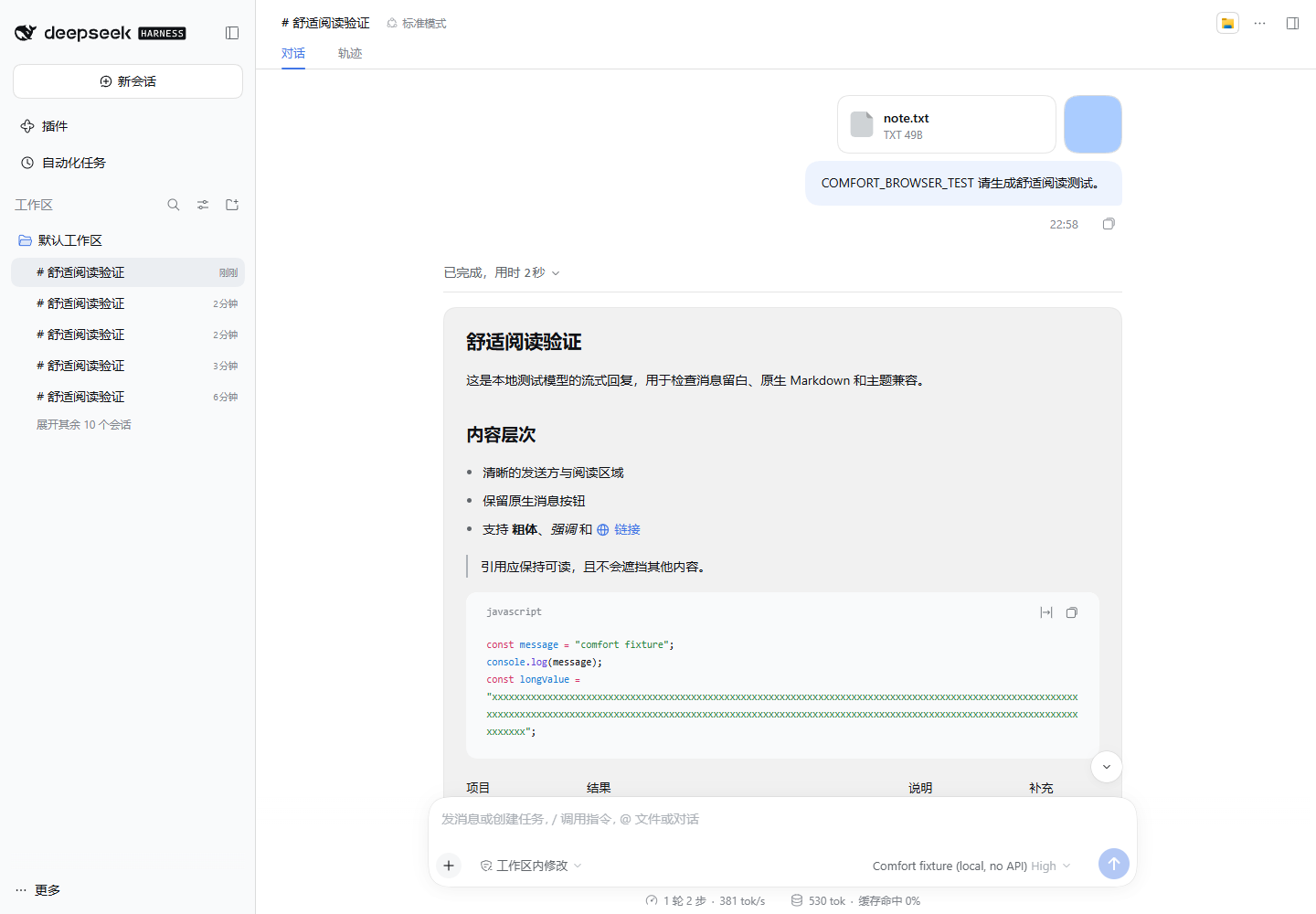
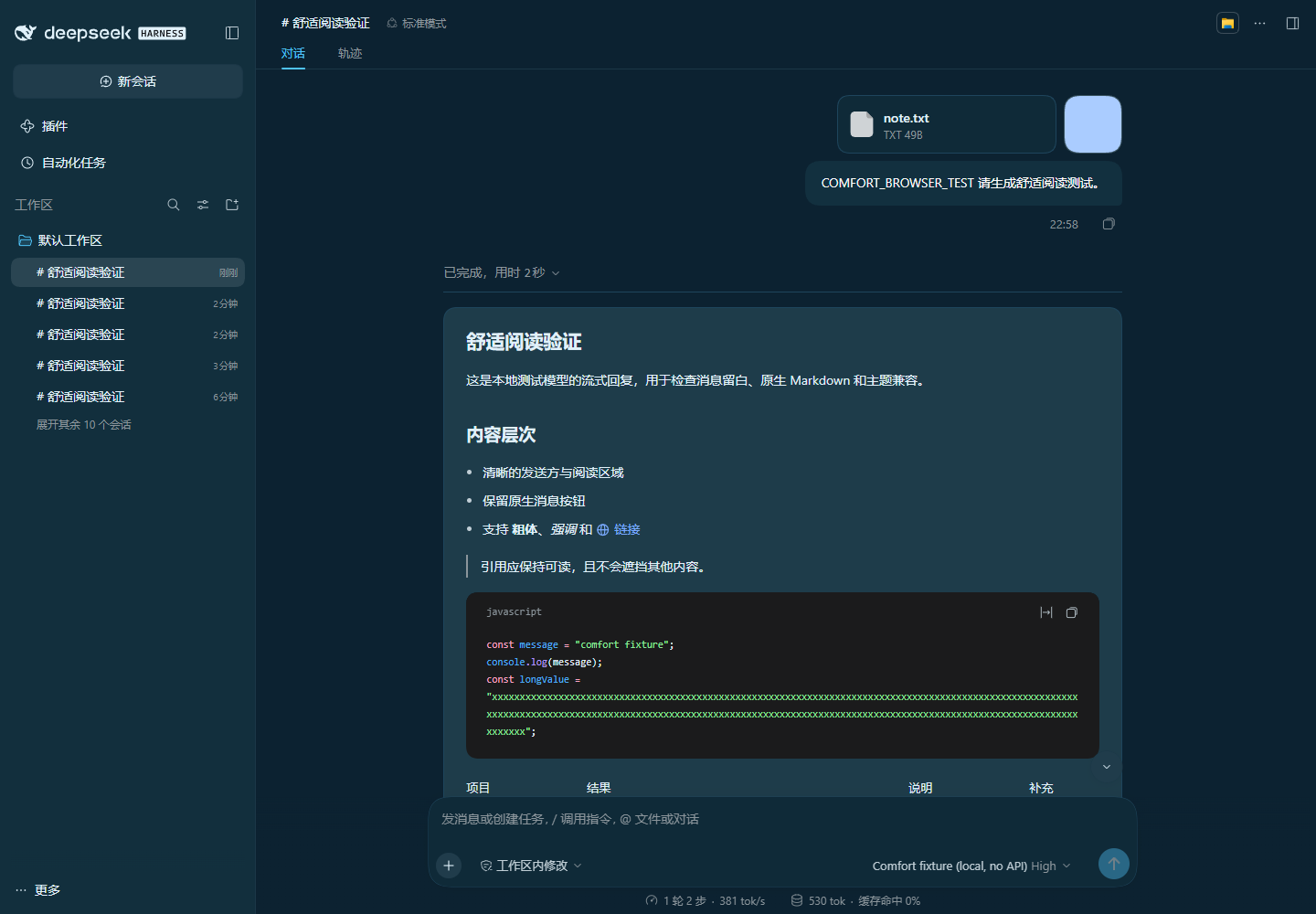
Plugin manager / 插件管理器
Actual isolated DSH 0.2.1-rc.2 interface, with no personal account, Profile path, or conversation content in the captured cards.


No comments yet. Be the first to write one.