dsh-zoom-viewer
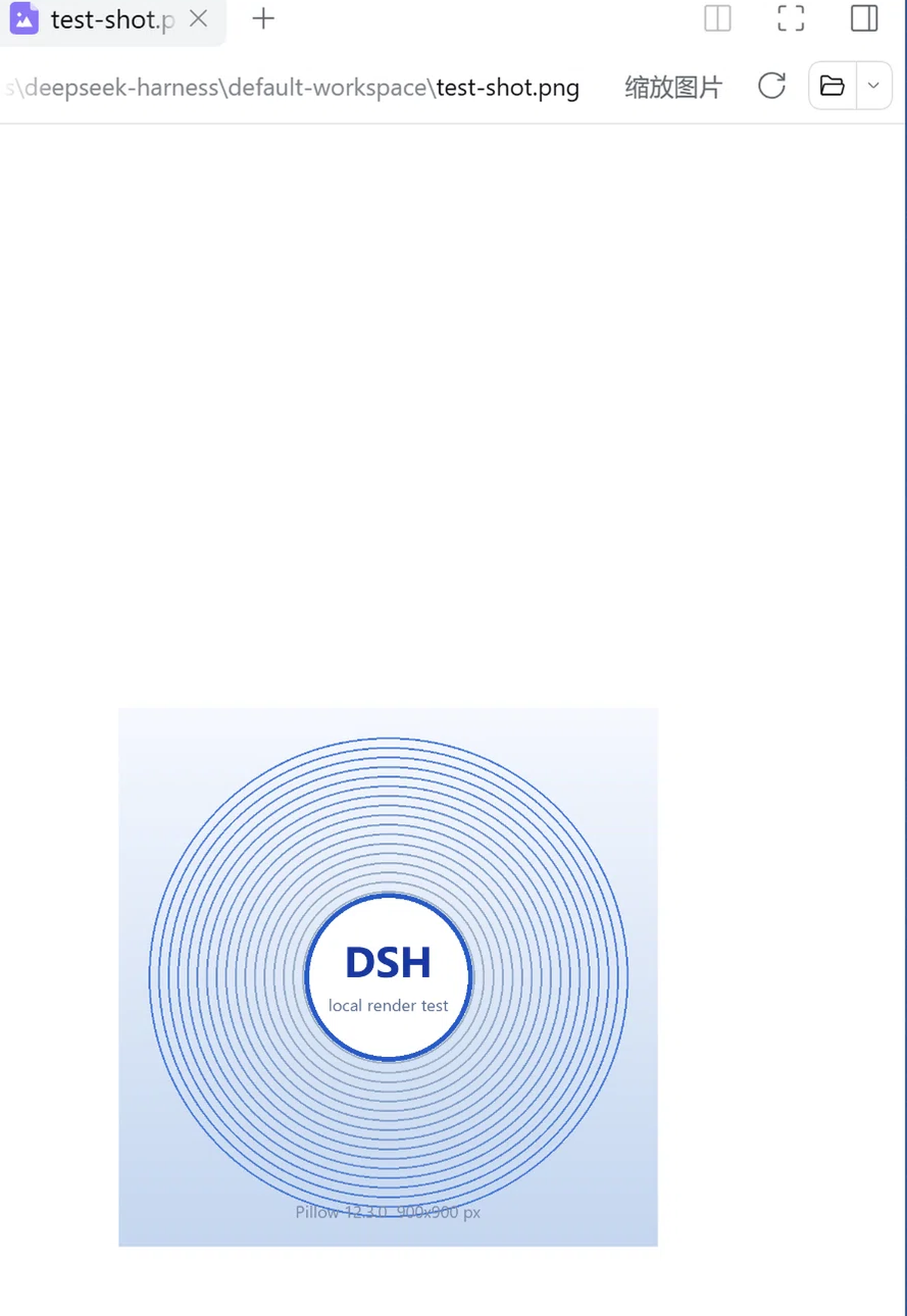
A zoomable image viewer for the DSH right sidebar. It registers its own image renderer with the host's
document-preview registry, so any image opened in the sidebar gets real navigation instead of a static <img>:
- Wheel zoom anchored at the pointer — Ctrl+wheel or a trackpad pinch uses a finer step; range 5%–1600%
- Drag to pan, with the viewport scrollbars kept in sync
- Double-click to reset to the fitted view
- Fullscreen overlay for the current image, closed with Esc or the 退出全屏 button
- Toolbar:
−/ percentage /+/ 适应 (fit) / 宽 (fit width) /1:1/ 全屏
Install
# the DSH CLI — use --profile desktop for the desktop app
dsh plugin --profile web add dsh-zoom-viewer

# no dsh on PATH? run the CLI through npx
npx -p @deepseek-ai/dsh dsh plugin --profile web add dsh-zoom-viewer

# or straight from this repository instead of npm
npx -p @deepseek-ai/dsh dsh plugin --profile web add github:1378616343/dsh-zoom-viewer
The same thing from the DSH UI: 插件 / Plugins page → the arrow menu → 安装第三方插件 / Install third-party
plugin, then paste dsh-zoom-viewer, this repository's URL, or the local directory containing package.json.
Restart DSH afterwards — the plugin tree is only read at startup.
From a plugin-market index source
The Plugins page also accepts an 索引源 / index source. This repository ships one (format 1, validated against
DSH's own @deepseek-ai/dsh-plugin-market-index):
https://raw.githubusercontent.com/1378616343/dsh-zoom-viewer/main/market/index.json
The entry then appears under Discover and installs with one click. Regenerate and re-validate it with:
node tool/build-market-index.mjs --repo https://github.com/1378616343/dsh-zoom-viewer
Compatibility
- Targets the host document-preview registry (
documentPreviewsplus thesidebar.right.tab.documentslot) of DSH desktop 0.2.1-rc.2, and registers above the built-in image renderer, so it becomes the default forpng jpg jpeg gif webp bmp ico svg. A file whose extension lies about its content is still matched, by magic-number sniffing. - No build step and no runtime dependencies:
lib/client.jsis a prebuilt browser module, andreact/react-domare taken from the host's module table. - Declares no
engines.dshrange and no@deepseek-ai/dsh*peer dependency, so the plugin manager's compatibility gate never refuses it.reactis an optional peer only.
Permissions
Nothing of its own: no network requests, no filesystem access, no install scripts. The viewer renders the bytes the host hands it and keeps to its own CSS class prefix.
Uninstall
Plugins page → remove the entry → restart DSH.
Layout
| File | Role |
|---|---|
lib/client.js |
Browser half: the renderer definition and the zoom / pan implementation (single file, no build) |
lib/index.js |
Host half: an empty plugin, existing so the bundle is manageable from the profile |
cordis.patch.yml |
The bundle's load row |
locale/*.json |
Renderer name and UI strings (en / zh) |
market/index.json |
Plugin-market index, format 1 |
tool/build-market-index.mjs |
Generates and validates that index |
docs/screenshot.png |
The screenshot above |
NOTES.md |
Design and evidence notes (which host extension point, and why the third-party viewer API cannot be used) |
DISTRIBUTION.md |
Install and publish runbook |
License
MIT — see LICENSE.
中文说明
为 DSH 右侧栏里的图片加上真正的查看器:以光标为锚点的滚轮缩放(5%–1600%,Ctrl+滚轮 / 触控板双指更细)、
按住拖拽平移、双击复位,工具栏提供 − 百分比 + 适应 宽 1:1 全屏(Esc 退出)。它注册到宿主的图片预览注册表并排在内建
渲染器之前,所以 png jpg jpeg gif webp bmp ico svg 默认由它接管。
安装:dsh plugin --profile desktop add dsh-zoom-viewer(或插件页的「安装第三方插件」),装完要重启 DSH。
本插件不发网络请求、不读写文件、不带安装脚本,lib/client.js 是预构建产物,无需 npm install 之外的任何步骤。
No comments yet. Be the first to write one.